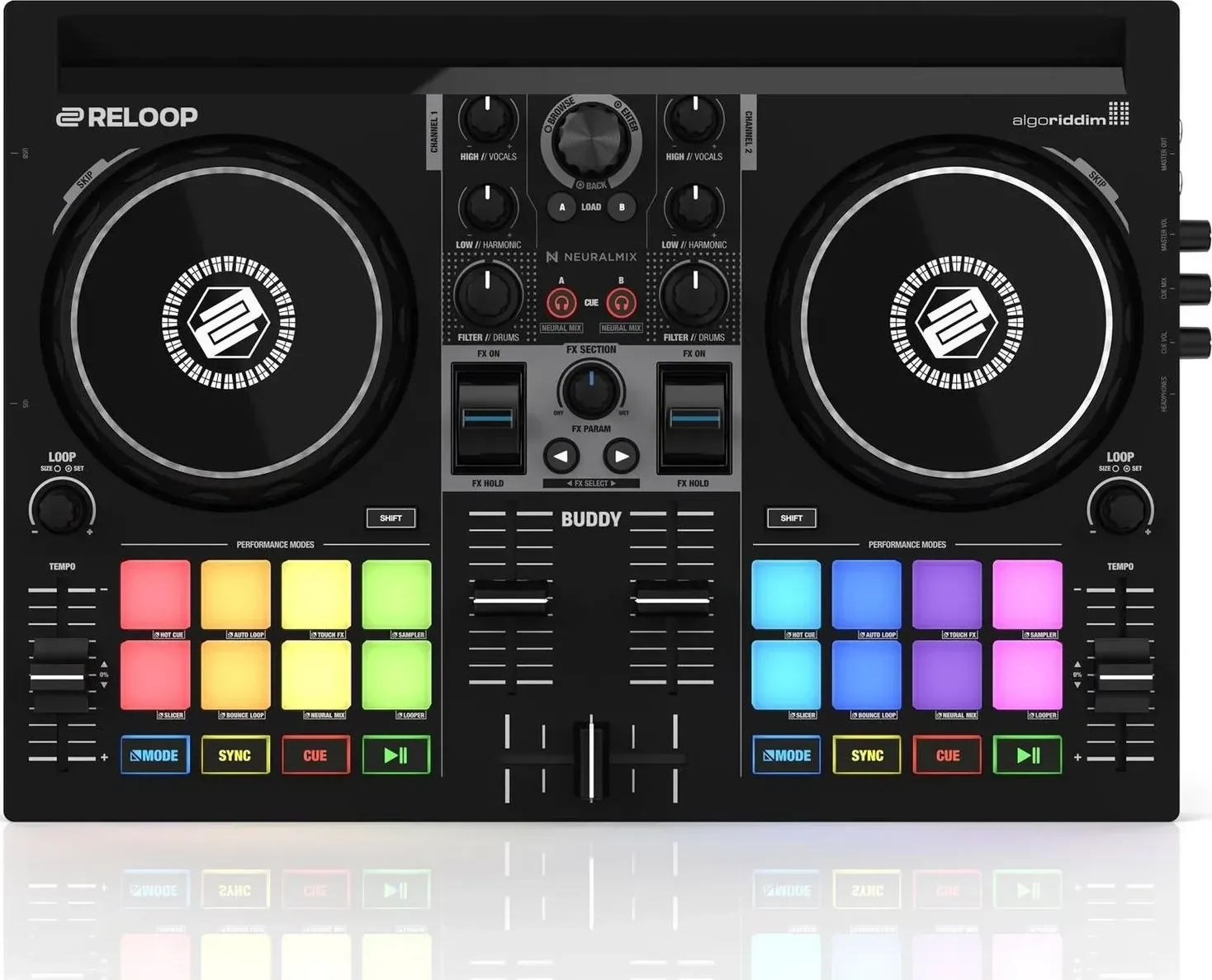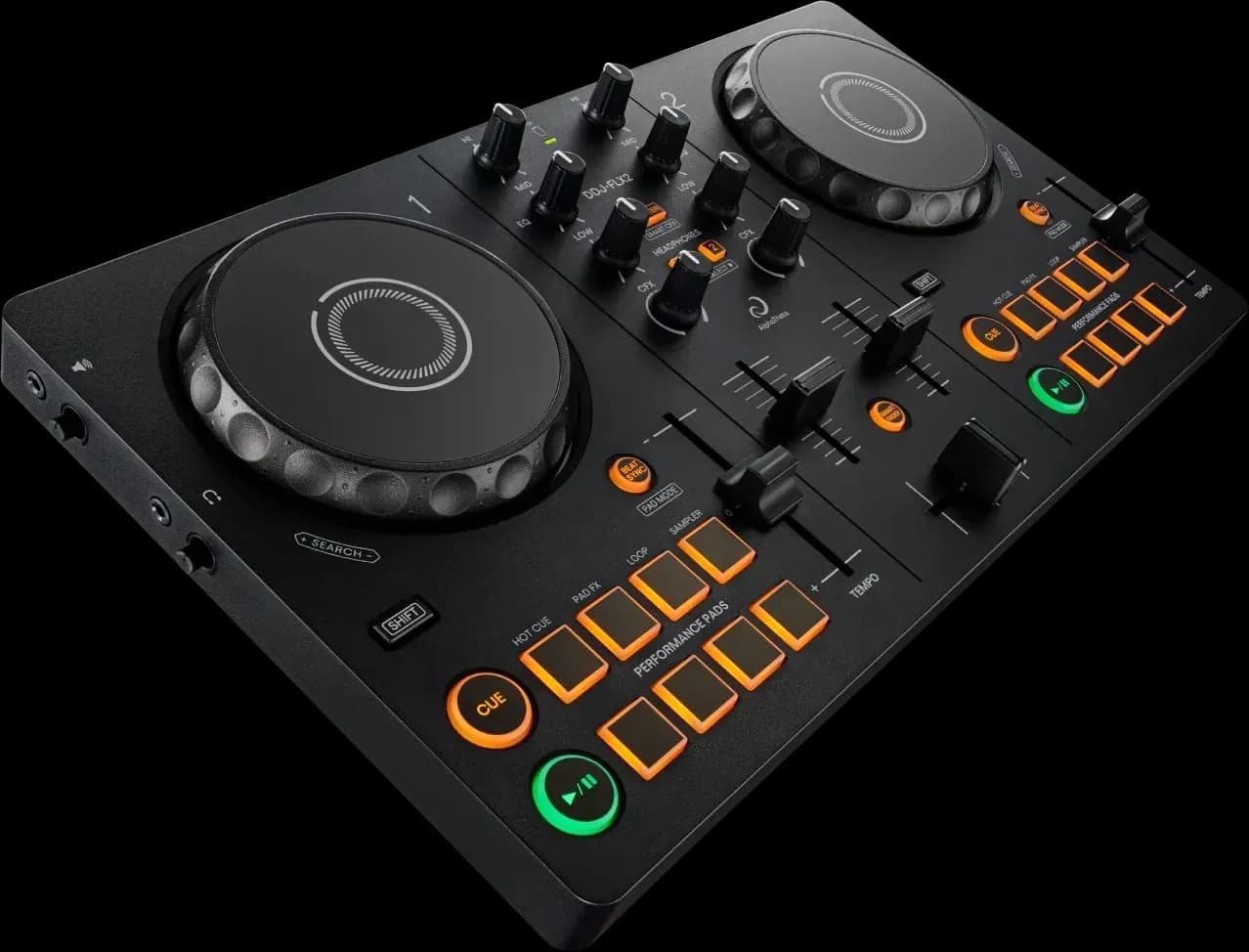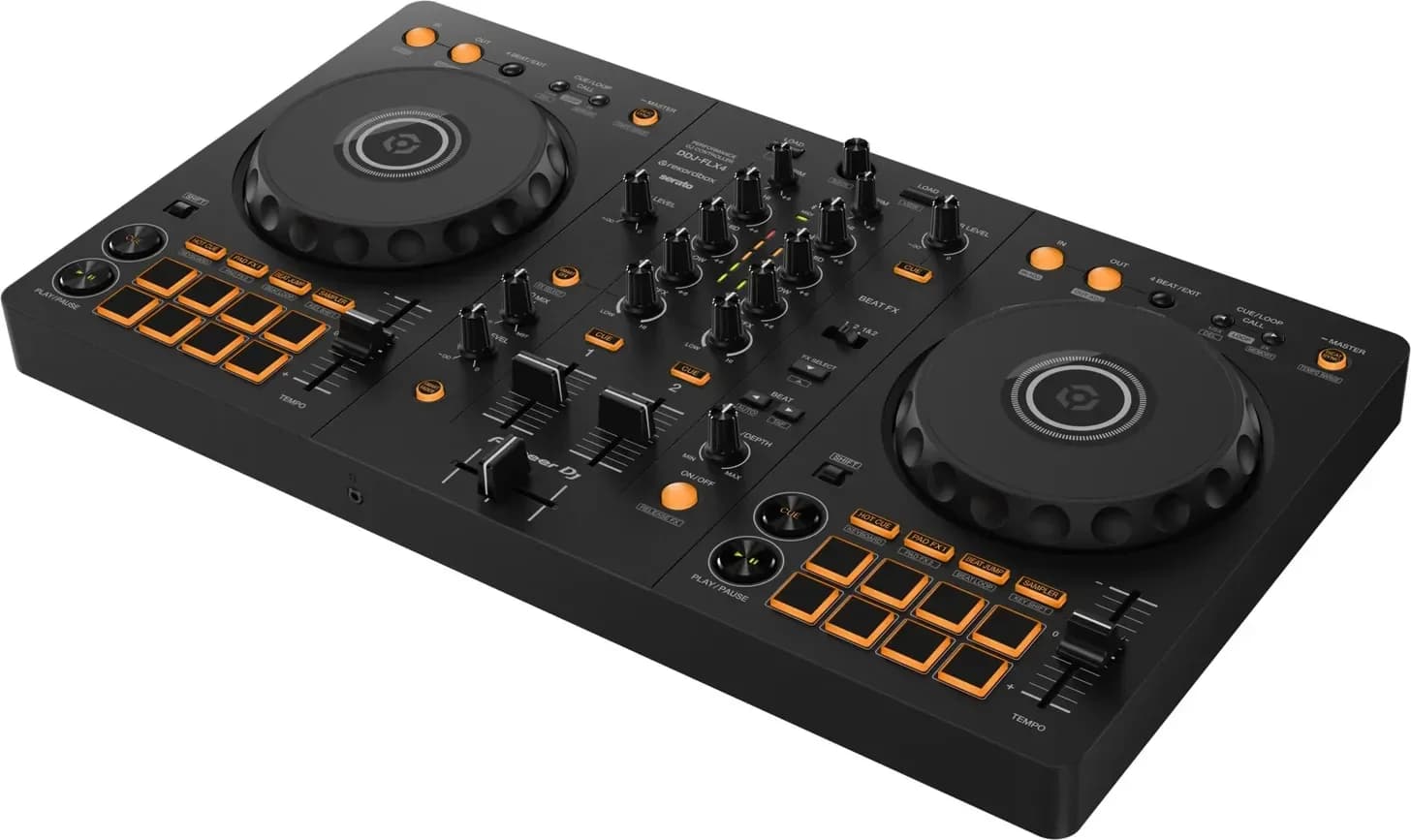
WeDJ is still downloadable from the App Store and Google Play, updated in August 2026, but AlphaTheta names only three controllers it works with, the DDJ-200, DDJ-WeGO4 and DDJ-WeGO3, all of which Pioneer DJ has stopped selling. For a phone app that works with a current Pioneer DJ or AlphaTheta controller, use rekordbox for iOS/Android, which is free with a supported controller and shares its library with rekordbox on a computer.
Where WeDJ stands
- WeDJ for iPhone is published by AlphaTheta Corporation on the App Store. Its version history shows 2.0.10 on 18 August 2026, after 2.0.9 in February 2026 and 2.0.8 in September 2025, and the newest release note says only that stability was improved and minor issues fixed. It needs iOS 16.0 or later, is free, and sells its extra features as in-app purchases: a Full Pack, a Transition FX Pack, Advanced Automix, Hot Cue Sync and single transition effects. The listing names three compatible units, the DDJ-200, DDJ-WeGO4 and DDJ-WeGO3.
- WeDJ for Android on Google Play was updated on 4 August 2026, lists the same three controllers, and notes that the DDJ-200's Transition FX isn't supported on Android.
- Pioneer DJ's own pages for WeDJ for iPhone, WeDJ for Android and WeDJ for iPad are still live under Software / Interfaces, and none carries an end-of-support notice. But WeDJ is absent from AlphaTheta's DJ Application & OS Support index, which lists the DDJ-200 and two other software products and no WeDJ, and the newest news item on the iPhone page dates from November 2016.
- The hardware is gone. Pioneer DJ has archived the DDJ-200, which the DDJ-FLX2 replaces, and no longer sells the DDJ-WeGO4. No current controller is listed for WeDJ anywhere.
So WeDJ still runs, and if you own one of those three controllers it is still the app they were built for. Everyone else should start with rekordbox for iOS/Android, below, or another app from the best DJ apps for iPhone and Android.
Setting WeDJ up with a DDJ-200
These steps follow Pioneer DJ's DDJ-200 operating instructions, which have chapters for WeDJ for iPhone and WeDJ for Android and say that with the unit connected "you won't need to make in-app purchases". Pioneer DJ's DDJ-200 page repeats that every WeDJ for iPhone feature that normally needs an in-app payment is free with the unit. The manual's names for buttons and menus are kept in square brackets.
- Power the DDJ-200 over its USB cable. It has no audio interface, so the sound comes out of the phone, through a split cable, as the DDJ-200 review notes.
- Open WeDJ for iPhone, tap the settings icon on the main screen, tap [Connect the DDJ-200], then tap [DDJ-200]. The unit connects over Bluetooth MIDI; when it is done the WeDJ logo and the unit's logo appear and the Bluetooth MIDI indicator changes from lit to flashing. The unit may show up as [DDJ-200_X], where X is a number from 1 to 16.
- For headphone cueing, plug the supplied split cable into the phone's headphone output, your headphones into its white plug and the speaker into the other, then turn on [Split Output] under [Settings] > [Audio]. With [Split Output] off, the master plays through the phone's speaker or a powered speaker on the headphone jack. The [MASTER VOLUME] slider is on the same [Audio] screen, and the manual's starting positions are EQ and CFX knobs centred, channel fader down, crossfader centred.
- Tap the track title area at the top of a deck to open the browse screen, then tap a track to load it. For streaming, the manual says Beatport needs a Beatport LINK subscription and SoundCloud needs SoundCloud Go+; once you are signed in, the service's tracks show on the browse screen.
The manual's Android chapter has no Transition FX, Phrase Sync or streaming sections, which matches the Google Play note above, so the Android app does less with the DDJ-200 than the iPhone app does.
What WeDJ does
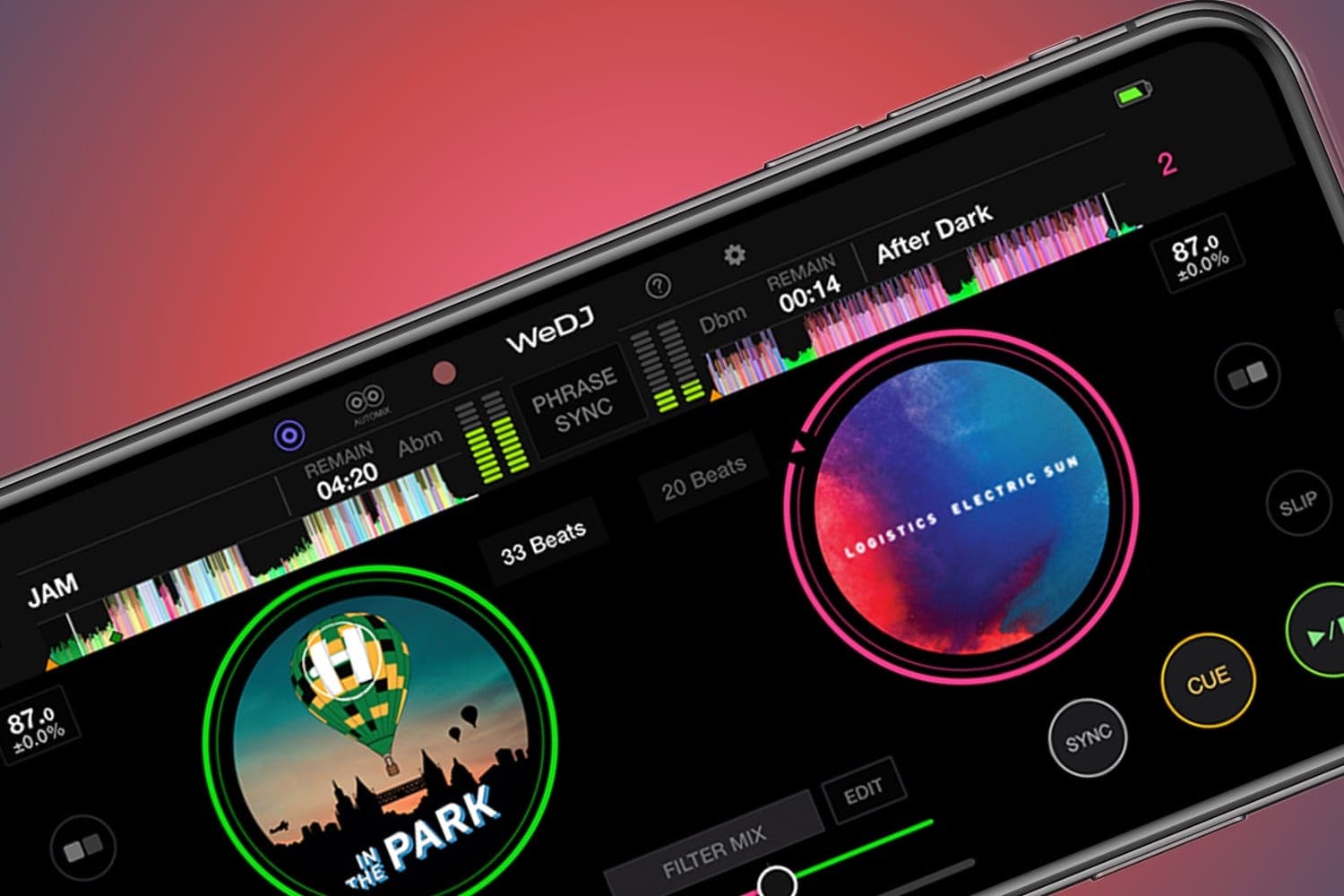
Pioneer DJ's WeDJ for iPhone page lists a two-channel layout with waveforms, jog wheels, play and cue buttons, tempo sliders and a crossfader; Transition FX with 11 effect styles, triggered by sliding the crossfader; Phrase Sync, which lines up the start and end of phrases in two tracks; Hot Cues, loops, a sampler, Pad FX and Combo FX; a Suggestions list of tracks with a similar BPM and key; Automix; recording with upload to SoundCloud and Mixcloud; 32 Loopmasters samples; and Tutorial and Pop-Hint features for the basics. The manual covers Performance Pads, Beat Loop, Manual Loop, Pad FX, the Sampler, Transition FX and Phrase Sync with the DDJ-200, and for the controls on screen it sends you to the tutorial inside the app, which is the maker's reference. Hot cues are explained in cue button vs hot cue.
Use rekordbox for iOS/Android instead
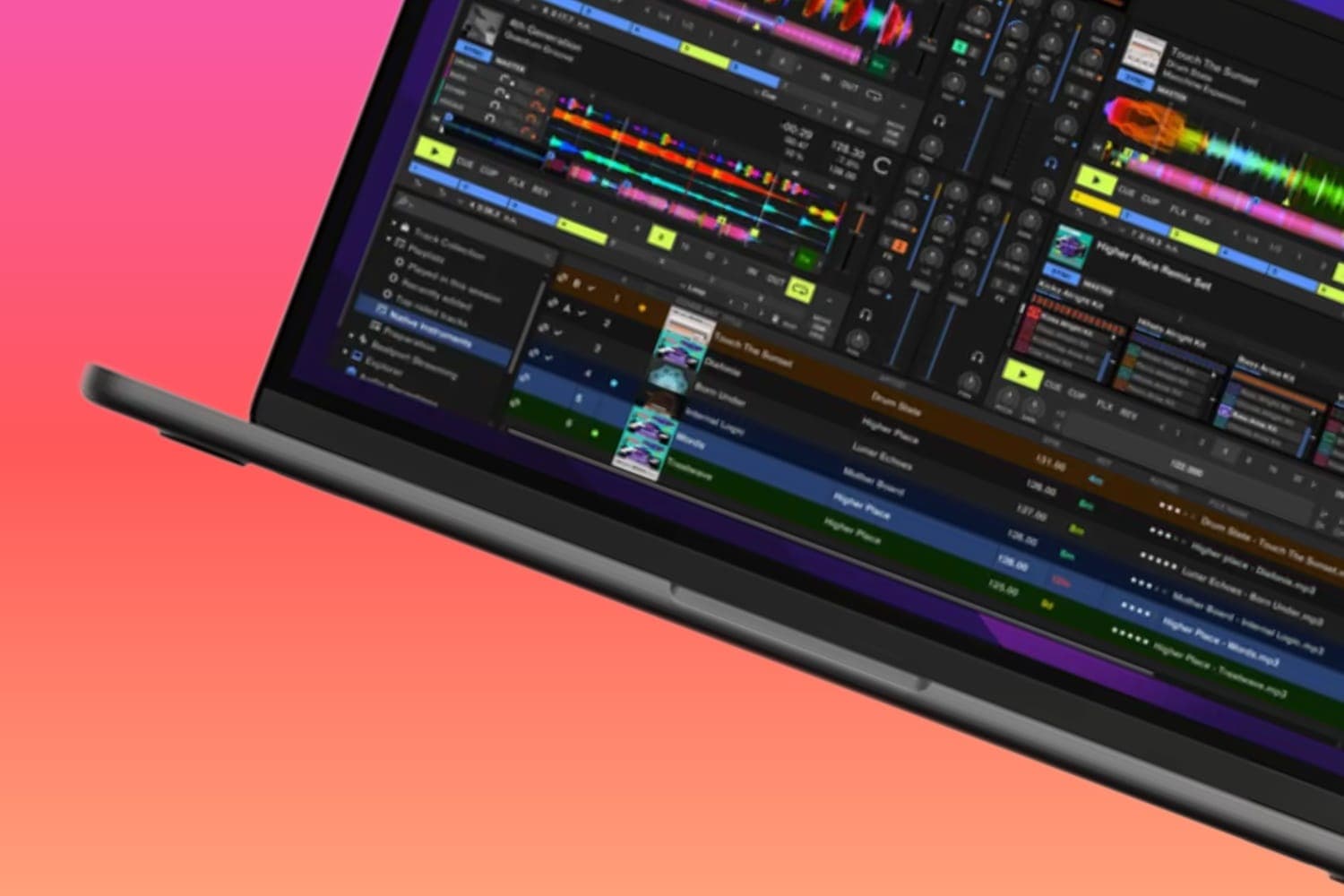
AlphaTheta's current phone app is rekordbox for iOS/Android. Its iOS FAQ lists the DDJ-200, DDJ-FLX2, DDJ-FLX4, DDJ-GRV6 and XDJ-AN as compatible as of July 2026, and says you don't need a subscription to DJ with a controller, only for the paid functions: ad removal, landscape rotation while tracks play, extra effects, pre-cueing, key control, pad customisation, SLIP and unlimited high-quality recording. It streams from Apple Music, Beatport, Spotify Premium, SoundCloud and TIDAL, varying by territory, runs on iOS and iPadOS 17 to 26 and Android 13 to 16 (AlphaTheta warns it may not work on every Android device), has a Lite mode for starting out, and can play tracks from the phone on a compatible CDJ or XDJ over PRO DJ LINK. Its library syncs with rekordbox on a computer, which WeDJ never did; see what rekordbox is and the phone DJ apps guide for how it compares with djay and Cross DJ.
Two things to weigh if you have a DDJ-200: the rekordbox app supports it, so you aren't tied to WeDJ, but pre-cueing through the split cable is a paid in-app feature in rekordbox and free in WeDJ with the unit connected. Owners of a DDJ-WeGO4 or DDJ-WeGO3 don't appear on the rekordbox app's list at all, and the DDJ-WeGO4 review advises checking that any app still supports it before buying one used.
How this page is made
Every statement here comes from a page read on 13 October 2026 and linked where it is used: the App Store and Google Play listings, Pioneer DJ's product pages, AlphaTheta's support index, the DDJ-200 operating instructions, rekordbox's feature page and FAQ, and this site's product pages, which compile published reviews. We haven't tested WeDJ or the rekordbox app for this page. The methodology explains how the site works.