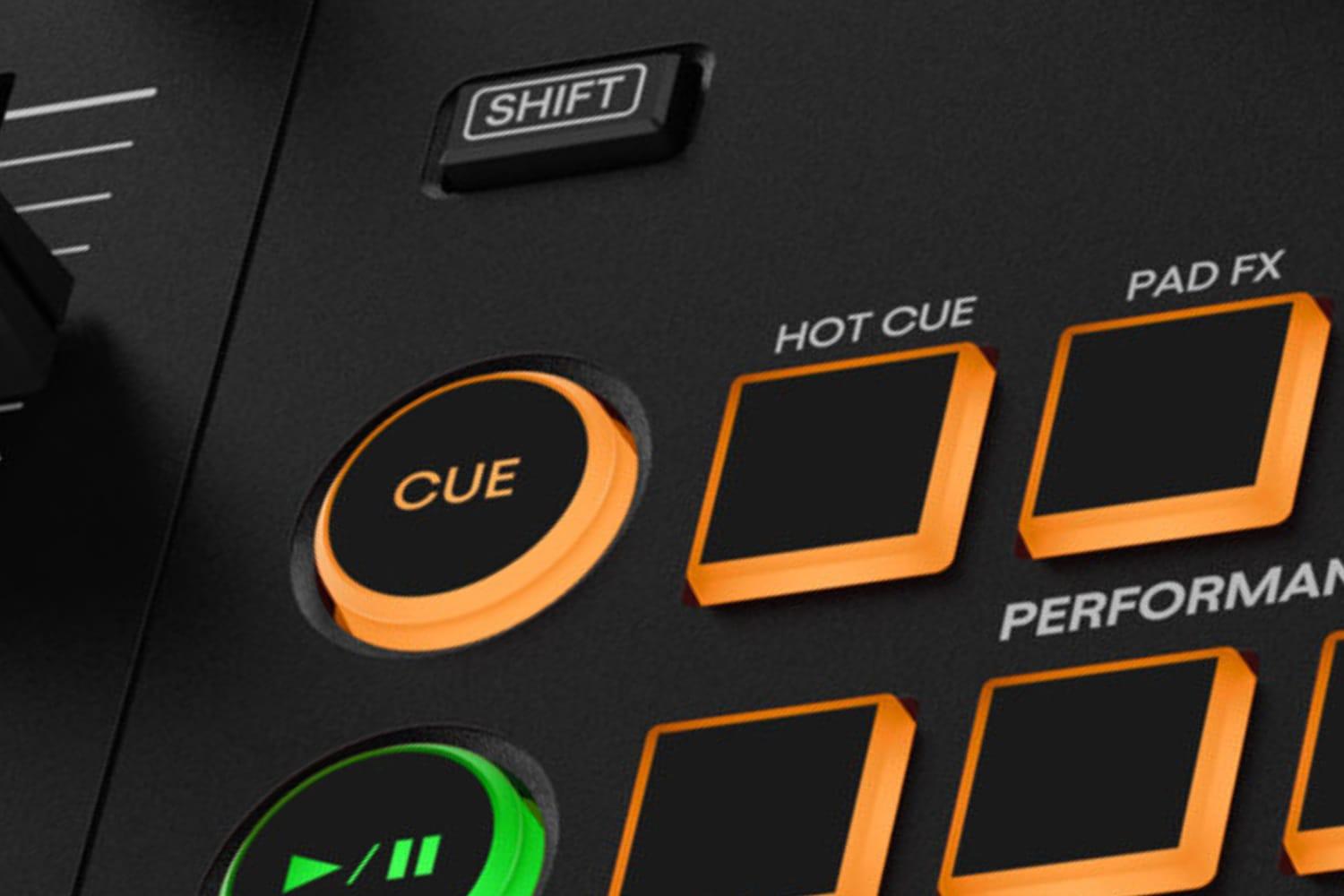
The CUE button works with a single cue point: press it while paused to set the point, press it while playing to jump back there and pause, and hold it to play from the point until you let go. Hot cues are several saved points, usually on the performance pads, and pressing one during playback jumps straight to that point and keeps playing.
The CUE button
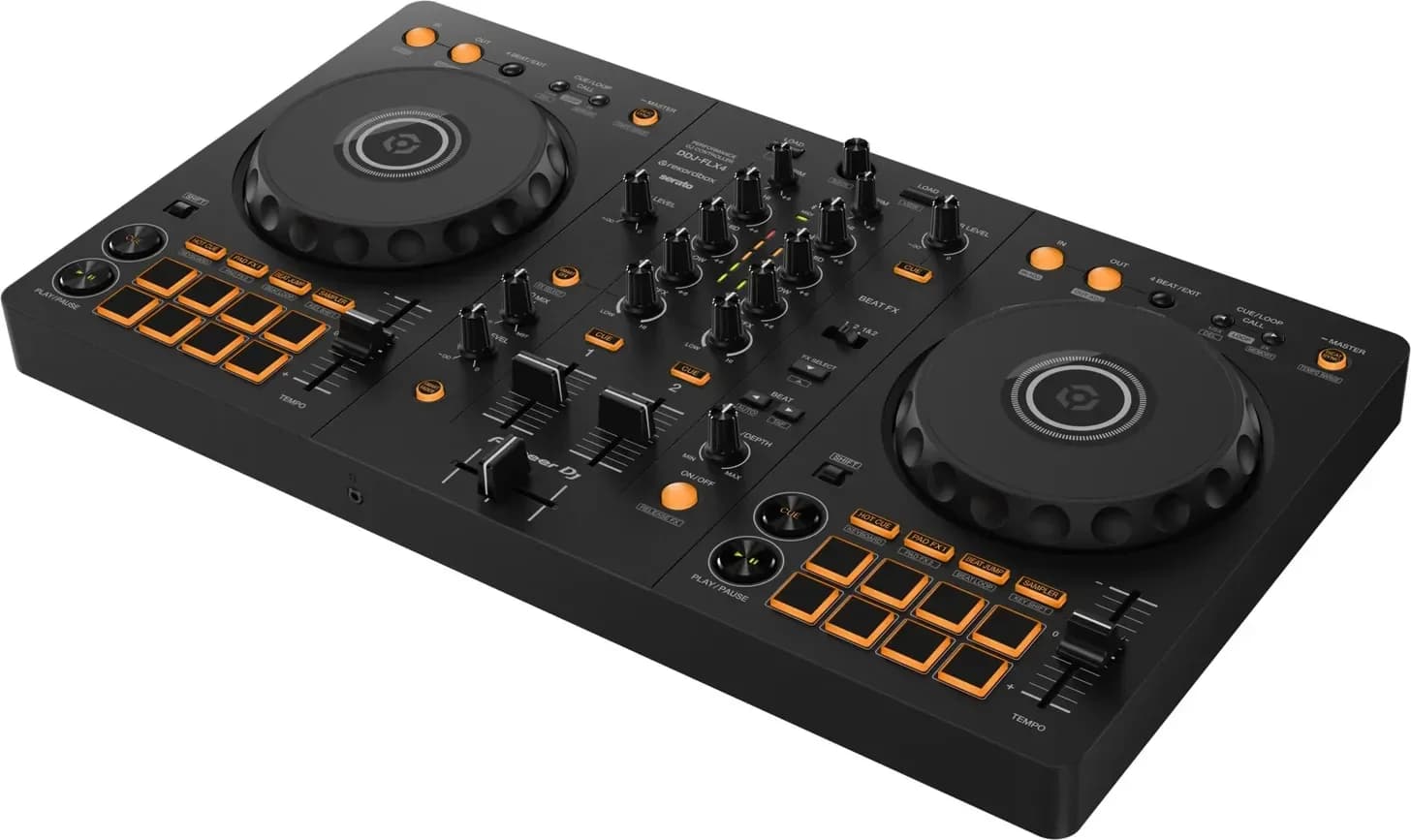
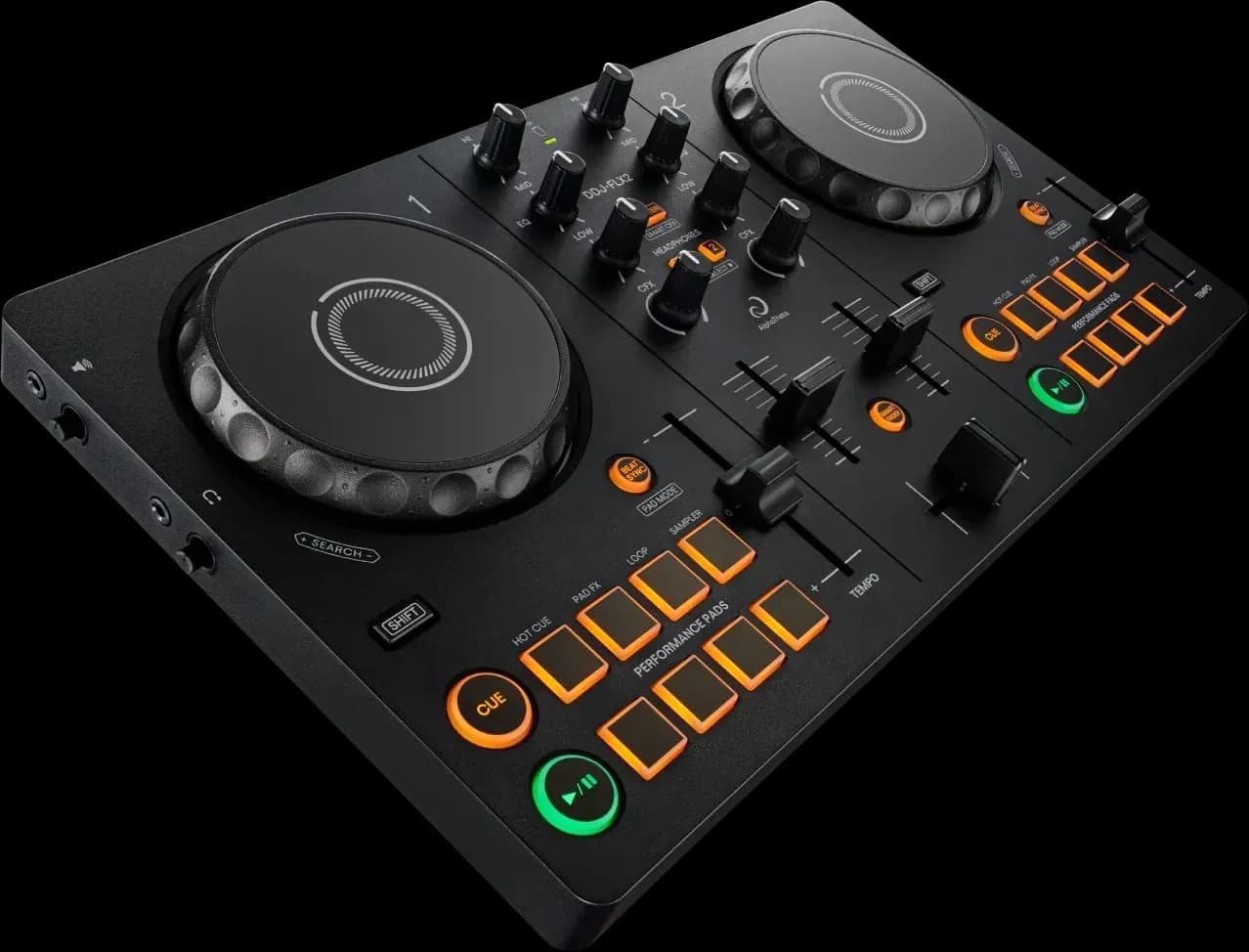
Each deck of a controller or player has a CUE button beside PLAY. It behaves the same way on Pioneer DJ hardware with rekordbox, per the DDJ-FLX4 manual, and in Serato DJ, per Serato's manual:
- Set the point. Pause the track, move to the spot with the jog wheel, and press CUE. Setting a new point replaces the old one.
- Jump back (Back Cue). Press CUE while the track plays and it returns to the cue point and pauses.
- Preview (Cue Point Sampler). Hold CUE while paused at the point and the track plays until you release it, then returns to the point.
- Carry on playing. Press PLAY while holding CUE, and playback continues when you let go of both.
That last pair is how a DJ starts the next track: hold CUE to check the incoming track against the one playing, release to try again, and press PLAY when the timing is right. Serato suggests setting the point exactly on a downbeat and dropping in from it a few times until the mix is right. The beatmatching guide and the jog wheel guide cover the rest of the technique.
The cue point is temporary. Serato calls it the temp cue, starts it at the beginning of the file and doesn't save it. In rekordbox, loading another track cancels it (rekordbox 7 manual). Pioneer DJ players such as the XDJ-RX3 can set it automatically with Auto Cue, which places it just before the first sound in the track (XDJ-RX3 manual).
Hot cues
Hot cues are saved points you can jump to at any time. On most controllers they live on the performance pads in Hot Cue mode:
- Set one. In Hot Cue mode, press an empty pad while the track is playing or paused. The pad lights up.
- Trigger it. Press the pad and playback starts from that point. During playback the jump happens without stopping the track.
- Delete it. Hold SHIFT and press the pad.
How many you get depends on the software and the hardware. Serato DJ Lite holds up to four per track and Serato DJ Pro up to eight. rekordbox can save up to 16 per track, while the DDJ-FLX4 sets and calls up eight, one per pad. Serato writes them into the music file itself, so they survive moving or renaming it; rekordbox keeps them in its library and exports them with the track for Pioneer DJ players.
One difference catches people out. In Serato, triggering a hot cue while the deck is paused works like holding CUE: the track plays only while you hold the pad and returns to the point when you let go.
DJs use hot cues to jump to a part of a track, such as the first beat, a vocal or a break, to restart a section, or to play short phrases of a track from the pads. In rekordbox, pressing an empty pad while a loop plays stores the loop as the hot cue, so the pad restarts the loop.
Memory cues in rekordbox
rekordbox has a third kind: memory cues, saved cue points you call up with the deck's CUE/LOOP CALL buttons. Calling one jumps the deck to that point and pauses there. rekordbox saves up to 10 memory cues and loops per track, and can show a count of bars to the next memory cue, which makes them useful as markers for where a mix should start or end. To save one on a controller like the FLX4, set the point with CUE, then press SHIFT and CUE/LOOP CALL.
Quantize keeps cues on the beat
With Quantize on, cue points, hot cues and loop points snap to the nearest beat on the track's beatgrid even if you press slightly early or late, per the XDJ-RX3 manual and Serato's manual. That only works if the beatgrid is accurate, and on Pioneer DJ players only for tracks rekordbox has analysed; see what a beatgrid is. Quantize is a Serato DJ Pro feature, not part of Lite (Lite vs Pro).
The other CUE button: headphones
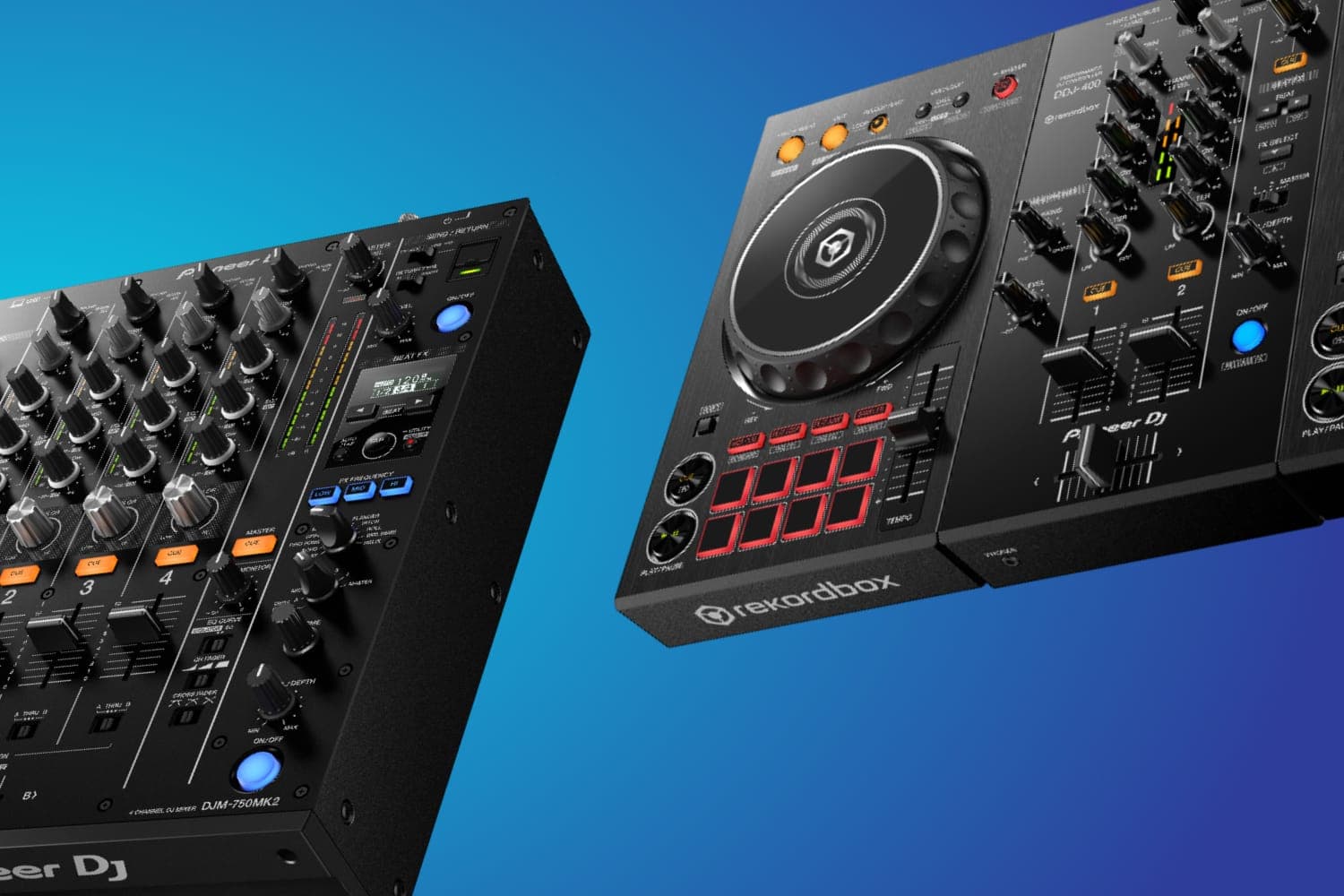
Mixers and controllers also have a CUE button on each mixer channel, which Pioneer DJ's manuals call the headphones CUE button. It has nothing to do with cue points. It sends that channel to your headphones so you can hear the next track before the audience does, and the HEADPHONES MIX knob blends the cued channel with the master output, per the DDJ-FLX4 manual. A deck's CUE button sets and plays cue points; a channel's CUE button chooses what you hear in the headphones.
What to check on hardware
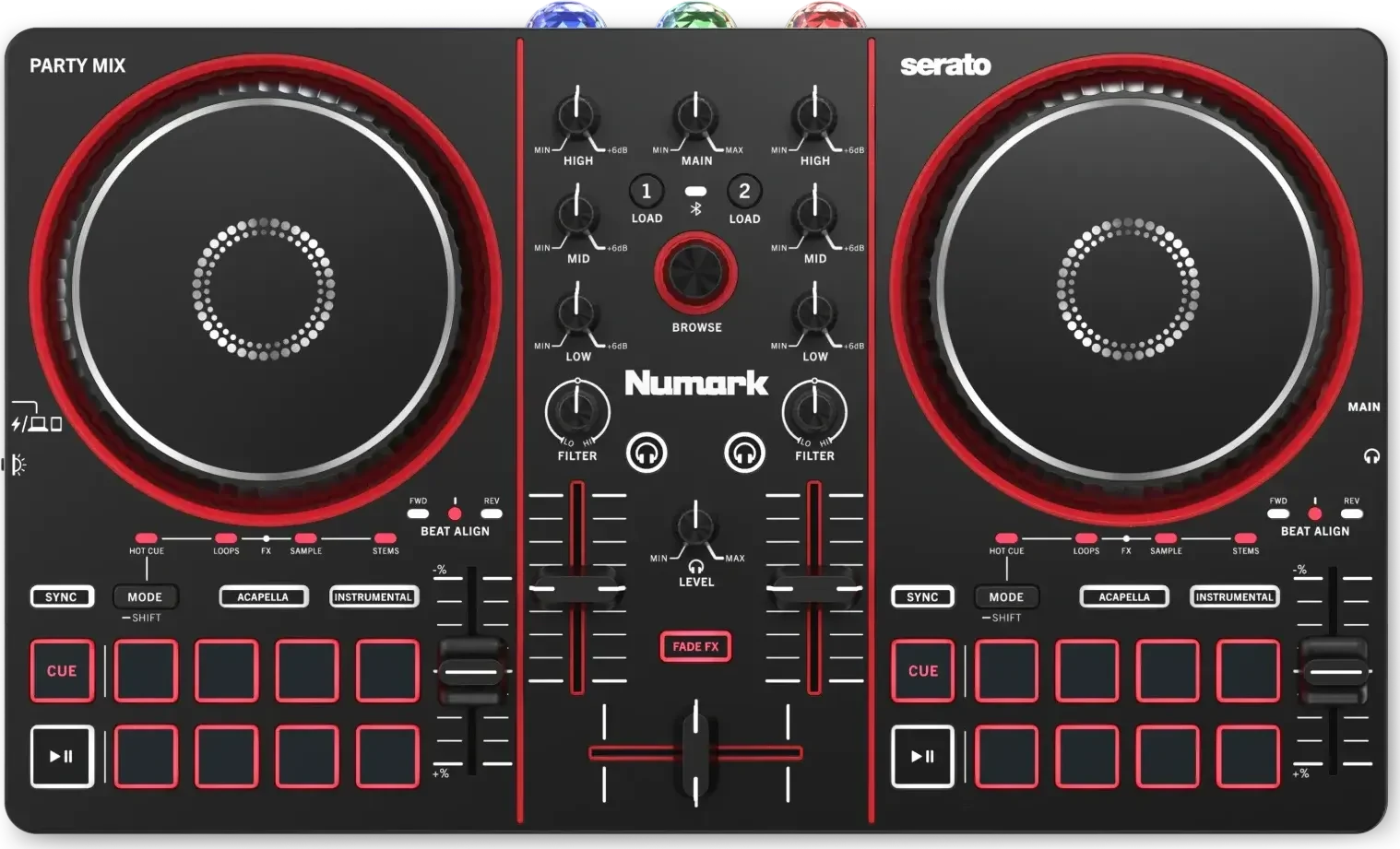
Count the pads. A controller with eight pads per deck, like the DDJ-FLX4 or Numark Mixtrack Platinum FX, reaches eight hot cues at a time even when the software stores more, and Serato DJ Lite uses only four of them for hot cues. Controllers are picked by situation in the best DJ controllers for beginners and the best DJ controllers.
How this page is made
Every behaviour described here comes from the Pioneer DJ and AlphaTheta hardware manuals, the rekordbox 7 manual and Serato's manuals, read on 12 October 2026 and linked where they are used. Buttons work slightly differently between models and software versions, so check your own hardware's manual. We haven't tested the hardware for this page. The methodology explains how the site works.