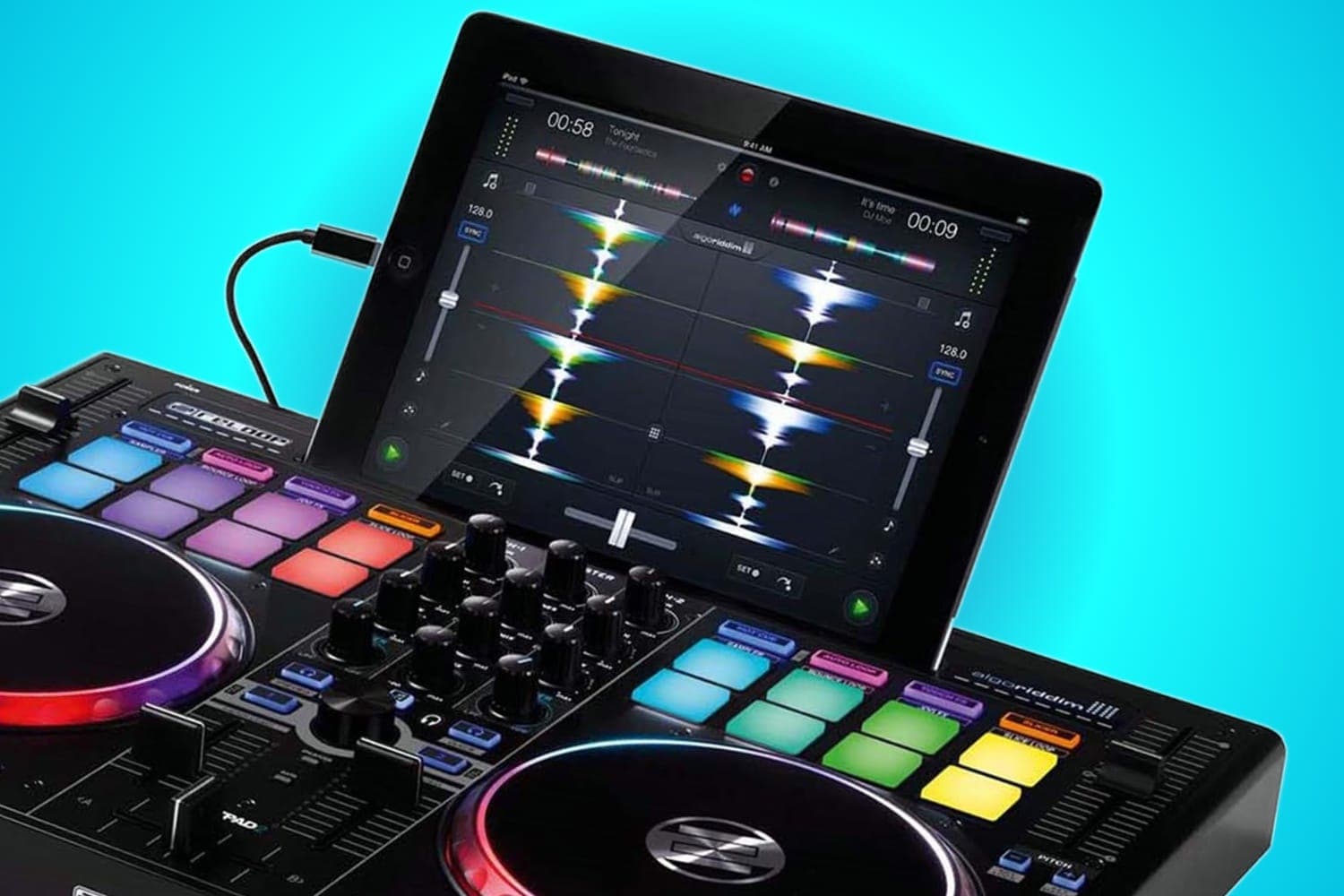
iPad DJing has moved well beyond novelty. Modern apps like djay Pro AI and WeDJ deliver genuine performance capability, and the latest iPads have more than enough processing power to handle real-time effects, stem separation, and multi-deck mixing.
The key is pairing the right controller with the right app. Not every controller works with every iPad DJ app — compatibility depends on the specific hardware-software pairing. The controllers below offer the strongest iPad integration available.
What to Look For
App compatibility. This is the most important factor. Check that your controller works with your preferred iPad DJ app before buying. The Pioneer DDJ-200 works with WeDJ, Rekordbox, and djay. The Reloop Buddy is built for djay. Not all controllers advertise iPad compatibility, so verify specifically.
Connection method. Most controllers connect via USB using a Lightning-to-USB or USB-C adapter. The Pioneer DDJ-200 also supports Bluetooth for fully wireless operation. USB connections are more reliable and have lower latency — Bluetooth introduces slight delay that can affect scratch-style mixing.
Portability. iPad DJing is inherently mobile. The best iPad controllers are compact and lightweight enough to pair with a tablet setup on the go. Heavy, full-sized controllers defeat the purpose of an iPad-based rig.
Power delivery. Some controllers draw power from the iPad via USB, which drains the battery quickly. Controllers with their own power supply or bus-powered options that are gentle on battery life are preferable for longer sessions without mains power.
1. Pioneer DJ DDJ-200
Editor's Choice
| Spec | Detail |
|---|---|
| Decks | 2 |
| Apps | WeDJ, Rekordbox, djay |
| Weight | 1.2 kg |
| Connectivity | USB, Bluetooth |
| Pads | 8 per deck |
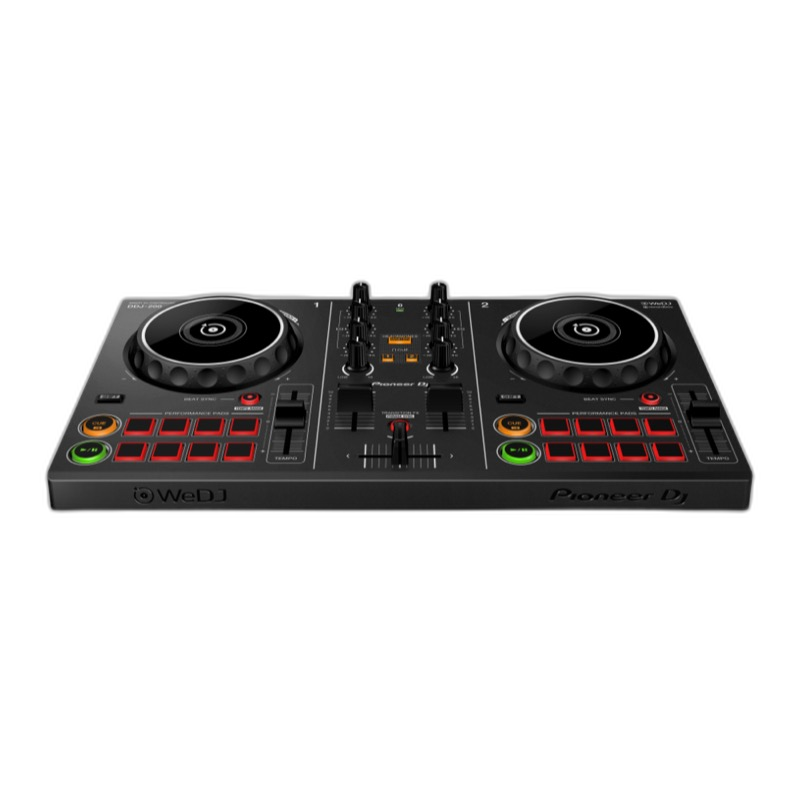
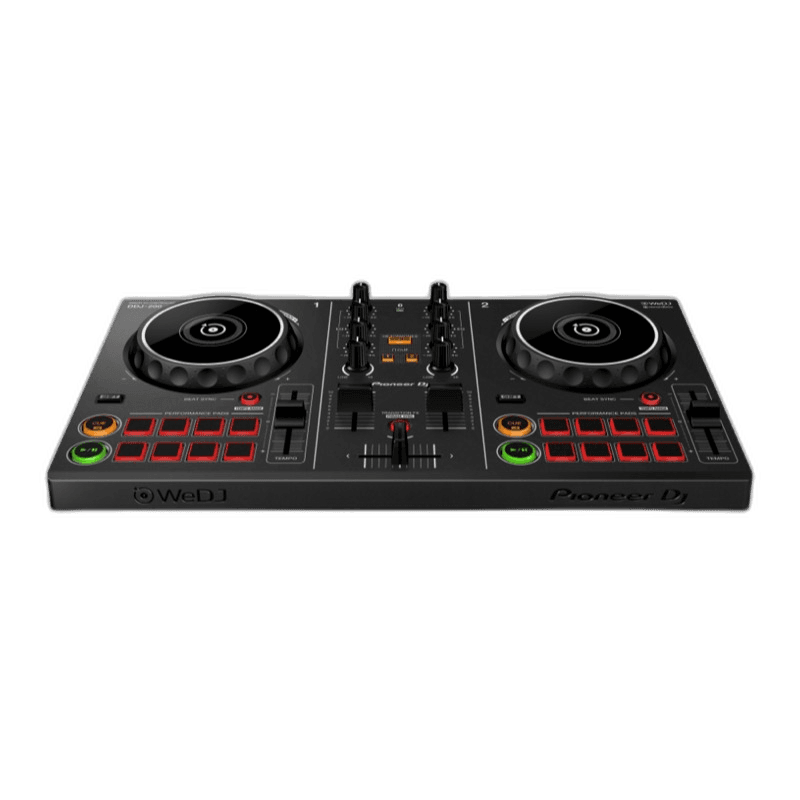
The Pioneer DDJ-200 is the most iPad-friendly controller available. It's the only controller on this list with Bluetooth connectivity, meaning you can DJ from an iPad with zero cables. At 1.2 kg, it's also the most portable — it fits in a backpack alongside your tablet.
WeDJ for iPad provides built-in tutorials that teach basic DJ skills directly on the controller. The app's Transition FX feature helps beginners create smooth blends automatically. The DDJ-200 also works with Rekordbox on iPad and desktop, plus djay Pro AI for Neural Mix stem separation.
The layout mirrors Pioneer's professional controllers, so muscle memory transfers directly when you upgrade. Eight performance pads per deck handle hot cues, loops, and FX.
The trade-offs are expected at this price — small jog wheels, plastic build, and no built-in audio interface (you'll need a headphone splitter for cueing). But as the most affordable, most portable iPad controller with the widest app support, the DDJ-200 is the best starting point for iPad DJs.
Pioneer DJ DDJ-200
Compact, affordable, and smartphone-friendly — the easiest way to start DJing.
2. Reloop Buddy
Best for djay
| Spec | Detail |
|---|---|
| Decks | 2 |
| Apps | djay Pro AI |
| Jog Wheels | Capacitive touch |
| Pads | 8 per deck |
| Unique Feature | Neural Mix AI controls |
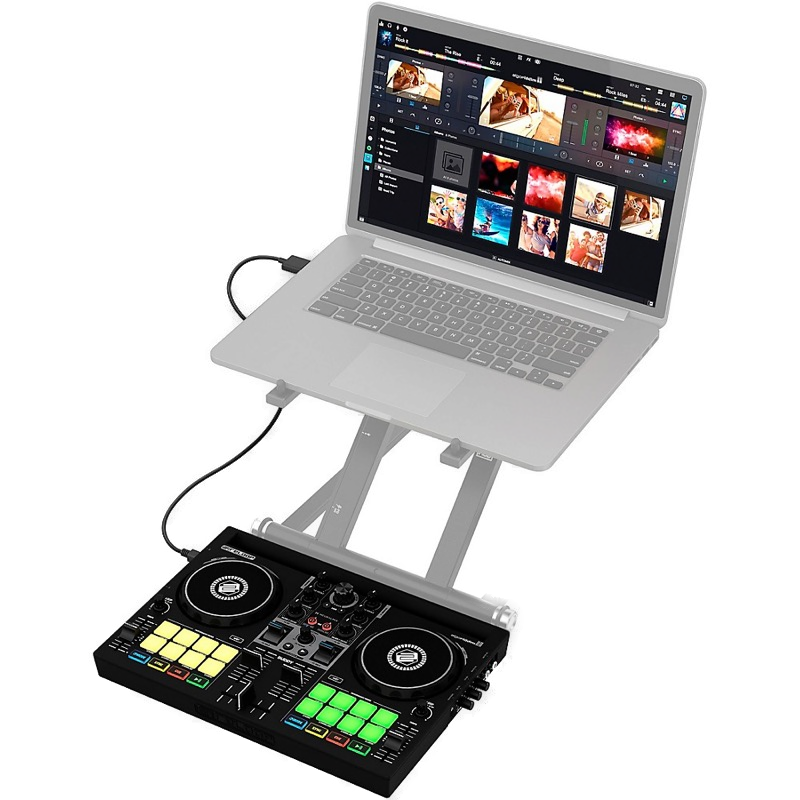
The Reloop Buddy is designed specifically for Algoriddim's djay Pro AI, which makes it the best controller for accessing Neural Mix — AI-powered real-time stem separation. Dedicated Neural Mix controls on the hardware let you isolate vocals, drums, or instruments from any track, enabling live mashups and acapella mixes from your existing library.
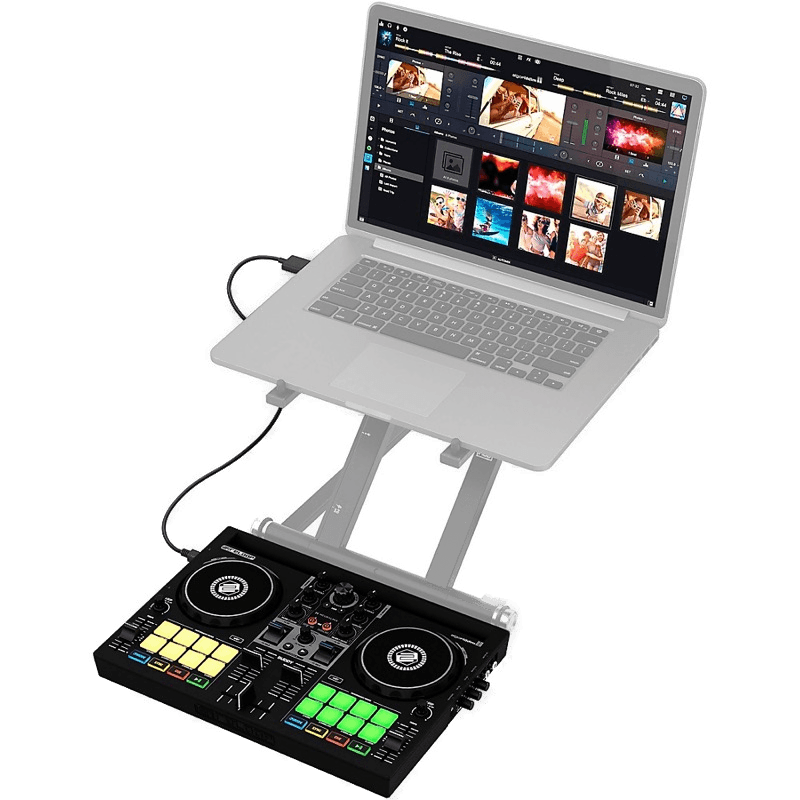
The controller is compact and portable, with capacitive-touch jog wheels and eight performance pads per deck. The built-in audio interface handles cueing through headphones properly — something the DDJ-200 lacks. USB connectivity to iPad via adapter is reliable and low-latency.
djay Pro AI on iPad is the most feature-complete mobile DJ app available, with library management, iCloud sync, and streaming service integration. The Buddy's hardware controls map perfectly to djay's interface, including the Neural Mix faders.
The limitation is platform lock-in — the Buddy is built for djay and doesn't offer the same multi-platform flexibility as the DDJ-200 or DDJ-FLX4. But if djay Pro AI is your app and Neural Mix AI is the feature you want, nothing else integrates as tightly.
Reloop Buddy
The ultimate mobile DJ companion — Neural Mix AI and iPad integration in a pocket-sized package.
3. Pioneer DJ DDJ-FLX4
Best Multi-Platform
| Spec | Detail |
|---|---|
| Decks | 2 |
| Apps | WeDJ, Rekordbox, djay, Serato DJ Lite |
| Jog Wheels | 5.5-inch, capacitive |
| Pads | 8 per deck |
| Connectivity | USB-C, USB-B |
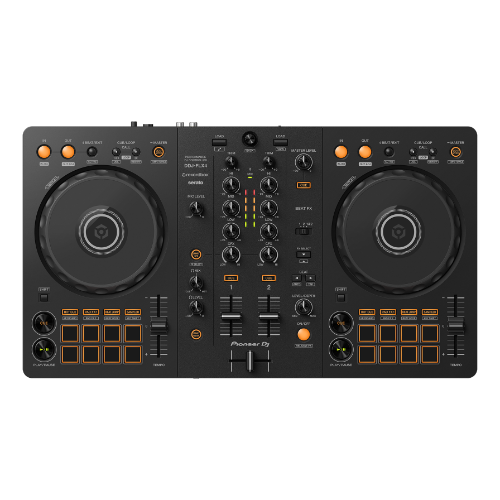
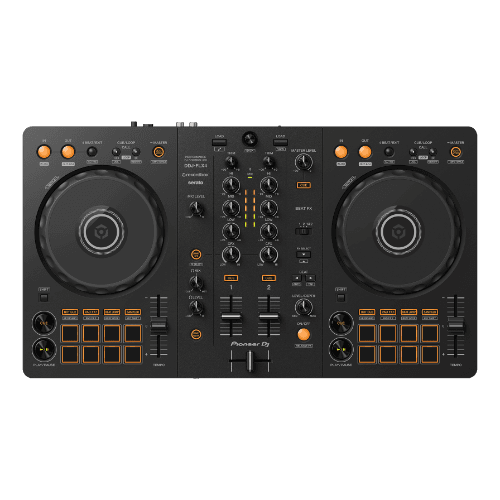
The Pioneer DDJ-FLX4 offers the widest software compatibility of any controller — it works with WeDJ and Rekordbox on iPad, plus djay, Serato, and VirtualDJ on desktop. If you want a controller that grows with you from iPad to laptop, this is it.
Larger jog wheels (5.5-inch capacitive) and a built-in audio interface make it more capable than the DDJ-200 for actual performances. Smart Fader and Smart CFX features help beginners make professional-sounding transitions immediately. USB-C connectivity means it connects to newer iPads without adapters.
The DDJ-FLX4 is more of a "real" controller that happens to work with iPad, rather than a dedicated iPad controller. It's heavier and larger than the DDJ-200 or Buddy, which makes it less ideal as a purely mobile setup but better as a gigging controller that you sometimes pair with a tablet.
For DJs who want maximum flexibility across iPad apps and desktop software without buying multiple controllers, the DDJ-FLX4 is the most future-proof choice.
Pioneer DJ DDJ-FLX4
A capable beginner controller that builds on everything the DDJ-400 got right.
Other Controllers Worth Considering
Hercules DJControl Inpulse 300 MK2 — Works with djay on iPad and includes DJUCED and Serato DJ Lite on desktop. LED beatmatch guides help beginners develop timing skills. A solid budget option that bridges iPad and laptop DJing. Read our review.
Numark DJ2GO2 Touch — An ultra-portable pocket controller for Serato DJ Pro. Capacitive touch strips replace traditional jog wheels. At roughly the size of a smartphone, it's the most portable option for quick iPad sessions, though functionality is limited compared to full controllers.
Numark Party Mix Live — An affordable controller with built-in LED light show and speaker. Works with djay on iPad. The integrated speaker means you can DJ a small gathering without any external audio equipment — useful for casual environments but not gig-quality sound.
FAQs
Can you DJ with just an iPad and a controller?
Yes. Modern iPad DJ apps like djay Pro AI, Rekordbox for iOS, and WeDJ provide full DJ functionality including beatmatching, effects, and library management. Paired with a compatible controller, an iPad setup can handle everything from practice sessions to small gigs. You'll need a Lightning or USB-C to USB adapter (or a controller with Bluetooth) to connect.
What DJ apps work with iPad controllers?
The main options are djay Pro AI (Algoriddim), WeDJ (Pioneer DJ), and Traktor DJ 2 (Native Instruments). djay Pro AI has the widest controller support on iPad and includes Neural Mix AI for real-time stem separation. WeDJ is designed specifically for Pioneer controllers. Traktor DJ 2 works best with Native Instruments hardware.
Do I need Wi-Fi or Bluetooth to DJ with an iPad?
Not necessarily. Most controllers connect to iPad via USB using a Lightning or USB-C adapter. The Pioneer DDJ-200 also supports Bluetooth connectivity for wireless operation. Wi-Fi is useful for streaming music from services, but your DJ library should be stored locally on the iPad for reliable performance during gigs.
Is iPad DJing good enough for gigs?
For small to medium events, absolutely. iPad DJ apps have matured significantly — djay Pro AI in particular offers professional-grade features including stems, effects, and library management. The limitations are screen size for library browsing and processing power for very large libraries. For club-level performances, most professionals still prefer laptop-based setups.
What iPad do I need for DJing?
Any iPad from 2018 onwards with at least 64GB storage will work well. iPad Air and iPad Pro models offer better performance for demanding features like Neural Mix AI stem separation. USB-C iPads (iPad Pro, iPad Air 4th gen+) connect to controllers without adapters. Storage matters most — 128GB or more is recommended if you store music locally.
Verdict
The Pioneer DDJ-200 is the best dedicated iPad controller. Bluetooth connectivity, ultra-portable design, and compatibility with WeDJ, Rekordbox, and djay make it the most versatile tablet DJ solution at the lowest price.
For DJs who want Neural Mix AI stem separation on iPad, the Reloop Buddy offers the tightest djay Pro AI integration with dedicated hardware controls. The Pioneer DDJ-FLX4 is the best choice if you want a controller that works equally well with iPad apps and desktop software — the most future-proof option as your setup grows.
Start with an iPad app, pair it with one of these controllers, and you have a complete DJ setup that fits in a backpack.