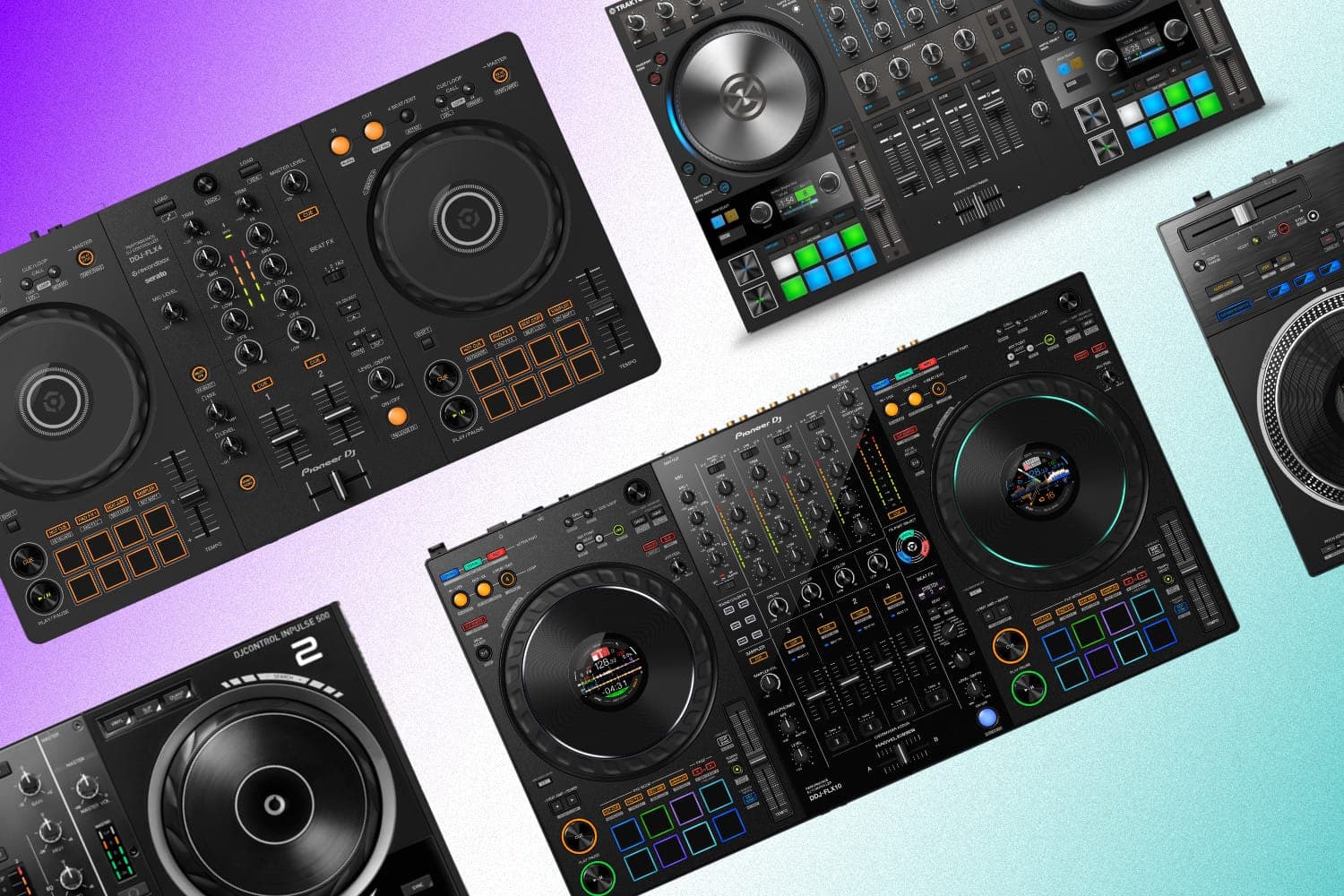
The rise of the DJ controller in recent years has been nothing short of incredible. Big brands such as Pioneer DJ (now part of the AlphaTheta family), Rane, Reloop, and Hercules have been keyplayers in this by releasing a huge selection of products that cater to every type of DJ out there. Modern DJ controllers have made entry into the world of DJing easier both financially and technically – from 2-channel controllers for beginners to all-out vinyl-emulating masterpieces, the selection right now is absolutely brilliant.
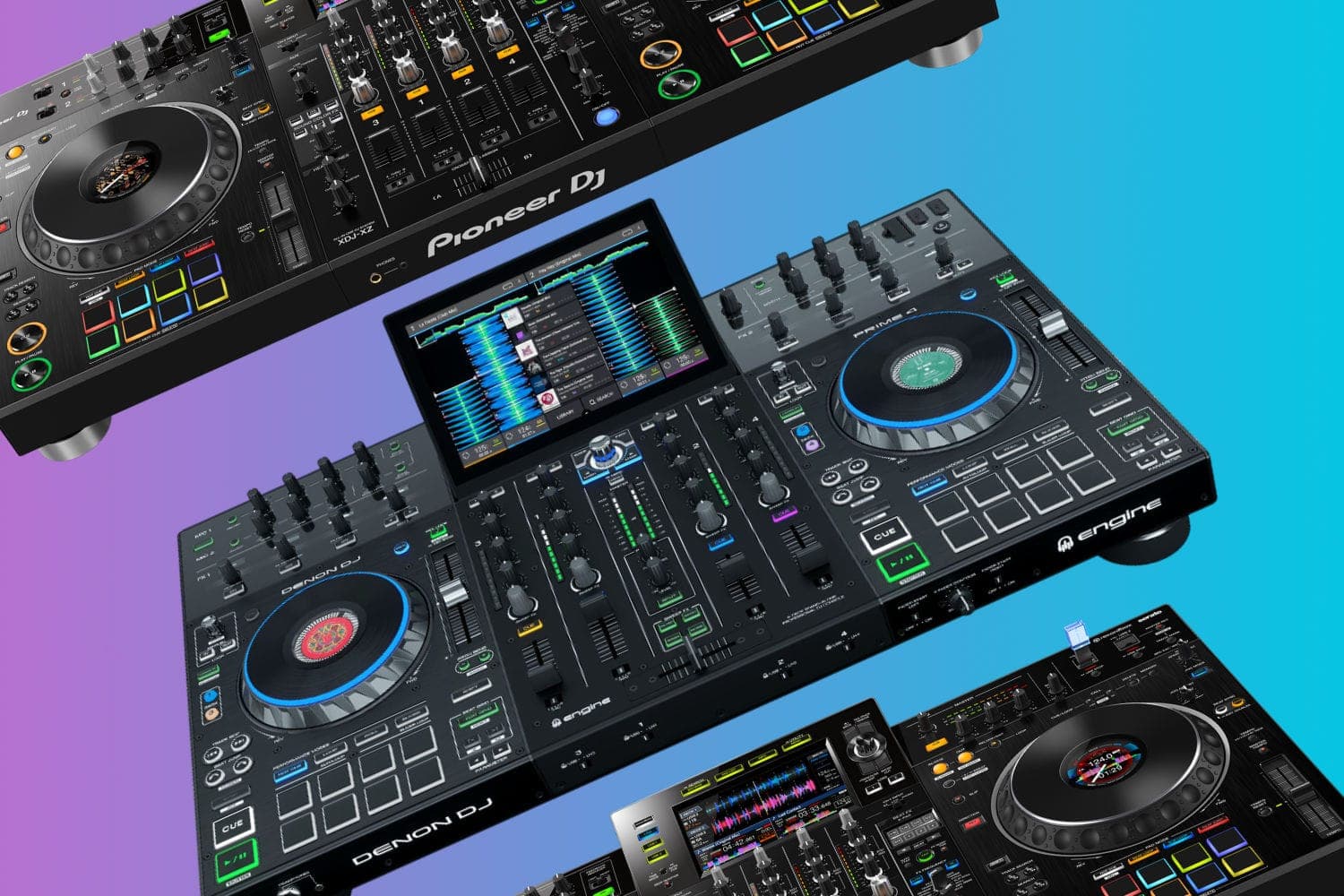
Before we get going, it's essential to understand what a DJ controller is. I often see a lot of confusion around what is considered a DJ controller as people tend to get them mixed up with standalone DJ systems. To put it simply, a DJ controller needs DJ software in order to work. A standalone DJ controller can work independently. If you like the sound of the standalone DJ systems more, then we have an article on those too, so check that out.
In this article, I've got you covered. Whether you're looking for the familiar feeling of turntables, the easy use of CDJs, or the full-blown feeling of a club-ready setup – I've tested and reviewed them all. I've also made sure that this selection contains all in-stock products that are still being manufactured, so you know you'll be able to buy any product on this list — I re-checked every pick against live retailer stock in August 2026, and a few former favourites that you can no longer buy new have been replaced. Let's get into it.
1. Pioneer DJ DDJ-FLX4 — Editor's Choice
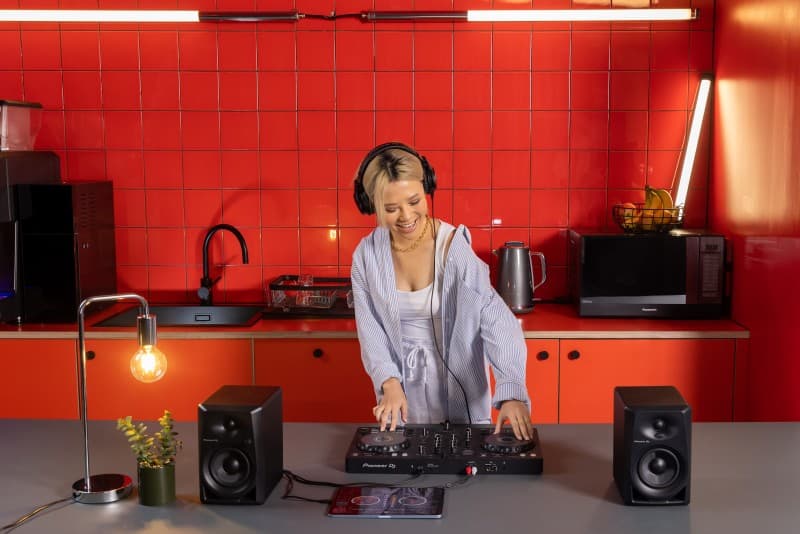
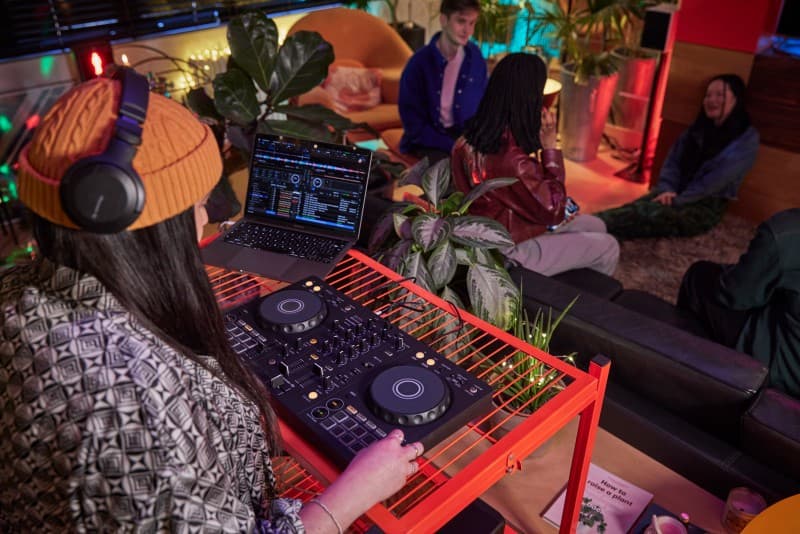
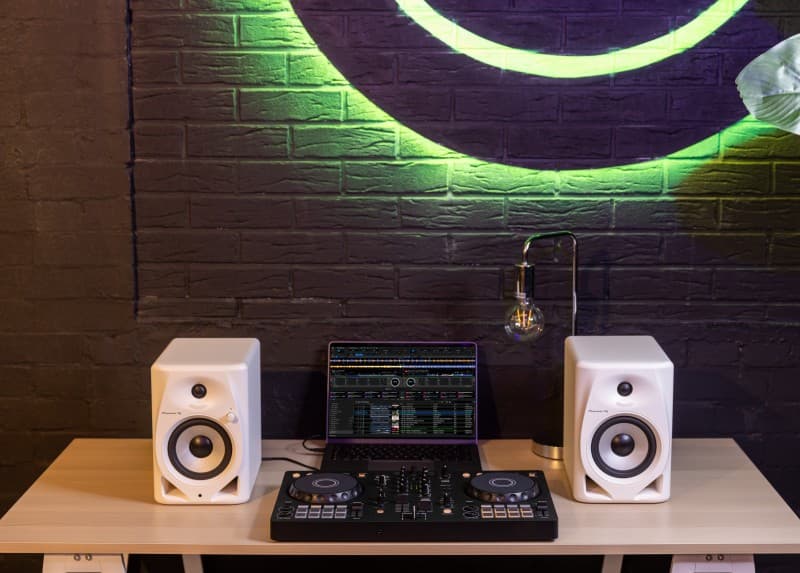
With so many options to choose from, this really wasn't a straightforward selection process. However, the basis of my choice focuses on four main areas; performance, user-friendliness, value for money, and overall community love for the product. Therefore, my top pick for the best DJ controller would be the Pioneer DJ DDJ-FLX4.
This controller has ticked all the boxes for me, with a fantastic blend of functionality, design, and world-leading tech packed into one tidy product. And with street prices now sitting around $300, it's more of a steal than ever. AlphaTheta has since slotted the simpler DDJ-FLX2 in below it, but the FLX4's extra connectivity and wider software support are well worth the difference in my view.
The DDJ-FLX4 has a whole host of features, which is quite surprising at this price point. You have 2 channels, 2 deck controls, trim knob, 111.6mm jog wheel, beat FX, sound coloring FX, a sampler (yes!), hot cues, manual and auto beat loops too – what isn't there to like?
You've also got plenty of connectivity, with 1 mic input, 1 master RCA output, 1 phones output, and 2 sets of USB type-c ports – one is for the computer connection and the other is for power.
It also works with a variety of DJ software, which is quite uncommon in this space – It just means you don't have to commit too early on with a single software setup. The DDJ-FLX4 works with rekordbox, Serato DJ Lite and djay, so you have plenty to choose from. Do note though, that there are some features on the controller that work slightly differently (if not better) on certain apps than others. For example, the sampler allows you to work with 16 slots when using rekordbox, and only 4 slots on Serato. Similar story with the hot cues, 8 for rekordbox, and only 4 with Serato. Not a huge bummer, but just worth keeping in mind.
So yeah, definitely give the Pioneer DJ DDJ-FLX4 some serious thought, I think it's definitely the best overall DJ controller you can buy right now.
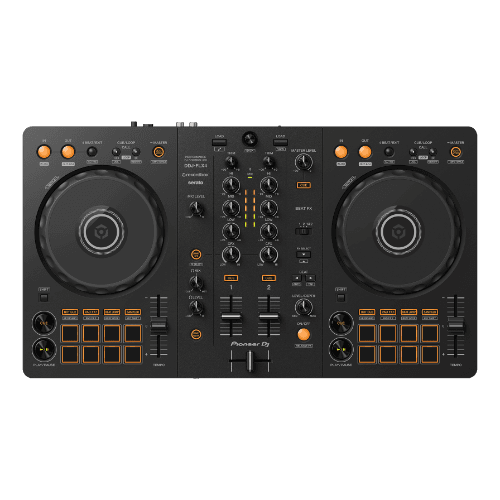
Pioneer DJ DDJ-FLX4
A capable beginner controller that builds on everything the DDJ-400 got right.
2. Pioneer DJ DDJ-REV7 — Best for Scratch DJs
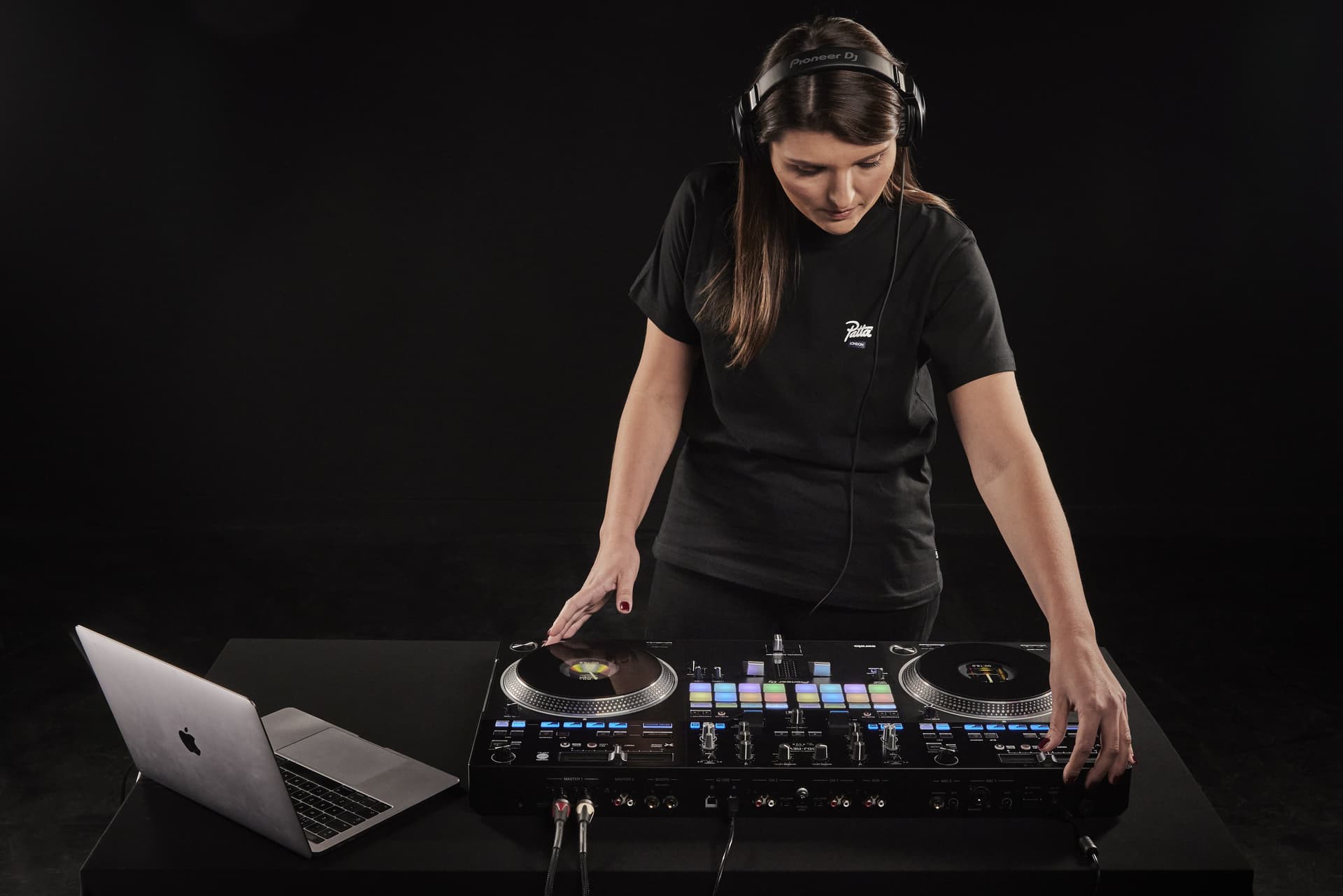
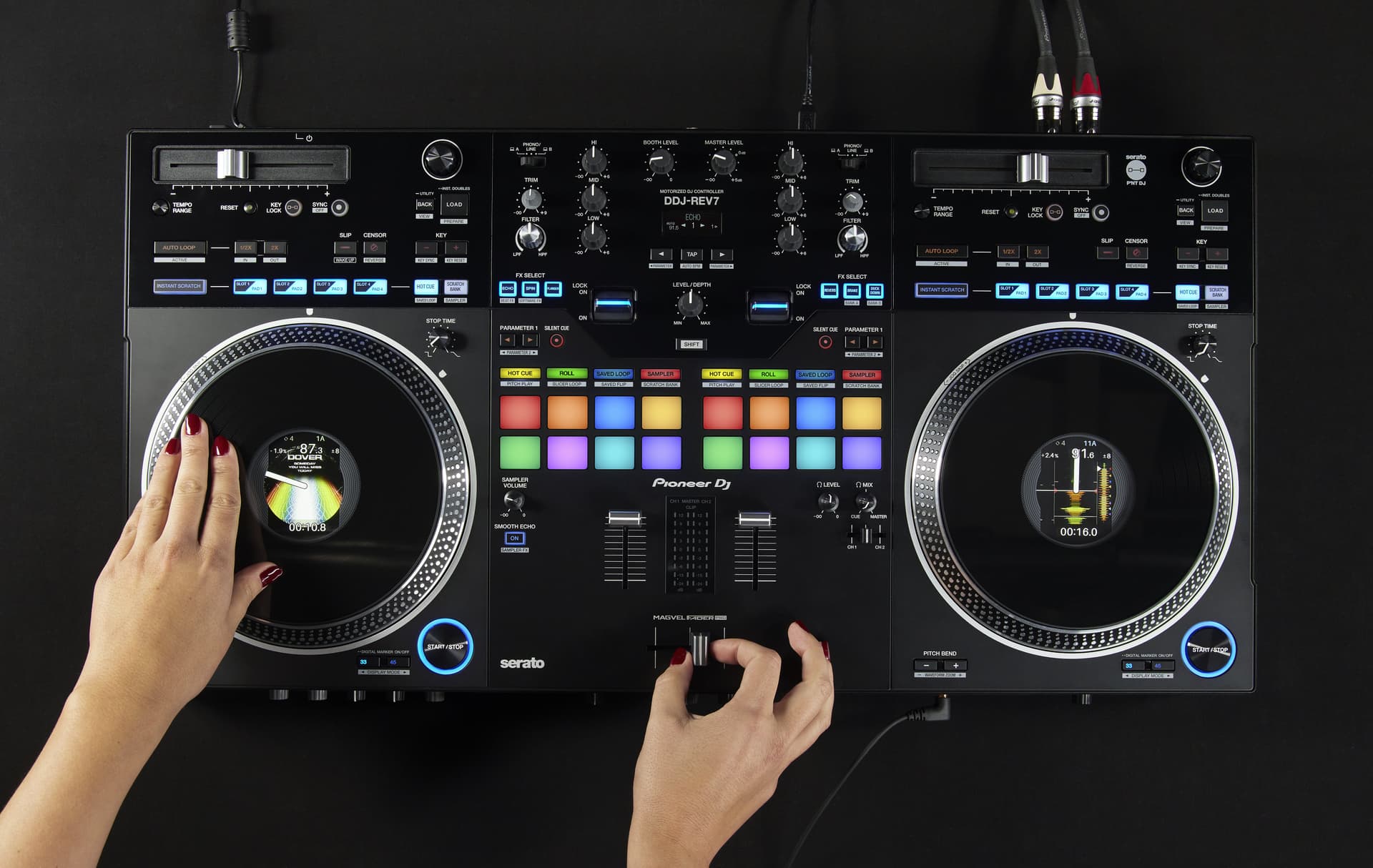
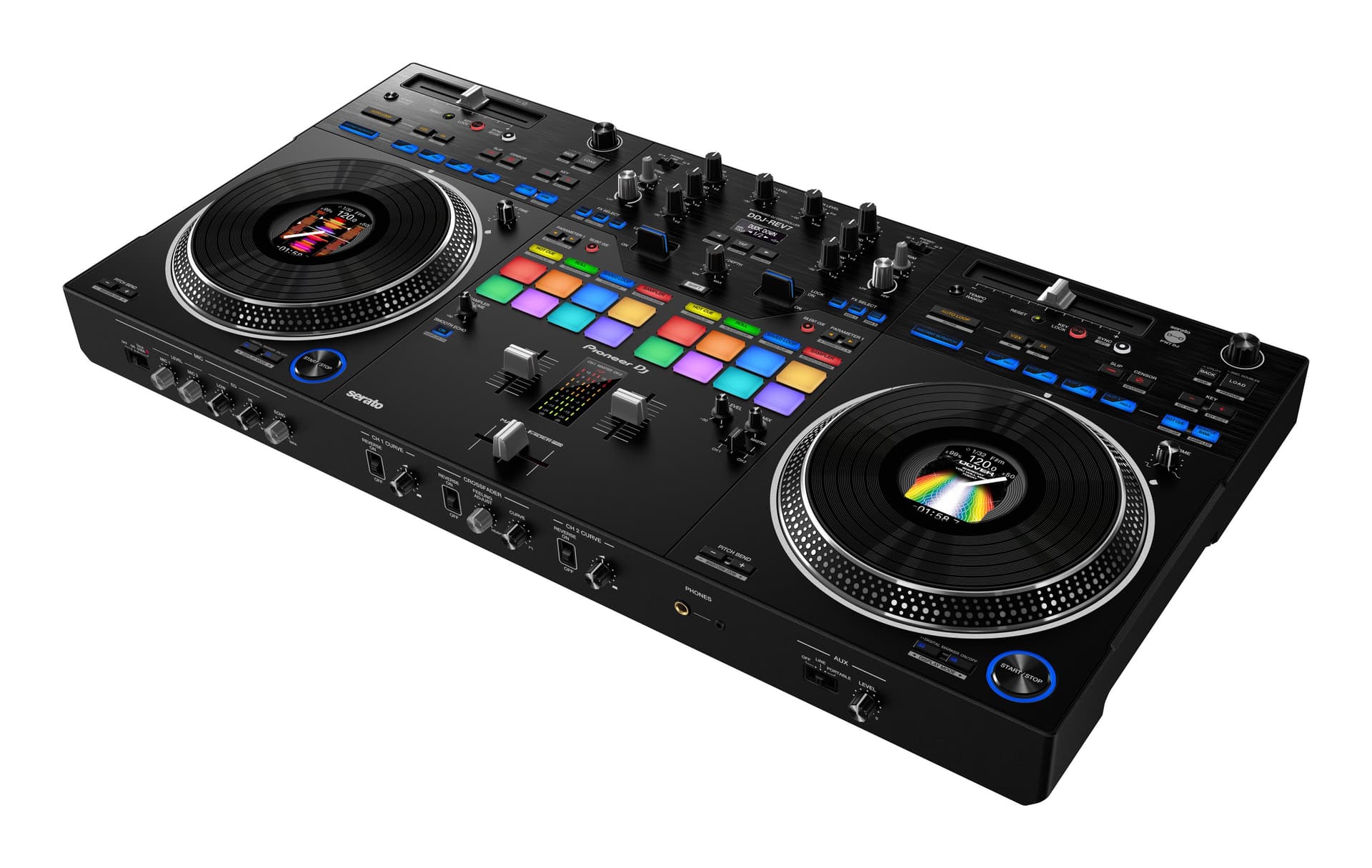
If you're a scratch or battle DJ, or you simply love the feel of vinyl, the Pioneer DJ DDJ-REV7 is the controller you've been waiting for. Pioneer DJ really went back to the roots with this one, designing it specifically for turntablist-style DJing with Serato DJ Pro.
The standout feature here is the 7-inch motorized platters. These aren't your standard jog wheels – they actually spin and resist like real vinyl, which makes scratching feel incredibly authentic. On top of that, each platter has a built-in screen displaying waveforms and track information, so you've got all the visual feedback you need right there on the deck.
The mixer section is modelled after Pioneer DJ's legendary DJM-S9, which is widely regarded as one of the best scratch mixers ever made. You get 22 built-in beat FX, a battle-style layout, and the whole thing comes bundled with a full Serato DJ Pro license – no extra software costs.
It is a bit heavier than you might expect due to the motorized platters, and there's no 1/8-inch aux input which is a slight oversight. But if scratching and turntablism are your thing, this is the best controller money can buy for that style. One 2026 caveat: mainstream retail stock of the REV7 has thinned, and new units increasingly surface through marketplaces rather than the big retailers — so if you find one at a fair price, don't sit on it. The newer DDJ-REV5 carries the same battle layout at mid-range money and is easier to find, though we haven't given it the full review treatment yet.
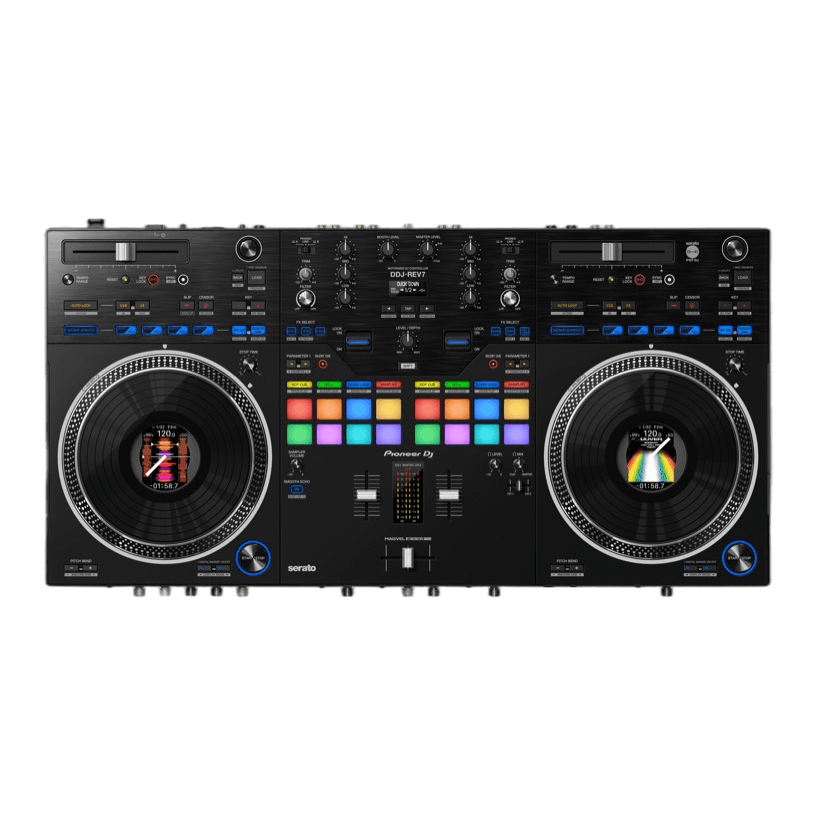
Pioneer DJ DDJ-REV7
Motorized platters, stunning displays, and deep Serato integration make this a scratch DJ's dream.
3. Rane FOUR — Best Premium Pick
For years this slot belonged to the Pioneer DJ DDJ-1000, but that legend has now been discontinued – you simply can't buy one new anymore. Funnily enough, when I reviewed the Rane FOUR, the question I asked was whether it could dethrone Pioneer DJ's premium controllers. In 2026, it has – and on merit, not just on availability.
The Rane FOUR is a 4-channel Serato DJ Pro flagship that's built like an absolute tank. Solid metal construction throughout, full-size 8.5-inch platters, and Rane's MAG FOUR crossfader – the build quality here genuinely embarrasses most plastic-heavy controllers at any price.
The headline feature is stems. Dedicated Stem Split controls let you pull vocals, melody, and drums apart in real time, with per-stem FX that make live remixing feel natural rather than fiddly. Combined with the big platters and that mixer section, it's an incredibly capable performance instrument for club and mobile DJs alike.
It isn't perfect – the in-jog displays lack brightness adjustment, which is annoying in direct sunlight, and there's no dedicated scratch mode. At around $1,300 it's serious money too, though notably less than the DDJ-FLX10. And if what you actually wanted from the DDJ-1000 was that club-standard rekordbox layout, AlphaTheta's DDJ-GRV6 has picked up that mantle in 2026 – but as an all-round premium controller, the Rane FOUR is the one I'd buy today.
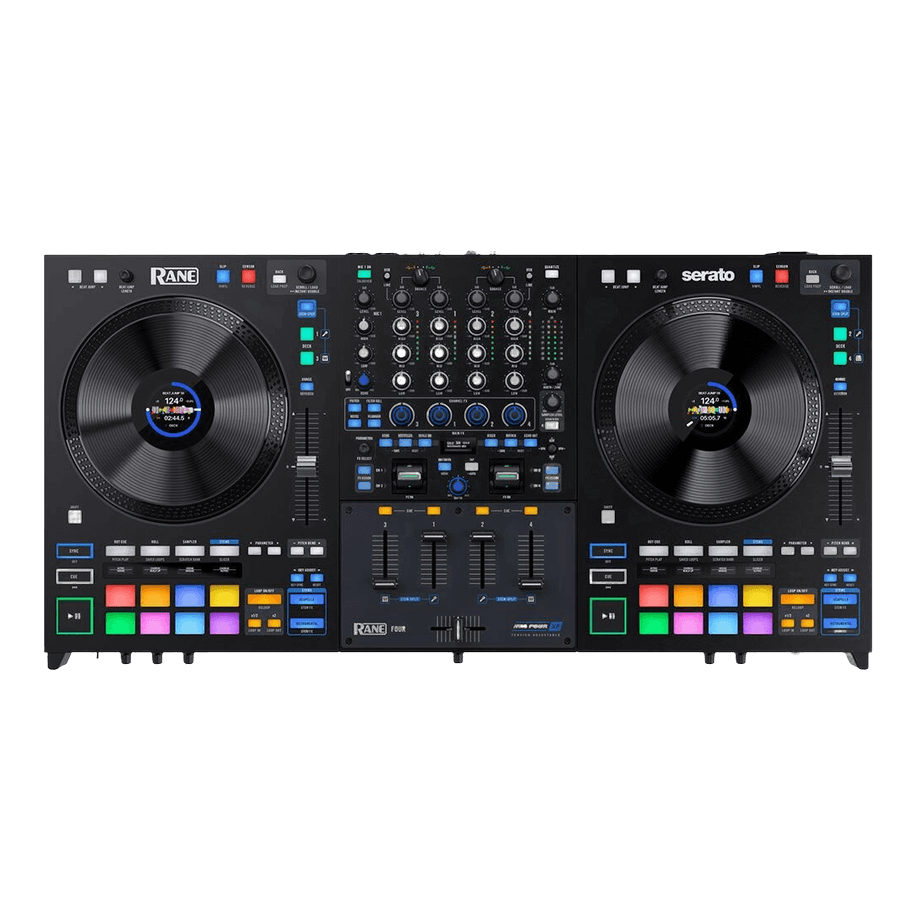
Rane Four
Ultimately, while Rane has always been a “good enough” product that has been on the north side of impressive, the Rane...
4. Pioneer DJ DDJ-FLX10 — Best Flagship
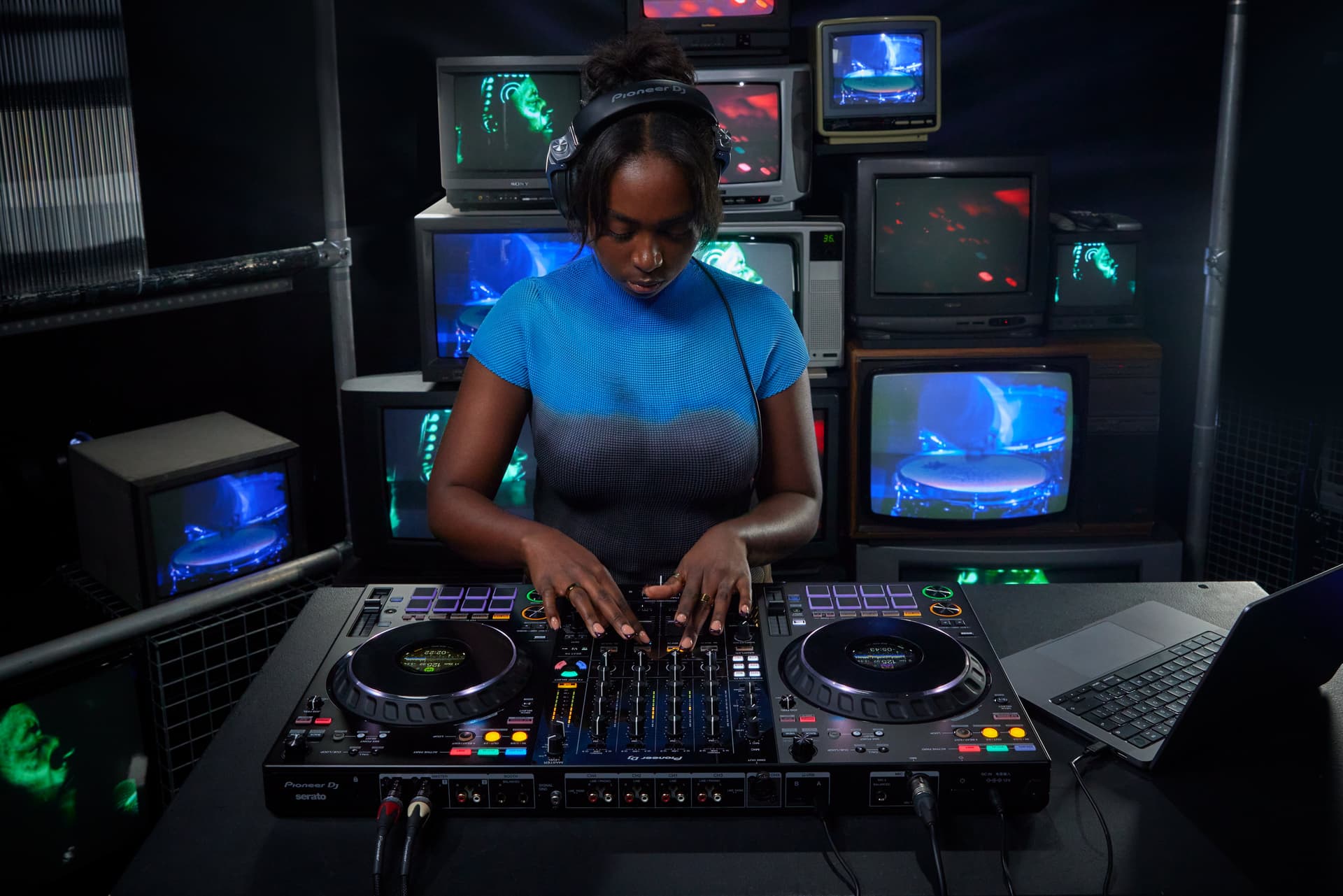
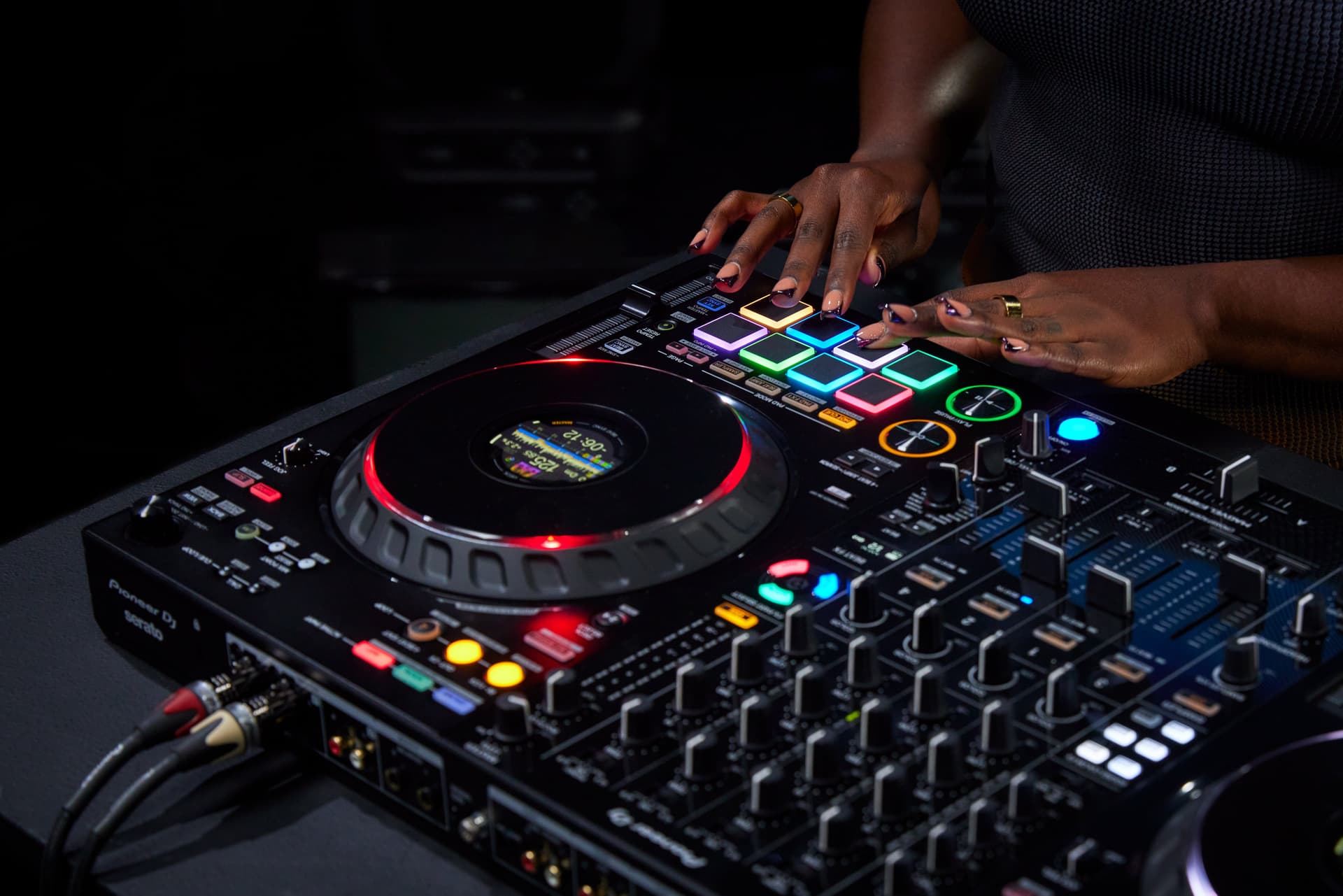
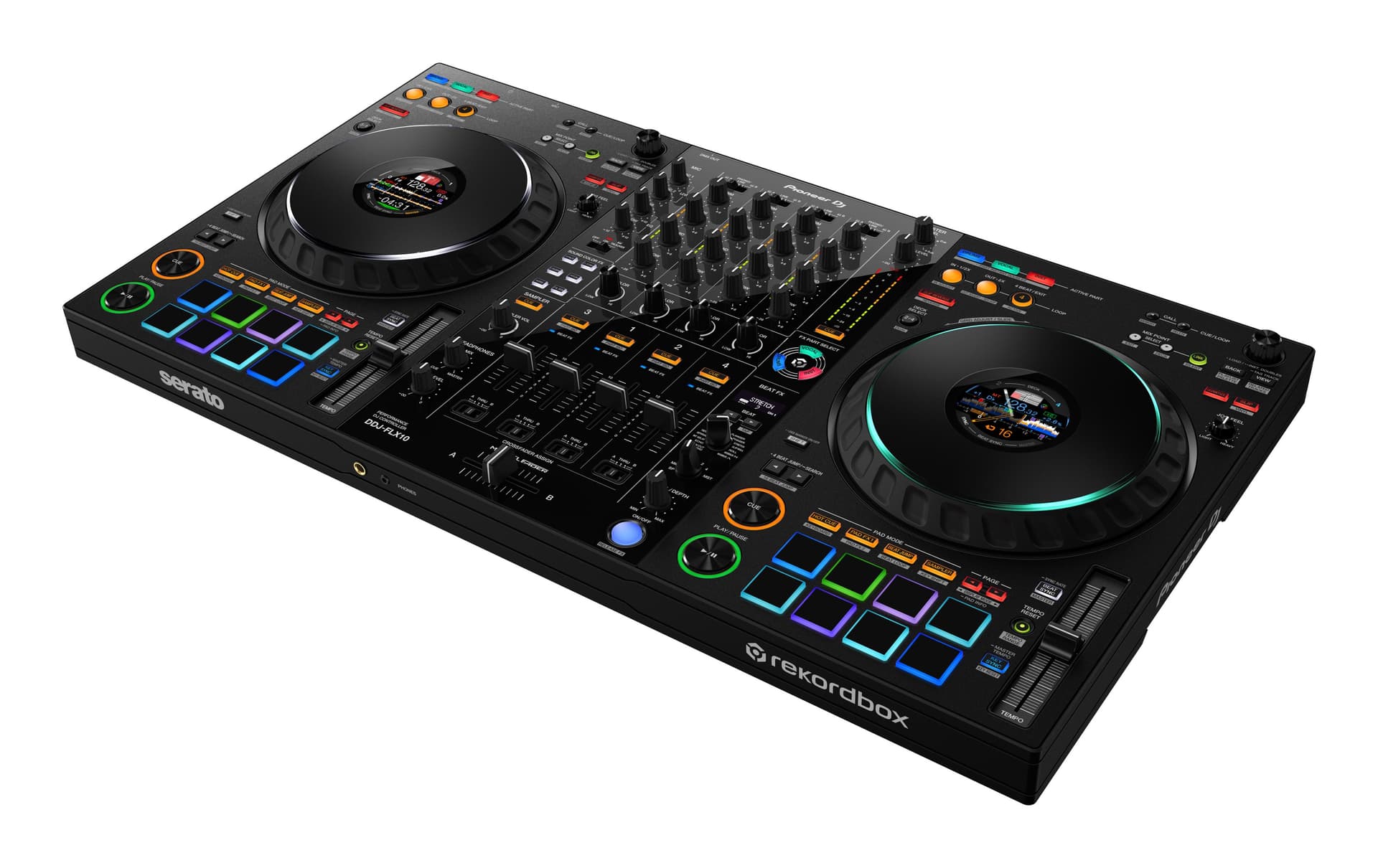
If you want the absolute best that Pioneer DJ has to offer in a controller, the Pioneer DJ DDJ-FLX10 is the one. Built as the spiritual successor to the DDJ-1000, it takes everything that made its predecessor great and pushes it even further.
The headline feature is Track Separation (Stems) technology built directly into the hardware, allowing you to isolate vocals, drums, bass, and melody in real-time. This opens up a whole new world of creative mixing possibilities. It's also the first Pioneer DJ flagship controller to support both rekordbox and Serato DJ Pro natively – so you're no longer locked into one software ecosystem.
You get USB-C connectivity throughout, improved phono preamps over the DDJ-1000, and even a DMX lighting control socket for DJs who want to sync their light shows. The jog wheels, mixer layout, and FX section are all top-tier, as you'd expect from a flagship product.
The price is the main sticking point – at around $1,700 street in 2026, this is a serious investment. The Stems separation has matured nicely through successive rekordbox and Serato updates since launch, though, and it's now genuinely usable in a live set rather than just a party trick. If you want the most feature-packed, future-proof controller available today and have the budget for it, the DDJ-FLX10 is the clear choice.
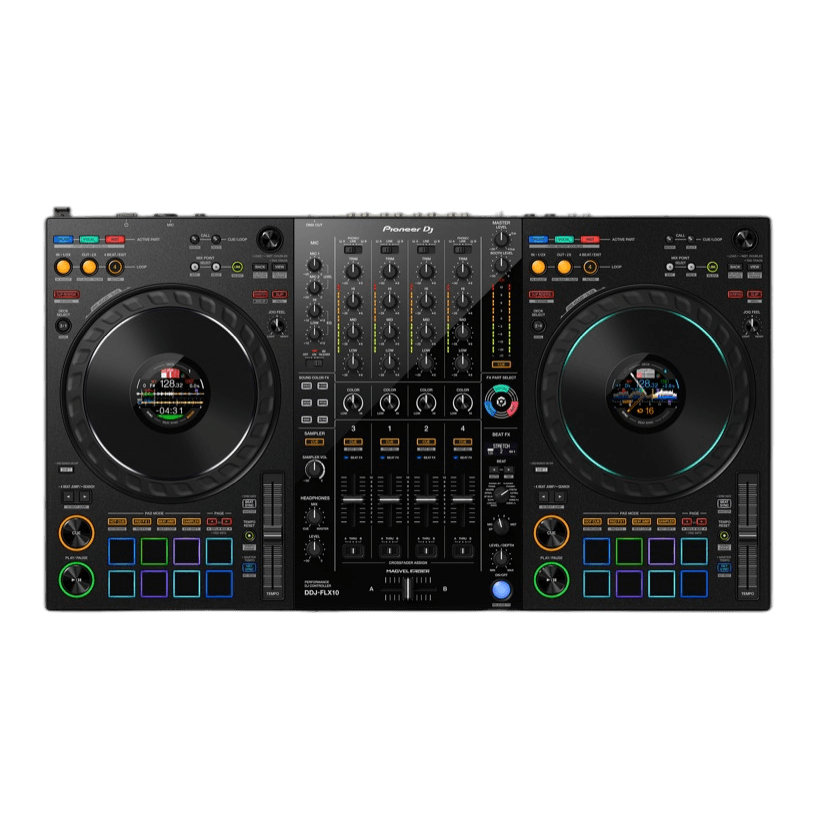
Pioneer DJ DDJ-FLX10
Pioneer's new flagship controller successfully surpasses the DDJ-1000 benchmark.
5. Reloop Mixon 8 Pro — Best 4-Channel All-Rounder
This slot previously went to the Native Instruments Traktor Kontrol S4 MK3, but Native Instruments has let it slip out of production – it's used-market only now, so I can't in good conscience recommend it in a buying guide. Its replacement is a controller that genuinely surprised me: the Reloop Mixon 8 Pro.
What makes the Mixon 8 Pro special is its hybrid nature. It's a full 4-channel controller that works natively with both Serato DJ Pro on a laptop and djay Pro AI on an iPad – and the iPad integration isn't an afterthought. Dock a USB-C iPad and you've got a legitimately professional setup with no laptop in sight, including djay's Neural Mix stem separation.
The build backs it up too. A durable metal body, a proper 4-channel professional layout, big performance pads, and enough I/O to handle real gigs. For mobile and event DJs who want maximum flexibility from one piece of kit, there's nothing else quite like it at around $760.
The jog wheels are a touch undersized for a controller this big, and if you've never touched djay Pro AI, its workflow takes some adjusting to coming from Serato or rekordbox. But as an all-round 4-channel workhorse in 2026, the Mixon 8 Pro won me over. If you're a die-hard Traktor user, a used S4 MK3 is still a fine buy – just know you're buying discontinued hardware.
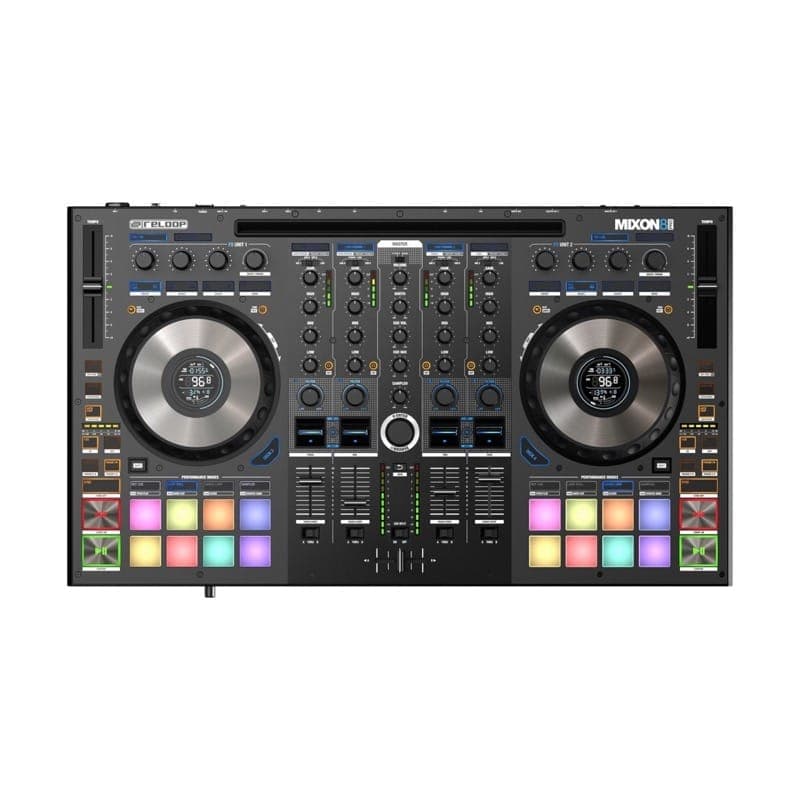
Reloop Mixon 8 Pro
Overall, while I can’t quite make any definitive statements about the Reloop Mixon 8 Pro hybrid DJ controller being...
6. Hercules DJControl Inpulse 500 — Best for Beginners
Finding the right beginner controller can be difficult. You need something that's simple enough to pick up but with enough flexibility so you can enhance your skills over time. That's exactly where the Hercules DJControl Inpulse 500 comes in.
I remember when I started, I maxed out a credit card to get a brand new Hercules DJ console back in 2004 – this was a mistake and way overkill for what I needed. The Inpulse 500 is the opposite of that problem. It gives you everything you need to learn properly without overwhelming you with features you won't use yet.
The build quality is impressive at this price point, with a sturdy metal backing plate that feels far more premium than its price tag suggests. You get a dedicated hardware mixer with mic input, LED beatmatch guides on the jog wheels to help you learn beat matching, and fold-out ergonomic feet with LED underglow. It works with both DJUCED (included) and Serato DJ Lite, so you have solid software options from day one.
The only real limitation is that Serato Lite is quite restricted without upgrading to Pro, and the RGB pad lighting can be a bit dim in bright environments. But as a starting point for your DJ journey, you really can't go wrong here.
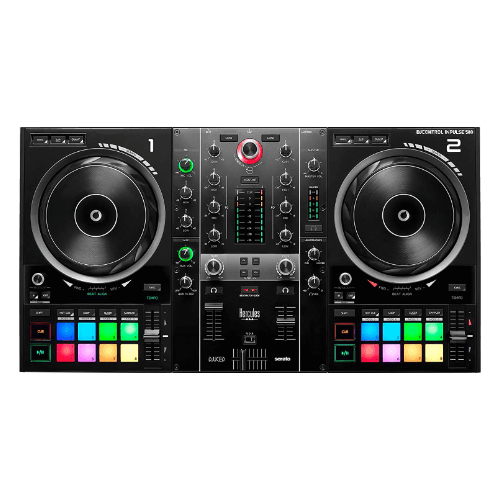
Hercules DJControl Inpulse 500
Excellent beginner experience with enough flexibility to grow into — a great value pick.
7. Reloop Buddy — Best Budget Pick
If you're looking to spend as little as possible while still getting a legitimate DJ experience, the Reloop Buddy is the way to go. The Pioneer DJ DDJ-200 owned this spot for years, but it's been discontinued – and honestly, the Buddy is the stronger learning tool in 2026 anyway.
The headline here is Neural Mix. The Buddy is built for Algoriddim's djay, which means real-time AI stem separation – isolating vocals, drums, and instruments on the fly – on a controller that costs around $199. Nothing else at this price does that, and it makes practising transitions and mashups genuinely fun rather than a chore.
It's also impressively flexible for something this small. It works with djay on iOS, Android, Mac, and Windows, so you can learn on a phone or tablet and graduate to a laptop later without buying new hardware. Despite the backpack-friendly size you still get a full eight-pad layout per deck, hot cues, FX controls, and USB-powered operation.
The trade-offs are fair for the price – the compact layout gets a bit cramped in the heat of a mix, and you only get a two-band EQ rather than the usual three. But as a first step into DJing, especially if you want to start on a phone or tablet with streaming integration, the Buddy is unbeatable value.
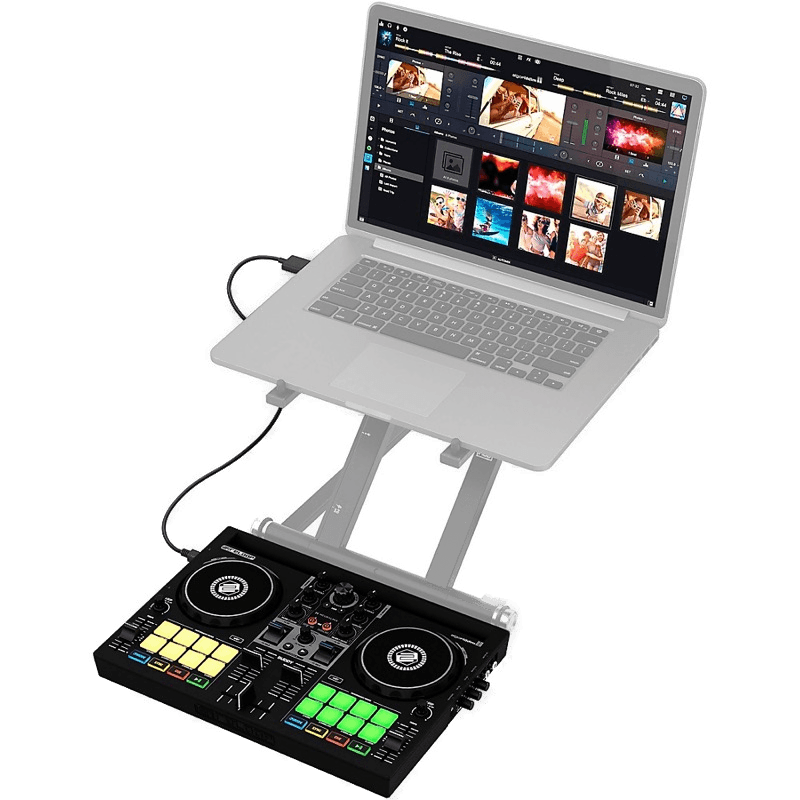
Reloop Buddy
The ultimate mobile DJ companion — Neural Mix AI and iPad integration in a pocket-sized package.
How to Choose a DJ Controller
Now that you've seen our top picks, here's what to keep in mind when making your decision. With so many options on the market today, you're highly likely to find a controller that meets all of your requirements – from skill level to budget, and software integrations to design.
Determine Your Skill Level
The first thing to think about when choosing any DJ equipment, not just DJ controllers, is your skill level. You need to ask yourself questions like "Is this overkill for me?" or "Do I really need all these features?". The answers to these questions are very important in making the right buying decision.
- Beginner or Hobbyist ($): You simply need 2-channels, some jog wheels, a mixer, and maybe some simple FX controls. Controllers at this level often come bundled with free DJ software.
- Intermediate or Amateur ($$): You'd be looking at 4-channels, more FX control, and integrations with major DJ software like Serato or rekordbox.
- Professional or Touring ($$$): You want tactile controls, great jog wheels, advanced FX, durable build quality, and tight software integrations.
Software Compatibility
With DJ controllers, the software is as key in this setup as the hardware itself. So it's important to understand what DJ software you need in order for your DJ controller, and you, to perform correctly.
Serato
Serato has a huge following within the DJ community (me included), it's been around since 1999 and is used by DJs all over the world at every level. It's sleek user-interface and superb selection of features, makes this a very desirable platform. Particularly with vinyl DJs as it was one of the first DVS platforms to be released.
It is important to remember that not all DJ controllers work with Serato. Double check the technical specifications before purchasing.
Who I would recommend Serato to: Intermediate and Professional DJs
rekordbox
Developed by Pioneer DJ, this app is mostly designed to work with their own controllers. However, in recent years they have introduced compatibility with many other DJ software providers. Which, in my opinion, was a smart move.
rekordbox is also loved by DJs around the world. Mostly for its library management setup which is reliable, easy to use, and rarely crashes.
Who I would recommend rekordbox to: Intermediate and Professional DJs
Traktor
Made by Native Instruments, the Traktor DJ software is typically used exclusively with Native Instruments' DJ controllers, but it can be used with limited functionality with most other hardware.
Traktor has been around for a long time, so this app is pretty well established and offers all the best features you would want and expect from this level of software. One caveat in 2026: Native Instruments' own Kontrol controllers have largely drifted out of production, so pairing Traktor with new hardware takes more research than it used to.
Who I would recommend Traktor to: Beginner, Intermediate, and Professional DJs.
djay Pro
Algoriddim's djay Pro has quietly grown from an iPad curiosity into serious DJ software, and two picks in this list – the Reloop Mixon 8 Pro and Reloop Buddy – are built around it. Its Neural Mix stem separation is among the best in the business, and it runs on iOS, Android, Mac, and Windows alike.
The library and workflow feel different if you're coming from Serato or rekordbox, but for DJs starting on a phone or tablet – or anyone who wants stems without flagship prices – it's a genuinely great platform.
Who I would recommend djay Pro to: Beginner and Intermediate DJs, especially those mixing from an iPad or phone.
VirtualDJ
It is easy to forget that other DJ software options exist outside of the 'big 3' mentioned above. However, VirtualDJ is still a very popular solution that many DJs use. According to the VirtualDJ website, it has been downloaded more than 150,000,000 times and is used by more than 6,000,000 different users per day.
VirtualDJ is particularly popular with DJs that like to sync video with their sets. Together with Serato, these two apps are the only ones that are capable of using video sync – unless you use a specific VJ software, which is a bit more uncommon.
Who I would recommend VirtualDJ to: Intermediate, and Professional DJs.
Budget and Price Range
Lastly, before you go spending your hard-earned cash, let me help you understand the price brackets and what you can expect for your money.
- $50 – $200: Best for beginners and people completely new to DJing. Basic features such as 2-channels, essential functionality, and light FX.
- $200 – $600: Suited to DJs looking to expand their setup or explore new features. More functions, better FX, and improved build quality.
- $600+: Aimed at full-time DJs who are very experienced and serious about DJing. Durable build, more channels, advanced features, and tight software integrations.
Final Thoughts
Trying to choose which DJ controller is right for you is a little trickier than first thought eh?
With all the factors involved and choices available, it can be hard to know which one is right for your setup. Hopefully this guide has been helpful in your research on DJ controllers and what you need to be aware of when choosing the best DJ controller for you.
It is so important to consider everything when making the decision. Such as skill level, budget, requirements, and where you plan to use or perform with it. You don't want to be stuck with something that you overpaid for and have features that you're never going to use. Otherwise, you would have just bought yourself an expensive collector of dust.
On a more serious note though, this could be the start of your career or even help enhance it. So it's definitely worth taking the time out to really think about this and hopefully I've helped in some way too.
While my top pick, the Pioneer DJ DDJ-FLX4, stands out for many reasons such as the price, features available, and compatibility for a variety of DJ software, it is good to remember that this might not be the 'best' DJ controller for you, and that's why what I said above is really important. You shouldn't take anyone's word for it; doing your own research will always be the best approach.
Good luck with choosing, and I hope you pick the right one for you.
Frequently Asked Questions
What is the best DJ controller for beginners?
For beginners, I'd recommend the Pioneer DJ DDJ-FLX4 as the best overall starting point. It works with rekordbox, Serato DJ Lite, and djay, so you don't have to commit to one software ecosystem early on. If your budget is tighter, the Reloop Buddy is an excellent entry at around $199 with smartphone mixing and AI stem separation, or the Hercules DJControl Inpulse 500 if you want a more traditional controller with beatmatch guides built in. For a full breakdown of starter options at every budget, see our dedicated best DJ controllers for beginners guide.
What is the difference between a DJ controller and a standalone DJ system?
A DJ controller requires a laptop running DJ software (like Serato, rekordbox, or Traktor) to function – it's essentially a hardware interface for that software. A standalone DJ system has its own built-in processing, screen, and storage, so it can work independently without a laptop. Controllers are generally more affordable, while standalone systems offer more portability and flexibility for live performance.
Do I need a laptop to use a DJ controller?
Yes, most DJ controllers need a laptop running compatible DJ software. The controller handles the physical controls (jog wheels, faders, knobs), while the software handles music playback, effects, and library management. Some controllers like the Reloop Buddy and Reloop Mixon 8 Pro also work with smartphones and tablets via djay, which is a good alternative if you don't have a laptop.
Which DJ software should I use?
It depends on your controller and goals. Serato is popular with scratch and vinyl DJs, rekordbox is the standard for Pioneer DJ hardware, Traktor is tightly integrated with Native Instruments controllers, and VirtualDJ is a versatile option that works with most hardware. Many controllers come bundled with a free or lite version of compatible software, so check what's included before buying separately. For a full comparison of the options, see our best DJ software guide.
How much should I spend on a DJ controller?
Budget controllers ($50–$200) are great for learning the basics. Mid-range controllers ($200–$600) offer better build quality, more features, and tighter software integration – this is where most DJs find the best value. Professional controllers ($600+) deliver club-grade performance with premium jog wheels, advanced FX, and robust connectivity. Spend based on your commitment level – there's no point buying a $1,600 flagship if you're just starting out.
Can I use a DJ controller for live gigs?
Absolutely. Many professional DJs use controllers for live performances. Controllers like the DDJ-REV7, Rane FOUR, and DDJ-FLX10 are built specifically for live use with professional audio outputs (XLR, booth monitors), durable construction, and club-standard layouts. Just make sure your controller has the right outputs for the venue's sound system and bring a reliable laptop.
How We Test DJ Controllers
At DJ Tech Reviews we are fortunate enough to get our hands on with, pretty much, any piece of equipment we would like to test. That's precisely what our team of writers and reviewers do in order to write accurate, trustworthy, and informative content to help our readers make better buying decisions.
In all of our roundup articles, we aim to cover all types of DJ. Such as DJs that are more budget-minded, or perhaps those who are beginners; we make sure that we include products that suit everyone. That's why, in this type of article, the products are labelled with certain tags such as "Best Overall DJ Controller" or "Best Premium Pick" etc.
From a more technical point of view, we do all the usual testing methods such scrutinizing build quality for components such as faders, jog wheels, pads, buttons – the whole lot. If a controller contains removable parts, we also test for robustness and precision.
After testing the build quality, we then move onto using the controller for its intended use – controlling the DJ software. We ensure that are the hardware knobs, buttons, and FX are exhibiting expected behaviour and actually doing what they're supposed to.
Lastly, we analyze sound quality. Does this sound right? Is it too bassy? or too boxy? DJ controllers often have their own 'sound' so we attempt to determine what that is by using a mixture of studio monitors and headphones to accurately depict what their 'sound' is.
We test all DJ gear, software, and services hands-on at DJ Tech Reviews.
Complete Your DJ Setup
A controller is just the starting point — to get the most out of it, pair it with the right gear:
- Best DJ headphones — essential for cueing and beatmatching, whether you're practising at home or playing a loud room.
- Best DJ speakers — studio monitors and PA picks so you actually hear what you're mixing.
- Best DJ mixers — for when you're ready to move beyond an all-in-one controller to a modular setup.
- Best DJ software — most controllers need it, so pick the platform that fits how you want to mix.
- Best DJ turntables — if you want to spin vinyl alongside your digital setup.
- Best USB sticks for DJing — for the day you export your library to play on club gear.
Just getting started? Our best DJ controllers for beginners guide covers the easiest models to learn on, and if you'd rather skip the laptop entirely, see the best standalone DJ controllers.
More Controller Reviews
Looking for detailed insights on specific models? Check out our in-depth controller reviews:
Pioneer DJ Controllers:
- Pioneer DJ DDJ-1000SRT Review — 4-channel Serato flagship
- Pioneer DJ DDJ-RZ Review — Professional 4-channel Serato controller
- Pioneer DJ DDJ-RZX Review — Premium controller with video mixing
- Pioneer DJ DDJ-REV1 Review — Entry-level scratch controller
- Pioneer DJ DDJ-SP1 Review — Sub-controller and sampler add-on
Rane Controllers:
- Rane Four Review — 4-channel Serato stems flagship
- Rane One Review — Motorized-platter scratch controller
Reloop Controllers:
- Reloop Mixon 8 Pro Review — 4-channel Serato and djay hybrid
- Reloop Buddy Review — Compact djay controller with Neural Mix
Denon DJ Controllers:
- Denon DJ Prime 4 Review — Standalone 4-deck controller
- Denon DJ Prime GO Review — Portable standalone 2-deck controller
- Denon DJ Prime 2 Review — Smart DJ console with 7" touchscreen
- Denon DJ LC6000 Prime Review — Standalone deck expansion
- Denon DJ SC Live 4 & SC Live 2 Review — Wireless streaming controllers
Numark Controllers:
- Numark Mixtrack Platinum FX Review — Mid-range controller with jog displays
- Numark Mixstream Pro Review — Standalone streaming controller
- Numark Mixstream Pro GO Review — Battery-powered standalone controller
- Numark Party Mix Live Review — Party controller with live streaming
- Numark Scratch Review — 24-bit scratch mixer for Serato
Hercules Controllers:
- Hercules DJControl Inpulse 300 MK2 Review — Updated beginner controller with improved features
Native Instruments:
- Traktor Kontrol S2 MK3 Review — Compact Traktor controller with haptic jog wheels
Other Controllers:
- Phase DJ Controller Review — Wireless DVS system for turntablists