DJ apps turn your phone into a portable mixing studio. Two virtual decks, effects, beat sync, and access to streaming music libraries — all in your pocket. While they won't replace a full DJ controller and laptop setup for professional gigs, they're invaluable for practice, developing ideas on the go, and casual mixing anywhere.
The best DJ apps offer intuitive touchscreen interfaces, streaming music integration, and enough features to genuinely develop your mixing skills. Below are the top options for iOS and Android.
What to Look For
Music integration. The app needs access to music. The best apps integrate with streaming services (Apple Music, Spotify, Tidal) for instant access to millions of tracks. Others work with your local music library. Check which services are supported before choosing.
Interface quality. A touchscreen is not a jog wheel — the app's interface determines how usable it is. Look for responsive waveform displays, well-sized controls, and logical layouts. Apps optimised for iPad offer significantly more screen space than phone-only versions.
Feature depth. At minimum, you need two decks, crossfader, tempo control, and beat sync. Better apps add EQ, effects, loops, samples, and recording. Professional apps include key detection, harmonic mixing suggestions, and controller support.
Controller support. Some apps pair with physical DJ controllers via Bluetooth or USB. This dramatically improves the mixing experience — physical faders and jog wheels are always better than touchscreen controls. The Pioneer DJ DDJ-200 is designed specifically for phone/tablet DJ apps.
1. djay by Algoriddim
Editor's Choice
| Spec | Detail |
|---|---|
| Platform | iOS, Android, Mac, Windows |
| Music | Apple Music, Spotify, Tidal, SoundCloud |
| Features | AI mixing, effects, loops, samples, recording |
| Controller | Bluetooth and USB controller support |
| Pricing | Free tier + subscription |
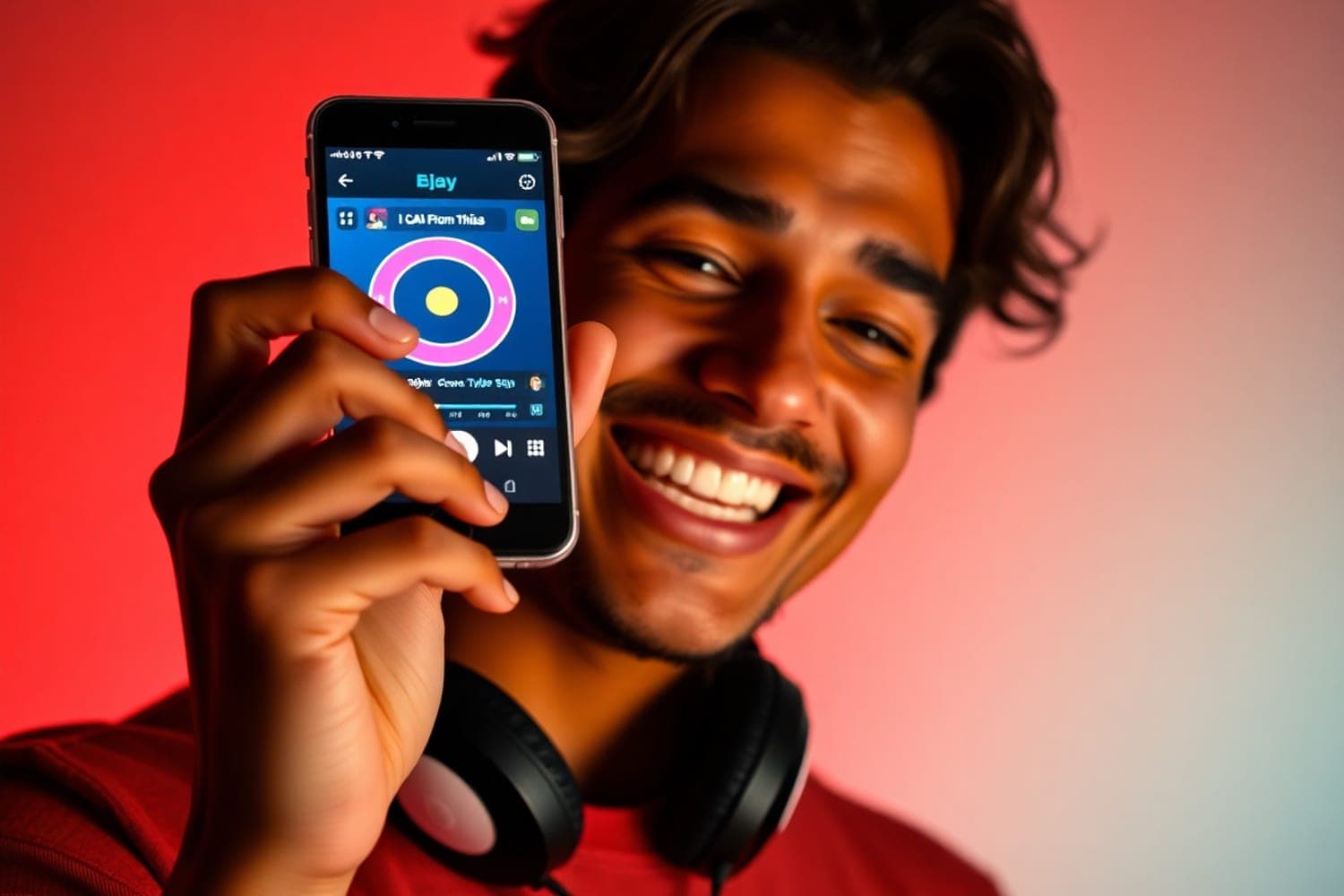
djay is the best DJ app available, full stop. The AI-powered features are genuinely useful — Neural Mix isolates vocals, drums, and instruments from any track in real time, and Automix creates smooth transitions automatically. The interface is polished and responsive on both phone and tablet.
Streaming integration with Apple Music, Spotify, Tidal, and SoundCloud gives you access to virtually every track ever released. The free tier includes basic mixing features. The Pro subscription unlocks Neural Mix, advanced effects, video mixing, and more.
Bluetooth controller support (including the Pioneer DJ DDJ-200) turns the app from a touchscreen toy into a genuine mixing platform. On an iPad with a controller, djay Pro AI is capable enough for professional use.
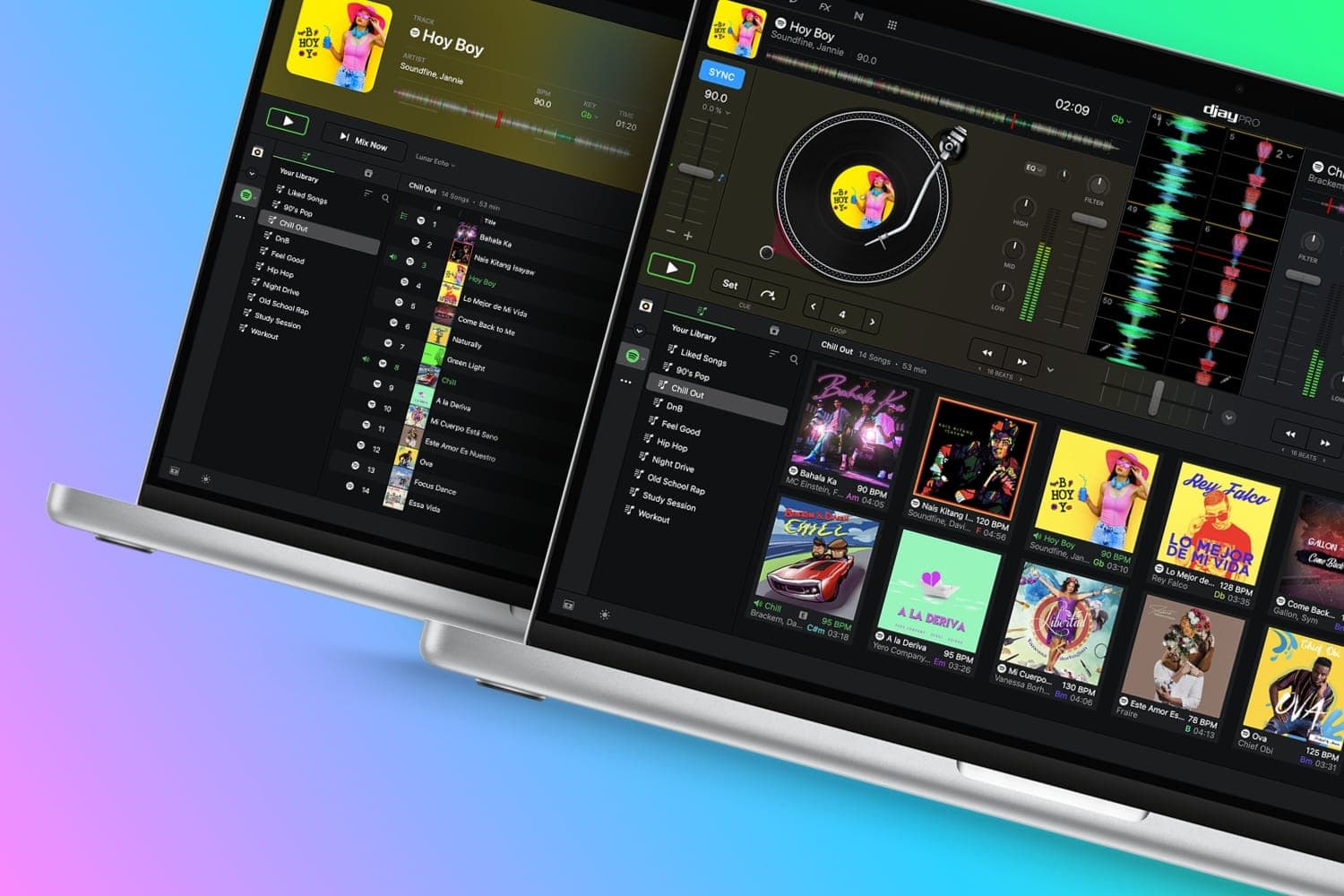
Algoriddim djay Pro AI
Honestly, while I still think Serato and rekordbox are stellar options (especially their paid options) I can’t help but...
2. Cross DJ
Best for Android
| Spec | Detail |
|---|---|
| Platform | iOS, Android |
| Features | Beat sync, crossfade, effects, loops, sampler |
| Interface | Dual-deck with waveforms |
| Audio | Multiple format support |
| Pricing | Free + paid version |
Cross DJ offers the most comprehensive Android DJ experience. Beat sync, crossfade, and loop controls work smoothly. The sampler lets you trigger sound effects during mixes. Audio format support is broad — the app handles MP3, AAC, FLAC, and WAV files from your local library.
The simulated turntable and waveform display make track navigation intuitive. The user interface is clean and well-organised, with controls sized appropriately for touchscreen use. DJ-specific tools like BPM detection and beat matching are built in.
The free version is feature-complete enough for casual mixing. The paid version removes ads and unlocks additional effects and features. For Android users who want a reliable, full-featured DJ app, Cross DJ is the strongest option.
3. Virtual DJ App
Best for Beginners
| Spec | Detail |
|---|---|
| Platform | iOS, Android |
| Features | Beat sync, effects, crossfade, recording |
| Music | Local library |
| Sharing | Record and share mixes via social media |
| Pricing | Free |
The Virtual DJ mobile app brings the familiar VirtualDJ interface to your phone. The dual-deck layout with virtual jog wheels is immediately recognisable to anyone who's used the desktop version. Beat sync, effects, and crossfade controls are straightforward and beginner-friendly.
The ability to record mixes directly in-app and share them to social media makes it easy to save and share your practice sessions. The interface is intuitive enough for complete beginners while offering enough depth for intermediate DJs.
Works with your local music library rather than streaming services. The free pricing makes it a zero-risk way to try DJ mixing on your phone. Available on both iOS and Android, though the iOS version tends to be slightly more polished.
Other DJ Apps Worth Considering
WeDJ by Pioneer DJ — Pioneer's own DJ app, designed to work seamlessly with Pioneer DJ controllers (DDJ-200, DDJ-WeGO). Clean interface with audio waveform display. Manual and automatic mixing modes. Sampler feature for adding original elements. Available on iOS and Android.
DJ Mixer Studio — A professional-grade mixing app with tempo/pitch adjustment and studio-quality crossfades. Large music track collection built into the app. User-friendly interface suitable for beginners and experienced DJs. Available on iOS and Android.
YouDJ Mixer — Works on smartphones, tablets, and desktop. Virtual turntable for scratching. Record and publish mixes to social media. Echo, reverb, and filter effects. A good all-round option available across all platforms.
FAQs
Can you DJ from a phone?
Yes. Modern DJ apps turn your smartphone into a capable mixing tool with two virtual decks, effects, loops, beat sync, and access to streaming music libraries. While phone apps don't replace a full DJ controller and laptop setup for professional gigs, they're excellent for practice, casual mixing, and developing your skills anywhere.
What is the best free DJ app?
djay by Algoriddim offers the best free tier — two decks, basic effects, and streaming music integration with limited features. Cross DJ Free also provides a solid free experience with beat sync, crossfade, and audio effects. Most free apps include ads or feature limitations that are removed with a paid upgrade.
Can DJ apps work with a DJ controller?
Yes. djay Pro supports a range of DJ controllers via Bluetooth or USB (with an adapter). The Pioneer DJ DDJ-200 is specifically designed to pair with smartphone DJ apps via Bluetooth. WeDJ by Pioneer DJ also supports controller input. Most other phone apps are touchscreen-only.
Do DJ apps work with Spotify?
Some DJ apps integrate with streaming services. djay supports Apple Music, Spotify, Tidal, and SoundCloud. Not all apps support all services — check compatibility before choosing. Streaming integration lets you access millions of tracks without downloading files, though you need a stable internet connection for reliable playback.
Are phone DJ apps good enough for live performances?
For casual events, house parties, and small gatherings, yes. djay Pro AI on an iPad is capable enough for professional use. For paid gigs at venues and clubs, a laptop with full DJ software and a controller is the standard. Phone apps are best used for practice, preparation, and casual mixing rather than critical professional performances.
Verdict
djay by Algoriddim is the best DJ app for any platform. AI-powered features, streaming music integration, controller support, and a polished interface put it ahead of every competitor. Start with the free tier and upgrade to Pro when you want Neural Mix and advanced effects.
For Android-first users, Cross DJ delivers the most complete experience with broad audio format support and a full-featured free version. For absolute beginners, the Virtual DJ app offers a familiar, free, no-frills introduction to mixing.
Use phone apps for practice and idea development. When you're ready to perform, pair the app with a Bluetooth controller for a genuine mixing experience — then graduate to a full laptop setup as your skills grow.