To scratch, you move a short sound back and forth with one hand on a record or jog wheel while the other hand opens and closes the crossfader. Turn on Vinyl mode, set the crossfader curve to its sharpest cut, learn the baby scratch with the record hand alone, then add the fader for the forward scratch, the chirp and the transform.
What you need
Two decks and a mixer, in any of these forms:
- Turntables and a scratch mixer, with Serato DJ Pro or rekordbox and control vinyl, or with real records. The DVS guide explains the digital vinyl setup.
- A controller with motorised platters, such as the Rane One MKII or the DDJ-REV7, which spin under your hand like a turntable.
- A controller with jog wheels. Phil Morse of Digital DJ Tips puts it plainly in 5 things you're doing wrong: "if it's got spinny things, you can scratch on it." The jog wheels guide explains how press-sensing, touch-sensing and motorised wheels differ.
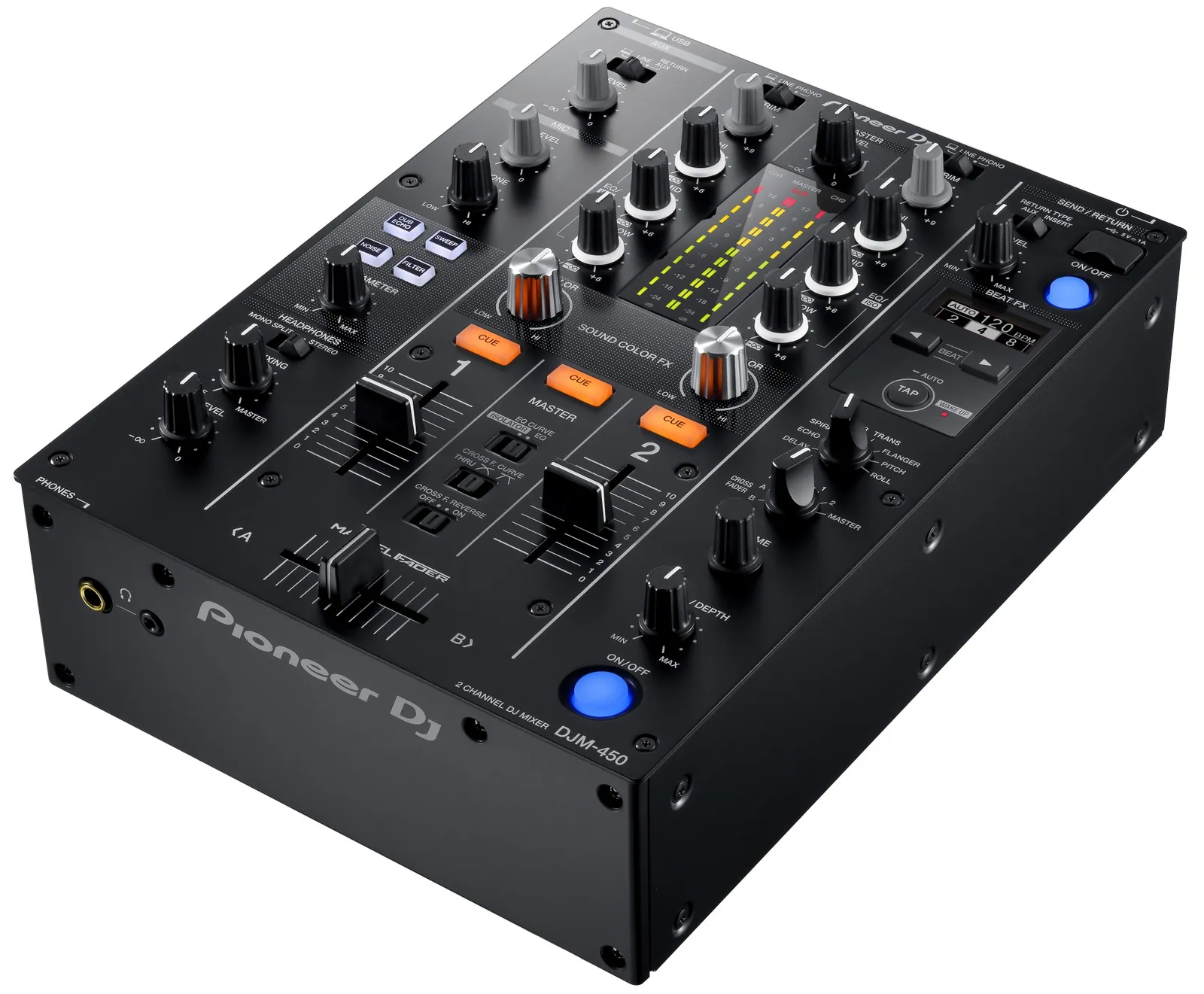
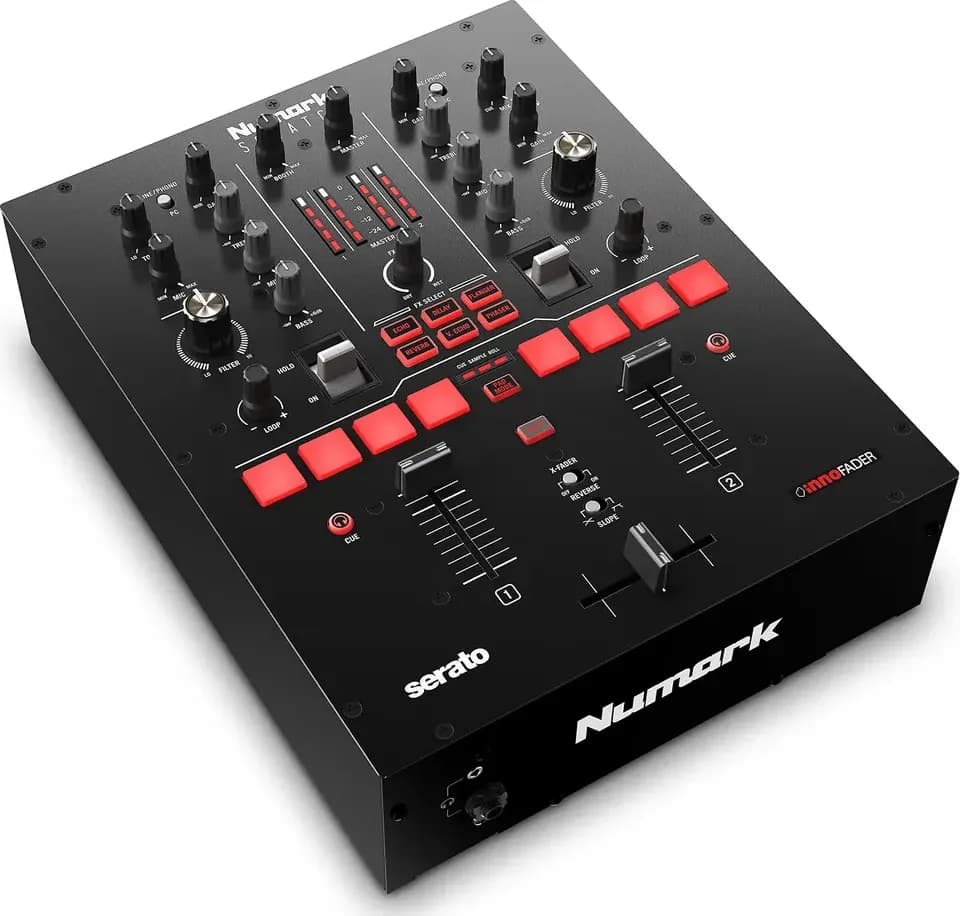
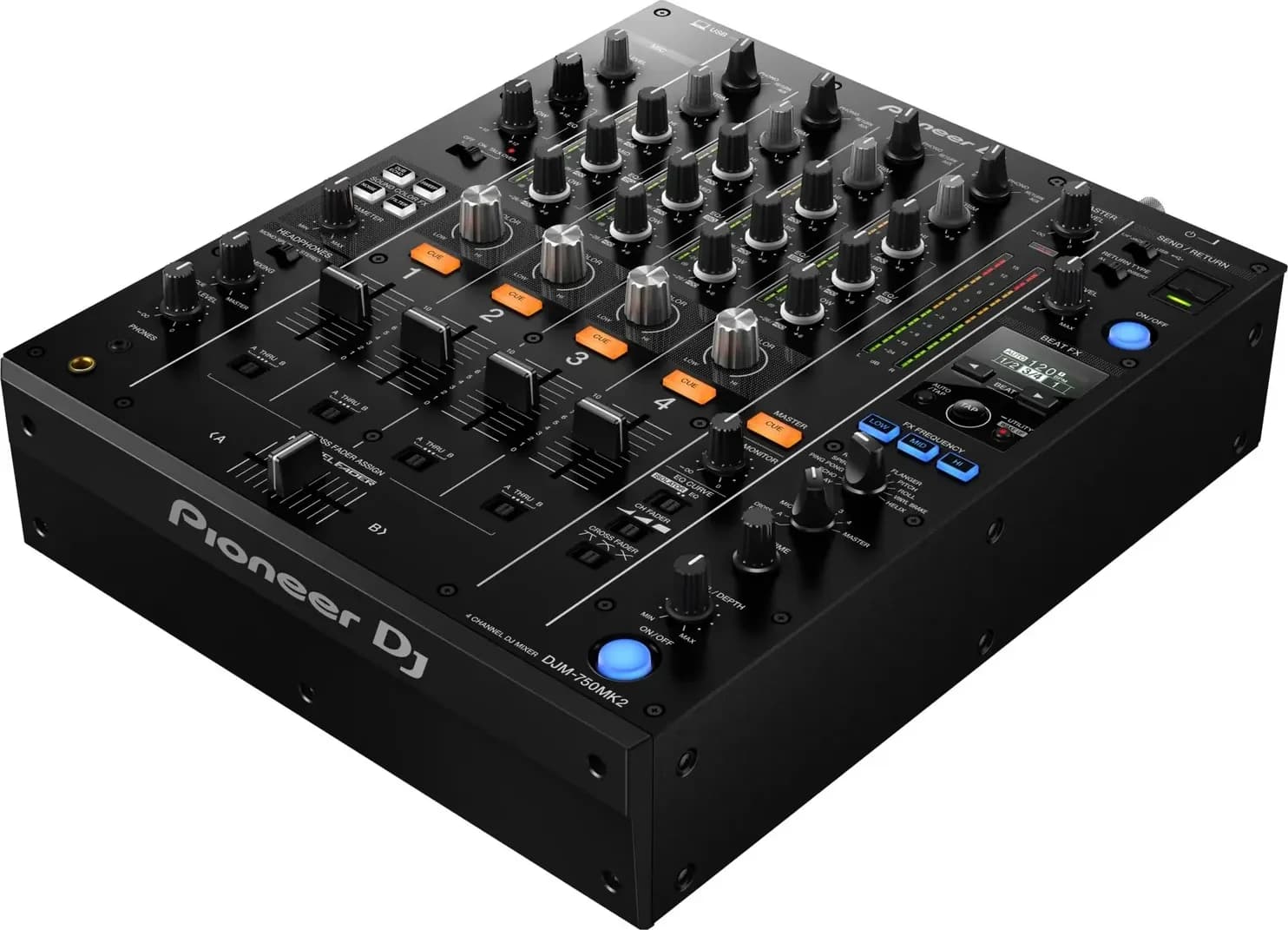
A scratch mixer such as the DJM-S11, Rane Seventy or Numark Scratch adds crossfader controls for curve, cut-in and weight. The DJM-S7 vs DJM-S11 comparison compares two of them.
Set up before you start
- Turn on Vinyl mode. Without it, touching the top of the jog wheel bends the pitch instead of moving the track. The button differs by hardware: JOG MODE on the CDJ-3000, SHIFT and SLIP on the DDJ-FLX10, SHIFT and OUT on the DDJ-FLX4 with Serato DJ Lite. The jog wheels guide lists them.
- Set the crossfader curve to its sharpest cut. In Serato DJ, Setup > Mixer > Crossfader, choose Linear and turn the dial right; Serato calls Linear set fast "most useful for scratching or turntablism". In rekordbox it's CROSSFADER Curve under Preferences > Controller > Mixer. On the DJM-S11, turn the CURVE knob to the steep end; on the Rane Seventy, turn the Crossfader Contour knob right, which Rane's user guide marks as the setting for scratching.
- Shorten the cut-in. Cut lag, or cut-in, is the gap at each end of the crossfader where no sound comes through. A short gap means a small movement opens the channel. The DDJ-FLX4 sets it from 0.3 mm upwards in its Utilities mode, the DJM-S11 under CROSSFADER CUT LAG in its Utility settings, and the Seventy under Cut-In Adjust. The crossfader explainer gives each range.
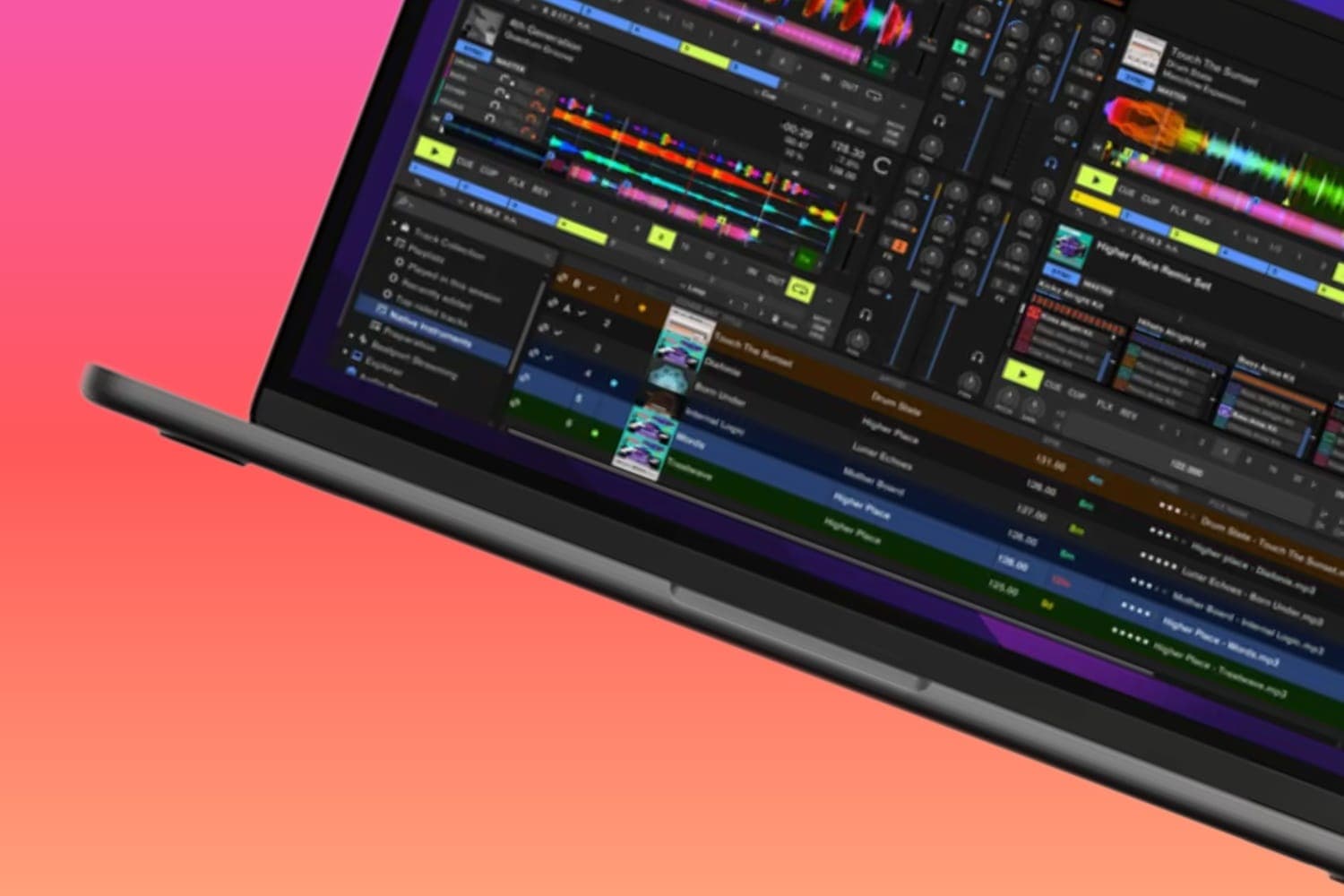
- Cut the latency on a laptop setup. In Serato DJ Lite's Setup screen, a lower USB Buffer Size gives a tighter response for quicker scratching but loads the computer more and can cause dropouts; Serato suggests starting at 5 ms. VirtualDJ's guide How to scratch with DJ software gives the same advice: turn on low-latency audio if your computer can handle it and close background apps.
- On turntables, set up the arm for scratching. Technics' SL-1200MK7 manual says to use a DJ cartridge and stylus when scratching, and to adjust the anti-skating control and the arm height to the scratch movements you make, to reduce skating. The SL-1200MK7 also has four torque levels, set with switches on the unit.
Some DJs reverse the crossfader, so the left end plays the right channel. The DJM-S11 and Rane Seventy have a switch for it, and Serato DJ has a Reverse option under Setup > Mixer.
Choose a sound and cue it
Start with a short, sharp sound. VirtualDJ suggests "ahh", "fresh", horn stabs, vocal hits and snares, because "a sharp sample tells you immediately whether your motion is clean or sloppy", while long melodic phrases hide timing errors. Morse recommends the established classic scratch sounds over sounds you pick yourself.
Set a cue point exactly at the start of the sound, so every scratch begins from the same place. Play a simple beat on the other deck to scratch over.
Serato DJ Pro's Scratch Banks pad mode makes switching sounds quicker: you assign scratch samples to pads, and pressing a pad loads that sound onto the deck, per Serato's help page. On the DJM-S11, Rane One and DDJ-REV7 you open it by holding SHIFT and pressing the SAMPLER pad mode button; on the Rane Seventy, press SAMPLER twice. The left pads load Deck 1 and the right pads Deck 2.
The baby scratch
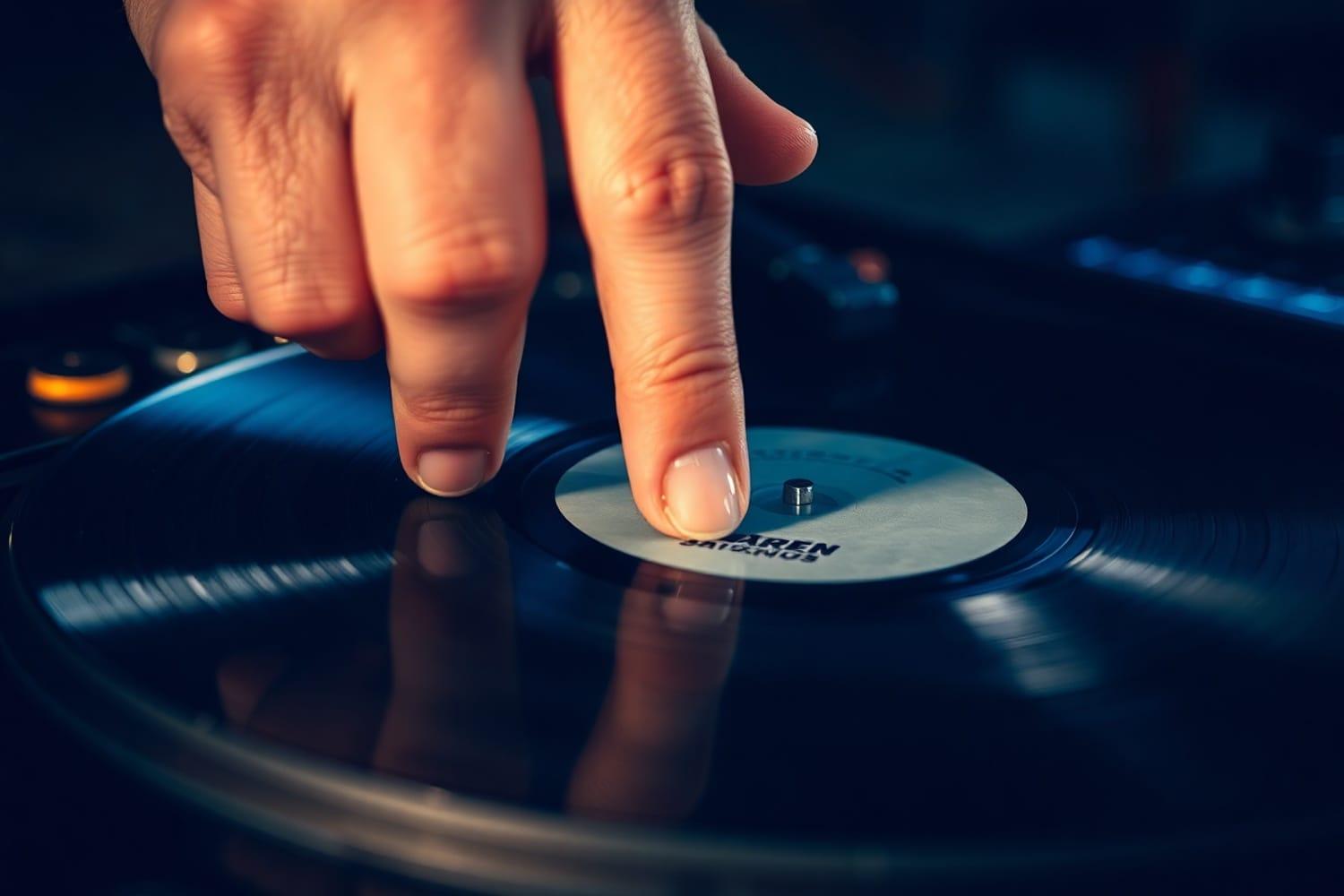
The baby scratch uses the record hand only, with the crossfader left open.
- Put your hand on the record or the top of the jog wheel, on the cue point.
- Push the sound forward, then pull it back over the same stretch, in time with the beat.
- Keep both directions equally smooth, with no sudden speeding up.
- Keep the movements short, so you don't lose the start of the sound. "Small motions teach better control," VirtualDJ's guide says.
- Do one push and pull per beat (quarter notes), then two per beat (eighth notes).
The record hand sets the pitch of the sound, and how hard you push changes its tone, as DJ Raydin notes in DJ Courses Online's introduction to scratching.
Add the crossfader
Practise each hand on its own first. Morse's advice is to train the record hand and the fader hand separately at slow speed and put them together once each is solid. Set the crossfader to the side of the beat deck, so a small movement towards the other side opens the scratch.
- Forward scratch. Start with the fader closed and the record on the cue point. Open the fader and push the sound forward, then close the fader and pull the record back in silence. Only the forward stroke is heard.
- Backward scratch. The reverse: keep the fader closed as you push forward, and open it as you pull back, so only the backward stroke is heard.
- Chirp. Push the sound forward with the fader open and close it near the end of the push. On the pull back, open and close it again, so the backward sound becomes part of the rhythm. VirtualDJ's guide describes the result as "a crisp, cutting phrase from a simple hand pattern."
- Transform. Move the sound in one direction while tapping the fader open and shut quickly, so the sound is chopped into rhythmic pieces. It builds independence between your hands, but can sound mechanical if overused, VirtualDJ notes.
The forward and backward scratches follow DJ Courses Online's lesson; the chirp and transform follow VirtualDJ's guide.
How to practise
- One thing at a time. VirtualDJ suggests one sound, one tempo and one pattern for 10 to 15 minutes, then recording it and listening back. If the forward stroke is louder than the pull back, or the fader clicks come late, slow down.
- Speed comes last. "A pattern that falls apart at 70 BPM won't become clean at 100 BPM," VirtualDJ's guide says. DJ Courses Online also says to start slow and build speed as your hands get coordinated.
- Use a metronome or one track. Keep the tempo the same each session, and match the strokes to the beat.
- Stay relaxed. Tense shoulders and stiff wrists make scratches sound stiff, VirtualDJ says, and short, focused sessions work better than long ones.
- Aim for early wins. Morse's advice is to get the basic scratches right before trying to copy advanced routines you've seen.
Once these are clean, VirtualDJ's guide moves on to the one-click flare, and Crossfader's beginner guide to the crab scratch, where the fingers tap the fader open one at a time against the thumb. In a mix, VirtualDJ suggests scratching over an intro, cutting a vocal into a drop or adding a short phrase before a transition; the transitions guide covers the mixes around them.
How this page is made
The settings come from the makers' manuals and help pages: Serato's manual, Setup and Scratch Banks pages, Rane's Seventy user guide, Technics' SL-1200MK7 owner's manual and the Pioneer DJ manuals cited in our crossfader and jog wheels guides. The technique comes from published guides: VirtualDJ's How to scratch with DJ software (June 2026), DJ Courses Online's introduction to scratching by DJ Raydin (May 2016) and Digital DJ Tips' 5 things you're doing wrong by Phil Morse (August 2022), plus the crab scratch from Crossfader's controller scratching guide (May 2024). All were read on 13 October 2026. We haven't tested the gear named here. The methodology explains how the site works.