To beatmatch, start the next track on a downbeat in your headphones, move its tempo fader until its beats stop drifting against the track that's playing, and nudge the jog wheel or platter to pull the kicks back together. Sync can do the same from the BPM and beat grid, but only for analysed tracks with a correct grid, so matching by ear covers vinyl and the tracks Sync gets wrong.
Before you start
- Two decks, a mixer and headphones. Each mixer channel needs a headphone CUE button, so you can hear the next track before anyone else does.
- Tracks that are easy to hear. Native Instruments' beatmatching guide suggests percussion-heavy tracks whose intros and outros are mostly drums, because a drum rhythm is easier to match than a dense arrangement. For practice, pick two tracks within about five BPM of each other, as Native Instruments' transitions guide suggests for blends.
- Count in fours. Most dance music has four beats to a bar, and the first beat of a bar is the downbeat. Mixcloud's guide to beatmatching puts it simply: "If you can count to four, you can start beatmatching." The transitions guide explains bars and phrases.
Set the tempo range
The tempo fader's range decides how fine each movement is. A narrow range gives smaller steps, which makes the last adjustment easier.
| Hardware | Ranges (%) | Step at ±6 / ±10 / ±16 / WIDE (%) | How to change it |
|---|---|---|---|
| CDJ-3000 | ±6, ±10, ±16, WIDE (±100) | 0.02 / 0.05 / 0.05 / 0.5 | TEMPO ±6/±10/±16/WIDE button |
| rekordbox decks on screen | ±6, ±10, ±16, WIDE | 0.02 / 0.04 / 0.04 / 0.5 | Click Tempo Range on the platter |
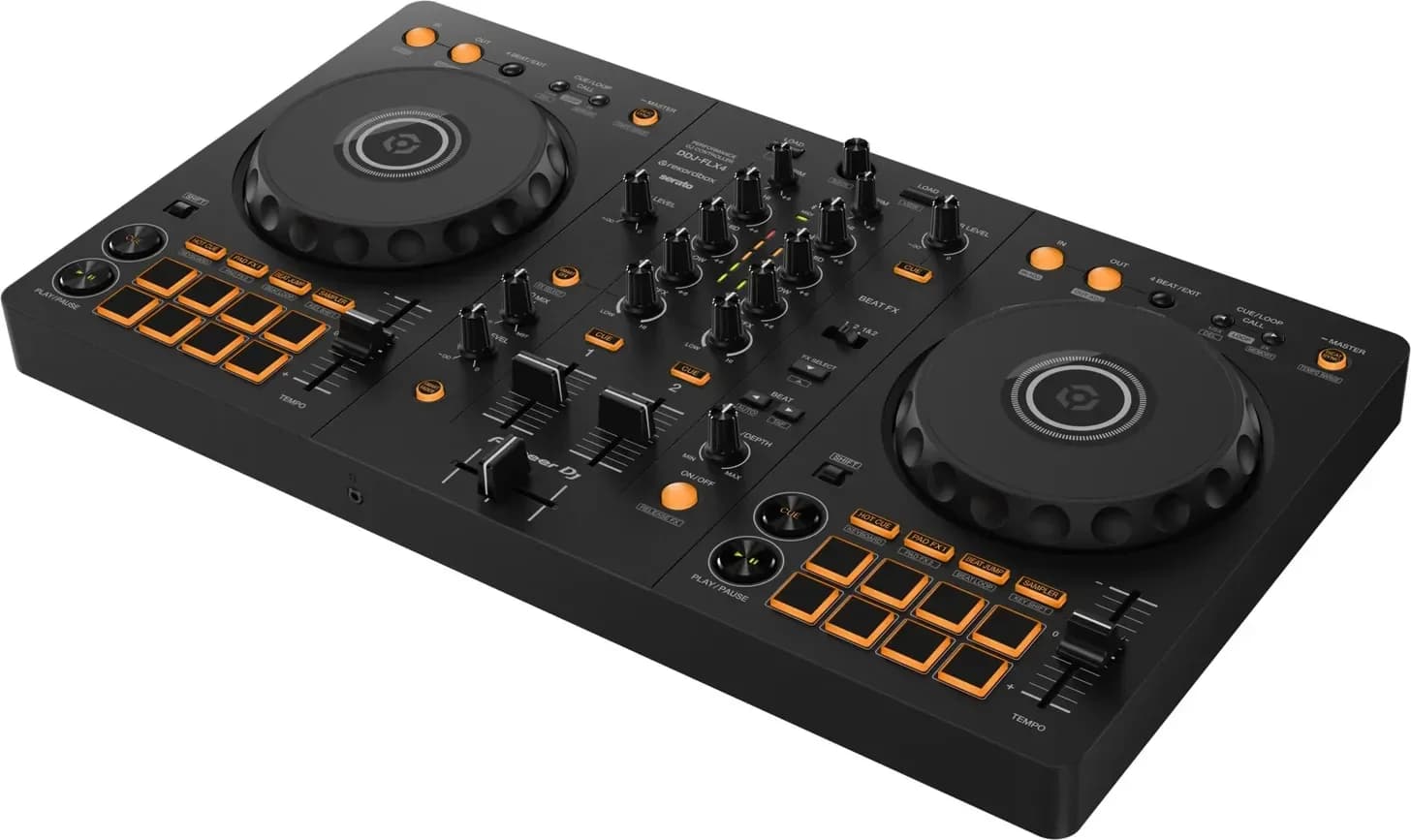
| DDJ-FLX4 | ±6, ±10, ±16, WIDE with rekordbox; ±8, ±16, ±50 with Serato DJ | Not given in the manual | Hold SHIFT and press BEAT SYNC |
| Technics SL-1200MK7 | ±8 or ±16 | Not given in the manual | Pitch range select button; the ×2 light means ±16 |
Sources: the CDJ-3000 manual, the rekordbox 7 manual, the DDJ-FLX4 manual and Technics' SL-1200MK7 owner's manual.
Changing the tempo also changes the key unless Master Tempo is on (the MASTER TEMPO button on the CDJ-3000, MT on the rekordbox platter); rekordbox notes the sound quality may change, because the audio is reprocessed.
Set up your headphones
- Press the headphone CUE button on the channel of the next track, and keep that channel's fader down, so it plays only in your headphones.
- Use the mix control to balance the next track against the master. On the DDJ-FLX4, the HEADPHONES MIX knob sets the balance between the cued channels and the master, per its manual; Serato DJ calls it Cue Mix.
- If you'd rather hear one in each ear, Split Cue puts the cued track in the left ear and the master in the right, on hardware that supports it in Serato DJ and with the Split Cue switch on the Rane Seventy.
Native Instruments suggests listening to one deck at a time in your headphones at first, and cueing both decks once it gets easier.
Beatmatch step by step
- Play the first track out loud with its channel fader up.
- Find the next track's first downbeat in your headphones and set a cue point there. The first beat you hear isn't always the start of a bar, Mixcloud's guide warns.
- Start it on the downbeat. When the playing track reaches a downbeat, press play on the next one, or let go of the jog wheel or platter you're holding at the cue point.
- Work out which track is faster. If the next track's kick drifts ahead of the playing one, it's faster: bring its tempo fader down. If it falls behind, push the fader up. Read the BPM displays if you have them to get close first.
- Ride the tempo fader. Mixcloud's guide suggests starting with bigger changes and moving to smaller ones as the drift slows.
- Nudge it back into line. When the tempo is close but the kicks are apart, turn the jog wheel's outer edge forward for a moment to catch up, or back to drop behind; it returns to normal speed when you let go. On a turntable, push the platter or spindle gently to speed it up, or lightly touch the platter's edge to slow it down. The jog wheels guide covers the nudge in detail.
- Check it holds. If the kicks drift the same way again after a nudge, the tempo is still slightly off: move the fader a fraction rather than nudging over and over. If the tracks fall apart completely, go back to the cue point and start again, Native Instruments says.
- Bring it in. At the start of a phrase, raise the channel fader; Native Instruments' blend starts the next track 16 or 32 bars before the first track's outro. The crossfader vs channel fader explainer covers which fader to use.
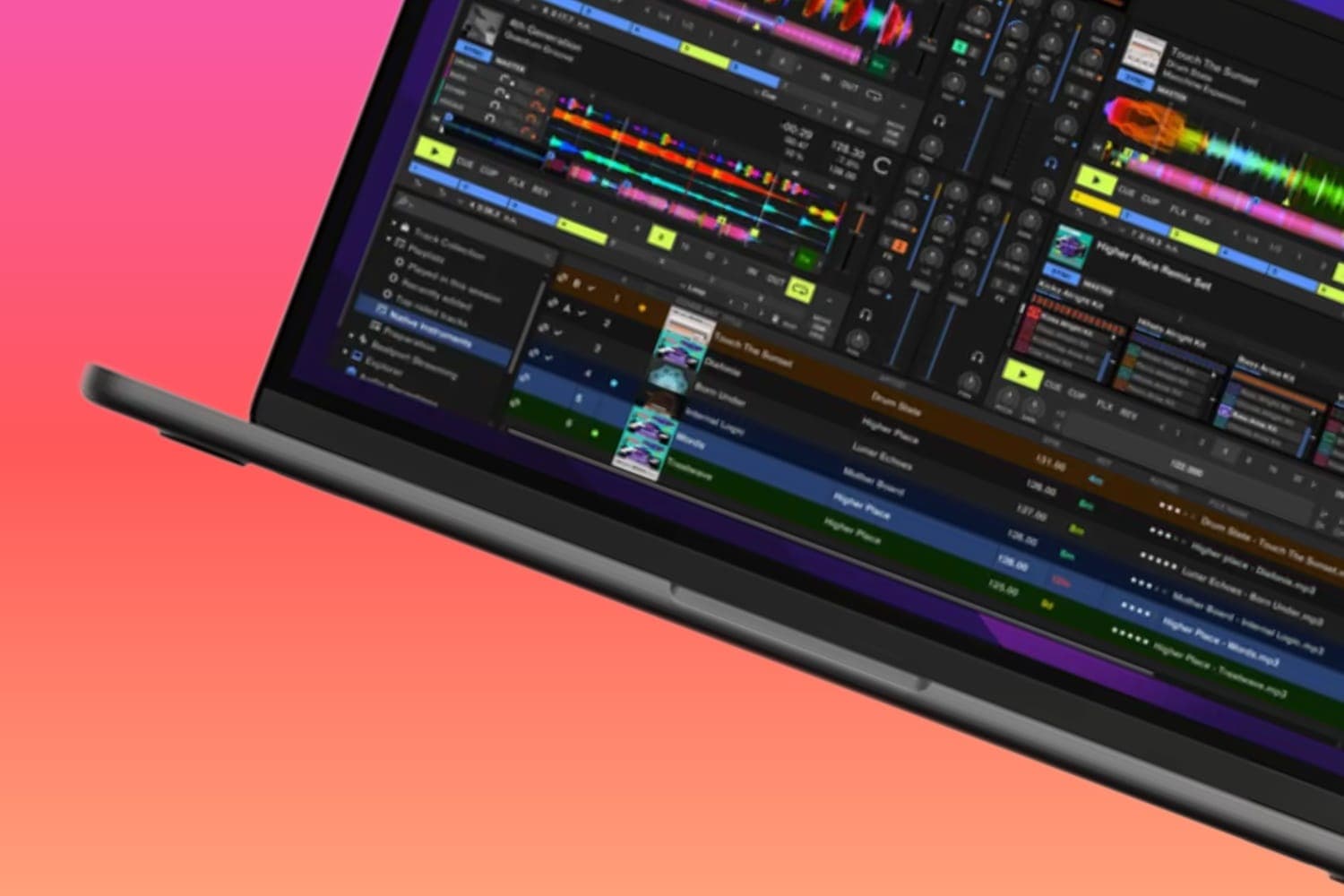
On a screen, the waveforms and the BPM show whether you're close. In rekordbox, the beat grid is drawn as white lines on the enlarged waveform with a red line every four beats, and the CDJ-3000 can switch its waveform display to a phase meter. They only show what the grid says, so trust what you hear when the two disagree.
Beatmatching on turntables
Records have no BPM display or waveform, so the whole job is done by ear. On the SL-1200MK7, per Technics' owner's manual:
- Slide PITCH ADJ to change the speed, within ±8 or ±16 depending on the pitch range button.
- Press RESET to play at exactly 33⅓, 45 or 78 rpm whatever the fader says, and press it again to bring the fader back into use.
- Read the pitch you've set from the four rows of strobe mirrors around the platter's edge, lit by the strobe light.
Nudge by pushing the platter, the record's edge or the spindle, as above. Mixcloud's guide notes that the pitch fader has typically been ±8, and that changing the pitch changes the key as well as the tempo; holding the key is something DJ software can do. The 33 vs 45 explainer covers record speeds, the best DJ turntables covers the decks, and the DVS guide covers playing digital files from turntables.
When Sync does it for you
Sync matches the tempo and beat positions automatically, from the beat grid made when a track is analysed.
- rekordbox: click MASTER on the deck to follow, then BEAT SYNC on the other. The track must be analysed first; ×2 and ×1/2 sync to double or half the master's BPM.
- CDJ-3000: press MASTER on one player and BEAT SYNC on the other. Beat Sync can't be used with tracks that haven't been analysed by rekordbox, the tempo fader doesn't work while it's on, and a pitch bend on the following player turns Beat Sync off, leaving only the BPM matched.
- DDJ-FLX4: press BEAT SYNC. With rekordbox, holding it for a second makes that deck the master; with Serato DJ, holding it cancels Beat Sync.
- Traktor Pro: set Preferences > Transport > Sync Mode to Tempo Sync, then press Sync on the incoming deck, per Native Instruments' beatmatching guide, which says the beatgrids have to be aligned correctly first.
A wrong grid puts synced tracks out of time, which is why learning by ear still matters. The sync button explainer covers when to use it, and what is a beatgrid covers fixing a grid.
How to practise
- Record your practice mixes and listen back. Mixcloud's guide points out that you only hear your mistakes when you record them.
- Start with drum-heavy intros, then move to tracks with more going on.
- Once the tempo is matched by ear, the next steps are the transitions and mixing in key. Headphones are compared in the best DJ headphones.
How this page is made
The controls and settings come from the makers' manuals: Pioneer DJ's CDJ-3000 and DDJ-FLX4 manuals, the rekordbox 7 manual, Technics' SL-1200MK7 owner's manual, Serato's manual and Rane's Seventy user guide. The technique comes from Native Instruments' beatmatching guide by Sara Simms (April 2024) and 5 basic DJ transitions (February 2024), and Mixcloud's guide to beatmatching by Dan Morse. All were read on 13 October 2026 and are linked where they are used. Menu names follow the current software and can change between versions. The methodology explains how the site works.