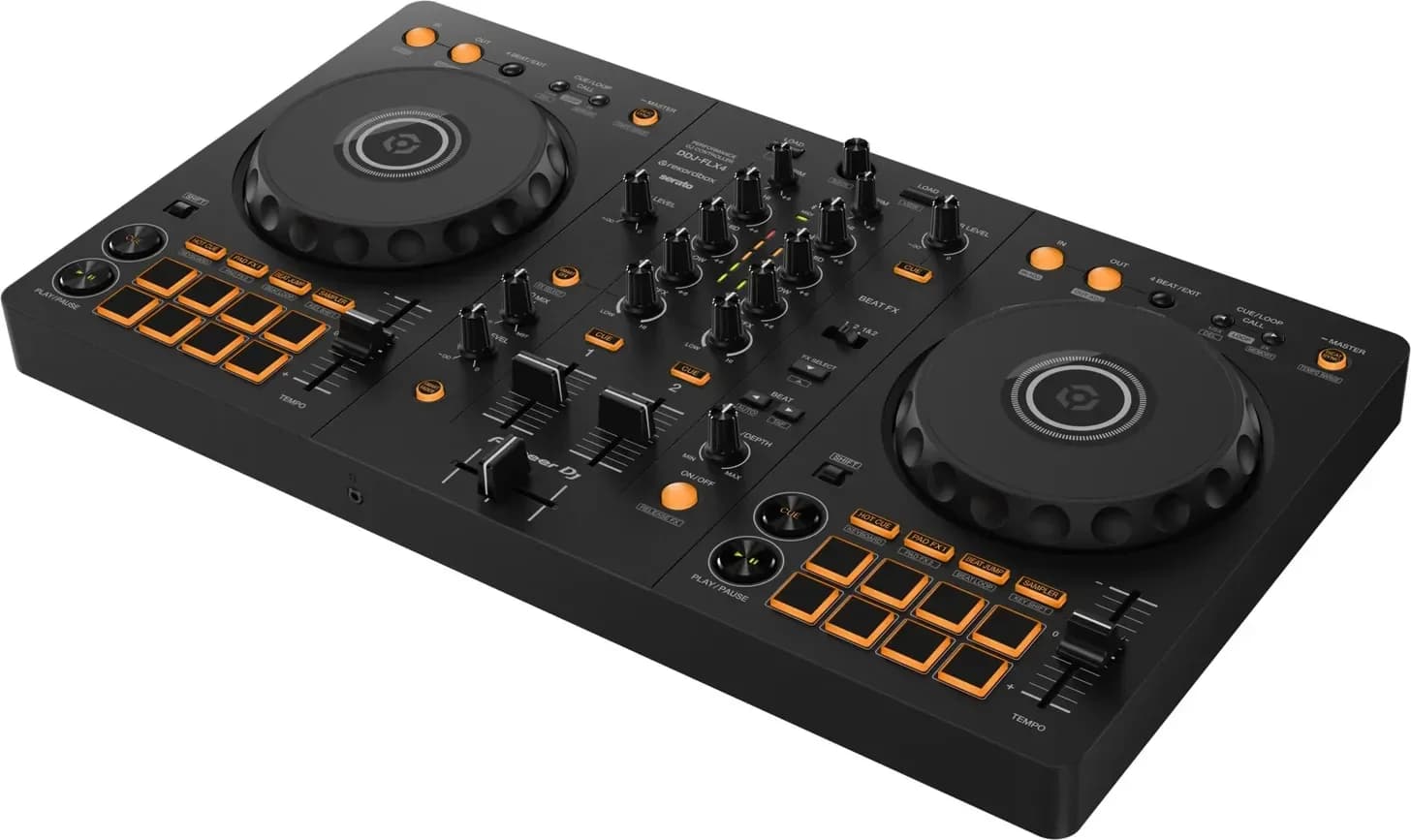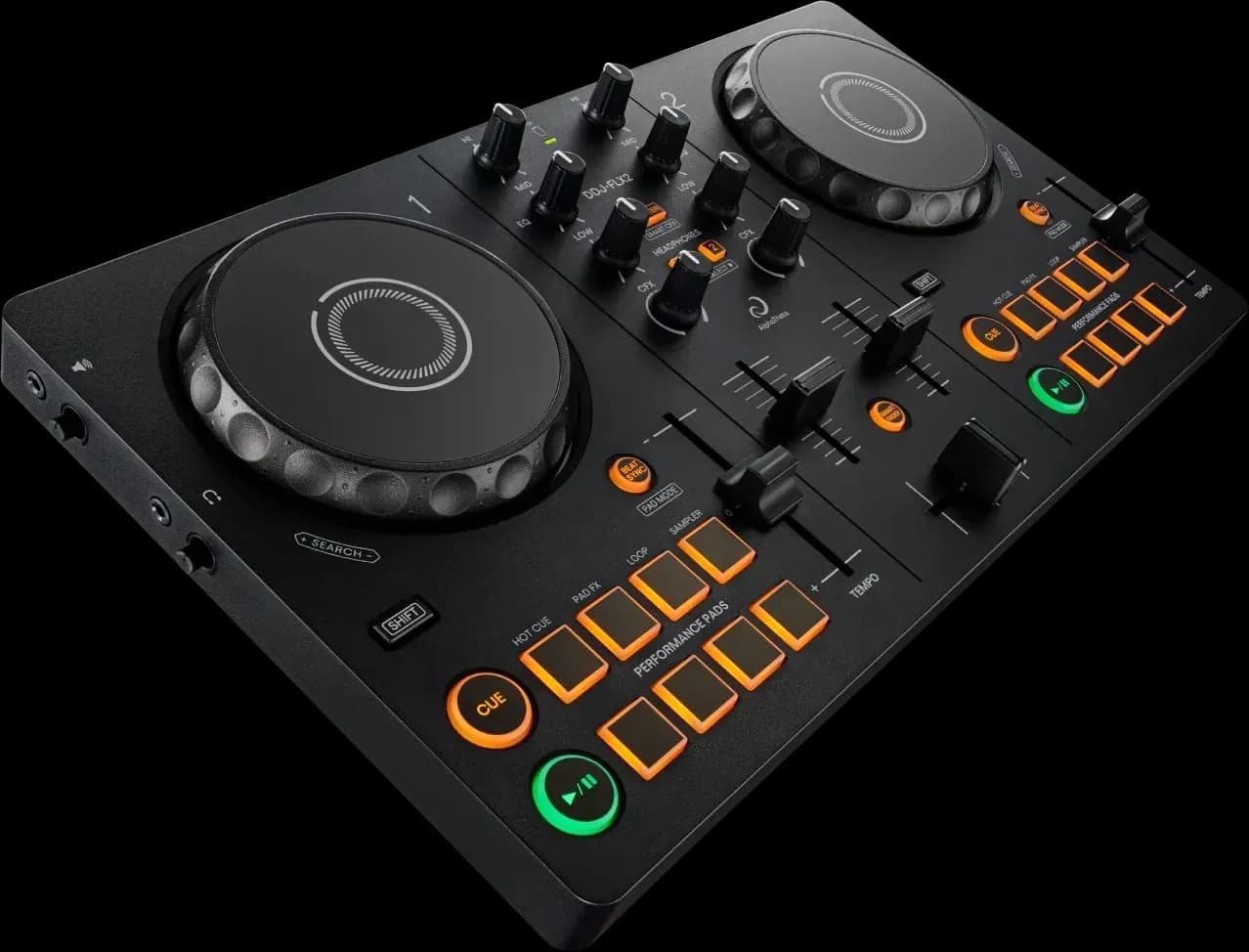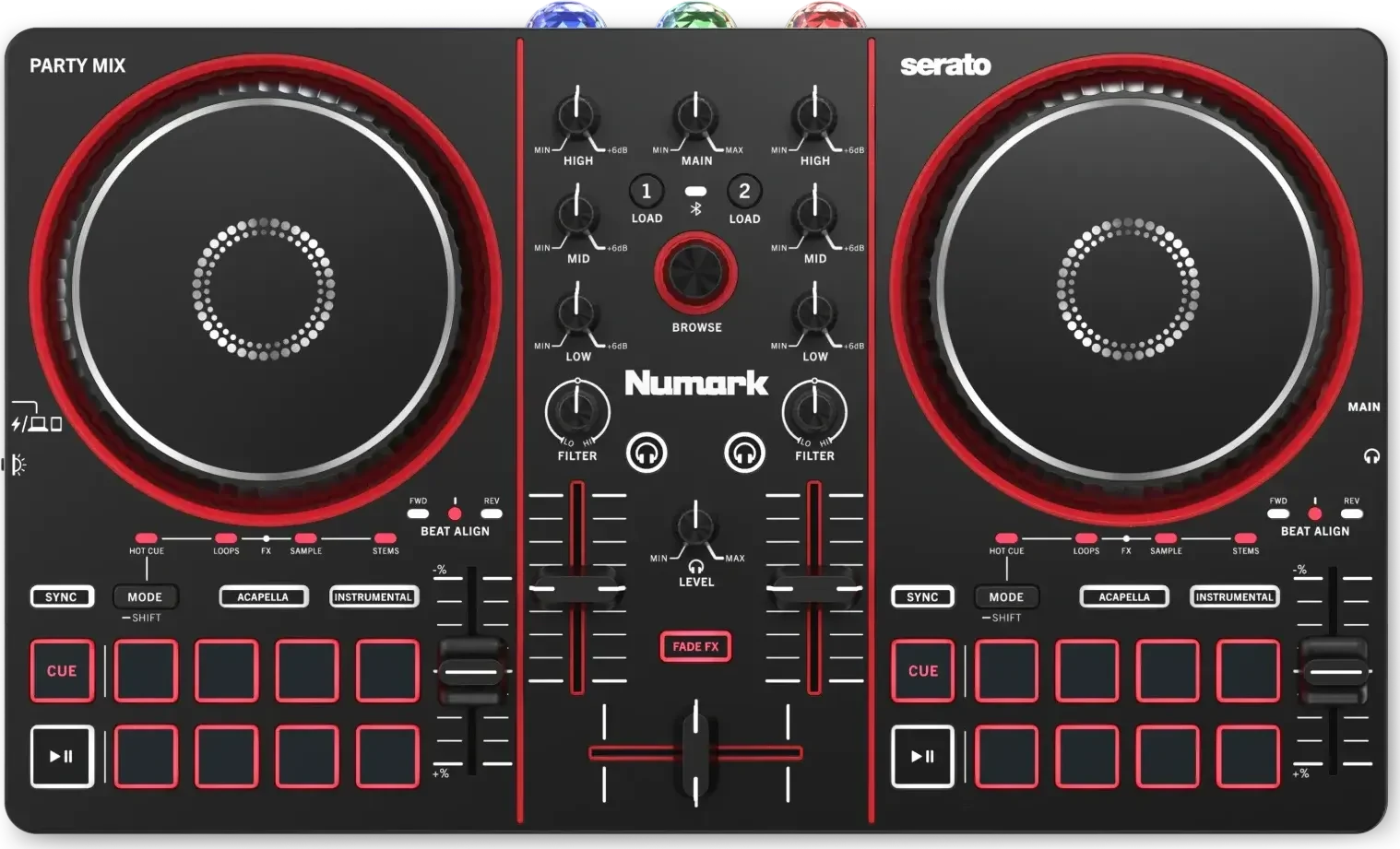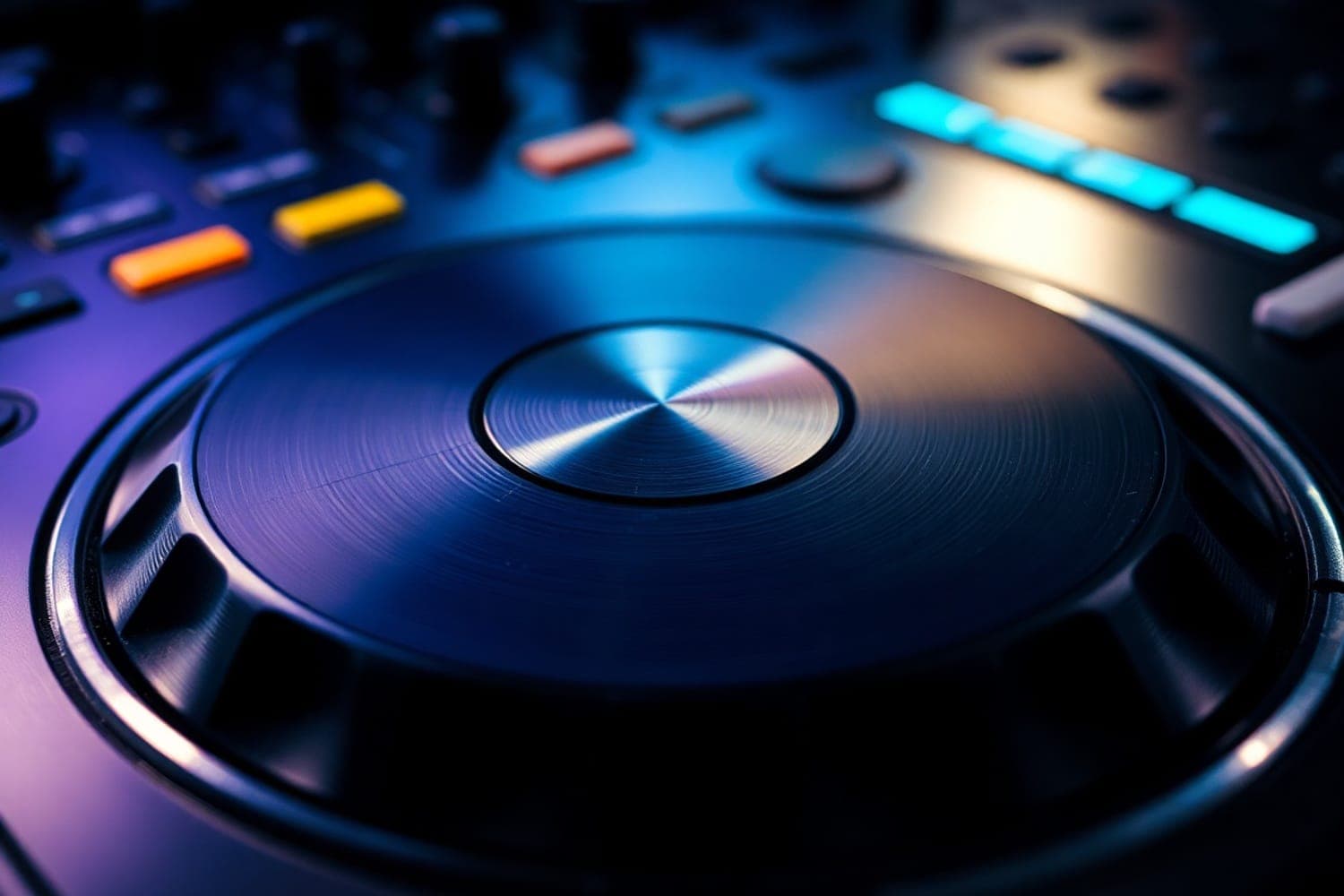
A jog wheel moves the track by hand: turning its outer edge, or its top with Vinyl mode off, nudges the track faster or slower to line up the beats, and touching and turning the top with Vinyl mode on scratches. Wheels differ in how they sense your hand and in whether a motor spins the platter like a turntable, as on the Rane One MKII and the DDJ-REV7.
What the jog wheel does
Each deck of a controller or player has one. What it does depends on where you touch it, whether Vinyl mode is on and whether the track is playing. On Pioneer DJ's CDJ-3000, per its manual:
| Action | How | What happens |
|---|---|---|
| Pitch bend | Turn the outer section during playback | Clockwise speeds the track up, anticlockwise slows it down; it returns to normal speed when you stop turning |
| Scratch | Turn the wheel while pressing the top, in Vinyl mode | The track moves with your hand; normal playback resumes when you let go |
| Frame search | Turn the wheel while paused | Moves the pause position, for finding a cue point |
| Super fast search | Turn the wheel while holding SEARCH | Fast-forwards or rewinds at extra speed |
Controllers work the same way. On the DDJ-FLX4, turning the top with Vinyl mode on scratches, and turning the outer section, or the top with Vinyl mode off, bends the pitch (FLX4 manual). With Serato DJ Lite, holding SHIFT while turning the top fast-forwards or rewinds when Vinyl mode is on.
Turn Vinyl mode on or off
Vinyl mode decides whether the top of the wheel scratches or nudges.
- CDJ-3000: press JOG MODE. In CDJ mode, the wheel never stops or scratches the track; pressing the top and turning bends the pitch instead.
- DDJ-FLX10: press SHIFT and SLIP. Vinyl mode is on by default (FLX10 manual).
- DDJ-FLX4 with Serato DJ Lite: press SHIFT and OUT. In rekordbox, the FLX4 manual says Vinyl mode is switched with rekordbox's keyboard shortcuts.
- Numark Mixtrack Platinum FX: press Scratch. With it off, the wheel bends the pitch (Mixtrack Platinum FX user guide).
Leave it off while learning to mix, so a resting hand on the platter doesn't stop the track, and turn it on to scratch.
How to nudge two tracks into time
The nudge is the jog wheel's main job in a mix. Once the tempos match, the beats still drift slightly apart, and the wheel pulls them back together.
- Match the tempo of the incoming track to the one playing, with the tempo fader or Sync.
- Start the incoming track on a downbeat and listen to both in your headphones.
- If the incoming kick lands after the playing one, turn the outer edge clockwise for a moment to speed it up. If it lands before, turn it anticlockwise.
- Let go. The track returns to its set speed straight away.
- If the beats keep drifting the same way, the tempo is slightly off: move the tempo fader a fraction rather than nudging again and again.
Use the outer edge for this. Turning the top in Vinyl mode moves the track with your hand, which is a scratch, not a nudge. The beatmatching guide covers the whole technique.
The three kinds of jog wheel
The difference that matters is how the wheel knows your hand is on it, and whether it spins.
Press-sensing tops
On the CDJ-3000, the top of the wheel responds to being pressed: "a press on the top" stops playback in Vinyl mode, and you scratch by "turning the jog wheel while pressing the top", per the manual. Its JOG ADJUST knob sets how heavy the wheel feels to turn, and a VINYL SPEED ADJUST setting in the player's UTILITY menu changes how quickly the track stops when you press the top and how quickly it gets back to speed when you let go. The CDJ-3000's wheel also has a display in the centre that shows the playback position, cue and loop points, and whether Vinyl and Slip modes are on.
Touch-sensing tops
Other wheels sense a touch rather than a press. Numark describes the Mixtrack Platinum FX's 6-inch wheels as capacitive and touch-sensitive: the wheel controls the audio only while it is touched and moved, and the outer ring isn't touch-sensitive, so grabbing it bends the pitch without stopping the track (Numark). Pioneer DJ's manual for the DDJ-FLX10 describes its wheel by the part you turn, the top or the outer section, and adds a JOG FEEL knob that sets the weight.
Motorised platters
A motorised wheel spins under the track like a turntable, carrying a slipmat and a control disc you can grab.
- Pioneer DJ DDJ-REV7: a servo direct-drive platter at 33⅓ or 45 rpm, chosen with the 33 and 45 buttons, with LOW and HI motor torque settings and a STOP TIME knob for how long it takes to stop (REV7 manual).
- Rane One MKII: motorised platters with 7.2-inch acrylic control discs and a LOW/HIGH torque switch on the back. Rane recommends the felt slipmat first, then one or two of the included washers under it if you need less friction; the higher the disc sits, the more backspin you get (Rane).
- Rane Twelve MKII: a full-size 12-inch control disc on a direct-drive platter, with 33 and 45 buttons, a torque switch Rane describes as the "modern" heavy feel at high and a lighter "classic" feel at low, and a motor dial that can stop the platter while the unit stays on, for wind-down effects (Twelve MKII user guide). Rane warns against holding the platter still for long while the motor is running.
A motorised deck behaves most like a turntable, which suits DJs who learned on vinyl or want to scratch. The DDJ-REV7 vs Rane One comparison puts the two controllers side by side, and the DVS guide covers using real turntables instead.
Settings that change how the wheel feels
- Slip mode. With Slip on, the track keeps playing in the background while you scratch, and picks up where it would have been when you let go. On the CDJ-3000 this is Slip Scratch; on the FLX10, press SLIP with Vinyl mode on.
- Stop and start speed in rekordbox. Preferences > Controller > Deck > Vinyl Speed Adjust sets how fast the track stops when you touch the top (Touch/Brake) and how fast it starts again when you let go (Release/Start), per the rekordbox 7 manual.
- Back Spin Length. On the FLX4 with rekordbox, Preferences > Controller > Deck > Back Spin Length makes a backspin short, normal or long compared with how far you spin the wheel.
- Latency in Serato. Serato DJ Lite's Setup screen has a USB Buffer Size setting: a lower setting gives a tighter response from the platter, for quicker scratching, but loads the computer more and can cause dropouts. Serato suggests starting at 5 ms.
Choosing hardware by its jog wheels
- To learn to mix, any wheel with a clear outer edge for nudging works. Controllers are compared in the best DJ controllers for beginners.
- To scratch, look for Vinyl mode, Slip mode and a way to set the wheel's feel, or a motorised platter like the Rane One MKII, DDJ-REV7 or Rane Twelve MKII. The scratching tutorial starts from there.
- If the venues you play have CDJs, learn the CDJ's wheel and its JOG MODE button. The CDJ explainer and CDJs vs turntables cover the players.
How this page is made
Every control and setting here comes from the makers' own manuals and help pages: Pioneer DJ and AlphaTheta for the CDJ-3000, DDJ-FLX4, DDJ-FLX10 and DDJ-REV7, the rekordbox 7 manual, Serato's help pages, Numark and Rane, read on 13 October 2026 and linked where they are used. Menu names follow the current software, and they can move between versions, so check your own hardware's manual. We haven't tested these controllers. The methodology explains how the site works.