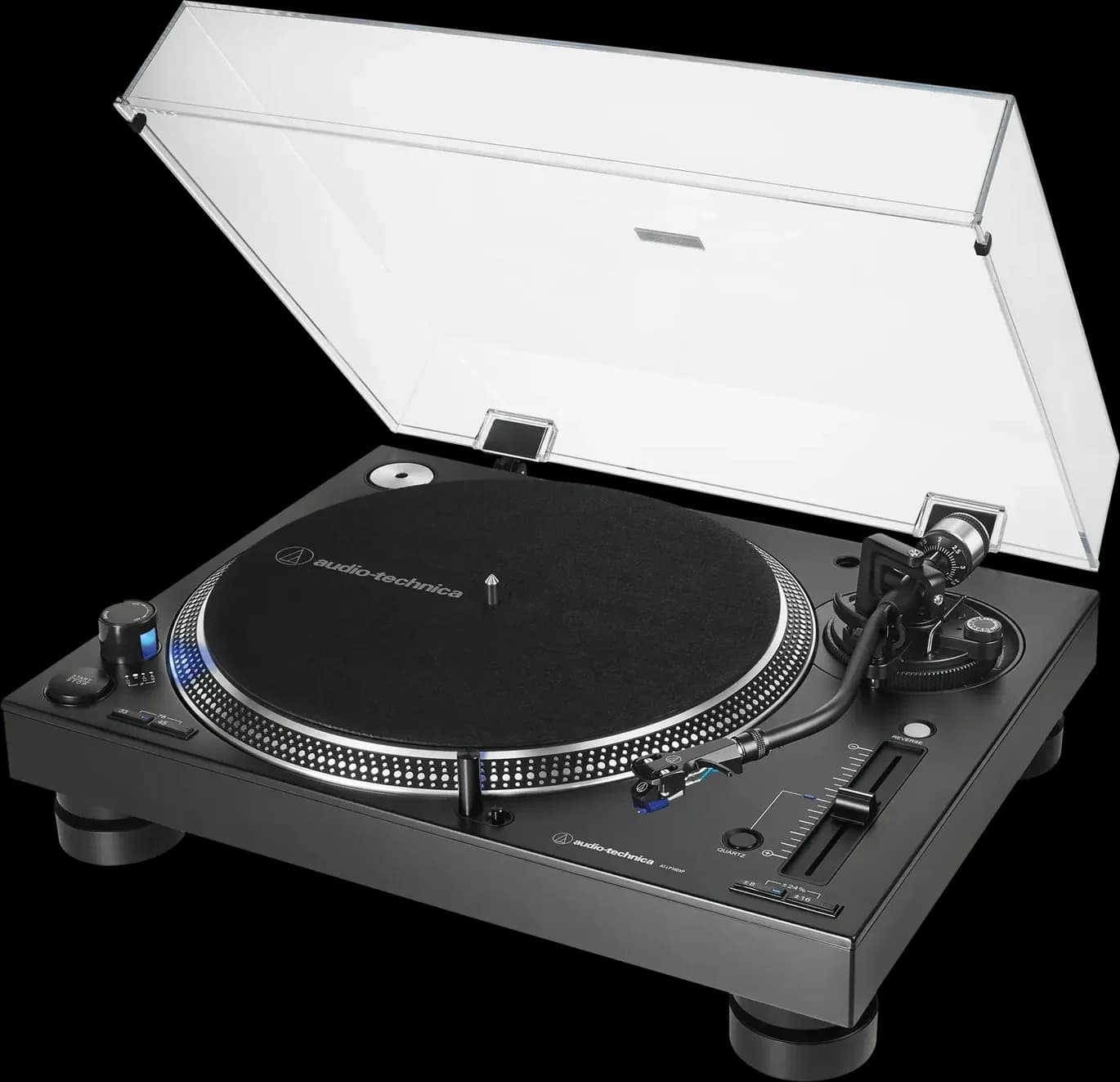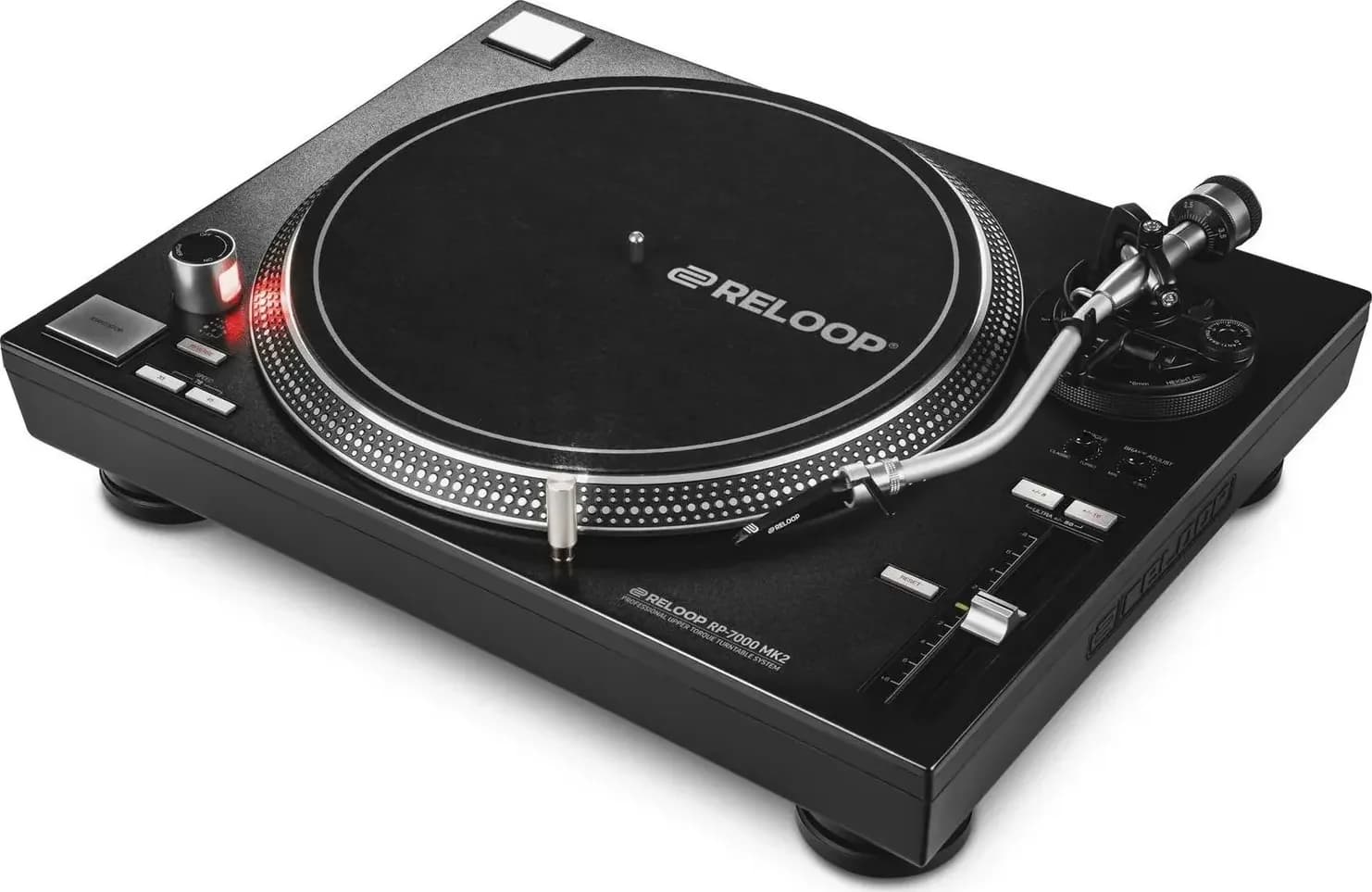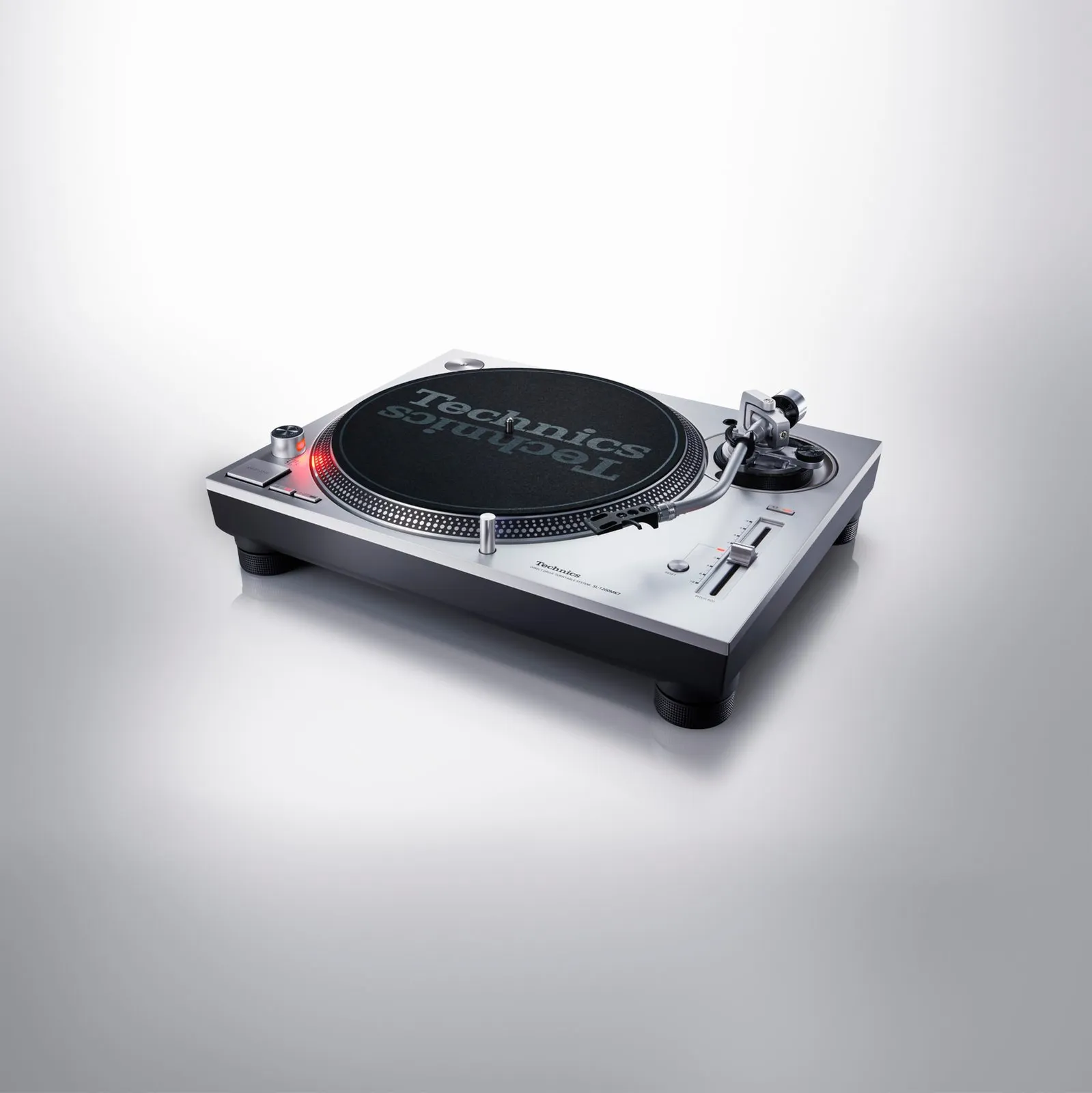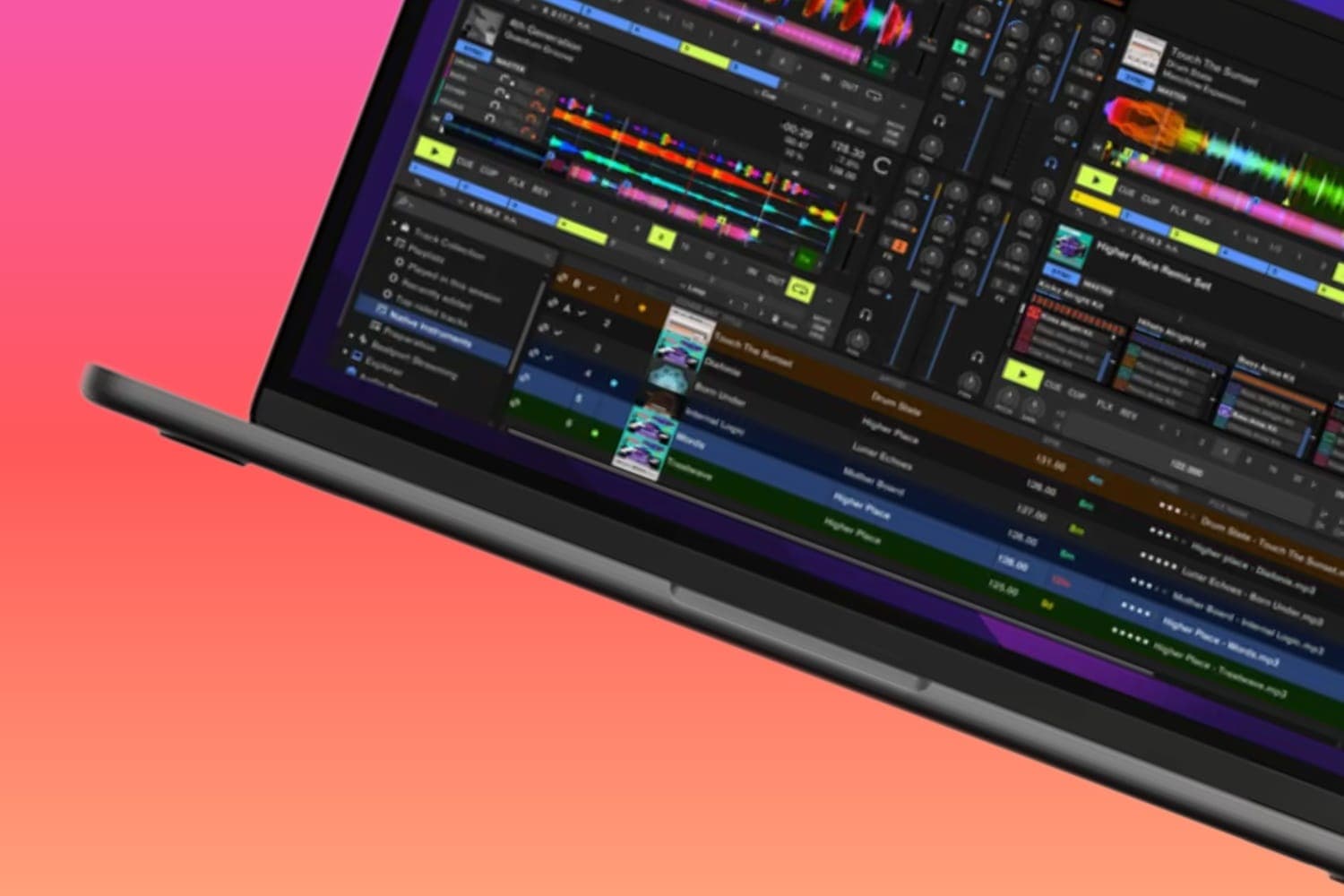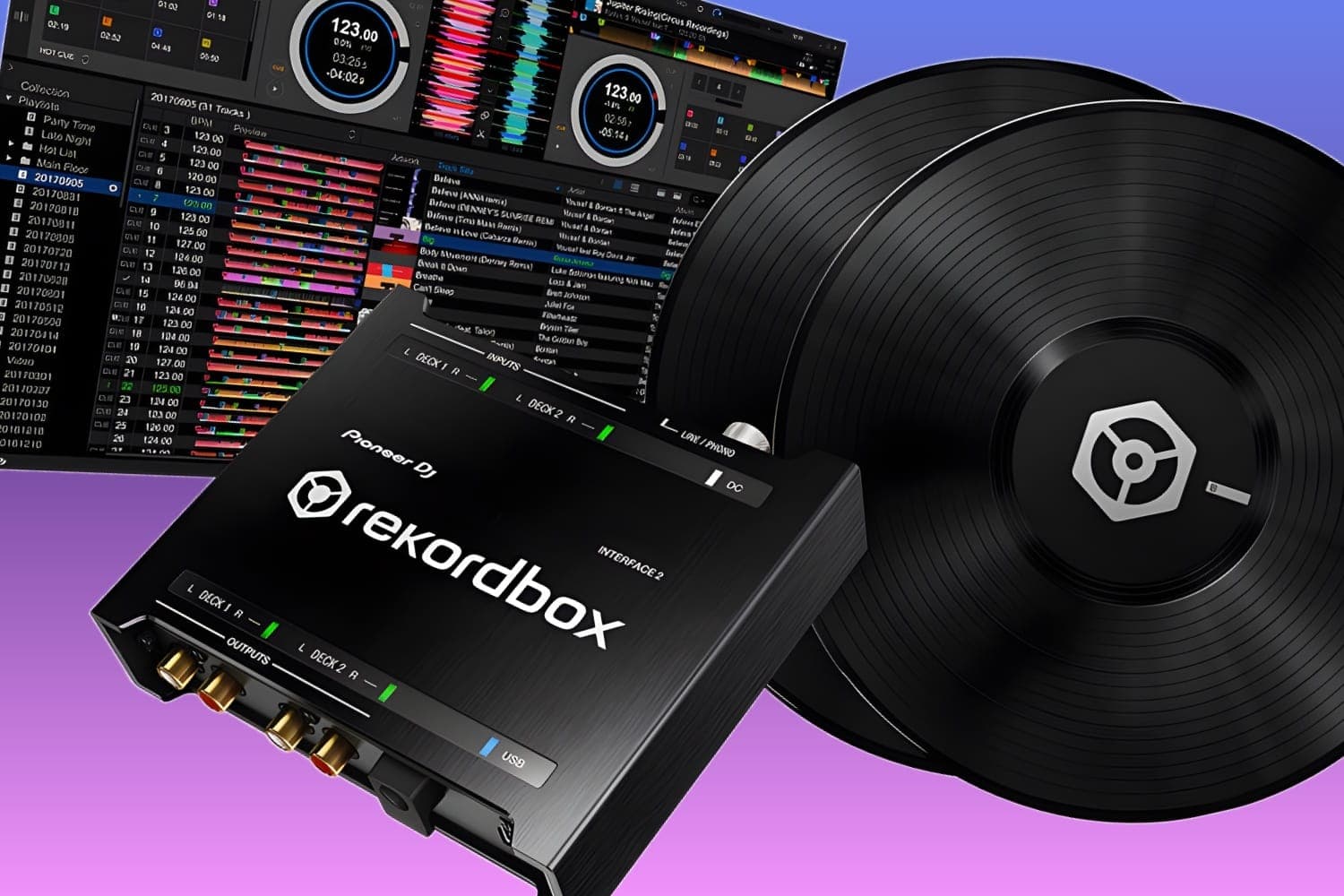
A digital vinyl system (DVS) lets turntables or CDJs control DJ software: a control record or CD carries a timecode signal that tells Serato DJ Pro or rekordbox how fast, which way and, in Absolute mode, where to play a track from your laptop. You need that software with DVS enabled, control vinyl or CDs made for it, and a mixer or audio interface that supports DVS, ideally one that unlocks it free.
How DVS works
A control record carries two signals, Serato explains: a 1 kHz directional tone that gives the record's speed and direction, and the NoiseMap, which tells the software exactly where the needle is (Serato's calibration manual). The turntable or CDJ plays that signal into the mixer, the mixer's sound card passes it to the laptop, and the software moves the track to match: direction, tempo, scratching and playback position, per rekordbox's DVS setup guide. The mixer channel is switched to the computer's input, so what the crowd hears is the music file, not the control signal.
Both programs let you choose how closely the deck follows the record:
- Absolute. The needle's position on the record is the position in the track, so needle drops work. Serato calls it the mode that most closely resembles regular vinyl. Digital features such as hot cues don't work in it, rekordbox's guide says.
- Relative. The software follows the record's movement but not its position. Needle drops are off, and Serato says it allows skip-free scratching.
- Internal. The software plays the track on its own. Serato switches to it automatically when you reach the end of the control record, so a long track keeps playing, and you return by putting the needle back on the record's lead-in (Serato).
- Thru. On hardware that supports it, a real record plays through while you add the software's effects and samples (Serato). rekordbox has a Through mode when you use a separate audio interface.
In Absolute and Relative modes the turntable or CDJ's own pitch control sets the tempo, not the software.
What you need
- Software with DVS enabled. In Serato DJ Pro, DVS is an expansion: some mixers and controllers unlock it free, and on the rest it needs a Serato DJ Suite licence or subscription, per Serato's licensing guide. Serato DJ Lite doesn't support it; see Serato DJ Lite vs Pro. In rekordbox, DVS is part of the Core, Creative and Professional plans, and on the Free plan it works only with hardware listed on the Hardware Unlock page; a 30-day trial includes it too.
- A mixer, controller or interface that supports DVS. It needs a sound card that can take the control signal in and send the music back out. Serato keeps a list of hardware that unlocks its DVS or supports it as a paid upgrade; rekordbox's is the Hardware Unlock page.
- Control records or CDs for your software. Serato uses NoiseMap control vinyl and CDs. rekordbox uses AlphaTheta's RB-VS1-K control vinyl, and for CDJs and XDJs it offers a control signal WAV file to burn to CD or copy to a USB stick. AlphaTheta says rekordbox doesn't support other makers' control vinyl, CDs or signal files, so Serato records won't work with it.
- Two turntables with cartridges, or two CDJs or media players. Turntables go into phono channels, with the ground wire on the mixer's ground terminal; CDJs go into line channels, rekordbox's guide says.
- A laptop, connected to the mixer by USB.
How to set it up
- Connect the laptop to the mixer or interface by USB, and the decks to their channels as above.
- Set each DVS channel's input selector to the computer position, labelled USB, PC or similar.
- Turn DVS on. In rekordbox it is Preferences > DVS > Enable DVS Function. In Serato DJ Pro, Absolute and Relative modes appear once DVS is enabled in the Setup screen, which shows a CD/Vinyl tab only for hardware that supports it (Serato).
- Calibrate each deck, and do it at every gig. In Serato, play music through the system at the level you will play at, put the needle on a stopped record, then hold Estimate until the slider stops (Serato's steps). With the decks running, the inner ring on the scope should be close to circular and the tracking figure close to 85% (Serato on the scopes). rekordbox has an Auto calibration that balances the signal with the turntable running and then sets a noise threshold with it stopped, and a Manual mode if playback isn't stable.
- Choose Absolute or Relative mode for each deck, load a track and play.
If the speed reading won't settle at zero with the record stopped, Serato's troubleshooting page points to grounding or interference: check the turntable's ground wire is on the mixer, keep the decks away from power strips and bass bins, and don't run the RCA cables across power cables. Where noise can't be fixed, Serato advises staying in Relative mode.
DVS without a control record: the PLX-CRSS12
The Pioneer DJ PLX-CRSS12 has a Digital Vinyl mode in which its MAGVEL CLAMP reads any record you put on it, so the tone arm stays parked and nothing can skip, Pioneer DJ says. It connects to the laptop by USB and works with Serato DJ Pro and rekordbox, but it still needs a mixer that supports DVS in the software you use. It is on rekordbox's Hardware Unlock list for DVS. In Analog mode it plays records with the tone arm like a PLX-1000, once you fit a cartridge. The best DJ turntables compares it with decks that use control vinyl.
Which mixer unlocks what
Whether hardware unlocks DVS decides whether you pay for the software as well:
- Pioneer DJ DJM-S11. Unlocks Serato DJ Pro and Serato DVS, and rekordbox's Performance mode and DVS. Its manual says control discs aren't in the box.
- Rane Seventy. Unlocks Serato DJ Pro and Serato DVS, and comes with two NoiseMap control records, two control CDs and a Pitch 'n Time download card, per its user guide.
- Numark Scratch, DJM-S7 and DJM-S5. On Serato's list of mixers that unlock its DVS; the DJM-S7 unlocks rekordbox DVS too.
- DJM-450, DJM-750MK2 and DJM-250MK2. Unlock rekordbox's DVS. None is on Serato's DVS list.
- DDJ-REV7, Rane One MKII and DDJ-FLX10. Controllers that unlock Serato DJ Pro, but Serato lists DVS on them as a paid upgrade to Serato DJ Suite.
The best DJ mixers picks between these by situation, and the best Serato controllers covers the controller route. For which software to build around, see Serato or rekordbox.
How this page is made
Every detail on this page comes from the Serato, rekordbox, Pioneer DJ and Rane documents linked above, read on 12 October 2026. Software makers change which hardware unlocks what, so check Serato's list and rekordbox's Hardware Unlock page before buying. We haven't tested these setups for this page. The methodology explains how the site works.