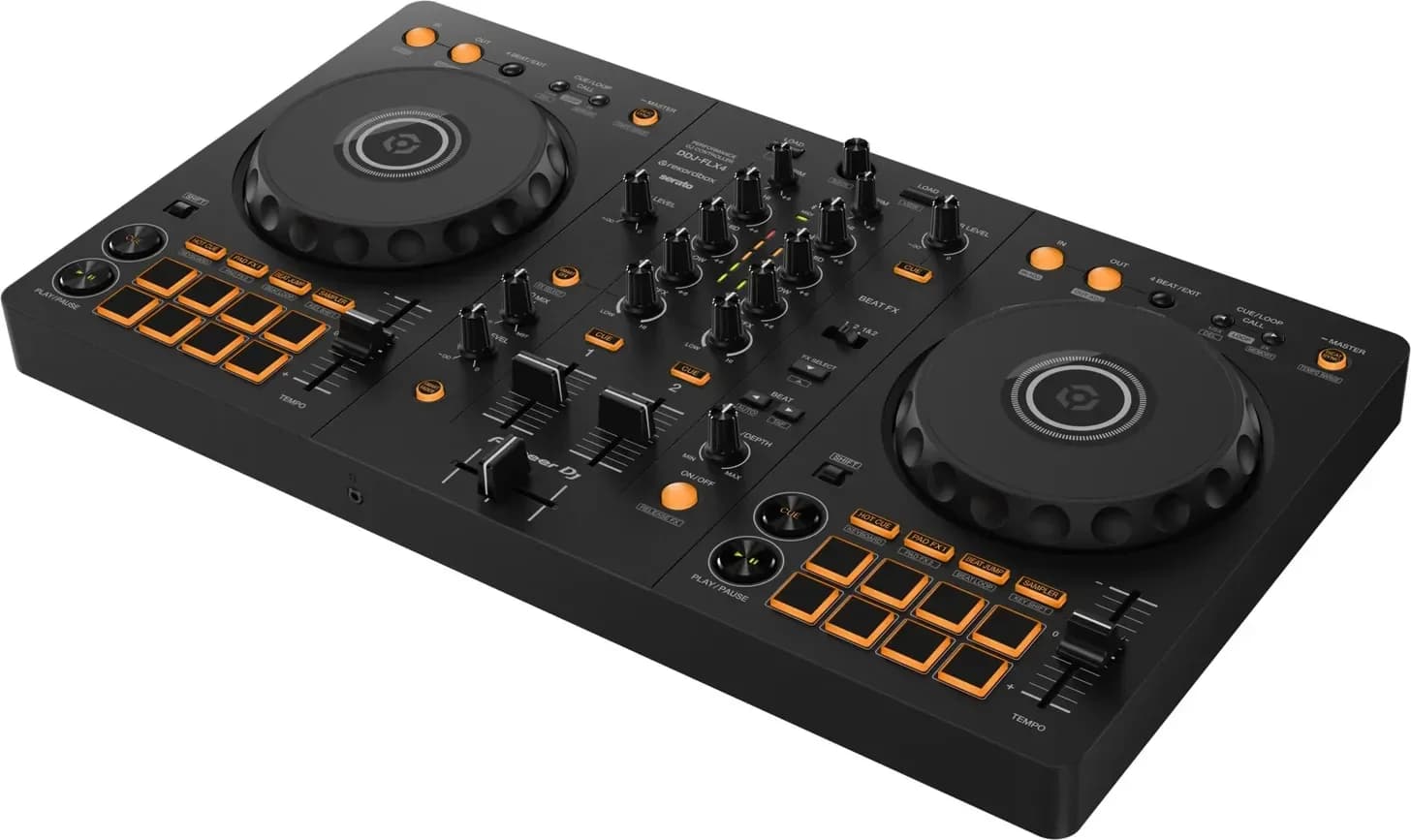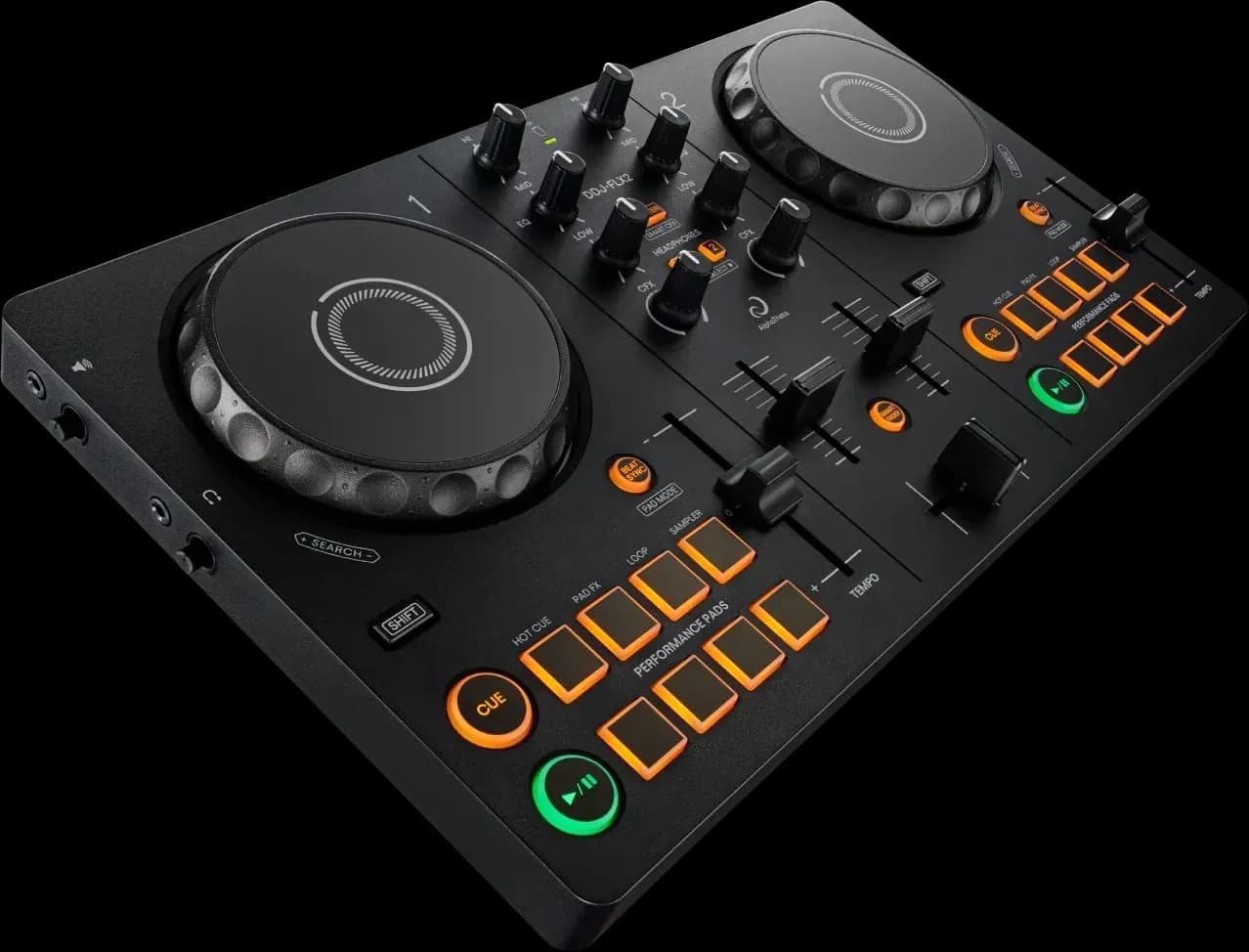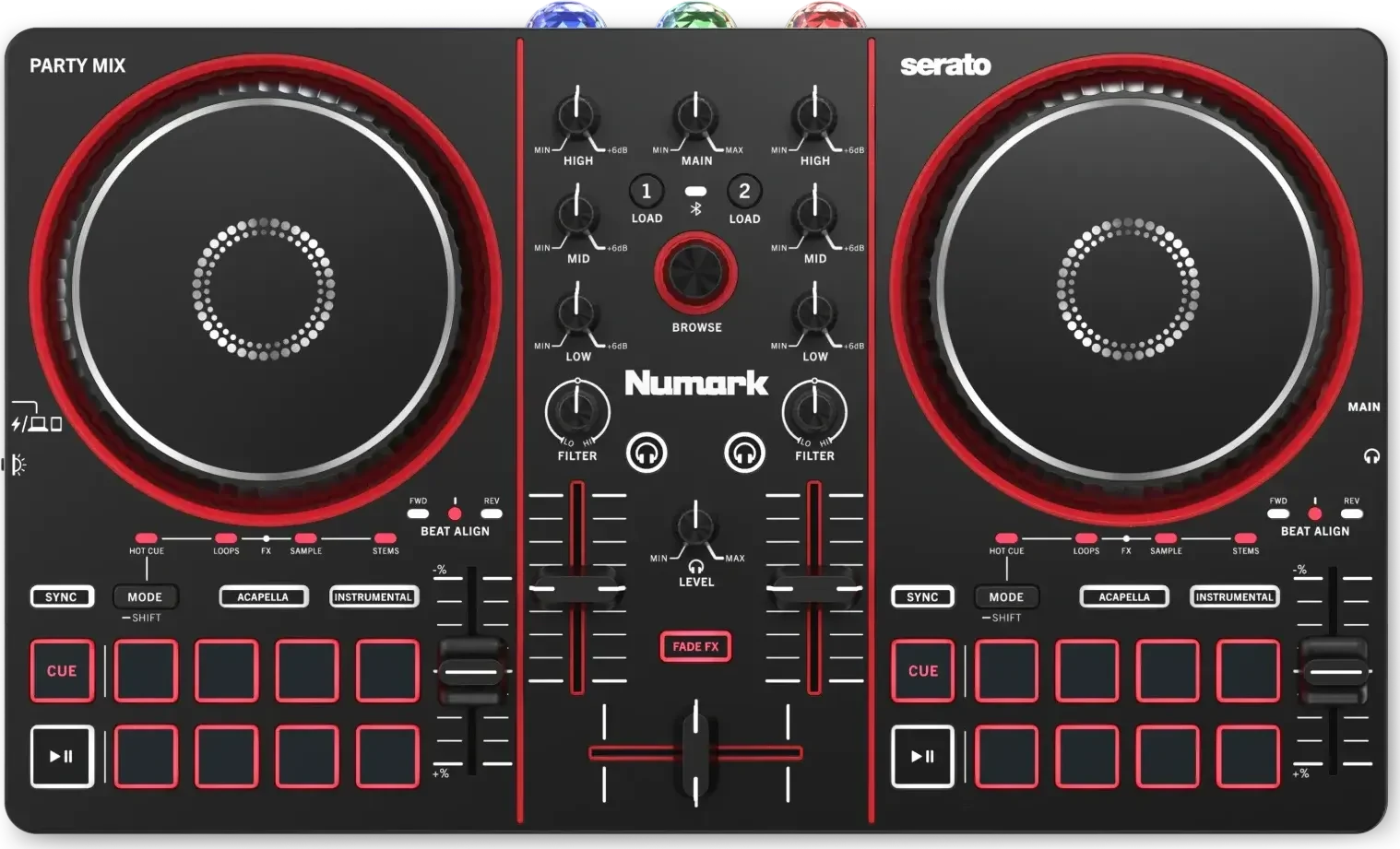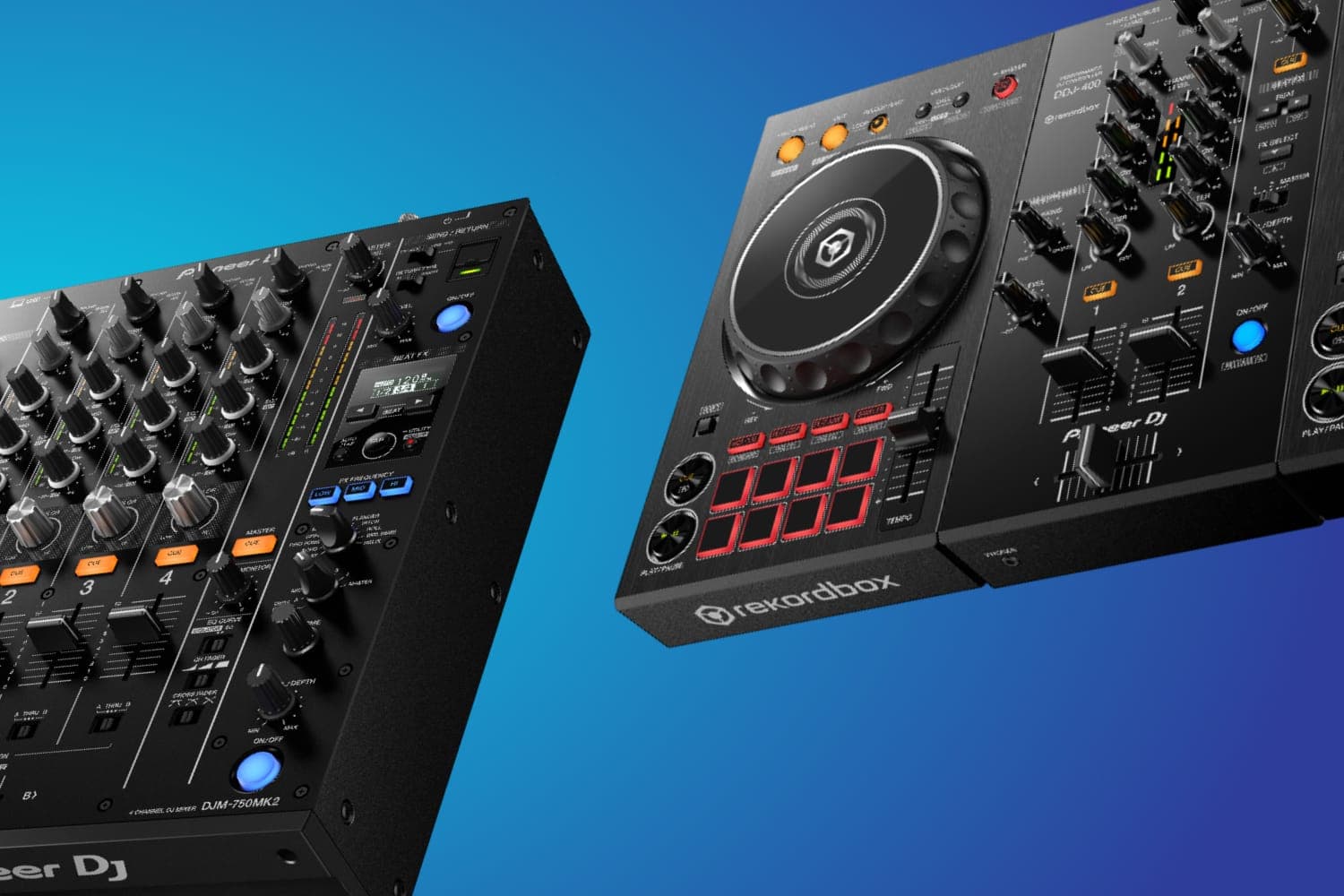
A DJ controller is two or four decks and a mixer in one unit that controls DJ software on a laptop, tablet or phone, so it is all you need to start. A DJ mixer has no decks of its own: it blends turntables, CDJs or other players you already have, so buy one when you have those sources.
Which one you need
- Starting from nothing: a controller. Add a laptop, headphones and speakers and you can mix. The Pioneer DJ DDJ-FLX4 is the first-controller pick in the best DJ controllers: it runs rekordbox and Serato DJ Lite free, and every pick there lists the software it unlocks.
- You own turntables or CDJs: a mixer. A mixer joins them up. The best DJ mixers picks one by situation, from the analogue Allen & Heath Xone:24 for records with no laptop to battle mixers for scratching, and the best DJ mixers for beginners covers first mixers.
- No laptop at all: a standalone. A standalone controller has the computer built in and plays from USB or streaming services; see the best standalone DJ controllers.
What a controller does
A controller has jog wheels or platters for each deck, a mixer section with channel faders, EQ and a crossfader, and usually performance pads, but no music of its own. It sends your moves to DJ software, which plays the tracks. Controllers such as the FLX4 have a built-in sound card, so headphones and speakers plug into the controller rather than the laptop. The software decides a lot: many controllers come with a free version, such as the FLX4 with rekordbox, Serato DJ Lite, djay and Traktor Play, and the full versions are a paid licence or subscription. The best DJ software explains how each is sold.
Controllers differ most in channels, jog wheels and outputs. A first controller such as the FLX4 has two channels and a single RCA master output; four-channel models such as the DDJ-FLX10 add XLR, booth and microphone connections for gigs. The guide to two and four channels explains the difference.
What a mixer does
A mixer takes audio from two or more sources and blends them: each channel has a gain, EQ and a fader, and a crossfader moves between them. It has no decks, so it does nothing without turntables, CDJs, media players or another source plugged in. Turntables need phono inputs unless they have a line-level preamp, and CDJs and media players use line inputs. The Pioneer DJ DJM-450, the two-deck pick in the mixer guide, has two of each.
A mixer doesn't need a computer. The Xone:24 is fully analogue with no sound card at all. Many club and battle mixers also have a built-in sound card, so they can run DJ software too: connecting the DJM-450 unlocks rekordbox Performance mode and DVS, and the Numark Scratch unlocks Serato DJ Pro and DVS. DVS lets turntables or CD players control the software with timecode records or CDs; see the guide to digital vinyl systems.
Where they overlap
The line between the two is blurrier than the names suggest.
- Controllers with inputs. Some controllers have a mixer section that takes outside sources. The DDJ-FLX10 has two line and two line/phono inputs, the DDJ-REV7 has two line/phono inputs, and the Reloop Mixon 8 Pro works as a mixer for analogue sources on its own. You can add turntables or a CDJ to these later.
- Mixers that control software. Battle mixers such as the Numark Scratch have performance pads for Serato DJ Pro, so with DVS they do much of what a controller does, using turntables as the decks.
- Standalones. An all-in-one such as the AlphaTheta XDJ-AZ puts players and a mixer in one box without a laptop, and has line/phono inputs for turntables.
Practising for a club booth
Club booths are built around separate players and a club mixer, with Pioneer DJ's CDJs the industry standard, according to Attack Magazine; see CDJs vs turntables and what a CDJ is. If that is where you're headed, practise in rekordbox, since Pioneer DJ's players read the library it exports, and look at controllers or standalones with the club layout. The XDJ-AZ follows the CDJ-3000 and DJM-A9 layout, and what rekordbox is explains the software.
How this page is made
Every product detail here comes from the product's specification sheet and opinion record, with each source linked on its product page, and from the site's rebuilt buying guides. We haven't tested these units for this page. Prices are live on each product page. The methodology explains how the site works.