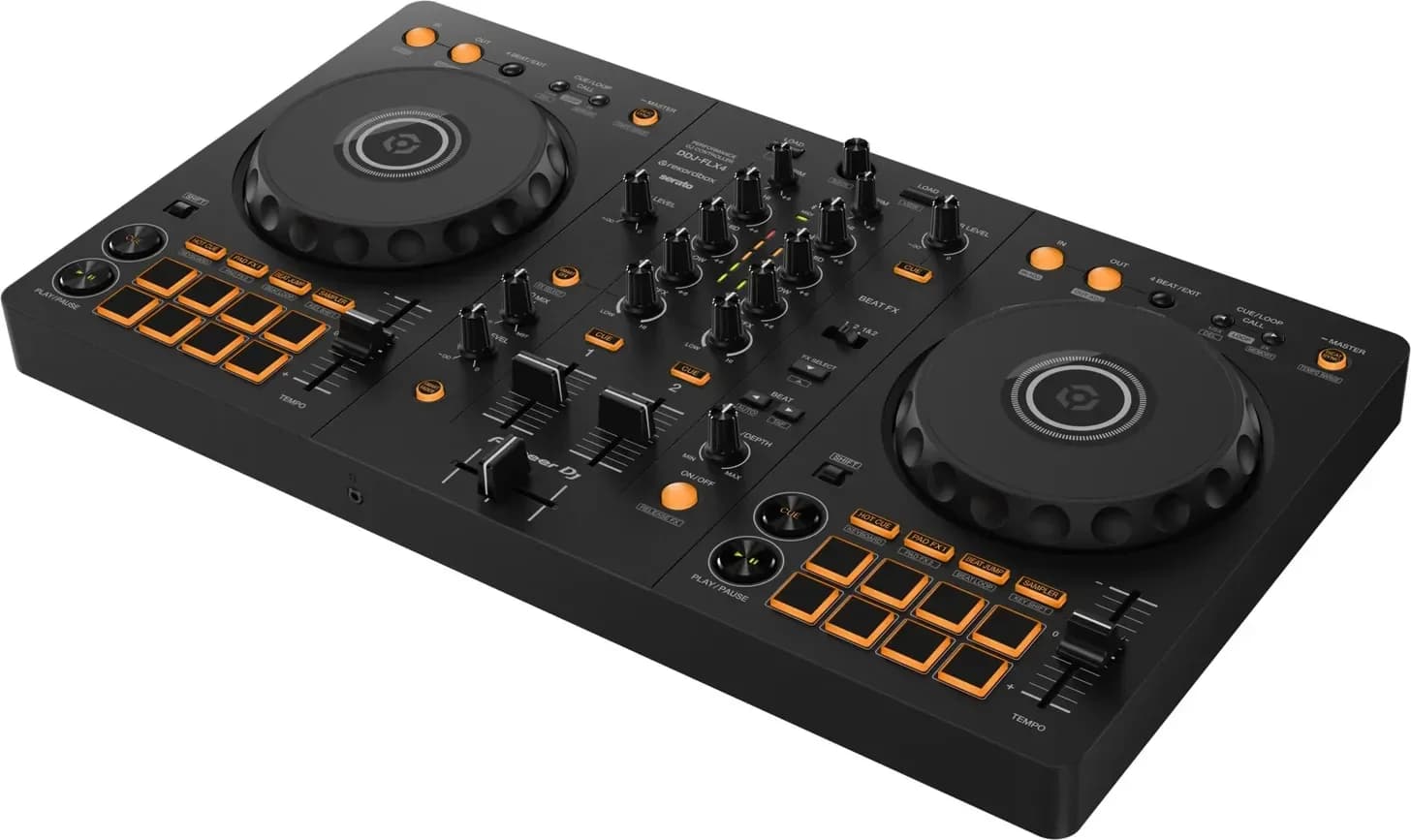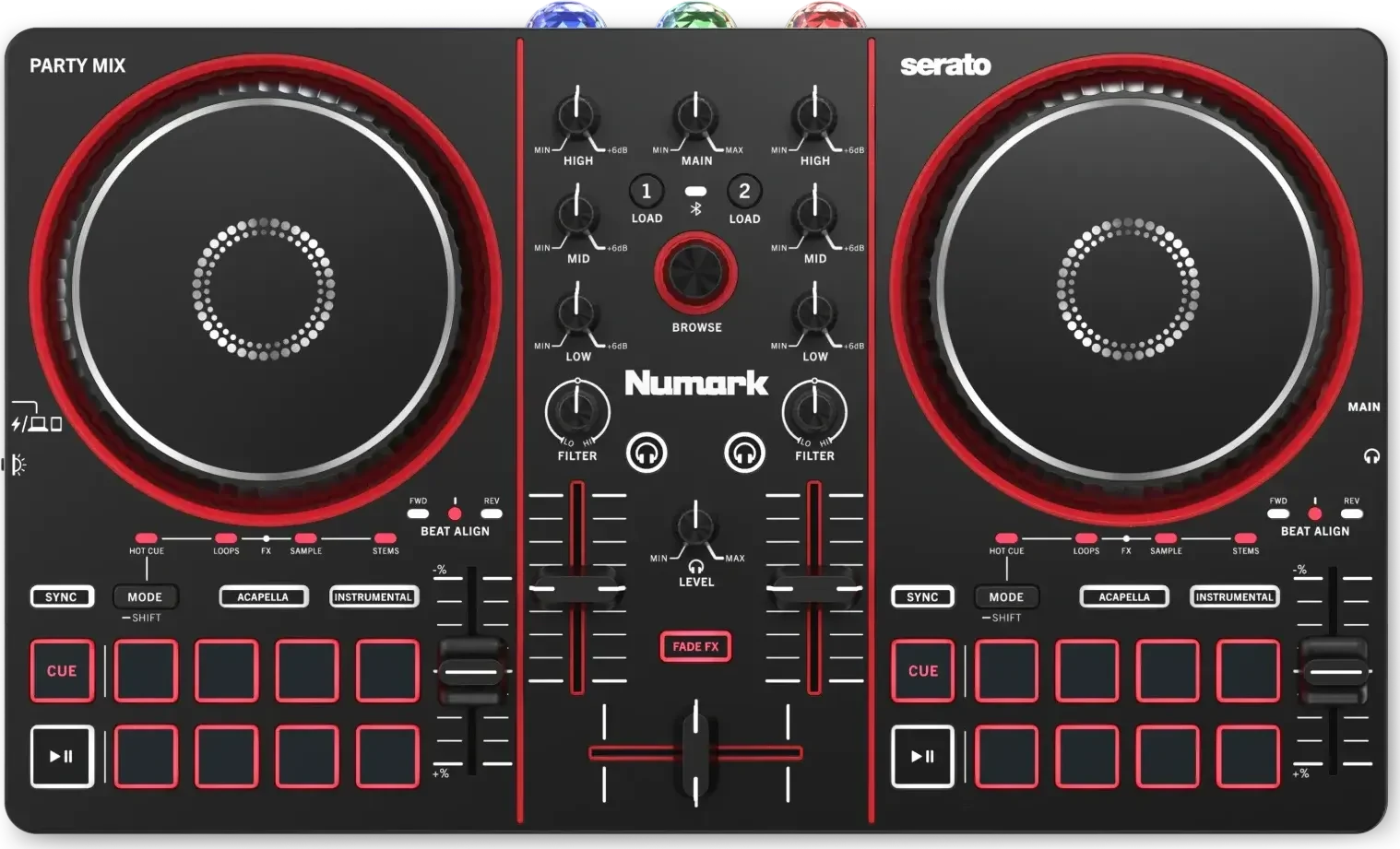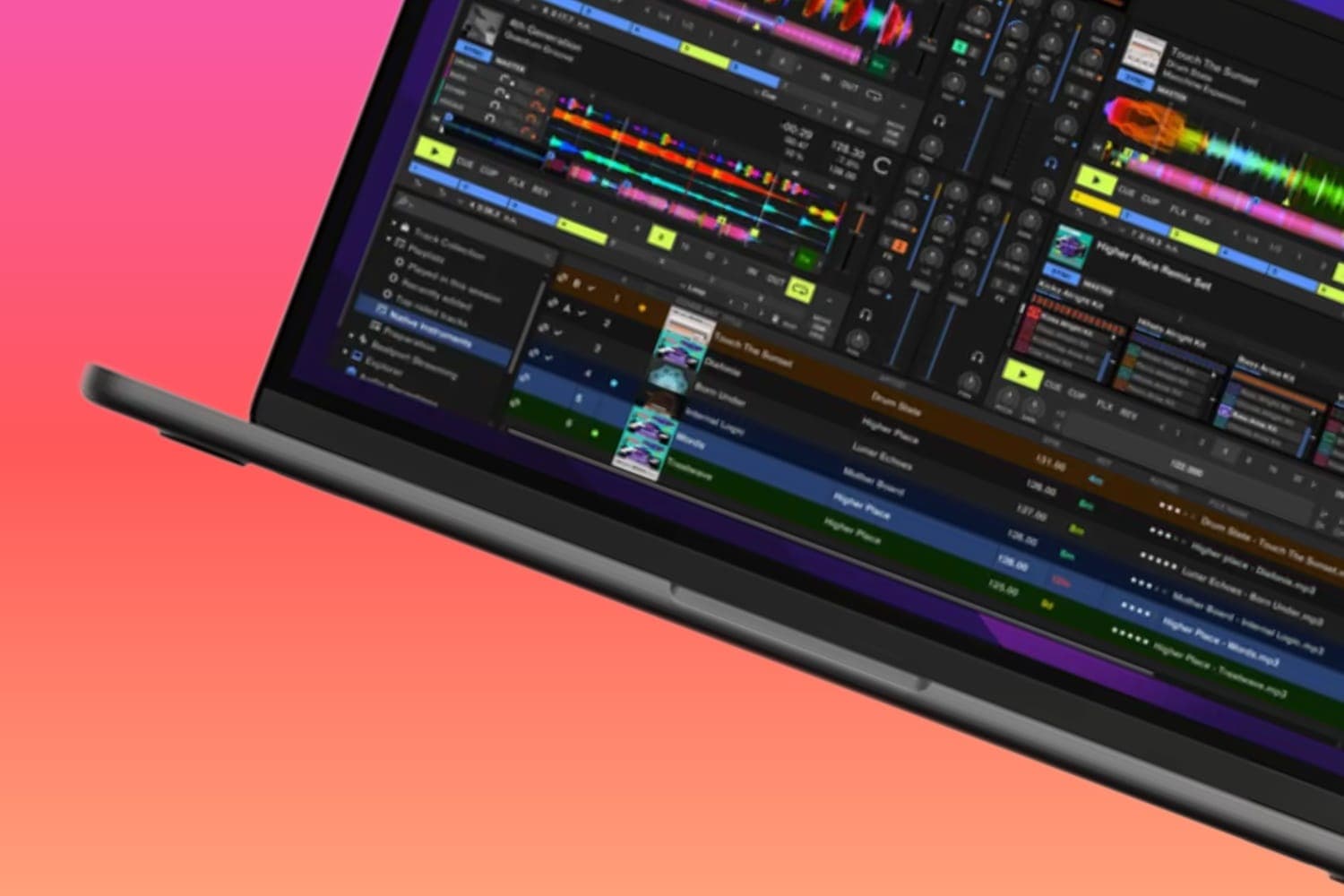
Load the track with the vocal and the track with the instrumental into DJ software that separates stems, such as Serato DJ Pro, rekordbox or djay, match their tempo and key, keep only the vocal of one and mute the vocal of the other, then record the result or build it in a production program. Playing it in your own sets is one thing, but publishing it needs permission from the owners of both songs and both recordings, so most mashups stay in the DJ's sets.
A mashup combines parts of two or more records into one, most often one track's vocal over another's instrumental. That is what separates it from a bootleg, which is an unofficial edit or remix of a single record, per Mixgraph's DJ glossary.
1. Pick the two tracks
Start from the vocal, Mixgraph advises, because it is the less flexible half: find an instrumental that fits it, not the other way round. Then check two things before you build anything:
- Key. The two parts need compatible keys, not merely close ones. With keys shown as Camelot codes, the safe pairs are the same code, one number up or down, or the same number with the other letter; how to mix in key has the chart and the key settings for each program.
- Tempo. The closer the two tracks' BPMs are, the less either has to be stretched to match.
An instrumental with its own vocal or lead line will fight the vocal you lay over it, so plan to mute or cut that part. If you'd rather start from a studio acapella than separate one yourself, where to find acapellas covers the sources and what their terms allow.
2. Separate the parts in your DJ software
All three programs split a track into stems as it plays, so you don't need a studio acapella or instrumental to start.
Serato DJ Pro
- Acapella or instrumental in one click. Load a track and click the Acapella or Instrumental button in the virtual deck.
- Individual stems. With Serato DJ primary hardware connected, or Serato Play in 2 deck mode, the Stems Tab adds Stem Pads for Vocal, Melody, Bass and Drums. Each pad mutes that part of the playing track, and any combination can be on at once.
- Prepare tracks ahead. Stems analysis runs when you first use a Stems function, so there can be a short delay. To avoid it, drag tracks into the Stems crate, or turn on Analyze Stems under Setup > DJ Preferences > On Song Load.
rekordbox 7
- Turn it on. Preferences > Extensions > STEMS > [Enable the STEMS Function]. [STEMS Mode] chooses [3 Stems (VOCAL, INST, DRUMS)] or [4 Stems (VOCAL, INST, BASS, DRUMS)].
- Mute or solo parts. ACTIVE STEM buttons output or mute each stem. Under [ACTIVE STEM Setting], [MUTE] lets you mute any part and [SOLO] plays all parts or just one.
- Blend them. With STEM ISO mode on, the three knobs in the mixer panel set the volume of the VOCAL, INST and DRUMS stems instead of the HIGH, MID and LOW bands.
- Quality or speed. [STEMS Analysis Process] chooses [Prioritize sound quality] or [Prioritize speed].
Some rekordbox functions depend on your subscription plan, the manual notes; rekordbox's plan page lists what each includes.
djay Pro
djay calls its stem separation Neural Mix. From the Neural Mix toolbar you can mute, solo and set the volume of each stem, and a dropdown chooses how many controls you see: two (Instrumental and Acapella, or Percussive and Tonal), three, or four (Drums, Bass, Harmonic and Vocals). In Neural Mix EQ mode, the Low knob controls drums, Mid controls harmonics and High controls vocals. The djay Pro AI review covers the rest of the app.
3. Match the tempo and key
- Turn on key lock on both decks, so changing the tempo doesn't change the key: Master Tempo ([MT]) in rekordbox, Keylock in Serato DJ Pro.
- Sync the tempo. In rekordbox, play the instrumental first so it becomes the Sync Master, then click [BEAT SYNC] on the vocal's deck. Check that both beatgrids are right first, because sync follows the grid.
- Fix the key if it clashes. Key shift moves a track up or down in semitones; key sync finds the nearest compatible key. Keep the shift small, because larger shifts sound worse, as how to mix in key explains with each program's settings.
- Line up the vocal. Start the vocal on the first beat of a phrase in the instrumental, so its verses and choruses land where the instrumental's sections change. How to beatmatch covers lining tracks up by ear.
Then set the stems: vocal only on one deck, and the instrumental with its own vocal muted on the other. Mixgraph's last tip is to live with the result for a week before you play it out, because the test is whether it still works once the surprise has gone.
4. Keep it as a file
To play the mashup again without rebuilding it live, record it:
- rekordbox: open the recording panel, choose [Master Out] as the source in internal mixer mode, set the level so the meters stay out of the red, and record. Recordings are saved as WAV files under [Recordings] in the browser. Recording may also depend on your plan or the hardware connected.
- Serato DJ Pro: click REC to open the Recording Panel, select MIX as the input, keep the level meter out of the red, record, then type a filename and click SAVE.
For more control, such as editing the arrangement or adding effects, build the mashup in a production program. Serato Studio separates acapella, melody, bassline and drums in real time and exports MP3, WAV and stems on every plan; its free version is limited to one audio track, four decks, four scenes and limited recording, per Serato's pricing page. Keep the levels below clipping either way; clipping and redlining explains why.
Playing it out and publishing it
In your sets, a mashup is played like any other track. The venue or event organiser usually holds the licence to play music in public, and in the UK and Germany, copying music onto a laptop or USB stick for gigs has its own licence.
Online, it is someone else's music. Every released record carries two copyrights, one in the song and one in the recording, which the US Copyright Office treats as two separate works. A mashup of two tracks uses both songs and both recordings. Only a copyright owner can make or authorise an adaptation of their work, and an unauthorised adaptation may be infringement, the Copyright Office says in its circular on derivative works. Separating the stems yourself doesn't change who owns them.
The platforms apply this:
- YouTube scans every upload with Content ID, and the rights holders can block a matched video or take its ad money. Can DJs make money on YouTube explains claims and strikes.
- SoundCloud says unofficial covers and remixes, mashups and DJ sets can't be monetised, because monetisation is only for original content you own all the rights to.
- Mixcloud treats uploads under 15 minutes as tracks, and its content rules say it can't accept tracks that include copyrighted content such as samples. A mashup inside a mix over 15 minutes is covered by its licences, within its Featured Artist Rules; the SoundCloud vs Mixcloud comparison sets those out.
To release a mashup properly, you need permission from every owner involved. This isn't legal advice, and the rules differ by country.
How this page is made
The steps come from the makers' own documentation, read on 13 October 2026: Serato's support articles on Using Stems, Preparing tracks for use with Stems and Recording Audio, AlphaTheta's rekordbox 7.2.18 manual, and Algoriddim's Neural Mix toolbar and overview pages. The definition and building tips come from Mixgraph's glossary, and the copyright points from the US Copyright Office and the platforms' help pages linked above. An earlier version of this page walked through one mashup in the free Serato Studio and Ableton Live 10; it now covers the stems built into DJ software, which do the separation and matching without a studio acapella. The methodology explains how the site works.