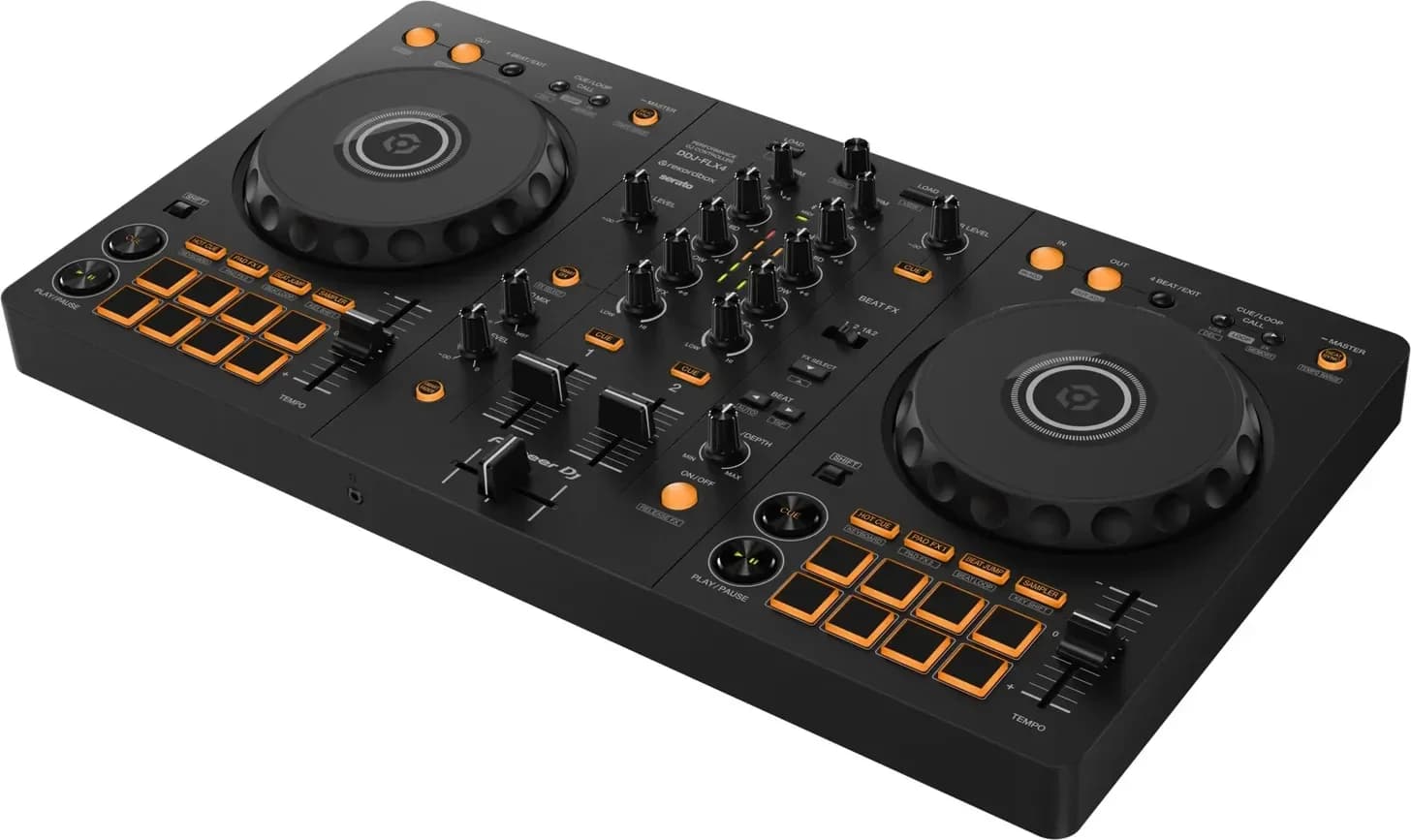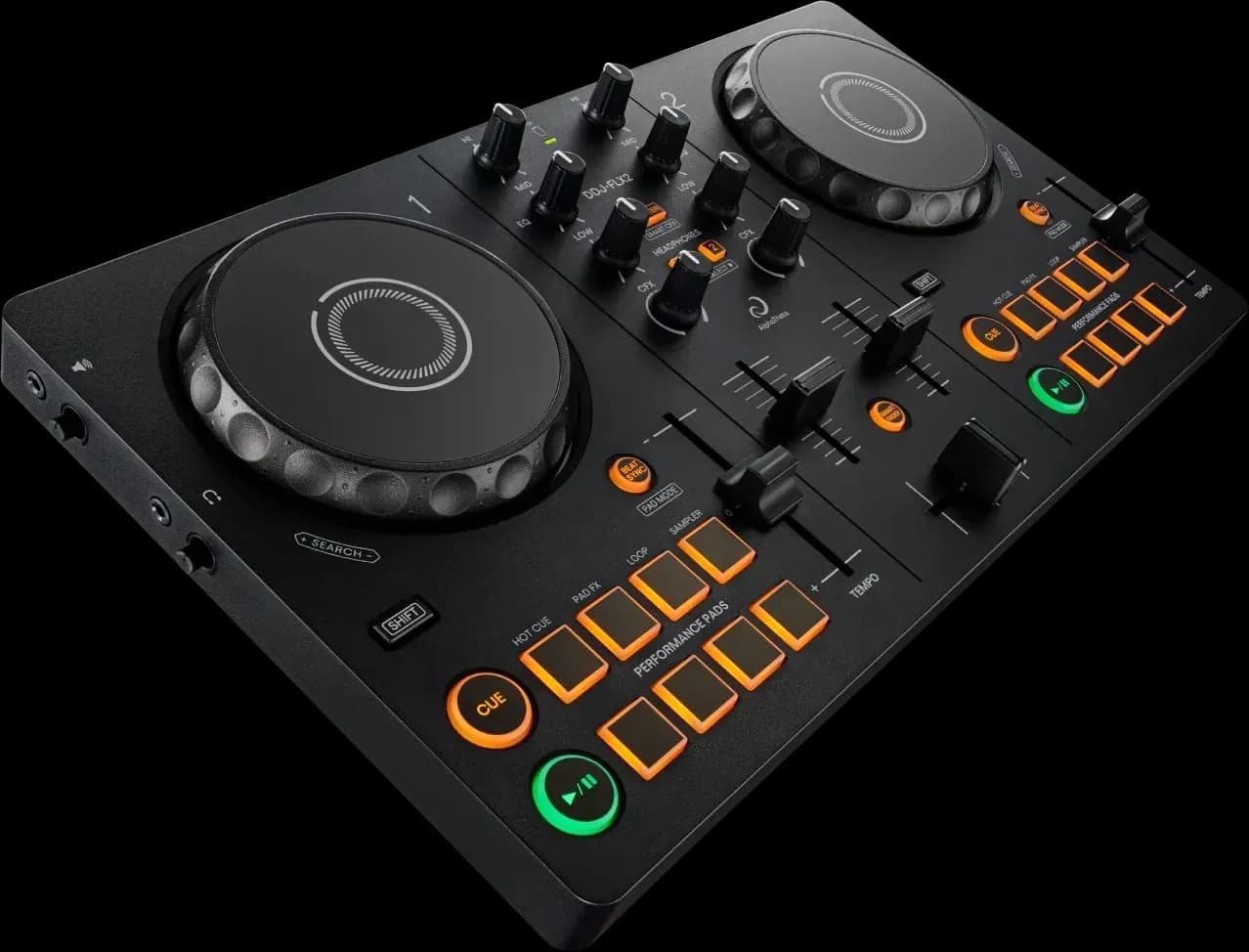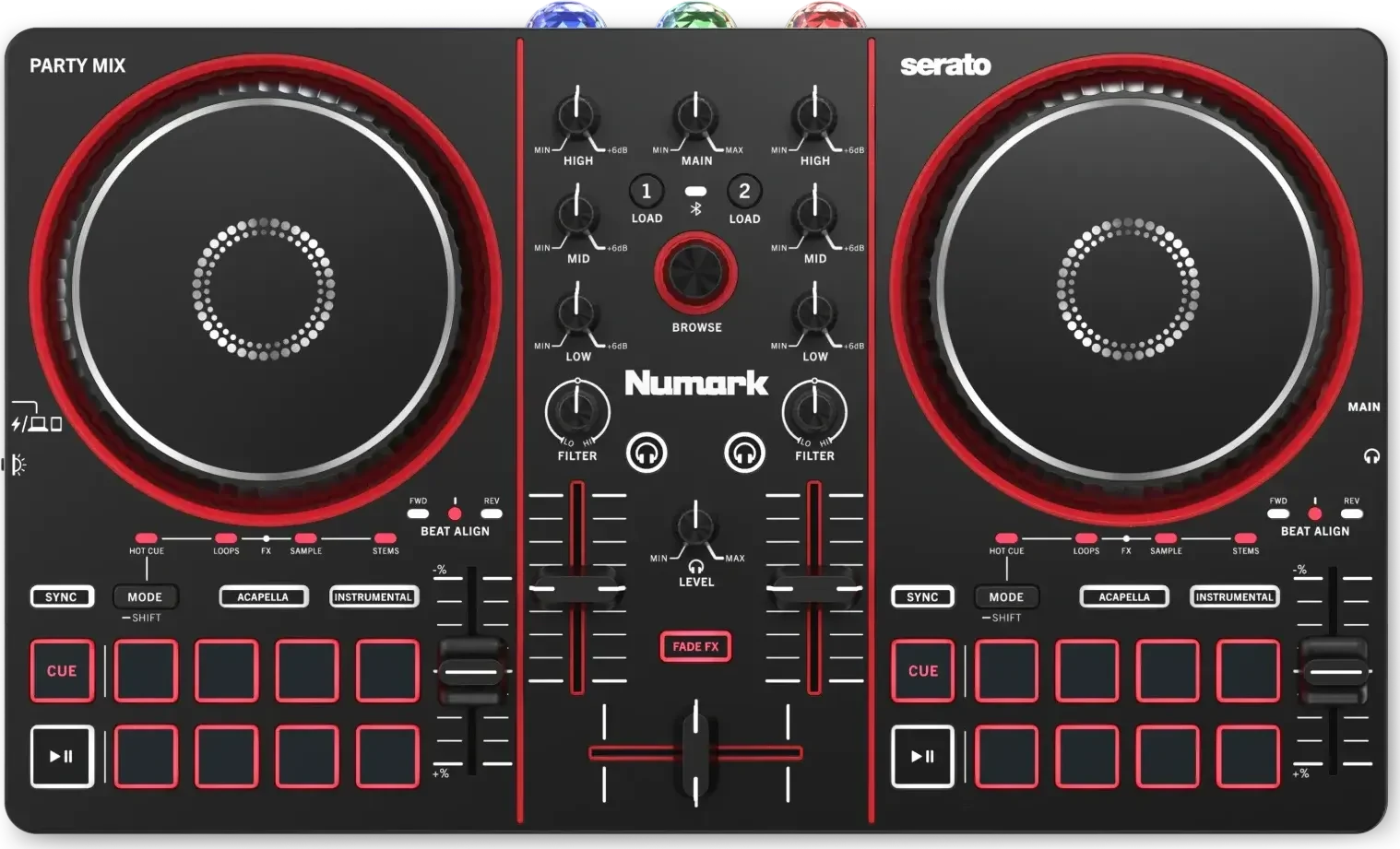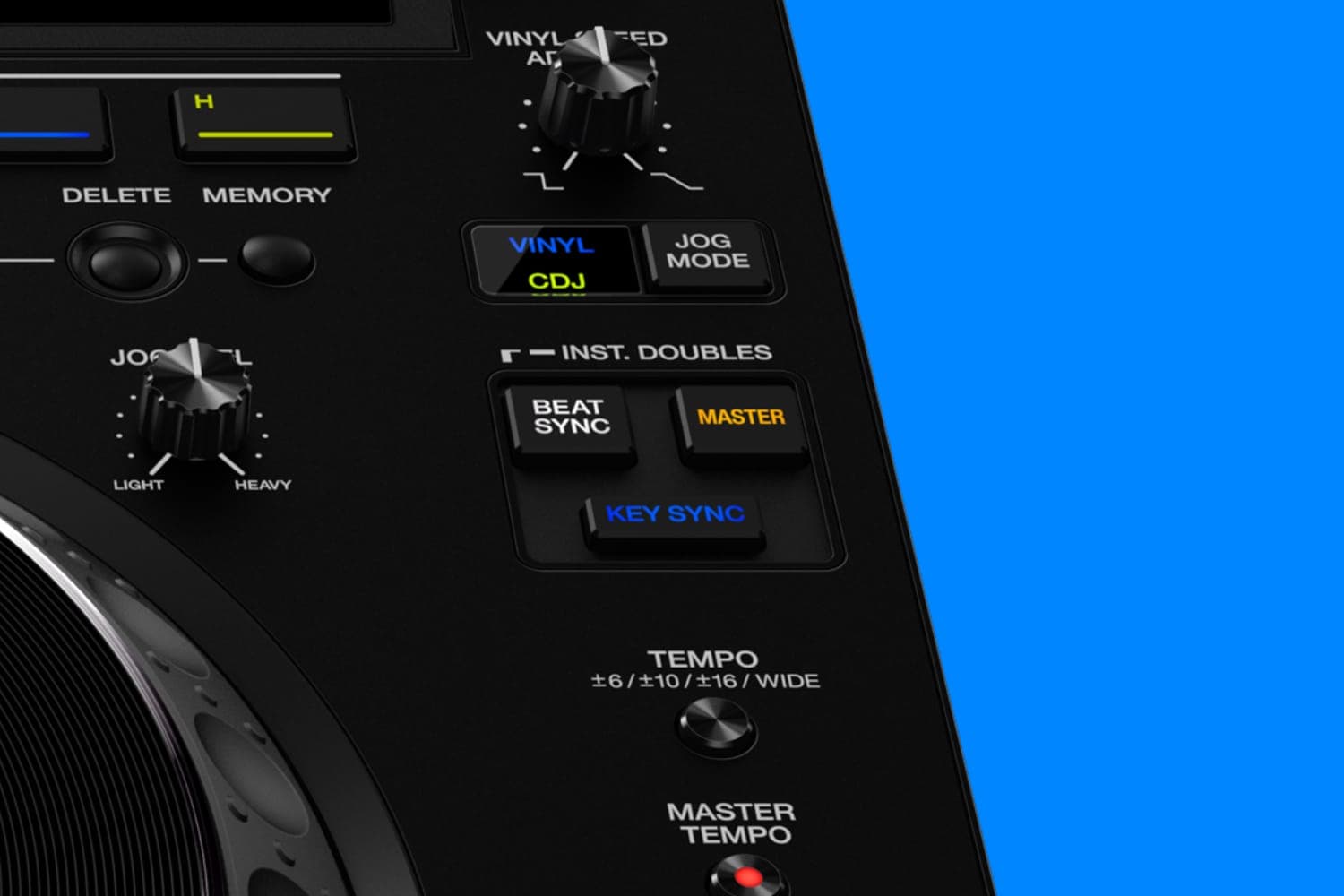
The sync button matches a track's tempo to the deck your software treats as the master, and in most modes lines its beats up with that deck's too, using the beatgrids made when the tracks were analysed. It only works as well as those grids, and it leaves phrasing, levels, EQ, key and the choice of the next track to you.
What sync matches
Beatmatching by ear means two jobs: setting the incoming track to the same tempo, then nudging it until its beats land with the playing track's. Sync can do either or both, depending on the mode:
- Tempo and beats. The synced deck takes the master deck's BPM and snaps its beats, and in some modes its bars, to the master's grid.
- Tempo only. The BPM is locked, but you place the beats yourself, by dropping the track in on time or nudging the jog wheel.
- Without a grid. Serato's Simple Sync matches BPM and snaps the two nearest transients together, so it works on tracks with no beatgrid.
Each program names the buttons and modes differently:
| Software | Buttons | Which deck leads | Sync modes, and where to set them |
|---|---|---|---|
| rekordbox | BEAT SYNC, MASTER | The deck with MASTER lit | BEAT SYNC or BPM SYNC, under Preferences > Controller > Deck |
| Serato DJ Pro | SYNC, with OFF beside it | The first deck put in sync sets the tempo | Simple Sync, Snap to Beatgrid, Smart Sync or Sync Off, under Setup > DJ Preferences |
| Traktor | SYNC, MASTER, and AUTO in the Master Control panel | The Tempo Master: set automatically in AUTO mode, or chosen with MASTER | BeatSync or TempoSync, under Preferences > Transport |
| Engine DJ | Sync, Lead | The track playing longest, unless you press Lead | Bar, Beat or Tempo, under Profile > Playback on the hardware |
Sources: the rekordbox 7 manual, Serato's manual pages on sync preferences and Beat Sync, Native Instruments' Traktor Pro manual, and Denon DJ's PRIME 4 G2 user guide for Engine DJ 5.1.
How the modes differ
- rekordbox. Click MASTER on the deck to follow, then BEAT SYNC on the other, and the BPM and beat positions match. With sync on, the x2 and x1/2 buttons sync at double or half the master's BPM, for mixing between half-time and double-time tracks. Changing or unloading the master deck's track passes the master to the other deck. rekordbox tips for playing out covers this alongside KEY SYNC and quantize.
- Serato DJ Pro. Smart Sync has two states. In Beat Sync, shown by a blue beat position indicator, the track snaps to the beatgrid, tempo and bar position of the other synced decks. Touch the platter or move the playhead and it drops to Tempo Sync, shown in gold: the tempo stays matched, but you can place the track anywhere in the bar, scratch or juggle. Press SYNC again to snap it back.
- Traktor. BeatSync holds tempo and phase whatever you do, and realigns the beat when you let go of a jog wheel or record. TempoSync holds tempo only, so you can pitch-bend the phase by hand; Native Instruments says this suits DJs who rely on manual beatmatching.
- Engine DJ. Bar mode lines up the downbeats of each bar with the lead deck, Beat mode matches the beats, and Tempo mode matches only the BPM. The Sync Button Action setting chooses whether a second press turns sync off or you hold Shift.
What sync needs
A correct beatgrid on every track. rekordbox's beat sync needs tracks analysed for beatgrid information, Smart Sync needs accurate beatgrids, and Traktor's BeatSync needs its grids set properly. Serato's manual says tracks that sound out of time with sync on may have an incorrect beatgrid, and loading a track with no beatgrid turns sync off for that deck. Check grids before a gig, especially on tracks played by live drummers; what a beatgrid is shows how to fix one in each program.
Grids that follow tempo changes. A track that speeds up or slows down needs more than one grid marker: Beat Warp Markers in Serato, Grid Markers in Traktor, anchors in Engine DJ, or rekordbox's Dynamic analysis mode. Serato says a track with Beat Warp Markers can sync to a steady track without the beats dropping out of time.
Key lock, if the tempo moves far. Sync changes a track's speed, and with it the pitch, unless key lock is on: MASTER TEMPO ([MT]) in rekordbox, Keylock in Serato, Key Lock in Traktor and Engine DJ. Serato's Keylock turns itself off while you scratch, so scratches sound natural.
What it leaves to you
- When the next track comes in. Sync lines up beats, and in some modes bars, but it doesn't choose where in the phrase to start the track or when to bring it in; see DJ transitions.
- Levels, EQ and the crossfade. These are what make two tracks sound like one mix.
- Key. Two synced tracks can still clash. rekordbox and Engine DJ have separate KEY SYNC and Key Sync buttons; mixing in key covers choosing compatible tracks.
- A master you can hear. In AUTO mode, Traktor can make a deck the Tempo Master even when its fader is down. Turning on Only On-Air Decks can be Tempo Master, on the same Transport page, keeps synced decks following a track that's actually in the mix.
- Tracks without sync data. A track with no grid, or a grid that drifts, has to be matched by ear. How to beatmatch covers doing it with the pitch fader and jog wheel, and Serato suggests a halfway step: press sync to match the tempo, then drop the track in yourself.
Sync with turntables
Sync works with control vinyl too. Serato's Smart Sync is available with DVS, and an option in its Sync Preferences lets the tempo of one synced deck move all the others. When you turn sync off, the deck stays in relative pitch, shown by a blue outline on SYNC: the pitch slider still moves the tempo up and down, but its position no longer shows the track's real pitch. A second press of OFF hands control back to the slider. In Traktor, BeatSync keeps synced decks in tempo while you scratch with timecode, and realigns the beat when you let go of the record. The guide to digital vinyl systems covers the setup.
How this page is made
Every button, mode and setting here comes from the makers' own manuals, read on 13 October 2026: the rekordbox 7 Instruction Manual (the edition for 7.2.18; the current release is 7.2.19), Serato DJ Pro's online manual, Native Instruments' Traktor Pro manual, and Denon DJ's PRIME 4 G2 and Engine DJ Desktop user guides for version 5.1. Names are as each program shows them in English, and the modes available can depend on your plan and hardware. We haven't tested sync in any of these programs. The methodology explains how the site works.