How do I start mixing Dubstep? Now that’s a question! It really is a wacky genre, isn’t it?
When people think of electronic music and its evolution, one of the clearest signs and examples that is often used to cite this massive change in recent times is none other than Dubstep.
Dubstep arguably had its origins in South London during the 1990s. Artists such as DJ Hatcher and Skream lead the bassline charge at Big Apple Records in Croydon.
Many years later Dubstep is now considered to be the true progenitor of EDM. Dubstep has completely revolutionized the music industry, emphasizing heavy and uncompromising basslines over the previously softer and less aggressive tunes of the past.
How Do I Start Mixing Dubstep (in short)
To get started with Dubstep, try and digest the fact that you DO NOT have to mix the beginning of a track into the end of the outgoing track, as you do with House music. Dubstep is unlike other genres. The music is dynamic and disjointed which allows for plenty of opportunities to experiment and perform mid-track mixing techniques. The core lesson here is to understand the erratic behavior of this genre and adapt your DJ skills to fit.
Why is Dubstep Popular?
Despite its high use of heavy bass, that, in and of itself, wasn’t what made Dubstep catch on the way that it did.
It was, in fact, much less to do with what type of sounds were coming from each Dubstep track, so much as with the erratic and unpredictable way in which they did come out.
Simply put, while everyone certainly loved the infamous “heavy drop” that a Dubstep track had, it was only because of the random and irregular beat that led up to it.
This irregularity is what makes Dubstep such a completely different breed when compared to every other type of electronic music genre out there.
Dubstep is definitely one of those where you will either love it or hate it.
The Challenges With DJing Dubstep
Of course, while its unpredictable nature is certainly a staple of the genre and a joy for fans and listeners – ultimately keeping the genre itself fresh and ever-changing – it also has been a real pain for DJs to mix and include in their DJ sets.
While it certainly isn’t impossible, Dubstep’s erratic and “glitched-out” sound ensures that it doesn’t follow the same set of rules as every other type of music genre out there.
This makes mixing and beatmatching incredibly difficult, especially if you’re a beginner that’s just started their DJing journey.
The good news is that, while it may certainly feel like it at the start, DJing Dubstep is not impossible and can be done by just about any DJ out there. Again, it needs practice.
Provided you’ve got the energy and the spirit to keep up with this insane beast of a music genre, once you know what you’re doing, Dubstep is a very useful music genre to master, essentially giving you the keys to turning any event into an unforgettable rave-up in seconds.
Below are some useful Dubstep tips that you can use to get started on your way to mastering and fully implementing Dubstep into your DJ sets.
Dubstep arguably had its origins in South London during the 1990s.
How Difficult Is Djing Dubstep?
Generally, Dubstep tends to be uniquely structured in regards to its different elements.
As a result, whereas most other music genres are structured with a beat that can easily be mixed into or out of, Dubstep’s structure can be considered very much “not” easily mixable or particularly DJ-friendly.
For example, you are much more likely to hear the sound design of a track than anything remotely close to a halfway consistent beat.
As such, you can imagine just how difficult beatmatching is when you can’t properly match the beat.
How To Properly Mix Dubstep Music
Step #1. Understand Dubstep Structure
First thing’s first, you’re going to need to get ahold of what little structure makes up a Dubstep track.
As you probably know already, Dubstep is notorious for being incredibly unpredictable and disjointed.
This means that, with rare exceptions, there’s very little you can take for granted when it comes to anything about a particular track.
Still, that doesn’t mean there isn’t “anything” consistent about the genre as a whole.
By studying up on the different Dubstep DJ/producers, and continually engaging with their works, you can begin to better anticipate where their music is going and how a track will progress.
The more you play around with Dubstep tracks, the more you’ll begin to realize that, while there is certainly that telltale irregularity that it is known for, there’s also a surprising amount of breadcrumbs played throughout, leading and guiding you on what’s going to happen next.
It’s because of these little sound hints that an entire audience can be ready and waiting for that inevitable “drop”.
It does take an understanding of the genre and an ‘educated’ ear to excel with dubstep
Step #2. Analyze Wave Forms
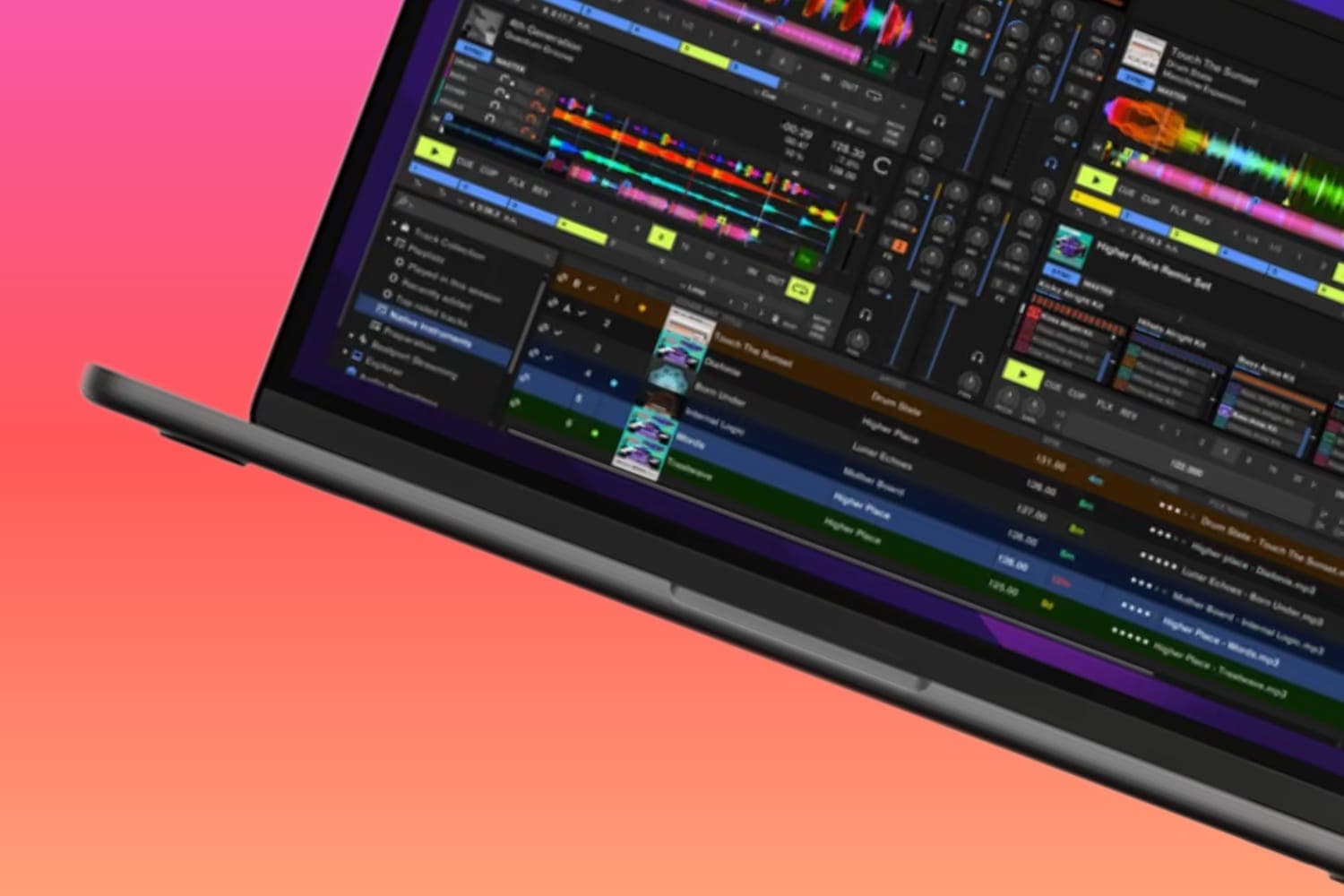
After you’ve had a chance to get a good idea of how a pair of Dubstep tracks can work, it’s now time to take a look at their wave structures as well as to set up some hot cues.
Several parts of a wave’s structure need to be understood if you want a full picture of how it operates. In no particular order, these include:
- Time
- BPM
- Mixed in Key
- Snare
#1. Time
Firstly, you’ll need to ideally have your tracks structured as much as possible before mixing.
Yes, having a bit of improvisation running throughout your performance is certainly worth including, but it should be the cherry and sprinkles on an otherwise rigid and structured Dubstep sundae.
Generally, the most accomplished and professional Dubstep DJs work around 60 to 120 seconds of a track.
They really do keep it snappy!
This ensures that they can keep the energy up for as long as possible, with virtually no drips or drops, or slowdowns.
Keeping it at around this time limit a DJ will have a good idea of where they are in their DJ set.
Not only that, but it’s also a great way of cycling through a lot of music, making sure the audience has a higher chance of hearing their personal favorites being played.
Something that is not likely to happen if you’re playing a song for 2 minutes or more which is pretty standard in the majority of other electronic music genres
DJ Hatcher. A true pioneer of the Dubstep sound.
#2. BPM (Beats Per Minute)
It doesn’t matter what the genre is, if you’re trying to mix tracks, you’re going to need to make sure that their beats per minute (BPM) are running at the same rate.
This goes without saying really
If not, be prepared for a lot of disjointed and out-of-sync music that will leave most of your audience walking out of the club.
Worse yet, you may even get a couple of boos! You know the drill here DJs!
#3. Mixed in Key (Harmonic Mixing)
You’ll also want to make sure that the two tracks are also sharing either the same or complementary keys with one another.
Just as with an off-set BPM, if the keys aren’t harmonically blended, you’re likely to result in a complete tonal mess which will likely also result in a very dissatisfied crowd.
Take a look at our harmonic mixing articles next to learn more:
How Mixing In Key Can Seriously Improve Your DJ Game
Using a Camelot Wheel as a DJ (Does it Really Work?)
#4. Snare
While we often talk much about the importance of a good bass, when it comes to Dubstep – because they’ve more than stressed that part of the equation – it can be more of a detriment to a DJ than a benefit.
This is because, as the bass is emphasized, it makes the beatmatching process of earlier much more difficult to utilize, as it becomes harder and harder to parse out the bass and beat of the second track to properly match the two.
Normally, an overemphasized bass would pretty much make beatmatching a nightmare for a DJ, and in most instances it is.
However, by taking a look, instead, at the tracks’ snares, you can continue beatmatching without being overwhelmed by the bass and beats of one track over the other.
Because the music is so bass-heavy, it’s easier than ever to focus on the snare and snare hits of both tracks.
As you continue listening for the snare (and not the bass of the beats), you’ll begin to realize that the music, which was once oh-so-random, has a surprisingly clean waveform structure, running at the usual 4/4 beat.
From there, once you know what you’re listening for, and have gotten into a good rhythm with the music, you’ll realize that Dubstep isn’t nearly as hard to beat match as you initially believed.
Skrillex. Superstar Dubstep DJ.
Step #3. Perfect Mixing Techniques
Once you’ve established a strong enough grasp on how a Dubstep track is structured, it’s now time to look into some different mixing techniques and methods to get the most out of your performance and DJ sets.
Technique #1. Drop Mixing
The first, and arguably most popular form of Dubstep mixing is what’s known as drop mixing.
As the name implies, drop mixing works by essentially waiting until the drop is about to occur in the first track before immediately inverting the faders so that, instead, you’re playing the drop from the second track.
This method is insanely popular and my personal favorite.
You’re essentially combining the best parts of the first two techniques while simultaneously giving the audience something they simply were not ready for or expecting.
It’s an incredible sight to see, as the crowd is gearing up for the drop from the first track to occur, only to get floored by another drop from a track they simply were not prepared for.
To perform this, you’re going to need to set your hot cues properly so that you have enough time to jump in. It shouldn’t be immediately before the drop, but rather a bit further back so that you have enough time to make sure the tracks have a chance to beatmatch.
If you want to take things up to an even crazier level, rather than just do a hard shift over to the second track’s drop, instead consider using the channel fader to play with the two drops, giving your new beat a heavy and appealing accent.
Trust me when I say that you’re going to be getting a lot of callbacks from a lot of venues.
Technique #2. Drop’s Outro
Another great way to mix in Dubstep music is by using the outro of a track’s drop.
Rather than the first method, which built tension by switching tracks right at a drop’s build-up, this method, instead, keeps that fun feeling going by riding in after the drop finishes and replacing the track before the crowd has a chance to feel like the party’s over.
Simply put, by waiting until after the initial track has its drop before switching out with the second track, you can keep the energy up seamlessly and without any “drop” in the momentum.
Technique #3. Drop’s Build-Up
A fairly popular mixing technique, here, you’ll let the initial track hit its first drop without affecting anything. Then, as the second drop starts to come up, you’ll slowly and gently begin bringing in the second track, switching them out just as the drop is about to hit.
At first, this may feel like pulling the ball away from Charlie Brown at the last second, but, in reality, you’re giving yourself more time to create even more tension while simultaneously ensuring that the sound remains as intriguing as possible.
From there, when it’s time to finally let the drop go in the second track, the crowd will show you just how awesome this technique is.
Step #4. Finding the Tunes
Now that you know how Dubstep music is structured, as well as have a few techniques that will you can immediately start using in your sets, it’s now time to get out there and start performing. To do this, there’s just one thing you’re going to need… and that’s Dubstep music!
There are several different places a DJ can go to get music, the most popular of which being from either Bandcamp or Beatport. Both of these websites offer digital WAV files, with Bandcamp being a great online retailer for various artists.
Bandcamp also has a pretty large Electronic community that you can get involved with and is where the majority of Dubstep DJs are going to be anyway.
Outside of those two spaces, there’s also iTunes and SoundCloud. You can also find some great inspiration for tracks to get from various playlists using Spotify.
How Do I Start Mixing Dubstep? Takeaway
Ultimately, while Dubstep is certainly one of the more daunting and intimidating music genres to DJ with, once you know what you’re doing, you’ve pretty much cracked the code on DJing in general.
It wouldn’t be too much of a stretch to say that being able to successfully DJ Dubstep puts you in a very elite class of DJs that have the propensity to perform in just about any genre.
It’s more difficult to play with than Techno or House, but once you get a hold of it, there are very few starting DJs that can compete with you.
Take the time, practice your skills, and in a very short time, you’ll be the talk of every rave event you go to.