Knowing the BPM and musical key of every track in your library is the foundation of professional mixing. BPM lets you beatmatch accurately. Key detection enables harmonic mixing — blending tracks in compatible keys for smooth, musical transitions instead of jarring clashes.
While most DJ software includes built-in BPM and key analysis, standalone tools often provide more accurate results and additional features like batch processing, Camelot notation, and energy-level tagging. Below are the best tools available, from free options to professional-grade analysis software.
1. Mixed In Key
Editor's Choice
| Spec | Detail |
|---|---|
| Type | Standalone software (Mac, Windows) |
| Analysis | BPM, key, energy level |
| Accuracy | 90%+ key detection |
| Integration | Exports to rekordbox, Serato, Traktor |
| Pricing | One-time purchase (~$58) |
Mixed In Key is the gold standard for key and BPM detection. Used by professional DJs and producers worldwide, it analyses your music library with industry-leading accuracy — over 90% correct key detection, significantly higher than most built-in DJ software analysers.
Beyond basic BPM and key, Mixed In Key tags tracks with energy levels (1–10), helping you build sets that flow naturally from low-energy openers to peak-time bangers. The Studio Edition analyses tracks inside your DAW for production use.
Results export directly to rekordbox, Serato, and Traktor metadata — your key and energy data appears automatically in your DJ software. At $58 for a perpetual license, it's a one-time investment that improves every mix you make. The 30-day money-back guarantee removes the risk.
2. djay Pro AI
Best Built-In Analysis
| Spec | Detail |
|---|---|
| Type | DJ software (iOS, Android, Mac, Windows) |
| Analysis | BPM, key, waveform, Neural Mix |
| Features | Full DJ software + analysis |
| Music | Apple Music, Spotify, Tidal, SoundCloud |
| Pricing | Subscription |
djay Pro AI combines full DJ software with excellent built-in BPM and key detection. The AI-powered analysis accurately identifies tempo and key for every track in your library and from streaming services. Frequency-based colour waveforms make key relationships visually obvious.
The advantage over standalone tools is integration — analysis happens automatically as you load tracks, and the results feed directly into harmonic mixing suggestions. Neural Mix (AI-powered stem separation) adds another layer of creative mixing beyond key matching.
Available across every platform (iOS, Android, Mac, Windows), djay Pro AI is the best option for DJs who want accurate analysis built into their mixing workflow rather than as a separate step. The subscription model includes all updates and new features.
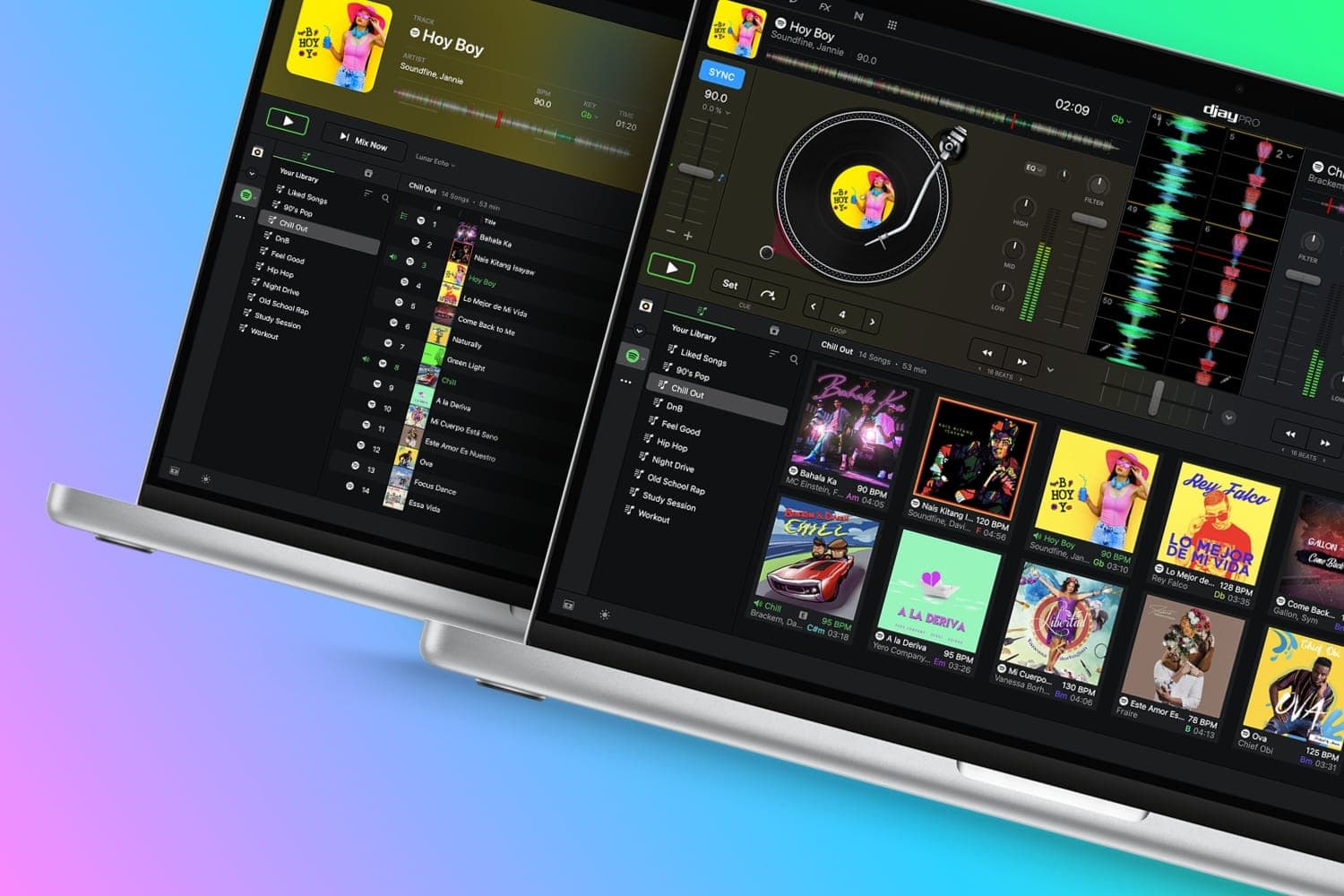
Algoriddim djay Pro AI
Honestly, while I still think Serato and rekordbox are stellar options (especially their paid options) I can’t help but...
3. Mixxx
Best Free Option
| Spec | Detail |
|---|---|
| Type | Open-source DJ software (Mac, Windows, Linux) |
| Analysis | BPM, key, beat detection |
| Features | Full DJ software + sync tools |
| Controller | Supports 100+ controllers |
| Pricing | Free (open-source) |
Mixxx is a free, open-source DJ software with built-in BPM and key detection. The analysis engine identifies tempo, key, and beat positions, then suggests compatible tracks from your library. Smart folders automatically group tracks by BPM range and key compatibility.
Sync tools use the analysis data to align beats and suggest harmonic matches. The software supports over 100 DJ controllers and runs on Mac, Windows, and Linux. For DJs who want a complete, free solution that handles both analysis and performance, Mixxx delivers.
Key detection accuracy is slightly below paid tools like Mixed In Key, but it's the most capable free option available. The open-source community continually improves the analysis algorithms.
Other Tools Worth Considering
VirtualDJ — One of the most downloaded DJ software platforms (100M+ downloads). Built-in BPM and key detection with smart folder organisation. Auto-detection makes setup foolproof. Compatible with virtually all DJ controllers and mixers. Free for home use.
Traktor — Native Instruments' professional DJ software with built-in key and BPM analysis. High-quality detection that integrates with Traktor DJ controllers. Free version available with limited features. Paid version offers advanced analysis and performance tools.
KeyFinder — An open-source, standalone key detection tool for Mac. Focused exclusively on key detection with no media player or library management. The singular focus makes it fast and lightweight. Free to download. Best for Mac users who want quick, dedicated key analysis without extra features.
GetSongKey — An online database with over 6 million tracked song keys. Search for any track to find its key, BPM, and energy characteristics. Additional tools include a key transposer, chord progression finder, and trending charts sorted by key. Free to use via web browser.
Tunebat — A free online tool with 40+ million songs in its database. Provides BPM, key, and harmonic mixing recommendations via web interface. The free tier includes ads; the paid subscription ($7.99/month) removes ads and adds advanced features.
FAQs
What is BPM in DJing?
BPM (beats per minute) measures the tempo of a track. Knowing a track's BPM lets you match tempos when mixing — the foundation of beatmatching. Most DJ software detects BPM automatically, but standalone BPM tools offer more accurate analysis and batch processing across your entire music library.
Why does key detection matter for DJs?
Key detection identifies the musical key of a track (e.g., A minor, C major). Mixing tracks in compatible keys — called harmonic mixing — creates smoother, more musical transitions. Clashing keys produce dissonant, jarring blends. Key detection tools analyse your library so you can plan harmonic mixes before performing.
What is the Camelot Wheel?
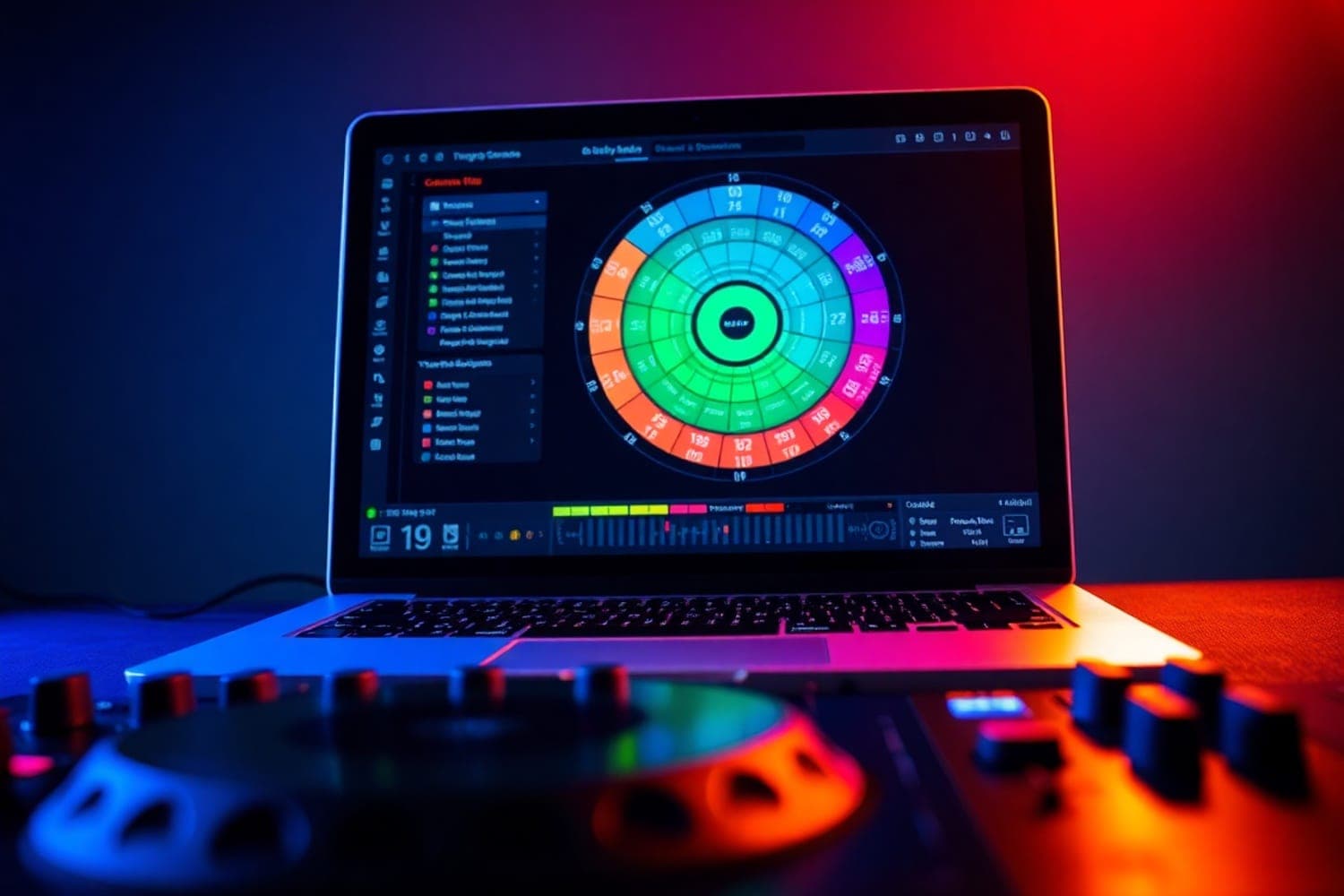
The Camelot Wheel is a visual tool that maps musical keys to numbered codes (1A through 12B). Adjacent numbers on the wheel are harmonically compatible — mix within the same number or move one position in either direction for smooth key transitions. Many DJ tools display keys in Camelot notation rather than traditional musical notation.
Are free BPM and key detection tools accurate?
Most free tools provide 85–95% accuracy for BPM detection, which is reliable for common genres. Key detection accuracy varies more widely — free tools average 70–85% accuracy. Paid tools like Mixed In Key achieve higher accuracy (90%+) through more sophisticated algorithms. For critical harmonic mixing, paid tools are worth the investment.
Can DJ software detect BPM and key automatically?
Yes. rekordbox, Serato DJ, Traktor, and djay all analyse BPM and key when you import tracks. These built-in analysers are generally accurate for BPM but vary in key detection quality. Standalone tools like Mixed In Key often provide more accurate key analysis than built-in DJ software analysers.
Verdict
Mixed In Key is the best standalone BPM and key detection tool. Industry-leading accuracy, energy-level tagging, and direct export to DJ software metadata make it the professional standard. The one-time $58 purchase pays for itself in better-sounding mixes.
For DJs who want analysis integrated into their mixing workflow, djay Pro AI provides excellent built-in detection with AI-powered features. For a completely free solution, Mixxx delivers capable BPM and key analysis alongside full DJ software.
Accurate key detection transforms your mixing. Start with whatever tool fits your budget — even free options significantly improve your harmonic mixing — and upgrade to Mixed In Key when you're ready for the most accurate analysis available.