Techno usually runs between 125 and 140 BPM with a kick on every beat, and its tracks are built in 16-bar sections with an intro meant to give DJs time to mix in, per Native Instruments. Start by matching two tracks to the same tempo and blending them over whole sections with the EQ, swapping the bass so only one kick drum leads at a time.
What makes techno mix the way it does
Native Instruments' guide to making techno describes the genre as four-on-the-floor rhythms, synthesizers, drum machines and loop-based arrangements, with "a kick on every beat of the bar". Its example track is built from 16-bar sections: an intro whose job is "to give DJs time to mix it in", a main section, and a breakdown where elements drop out for a breather. A full-length track, it adds, would double each section and add more after the breakdown.
Those long sections leave room for long blends. Native Instruments' guide to DJ transitions says techno and house DJs tend to prefer smooth blends, where hip-hop and drum and bass DJs cut more. The UK online DJ school Crossfader puts it the same way in its lesson Mix Like a Techno DJ (September 2023), describing techno's "rich heritage of long transitions".
What you need
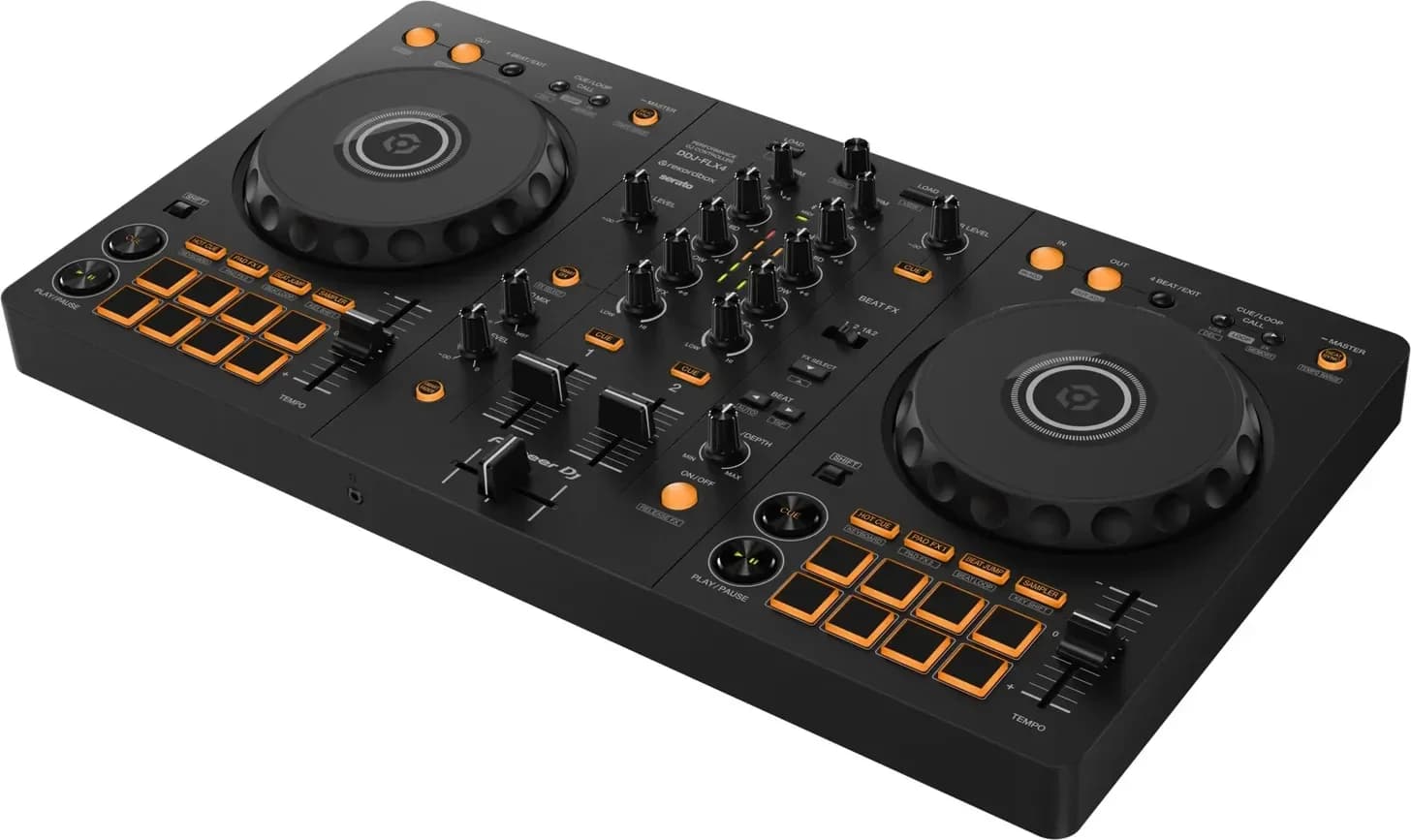
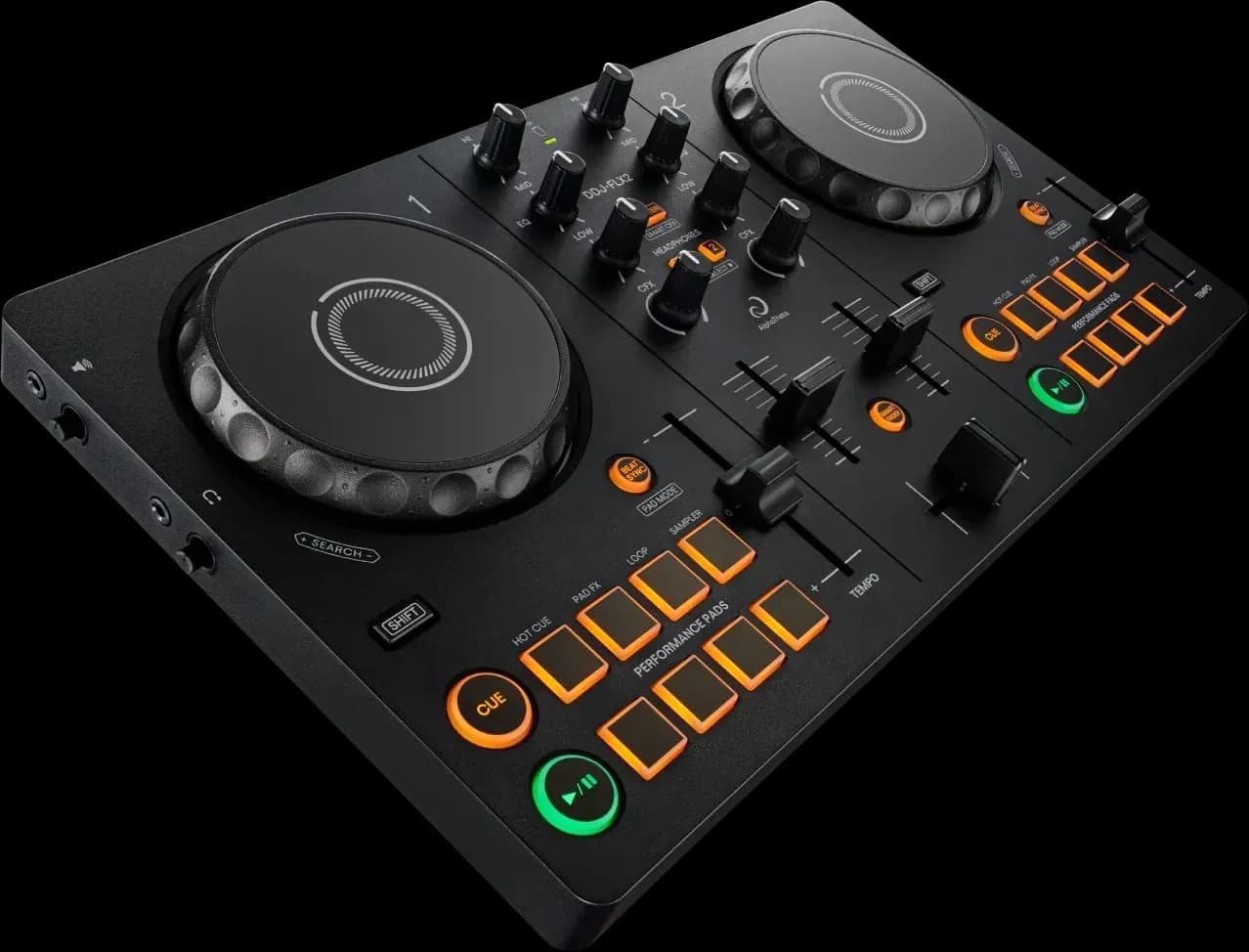
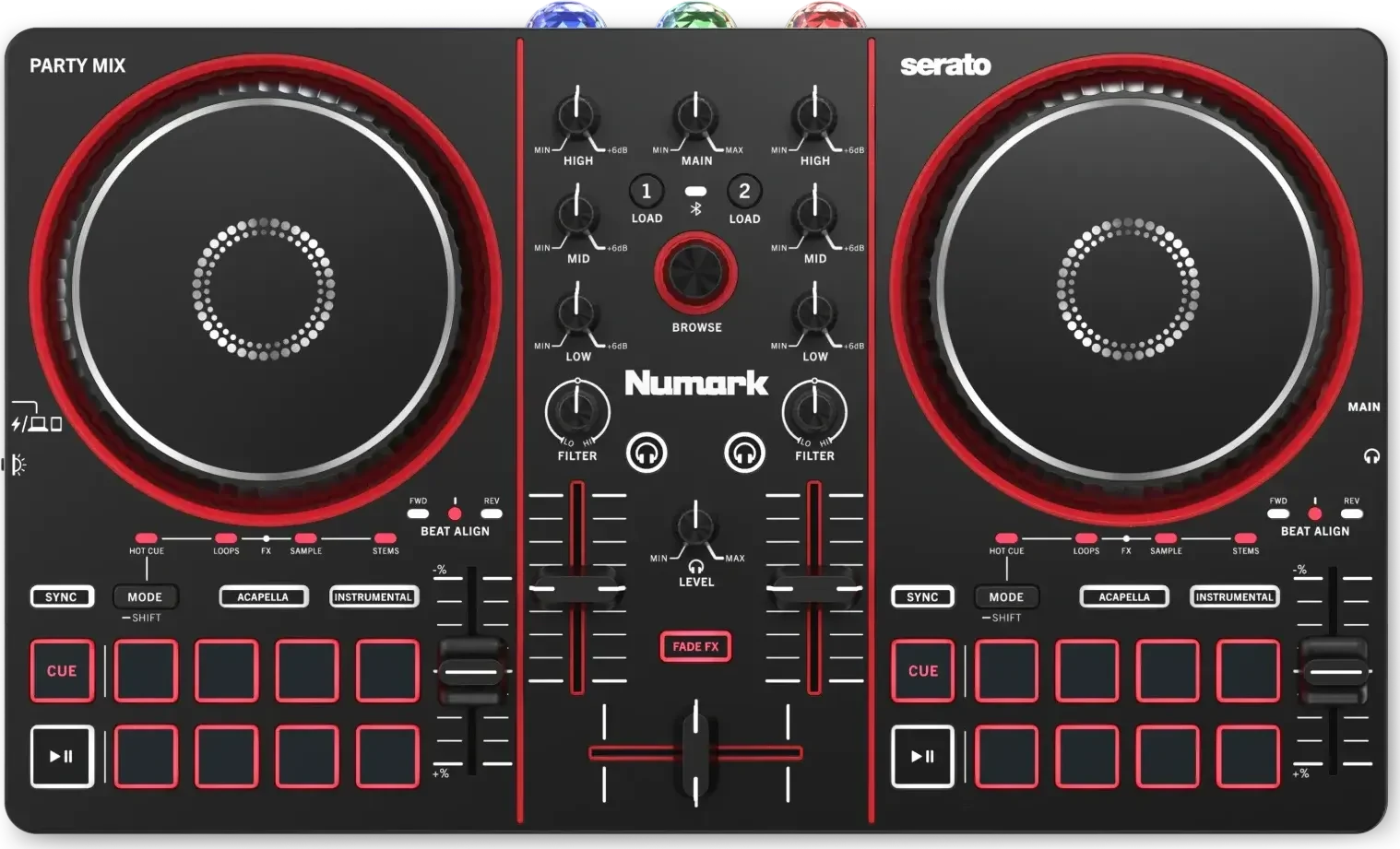
Two decks and a mixer with a three-band EQ (high, mid and low) on each channel. A two-channel controller and DJ software are enough; see the best DJ controllers for beginners, the best DJ software and the best DJ headphones. Crossfader's lesson uses only the channel faders and EQ knobs. It says an EQ with full-kill isolation, where turning a knob fully left removes that band completely, gives the best results, but a standard EQ works too.
You won't need the crossfader for these blends. Leave it in the centre, or take the channels off it; the crossfader explainer shows how.
Prepare the tracks
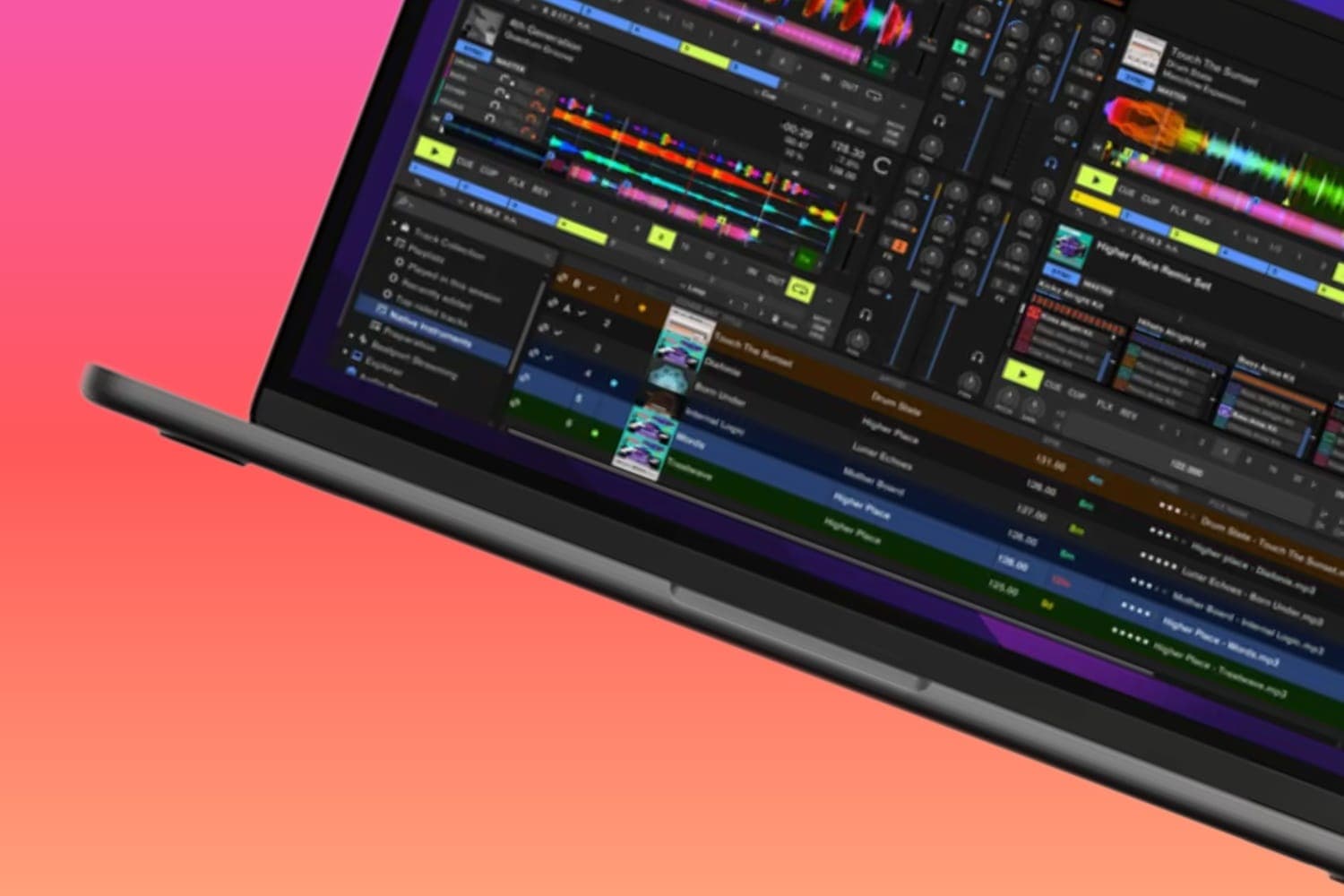
- Get the beatgrid right. Beat sync, loops and phrase counters all rely on the grid, so check that the first downbeat sits on the start of the grid after analysis. In rekordbox 7, the analysis options are under Preferences > Analysis > Track Analysis, where you can also tick Phrase to have rekordbox mark each track's sections, per the rekordbox 7 manual.
- Set hot cues on section starts. Mark the start of the intro, the main section and the breakdown. Crossfader's blends all begin by pressing a hot cue on each deck at the same moment. The cue and hot cue explainer covers setting them.
- Pick tracks close in tempo. Native Instruments suggests choosing tracks within about five BPM of each other. In each of Crossfader's examples both decks run at exactly the same tempo (134, 135 and 130 BPM). Match them by ear or with sync; see how to beatmatch and the sync button explainer.
- Count the phrases. Start the incoming track on the first beat of a section, so both tracks change section together. The DJ transitions guide shows how to count bars and turn on phrase display in Traktor and rekordbox.
Blend 1: the slow EQ blend
Crossfader's first method replaces one track with the other over more than 30 bars, one frequency band at a time.
- Kill the incoming track. Turn all three EQ knobs on the incoming channel fully left, then raise its channel fader. Nothing comes through yet.
- Start on a section. Crossfader presses a hot cue on both decks at the same moment, so both play from marked section starts. You can also start the incoming track on the first beat of a section of the playing one.
- Bring in the mids. Over about 16 bars, turn the incoming track's MID back to the centre. Its chords and melody now sit under the outgoing track.
- Swap the highs. Over about six bars, turn the outgoing HI down while turning the incoming HI up, until both sit a little below centre. Hold for a bar.
- Swap the lows. Turn the outgoing LOW down and bring the incoming LOW up to the centre, finishing quickly, over about three bars, so the two kick drums don't fight.
- Fade the old track out. Over about eight bars, take the outgoing track's LOW fully off and pull its channel fader down, turning its MID fully left as the fader closes.
Blend 2: swap the bass at a breakdown
The second method uses a moment when the outgoing track drops its bass by itself.
- Start the incoming track with all its EQ knobs fully left, then raise its channel fader and bring in its HI and MID part of the way.
- Wait for a short breakdown in the outgoing track, where its low end cuts out.
- In that gap, kill the outgoing LOW and bring the incoming LOW to the centre. The new track's bass lands where the old one's would have returned.
Blend 3: layer two tracks
Crossfader's third method plays parts of two tracks together for longer than a blend, then returns to the first.
- Bring the second track in at the first track's drop, highs first, then mids.
- Over eight bars, turn the first track's LOW down as you turn the second track's LOW up. The first track carries on as a synth line over the second track's drums and bass.
- To return to the first track, wait for its build-up, then bring its LOW back to the centre while turning the second track's EQ fully left. The first track comes back in full at its next drop.
Keep the low end clean
Two kick drums and basslines at full level sound muddy and can push the mixer into the red. Keep one track's LOW down while the other's is up, which is the bass swap in the transitions guide, and watch the channel and master meters; the clipping explainer covers gain staging. If two melodies clash, mix in compatible keys or, as Pirate's guide to mixing techno and bass music suggests, wait for one melody to stop before bringing in the other.
Pace the set
How long each track plays depends on the slot. Warm-up DJs tend to let tracks run in full, while peak-time sets change tracks faster; see how long a DJ should play a song for. Once two-deck blends come easily, Crossfader notes techno's history of four-deck mixing, external effects and MIDI devices as the next step.
Where to get techno
Techno is sold as downloads on stores such as Beatport, Bandcamp and Juno Download, and Beatport's catalogue can also be streamed into DJ software through its subscription; see the Beatport LINK review. For legal free downloads, see free DJ music downloads.
How this page is made
The genre's tempo and structure come from Native Instruments' How to make techno (December 2022), and the blending habits from its DJ transitions guide (February 2024). The three blends follow Crossfader's Mix Like a Techno DJ lesson, shortened, and the advice on clashing melodies from Pirate's guide (April 2022); Crossfader's first method doesn't say when to raise the incoming channel fader, so the steps above raise it at the start with the EQ killed. Setting names are from AlphaTheta's rekordbox 7 manual. All were read on 13 October 2026. The earlier version of this page had a history of techno and a list of DJ software, which are gone; the best DJ software guide covers the apps. The methodology explains how the site works.