Most platforms don't let you stream other people's recordings without the rights holders' permission, so a DJ set belongs on a service that licenses it: Twitch through its opt-in DJ Program, or Mixcloud Live, which says it has agreements with labels, publishers and collecting societies. YouTube, Facebook and Instagram scan for copyrighted music and can interrupt, mute or remove a stream, so use them for music you own or have licensed.
Owning the music isn't the same as being allowed to stream it
Buying a track, or downloading it from a record pool, gives you a copy to play. It doesn't give you the right to broadcast it. Twitch's music guidelines put it plainly: buying music or subscribing to a streaming service "typically grants you a personal license" for private playback, not a right to share it on Twitch. Record pools say much the same; the best DJ pools guide quotes their terms. A venue's music licence covers the room, not the internet, so a club night that is also streamed needs the platform's permission as well.
What each platform allows
- Twitch. Its music guidelines list a DJ set, "playing and/or mixing pre-recorded music recordings", among the things you may not stream, unless you own the recordings, have permission, or play the Twitch DJ Music Catalog as a member of the Twitch DJ Program. The program is opt-in. Twitch says it covers the vast majority of popular music, and it sets aside part of your channel's earnings to pay the music companies, sharing that cost with most streamers. DJ streams go in the DJs category, where VODs, Highlights and uploads are disabled and clips can't contain catalogue music. Unreleased and pre-release tracks are not covered, and streaming them risks takedowns and suspension.
- Mixcloud Live. Mixcloud says it is a licensed service, so you can stream DJ sets without takedowns as long as you follow its terms. Live streaming needs a Mixcloud Pro subscription. The audio of a stream between 15 minutes and 12 hours long can be saved to your profile afterwards, but the video can't, and it doesn't allow pre-recorded sets or video you don't have the rights to.
- YouTube. Every live stream is scanned for third-party content. If it finds some, a placeholder image may replace your stream and you are warned to stop; if the content stays, the stream is interrupted or ended, and a copyright strike can end it too. Even with a licence, your stream can be cut unless the rights owner adds your channel to their Content ID allowlist. Archived streams can pick up Content ID claims afterwards.
- Facebook and Instagram. Meta's music guidelines apply to all its products and say you may not use them "to create a music listening experience", including in live videos. Content with someone else's music may be blocked, muted or removed, the more music a video contains the more likely it is to be limited, and there should always be a visual element. The Instagram Live guide covers that platform in more detail.
Get the mix into your computer
Free OBS Studio runs on Windows, macOS and Linux and sends a stream to most platforms, including Mixcloud Live, which recommends it. There are two ways to get your sound into it.
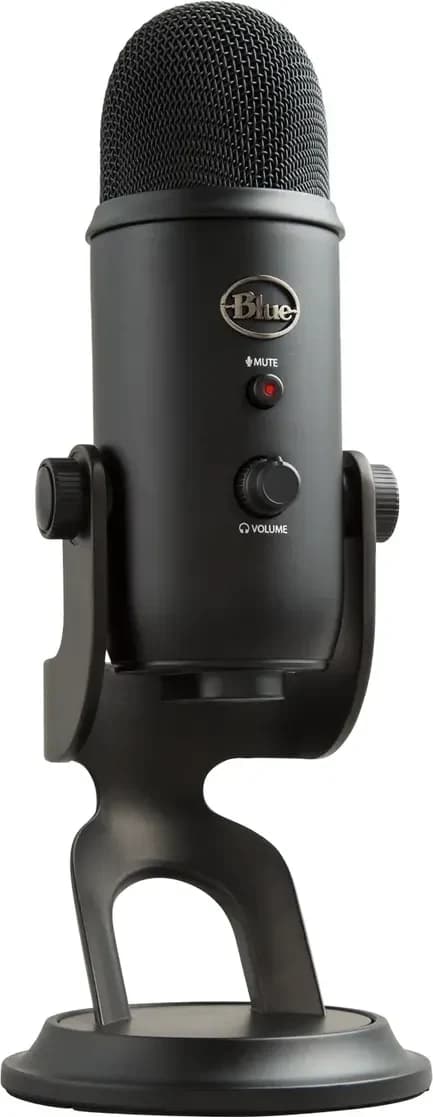
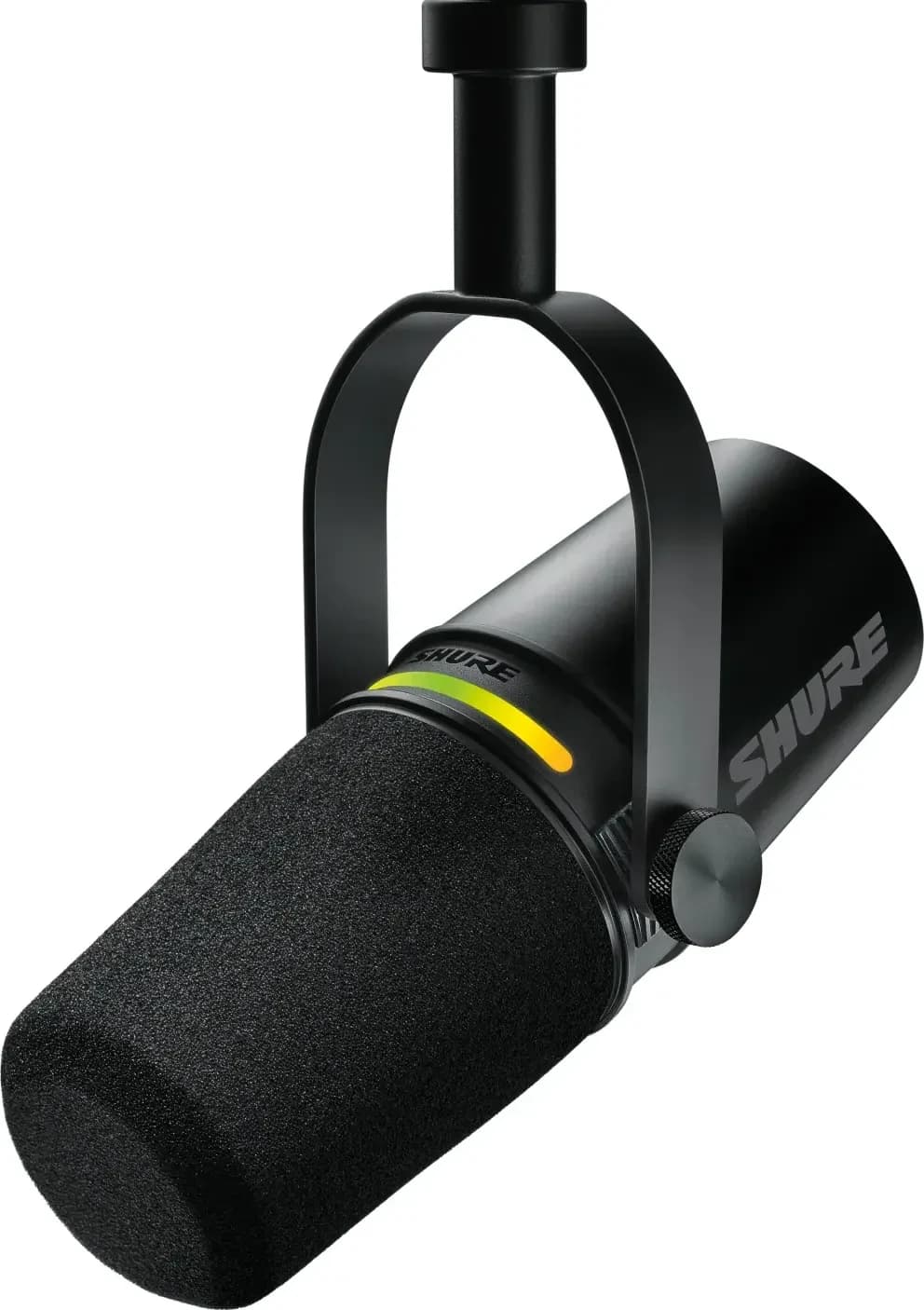
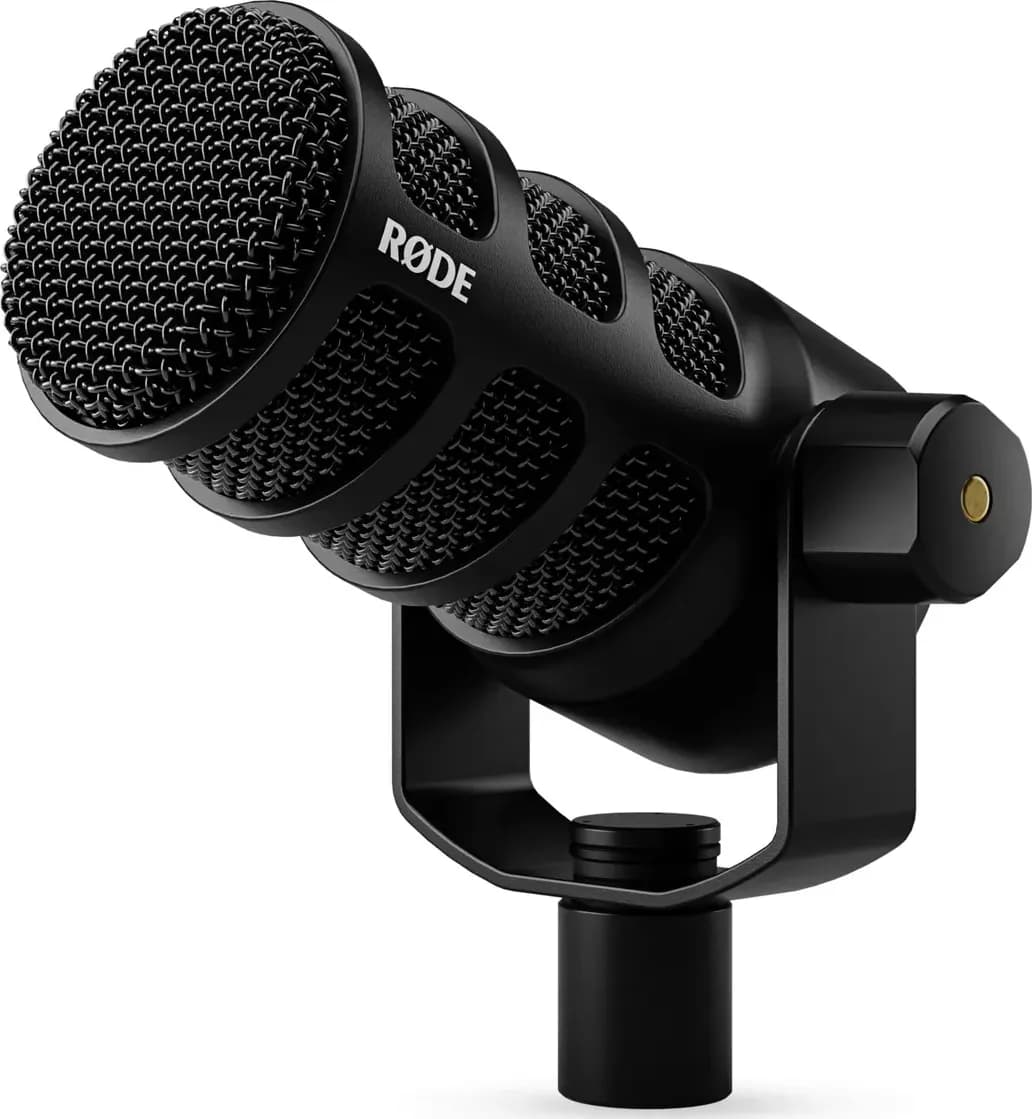
- From the hardware. Run the master, booth or record output of your controller or mixer into an audio interface, and add that interface in OBS as an Audio Input Capture source. Mixcloud's setup guide recommends a separate interface rather than the laptop's built-in sound card. It also takes a microphone if you want to talk; see the best audio interfaces and best microphones for streaming.
- From the DJ software. OBS can capture one application's audio. On Windows 10 (version 2004 or later) and Windows 11, OBS 28 and later have an Application Audio Capture source. On macOS 13 or later, OBS 30 has a macOS Audio Capture source; older versions of macOS need a routing tool such as VB-CABLE, Loopback or Sound Siphon, per the same OBS guide.
If you stream from a phone, an interface such as the IK Multimedia iRig Stream takes the mixer's output into an iPhone, iPad or Android phone and works with any app that streams audio or video.
Settings and a test run
Platforms publish their own settings. For Mixcloud Live, its OBS guide asks for 720p video at 16:9, a video bitrate of 2,500 to 3,000 kbps at a constant bitrate, 30 frames per second with a two-second keyframe interval, and 320 kbps audio. Mixcloud also suggests recording yourself in OBS before the first stream and checking your internet speed. Watch the audio meter in OBS while you play: if it hits the top, turn down the output feeding OBS, not the master you hear in the room; see clipping and redlining. If you want to keep the video of a Mixcloud stream, record it locally in OBS while you stream, because Mixcloud saves only the audio.
Software for the set itself
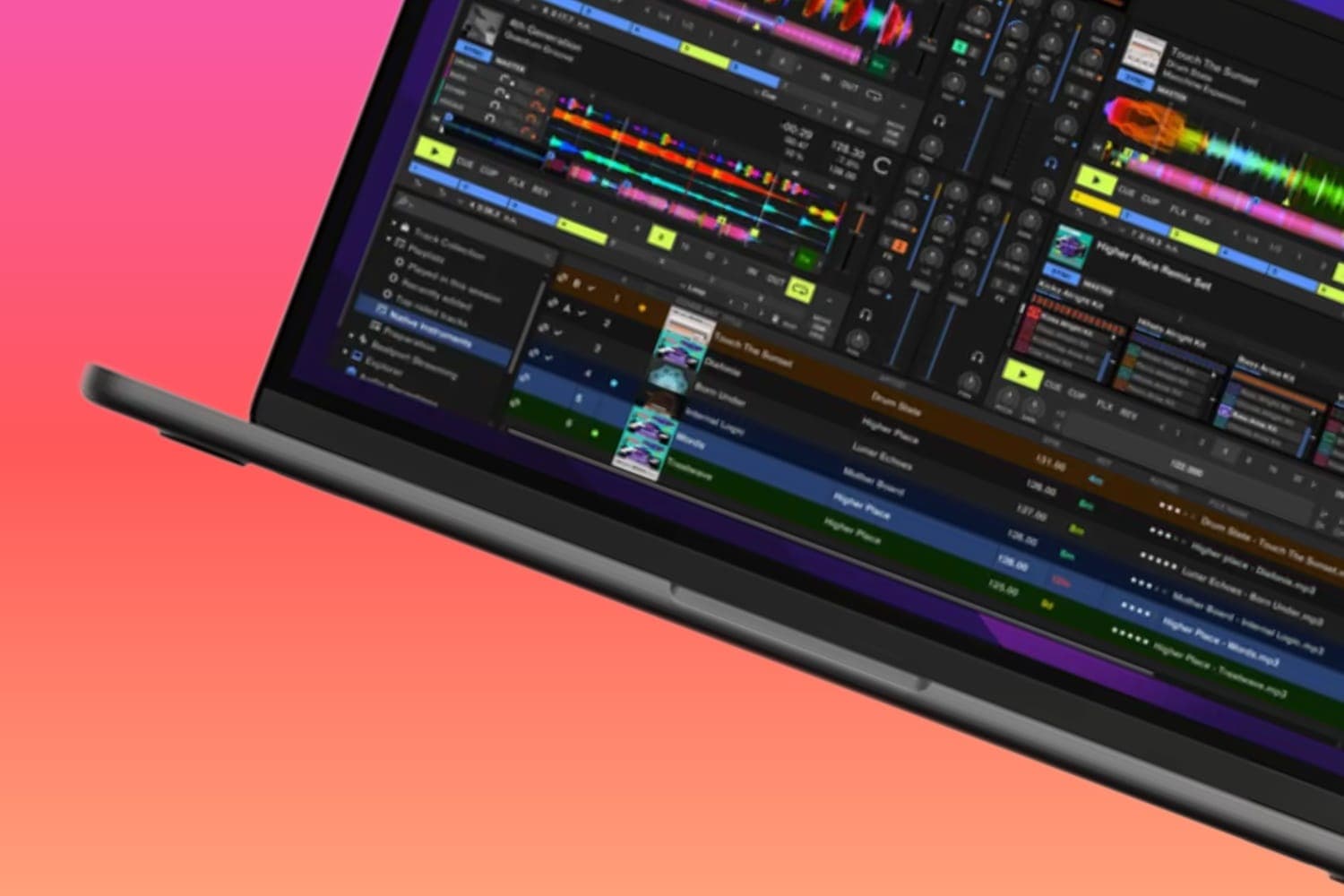
Any DJ software works for a stream, since OBS takes the sound from the hardware or the application. Mixxx, which is free, can also broadcast straight to Shoutcast or Icecast internet radio servers without OBS, though Mixcloud Live doesn't accept those connections. The best DJ software compares the options.
How this guide is made
Every rule on this page comes from the platform's own guidelines or help pages, and every setup step from OBS's and Mixcloud's documentation, read on 12 October 2026 and linked where they are used. Platforms change their music rules, so check the linked pages before you go live. We haven't tested these platforms for this page. The methodology explains how the site works.