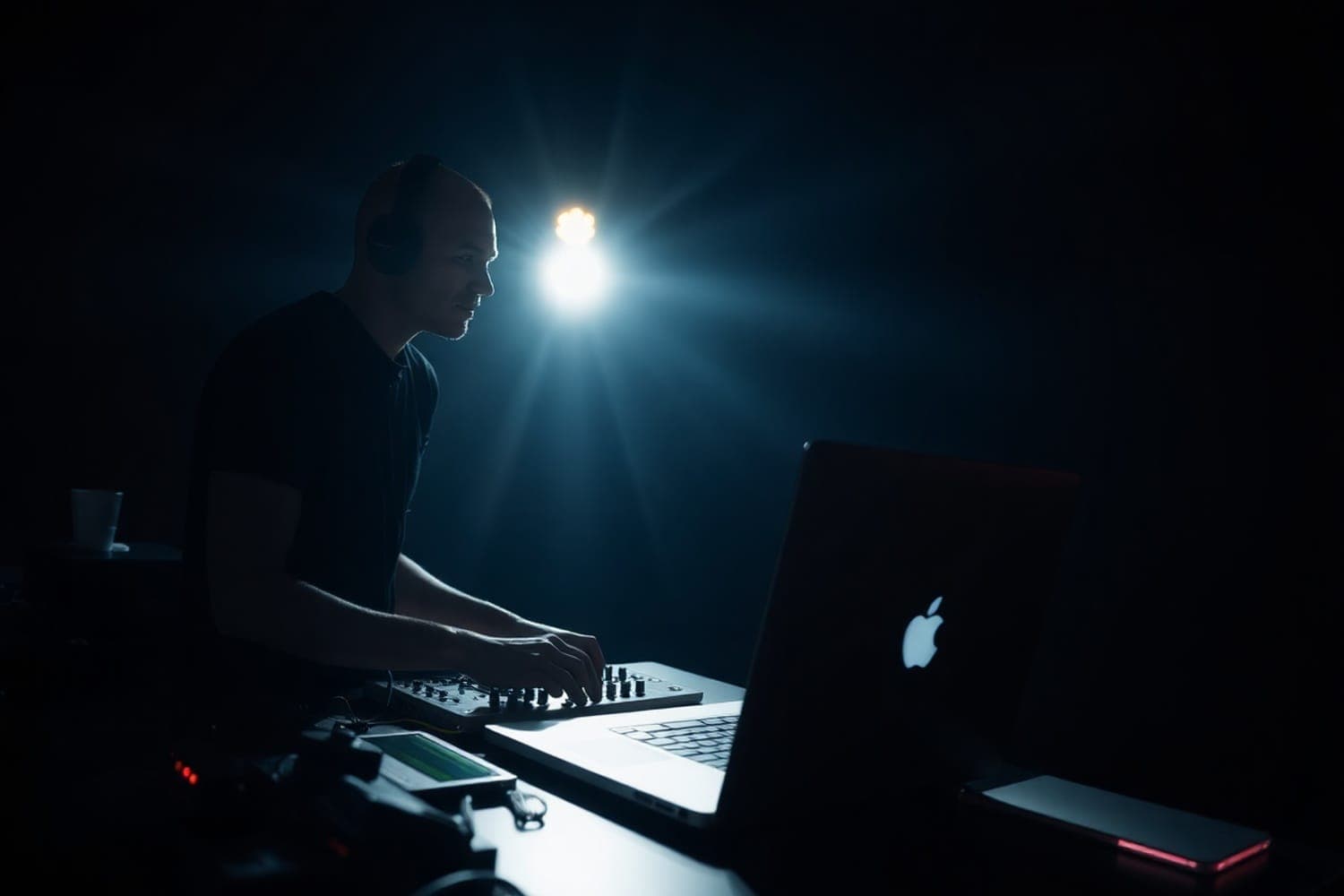
Every major DJ program runs on Apple silicon Macs, a Mac has no Windows-style audio latency check to pass, and some larger controllers need a separate audio driver on Windows but not on a Mac. You don't need a MacBook Pro to DJ: rekordbox, Serato DJ Pro and Traktor Pro 4 also run on Windows, and a MacBook Air with 16 GB of memory meets rekordbox's and Serato DJ Pro's requirements, stems included.
No published survey counts how many DJs play from a Mac, so this page doesn't put a number on it. It sets out what the software makers and Apple say, which is what decides whether a Mac is the right laptop for you.
What DJ software asks of a computer
| rekordbox 7.2.19 | Serato DJ Pro 4.0.10 | Traktor Pro 4 | |
|---|---|---|---|
| macOS | 13 to 26 | 14, 15 and 26 | 13, 14 and 15 on its product page; 26 from version 4.4.1 |
| Mac processor | Apple M1 series or later, or Intel | Apple M1/M2 or higher, or Intel Core i5 | Apple M1, M2, M3, or Intel Core i5 |
| Windows | 10 and 11 | Yes | 11 |
| Memory | 8 GB; 16 GB for STEMS and GROOVE CIRCUIT | 8 GB recommended; 16 GB for low-latency scratching, live streaming, three or more decks or Serato Video | 4 GB |
Sources: rekordbox system requirements, version dated 24 September 2026; Serato DJ Pro downloads, Mac requirements and Windows installer; Traktor Pro 4 system requirements and Native Instruments' macOS compatibility page.
Two things follow. First, the platform doesn't decide which DJ software you can use: all three run on a Mac and on Windows. Second, memory matters more than the model name. rekordbox's stems and Serato DJ Pro's high-performance tier both ask for 16 GB, and on a Mac memory can't be added after purchase.
Apple's current macOS is macOS 27 Golden Gate. None of the three requirement lists above includes it, and Native Instruments says its hardware and software aren't supported on macOS 27 yet and asks users not to update until they are. Check your DJ software's list before you update a laptop you play from.
Where a Mac does save time
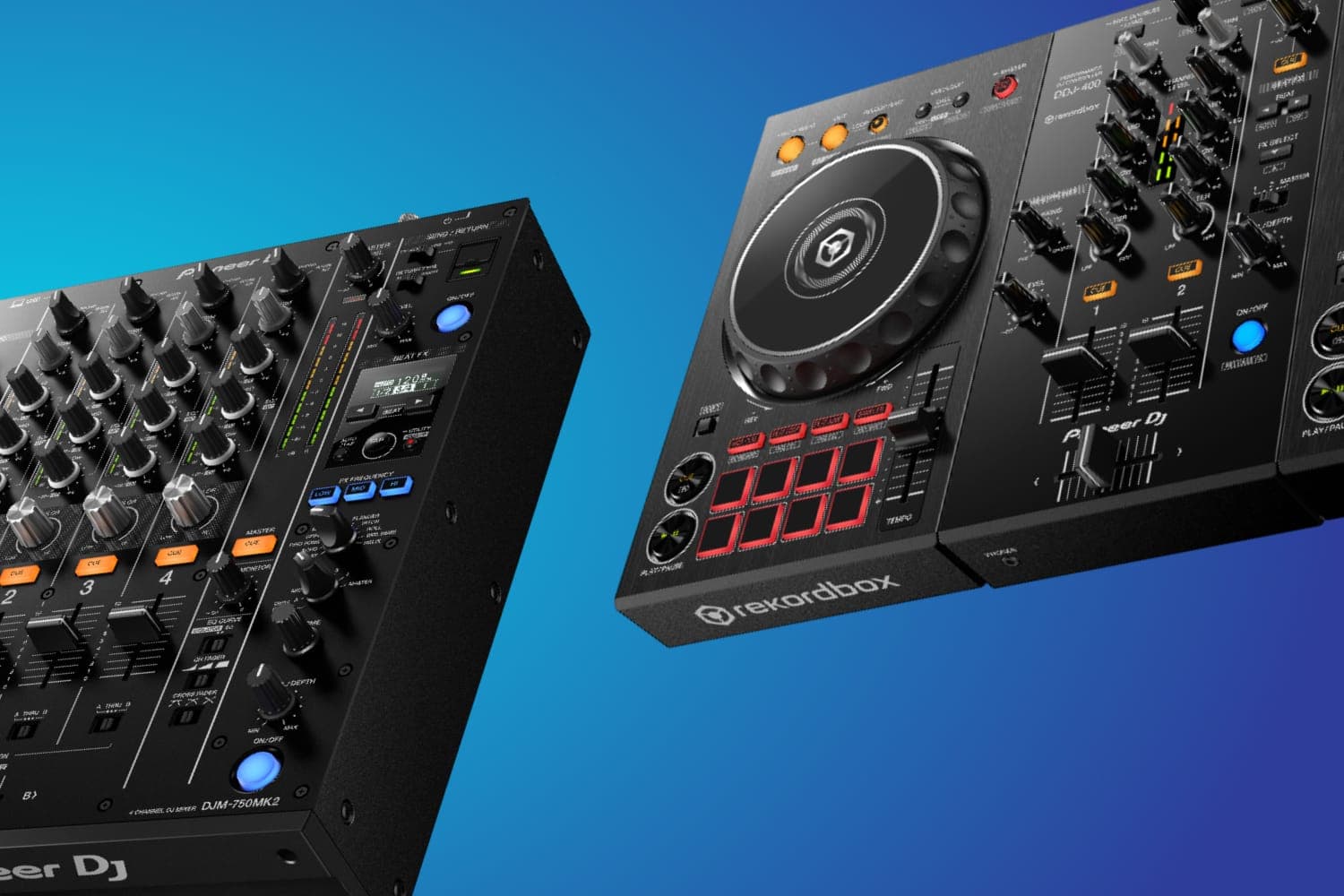
Fewer drivers for larger controllers. Entry controllers such as the DDJ-FLX4, DDJ-FLX2 and DDJ-400 need no extra driver on either platform; AlphaTheta says the standard Windows or macOS audio driver installs itself when you plug them in. Bigger units differ. The DDJ-FLX10 needs AlphaTheta's audio driver on Windows, while on a Mac you install only its Setting Utility, per the AlphaTheta Help Center. Check your controller's support page before you buy the computer.
No latency check. A Windows laptop can click and drop out under DJ software when a driver holds up the processor, which is why the best computers for music production guide recommends testing a new one with LatencyMon before the return window closes. Macs don't need the check.
One lineup to choose from. Every Mac Apple sells uses its own chips, and every current MacBook has a 3.5 mm headphone jack, per Apple's specifications. Comparing Windows laptops means checking the processor, the audio driver and the ports model by model.
Some music software is Mac-only. Logic Pro needs macOS 26.6 or later and a Mac with Apple silicon, per Apple. If you produce in Logic as well as DJ, that decides the platform.
Which MacBook
Apple sells three MacBook lines. Their specifications, from apple.com:
| MacBook Neo | MacBook Air | MacBook Pro 14-inch (M5) | |
|---|---|---|---|
| Chip | A18 Pro | M5 | M5, or M5 Pro and M5 Max |
| Memory | 8 GB, fixed | 16 GB or 24 GB, up to 32 GB to order | 16, 24 or 32 GB; up to 128 GB with M5 Max |
| Ports | One USB 3 and one USB 2, both USB-C | Two Thunderbolt 4 | Three Thunderbolt 4 (Thunderbolt 5 on M5 Pro and Max), HDMI, SDXC |
| Headphone jack | Yes | Yes | Yes |
Sources: Apple's specifications for the MacBook Neo, MacBook Air and MacBook Pro.
- MacBook Neo. Its A18 Pro chip isn't an M-series chip, and none of the three DJ software lists above names it. Its 8 GB of memory is half what rekordbox asks for stems. Until the software makers list it, ask yours before buying one to DJ on.
- MacBook Air. With 16 GB it meets rekordbox's and Serato DJ Pro's requirements, including stems; Traktor's product page names chips only up to the M3, so Traktor users should check with Native Instruments. Two ports is its limit: a controller, an audio interface and a drive at once need a hub.
- MacBook Pro. Choose it for the extra ports, more memory, or production work on large projects. For DJing alone it is more than the software asks for.
The best computers for music production guide recommends specific configurations. A laptop stand gets the screen to eye level, and an external drive takes the music library off the internal storage.
When Windows is the better choice
Windows is a sound choice if your software, plug-ins or employer keep you on it, or if you want a laptop with USB-A ports so a controller plugs in without an adapter. Three checks matter:
- Processor. rekordbox's list names Intel and AMD processors and needs AVX2 support; check any Windows laptop against it before buying.
- Drivers. Download your controller's Windows driver from the maker's support page, if it has one.
- Latency. Run the latency check in the best computers guide in the first days you own it.
Buying a used MacBook
- Buy Apple silicon, M1 or later. Apple's macOS 27 compatibility list starts at the M1 models of 2020 and includes no Intel Mac, and Logic Pro needs Apple silicon.
- Check the memory. It can't be upgraded. 16 GB covers rekordbox's stems and Serato DJ Pro's high-performance tier; 8 GB covers only their basic requirements.
- Count the ports. Look up the exact model's ports on Apple's specifications, and write down everything you plug in at a gig before you buy.
What rekordbox is, Serato DJ Pro and the best DJ software cover the choice of software, which is worth making before the choice of laptop.
How this page is made
Every requirement and specification on this page comes from the software maker's or Apple's own page, linked beside it and read on 13 October 2026. We haven't tested these laptops, and no published count of what DJs use turned up, so the page doesn't claim one. The methodology explains how the site works.