A gig drive that gets knocked about
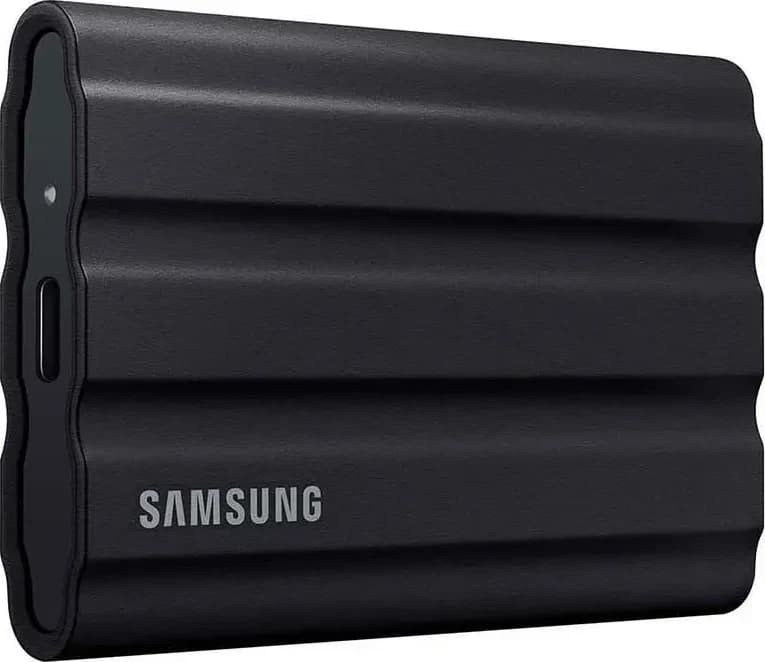
Samsung T7 Shield
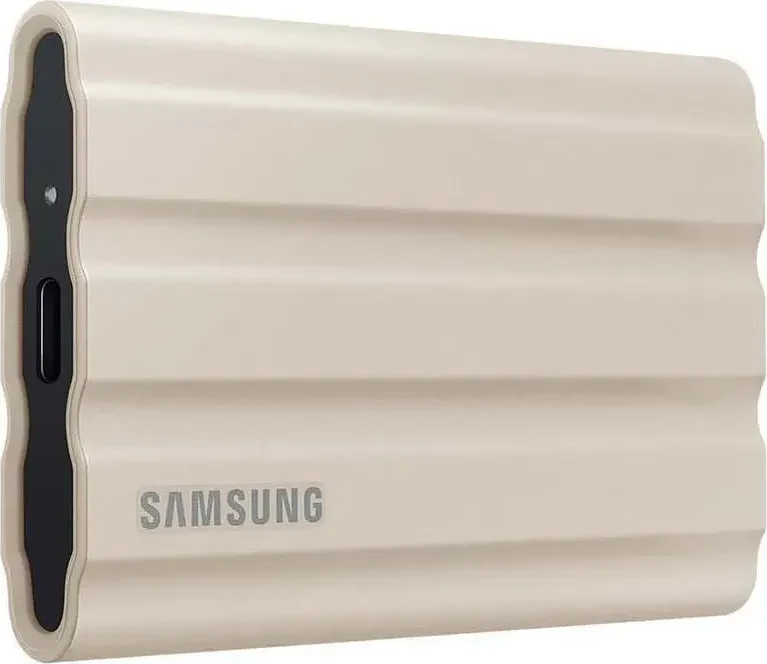
A rugged USB-C SSD that keeps its speed on long copies; it is capped at 10 Gbps and costs more than rivals.
Photos: Samsung
of 7 reviews recommend it
Choose it for a gig drive that gets carried, knocked about and plugged into many players. Samsung rates it IP65 for dust and water and for drops of up to 3 m, in 1, 2 and 4 TB, and puts a USB-C cable and a USB-C to USB-A cable in the box, so it plugs into the USB-C storage port on a CDJ-3000X and the USB-A ports on everything else. Reviewers say its write speed holds steady on long copies, which is what decides how long an export takes; three find the rubber shell collects dust. If the drive will stay in your bag, the T7 is slimmer and lighter.
- Best for
- A gig drive that gets carried, knocked about and plugged into many players.
- Skip it if
- You want the fastest drive for the money, or a drive without a cable.
What people praise
- Tough rubber shell against drops, dust and water
- Gets close to its rated speeds in tests
What to know first
- The rubber shell collects dust and lint
- Limited to 10 Gbps while faster drives exist
Video reviews
- Dev Neil AAug 2024Recommends
- Suyaib AhmedFeb 2024Recommends
A slim drive that stays in the bag
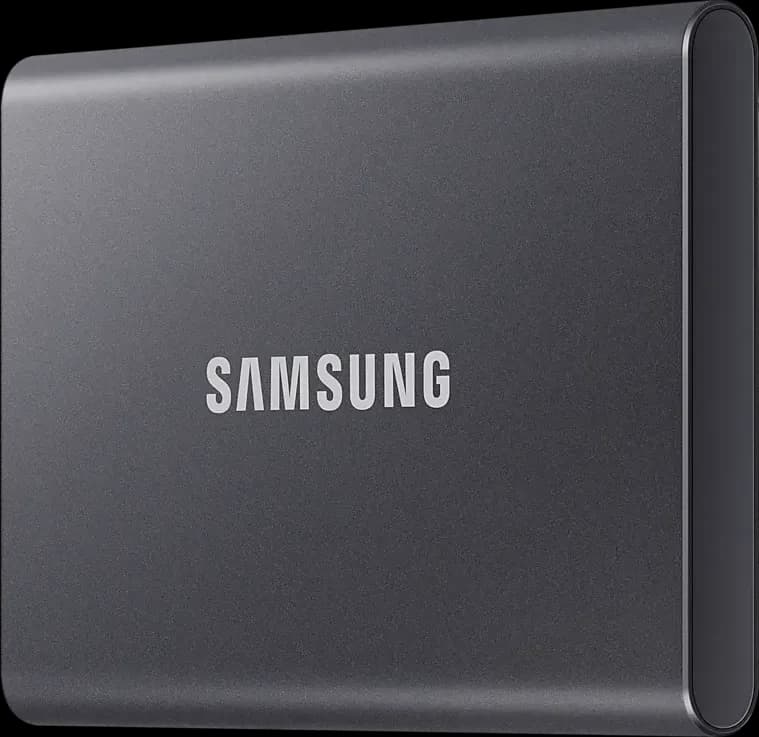
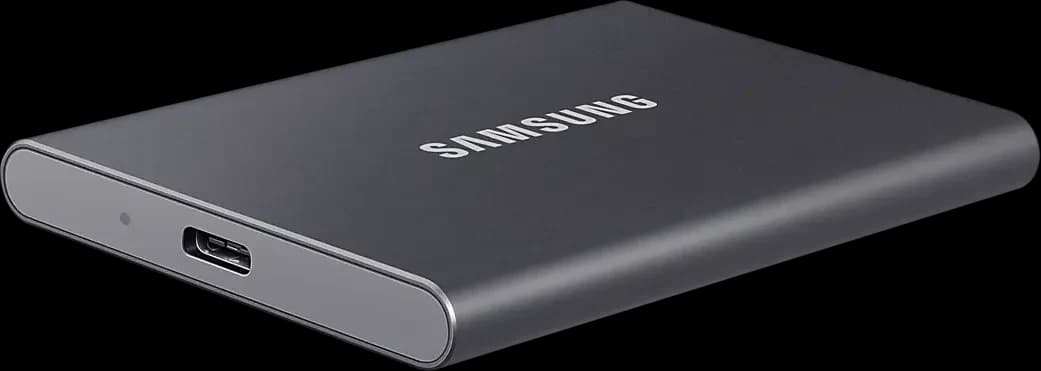
Samsung T7
A slim, light SSD with both cables in the box; writes slow on long transfers and it has no water rating.
Photos: Samsung
of 11 reviews recommend it
Choose it if the drive rides in a bag or pocket rather than on a booth floor. It is 8 mm thick, comes with both cables, and reviewers say it works on Mac and Windows as shipped. Samsung publishes no water or dust rating, and four reviews found its writes slow on long transfers. If it will get knocked about or wet, the T7 Shield is the tougher drive.
- Best for
- A slim gig and backup drive that rides in a bag or pocket.
- Skip it if
- It will get wet or knocked about, or you need full-speed long writes.
What people praise
- Small and light enough for a pocket
- Works on Mac, Windows, phones and consoles without setup
What to know first
- No water or dust rating
- Real-world speeds fall short of Samsung's rating
Video reviews
- Adam Talks TechJul 2024Recommends
- Will HaydenMar 2025Recommends
A big library on one rugged drive
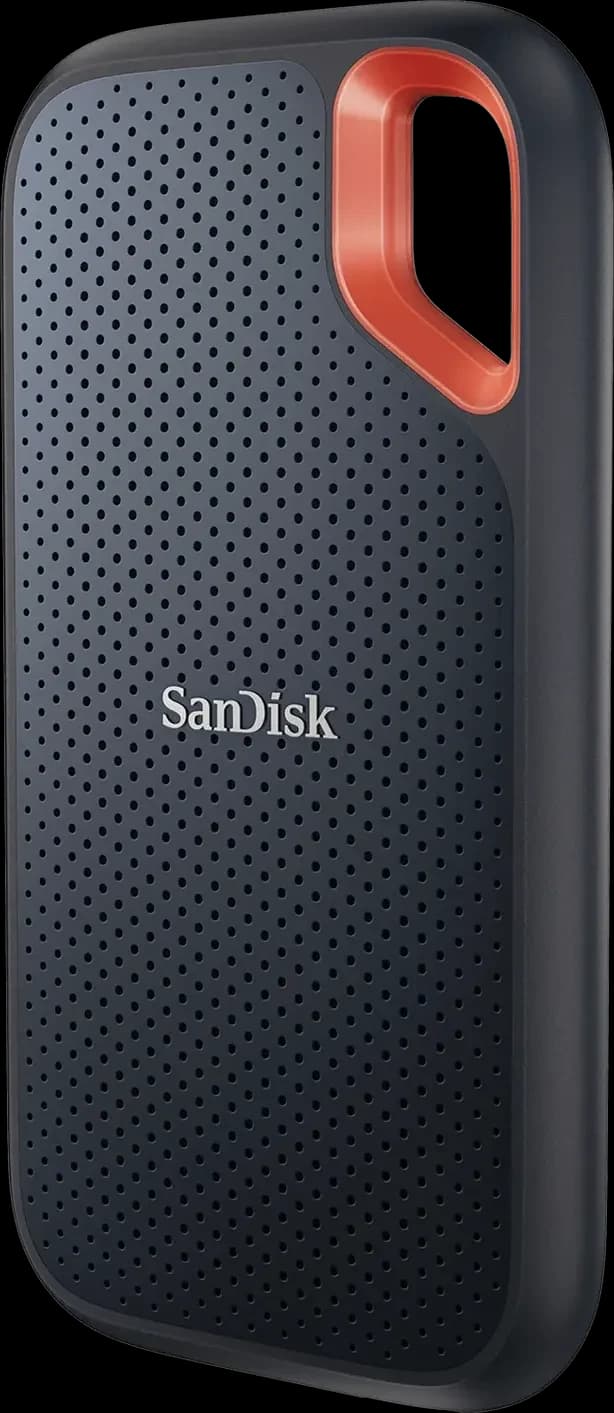
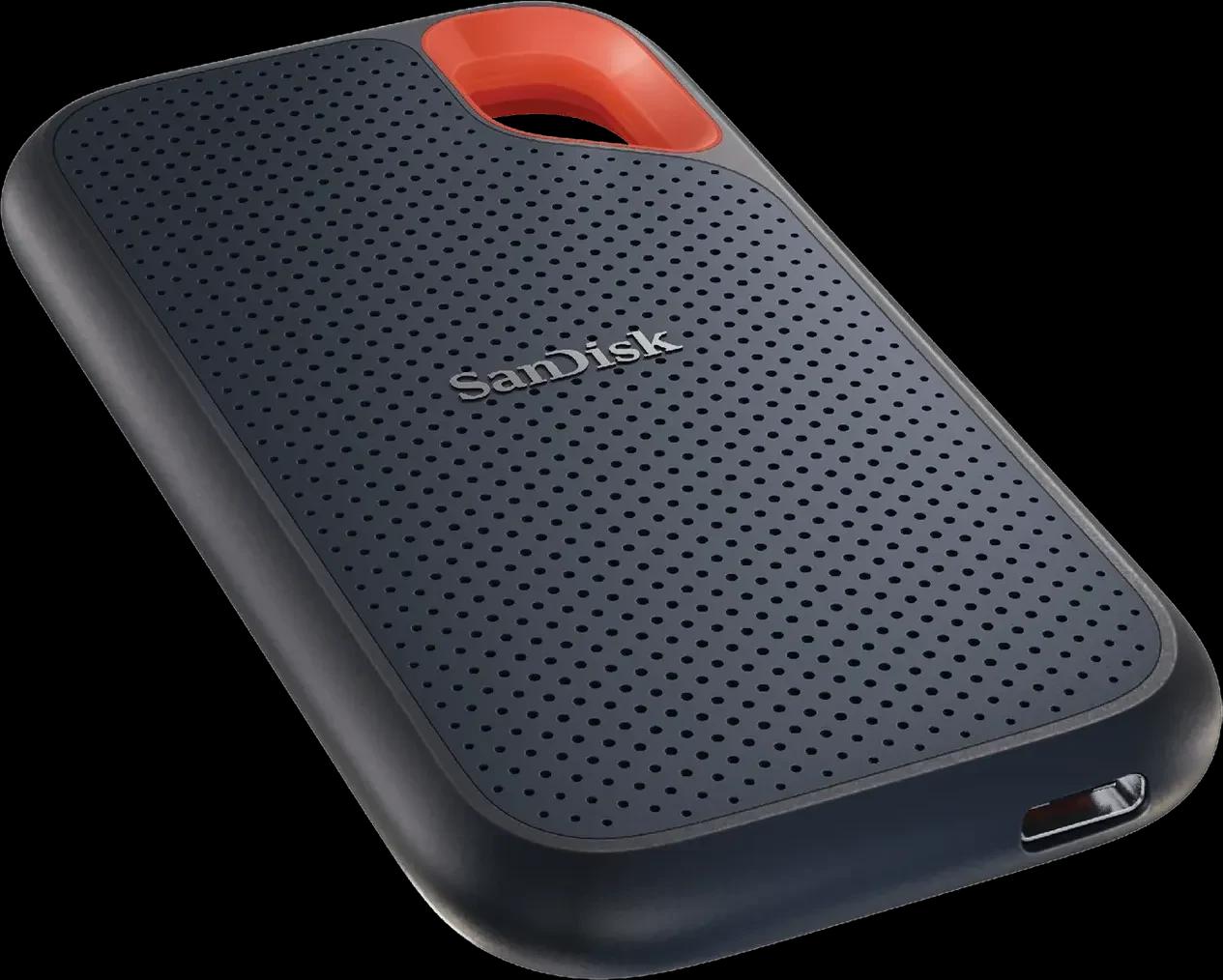
SanDisk Extreme Portable SSD
A fast, rugged USB-C drive most reviews recommend; 2023 failure reports mean you should update it and keep a backup.
Photos: SanDisk
of 12 reviews recommend it
Choose it for a big library on one rugged drive: it comes in sizes up to 8 TB, twice the T7 Shield's largest, with the same IP65 and 3 m drop ratings and a five-year warranty. Eleven of twelve reviews recommend it, but PCMag withdrew its recommendation in 2023 after reports of sudden failures and data loss; SanDisk says drives made from 2023 on carry fixed firmware, and lists the 4 TB as an affected size. Update its firmware and keep a second copy of your export. It ships with a USB-C cable and a small USB-A adapter, and five reviews call the cable short.
- Best for
- A rugged gig drive for USB-C and USB-A players, backed up elsewhere.
- Skip it if
- You want a USB-A cable in the box rather than a small adapter.
What people praise
- Fast for a USB 3.2 Gen 2 drive, about twice the first generation
- Rugged: rated for drops, water and dust
What to know first
- Short cable in the box
- Priced above some rivals
No cable at all
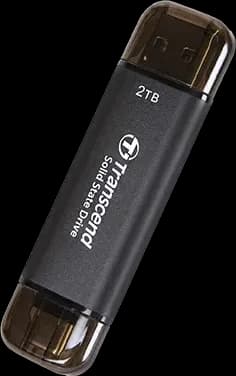
Transcend ESD310C
A tiny SSD with USB-A and USB-C plugs, rated to 1,050 MB/s read; it runs hot on very long writes.
Photos: Transcend
2 of 3 reviews recommend it
Choose it if a cable hanging off the deck worries you. It is an SSD in stick form with both a USB-A and a USB-C plug, 7.8 mm thick and 11 g, in sizes up to 2 TB, and two of three reviews recommend it for speed on everyday copies. Two reviews found it runs hot and slows on very long writes, so it suits exports more than copying a whole library at once. The USB stick guide compares it with ordinary sticks.
- Best for
- DJs exporting from a USB-C laptop who want the fastest stick with both plugs.
- Skip it if
- You copy hundreds of gigabytes at once: it slows and gets hot.
What people praise
- USB-A and USB-C plugs on a small body
- Very fast on everyday copies and exports
What to know first
- Runs hot on long writes
The backup of your library at home
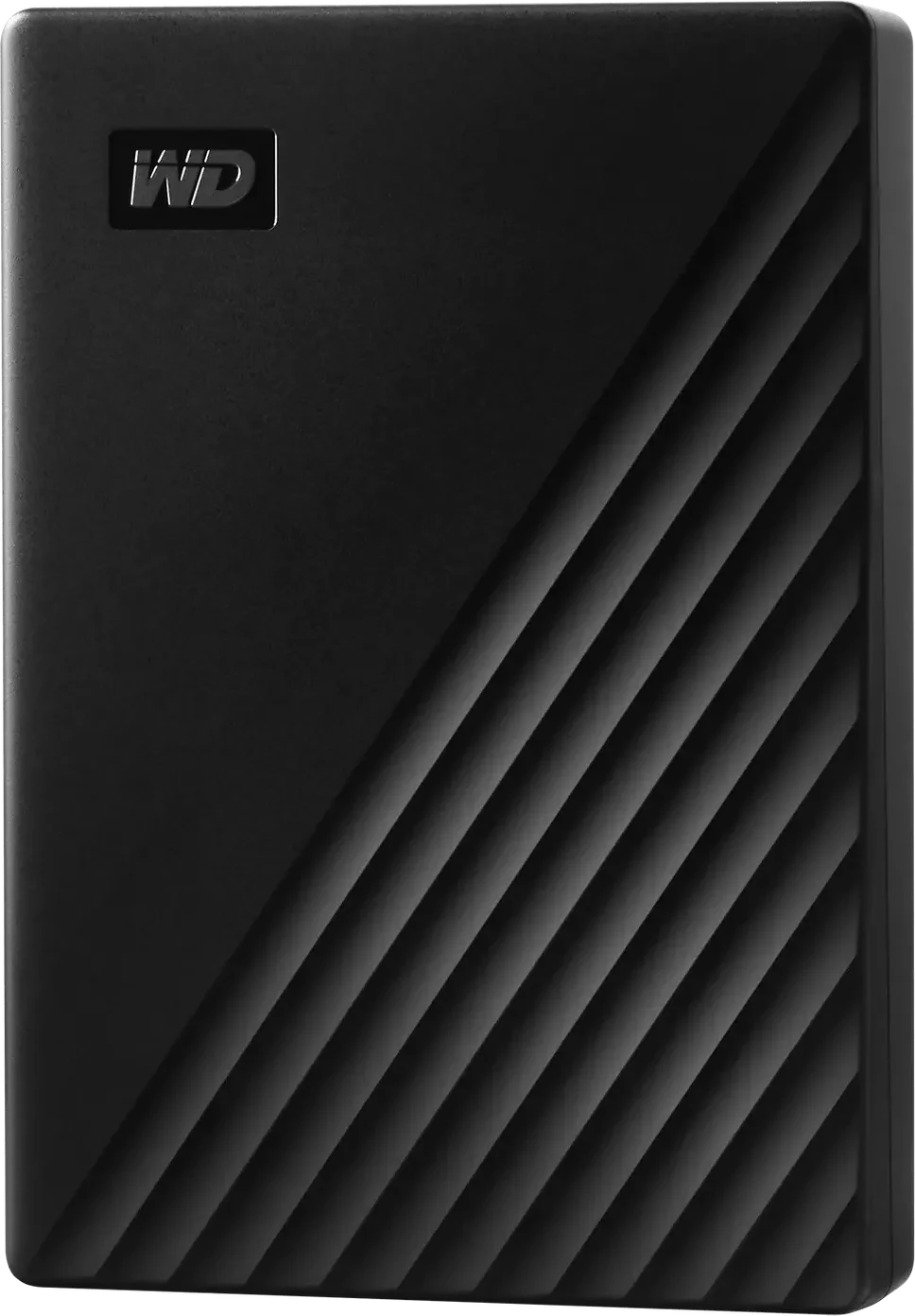
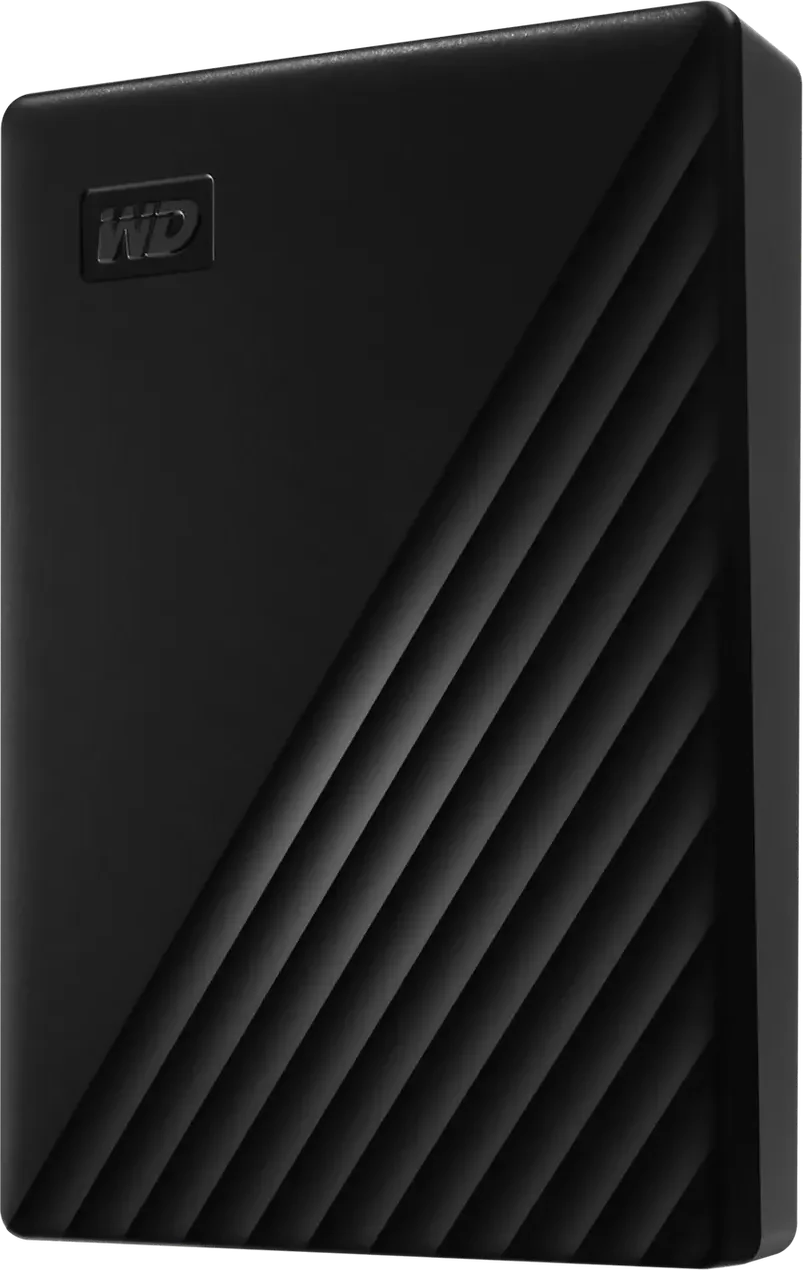
WD My Passport
Up to 6 TB of cheap, steady backup storage; slow next to an SSD and not built for knocks in a gig bag.
Photos: WD
of 11 reviews recommend it
Choose it for the backup of your library at home, not for the gig. It comes in sizes up to 6 TB, and all 11 reviews recommend it for the storage you get for the money, with steady copies of about 100 to 130 MB/s and hardware encryption. It is far slower than a portable SSD, has a dated Micro-B port with a USB-A cable, and ships formatted NTFS, which no DJ player reads, so reformat it if it will ever go in a deck.
- Best for
- A large, cheap backup of your music library at home.
- Skip it if
- You want a gig drive that survives knocks, or a USB-C plug.
What people praise
- A lot of storage for the money
- Password protection with 256-bit AES hardware encryption
What to know first
- Far slower than a portable SSD
- Dated Micro-B port and cable
Video reviews
- Zen Gadgets EnglishAug 2023Recommends
- SpookyFairyAug 2024Recommends
Also considered
- Crucial X9 Pro. This guide's alternative portable SSD until Crucial marked it end of life: Micron, which owns Crucial, stopped shipping Crucial consumer drives in February 2026.
- SanDisk Extreme Portable SSD (V3). SanDisk's newer Extreme, launched in February 2026 and rated for up to 2,000 MB/s; it has no page here yet, and the reviews above cover the V2.
- Storage inside the player. The Denon DJ PRIME 4 and PRIME 2 take an internal 2.5-inch SATA drive, SSD or hard drive, that you fit yourself through a panel underneath, per the Engine OS user guide. It must use exFAT or FAT32. Your library then travels inside the unit, and an external drive becomes the backup.
How to choose a drive for DJing
Format it for the players you'll meet
The file system decides whether a player sees the drive at all. From the manufacturers' own lists:
| Players | FAT32 | exFAT | HFS+ (Mac) |
|---|---|---|---|
| CDJ-3000X, CDJ-3000, CDJ-1500X | Yes | Yes | Yes |
| CDJ-2000NXS2, XDJ-1000MK2, XDJ-700 | Yes | No | Yes |
| XDJ-RX3, XDJ-AZ, OPUS-QUAD | Yes | Yes | Yes |
| Denon DJ PRIME and SC LIVE | Yes | Yes (recommended) | No |
The CDJ rows come from Pioneer DJ's player comparison, the XDJ and OPUS-QUAD row from the XDJ-RX3, XDJ-AZ and OPUS-QUAD manuals, and the Denon DJ row from the Engine OS user guide, which covers the PRIME 4, PRIME 4+, PRIME 2, PRIME GO, PRIME GO+, SC LIVE 4 and SC LIVE 2. NTFS, the Windows default, isn't supported by any of them. FAT32 is the one format every player here reads, so use it for a drive you might hand to another DJ or plug into an unfamiliar booth. Windows can't format a drive over 32 GB as FAT32 without extra software, Digital DJ Tips notes. Use one partition: Pioneer DJ players read only the first, unless another partition holds a rekordbox library.
SSD or hard drive for gigs
Pioneer DJ and Denon DJ players accept both: the CDJ-2000NXS2 manual names external hard disks and flash memory, and the Engine OS guide lists external hard drives. The differences are knocks, speed and power. Samsung and SanDisk rate their portable SSDs for drops, while Tom's Hardware notes WD warns against dropping or jolting the My Passport, and a hard drive copies far more slowly, which is why the picks put it at home. Power is the other limit: the XDJ-RX3, XDJ-AZ and OPUS-QUAD manuals rate their USB-A ports at 5 V and 1 A or less, and when a device draws too much current the player cuts its power and stops reading it, and the manual says not to use that device with the unit again. Samsung's manual rates the T7 Shield at 5 V and 1.5 A, though a rating is not a measured draw. Try any drive on the players you use before you rely on it.
Plugs, hubs and USB-C
Plug the drive straight into the player. The NXS2, XDJ-RX3, XDJ-AZ and OPUS-QUAD manuals all say USB hubs aren't supported. Most players have USB-A ports; Pioneer DJ's comparison lists USB-C storage only on the CDJ-3000X and CDJ-1500X. A USB-C drive needs a cable or adapter for everything else.
Export from rekordbox or Engine DJ, don't copy files
Pioneer DJ and AlphaTheta players read the library rekordbox writes to the drive, with your playlists, cues and loops, so export rather than dragging files across; see what rekordbox is and organising music in rekordbox. Newer players read rekordbox's OneLibrary format and older ones the Device Library: the XDJ-AZ manual says it supports only OneLibrary. The USB stick guide explains which rekordbox version writes both. rekordbox for iOS/Android can't export to a USB drive, its FAQ says. For Denon DJ players, Engine DJ Desktop exports and syncs your library to external drives with its Sync Manager, and imports rekordbox, Serato DJ, Traktor and Apple Music libraries first; see the Engine DJ guide. On Engine DJ hardware, eject a drive from the Source menu before pulling it out: the Engine OS guide says this prevents data corruption.
Back up the library, not just the gig drive
Pioneer DJ's manuals say it accepts no responsibility for data lost on USB devices, so the drive in your bag shouldn't hold the only copy. Keep the library on your computer, back it up to a second drive at home, and carry two drives with the same export to a gig. Engine DJ Desktop has its own Backup and Restore. rekordbox's plan page lists Device Library Backup, which copies the library on a USB drive or SD card to Dropbox or Google Drive, and Collection Auto Upload for your music files; check which plan includes them. If a drive fails in the booth, the CDJ-3000X, CDJ-3000 and CDJ-1500X can play tracks from Dropbox through rekordbox CloudDirectPlay, except in some regions, per Pioneer DJ's comparison; the Free and Core rekordbox plans limit it to 20 tracks.
How these picks are made
Each pick is the drive with the strongest evidence for its situation. The evidence is what professional reviews conclude, compiled for each drive, with every source linked on its product page; Thomann and Guitar Center, where the site reads owner reviews, don't sell these drives, so none are counted. Drive figures come from the makers' pages, and every compatibility figure on this page comes from the player makers' manuals and comparison pages linked above. We haven't tested these drives. Prices come from daily tracking across the retailers we link to. The methodology explains the whole process.