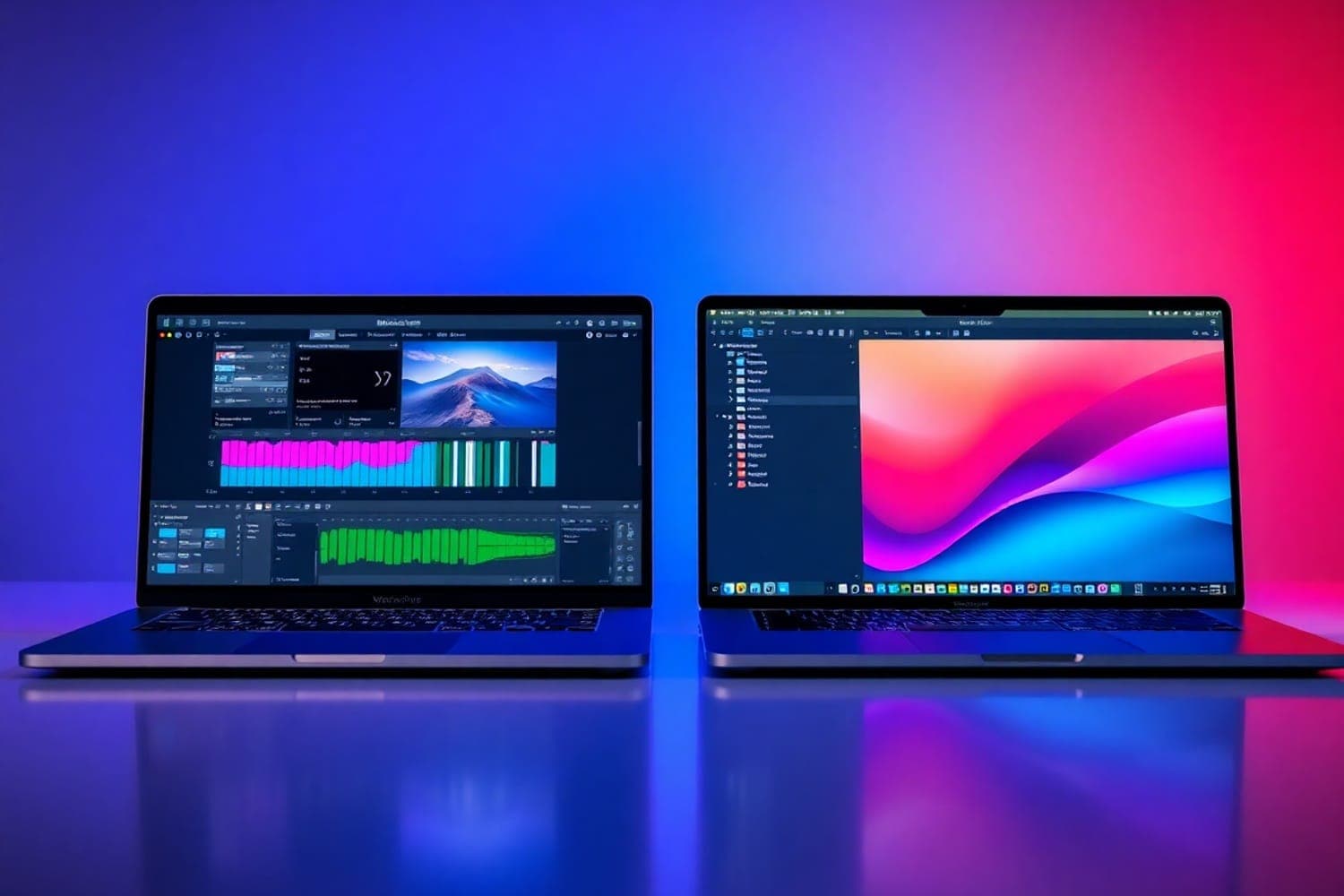
Your computer is the engine of your music production and DJ setup. It runs your DAW, hosts your plugins, manages your music library, and drives your live performances. Choosing the right machine means understanding what specs actually matter for audio work — and avoiding the marketing noise around features you don't need.
The good news: music production doesn't require the most expensive hardware. A well-specced mid-range machine handles most production and DJ workloads comfortably. Below are the best options for laptops and desktops, covering both Mac and Windows ecosystems.
What to Look For
CPU (processor). Your CPU runs plugins, processes audio, and handles real-time mixing. Multi-core performance matters most — more cores mean more simultaneous plugins and tracks. Apple M-series chips are exceptionally efficient for audio. On Windows, Intel Core i7 and AMD Ryzen 7 are the sweet spots.
RAM (memory). RAM holds your active samples, plugins, and project data. 16 GB is the minimum for comfortable production. 32 GB handles large projects with multiple virtual instruments and sample libraries. Don't accept less than 16 GB for any music production machine in 2026.
Storage. An SSD is non-negotiable. SSDs load samples and projects instantly compared to traditional hard drives. 512 GB SSD minimum — 1 TB is recommended. Use external drives for archival storage and backups. NVMe SSDs are faster than SATA SSDs.
Portability vs. power. Laptops let you produce and DJ anywhere. Desktops offer more power, upgradability, and better value per dollar. If you gig with your computer, a laptop is essential. If your machine lives in a studio, a desktop gives you more performance for less money.
1. Apple MacBook Pro (M-Series)
Editor's Choice
| Spec | Detail |
|---|---|
| Chip | Apple M3 Pro / M3 Max (or newer) |
| RAM | 18–36 GB unified memory |
| Storage | 512 GB – 2 TB SSD |
| Display | 14-inch or 16-inch Liquid Retina XDR |
| Battery | Up to 22 hours |
The MacBook Pro with Apple silicon is the best computer for music production. The M-series chips deliver exceptional performance-per-watt — you can run complex DAW sessions with dozens of plugins without the fans spinning up. Core Audio on macOS provides rock-solid, low-latency audio performance.
The unified memory architecture means the CPU, GPU, and Neural Engine share a fast memory pool — no bottlenecks when loading large sample libraries. Battery life (up to 22 hours) means you can produce and DJ for entire sessions without plugging in.
The 16-inch model is ideal for studio production — more screen space for your DAW. The 14-inch model is better for gigging DJs who prioritise portability. Both models support multiple external displays for expanded workspace. Thunderbolt ports connect to any audio interface or DJ controller.
The trade-off is price and upgradability — RAM and storage are fixed at purchase. Configure your MacBook Pro with the RAM and storage you'll need for the next 3–5 years, as neither can be upgraded later.
2. Lenovo ThinkPad X1 Carbon
Best Windows Laptop
Lenovo ThinkPad X1 Carbon
| Spec | Detail |
|---|---|
| CPU | Intel Core i7 (latest generation) |
| RAM | Up to 32 GB |
| Storage | Up to 2 TB SSD |
| Display | 14-inch |
| Weight | 1.2 kg |
The ThinkPad X1 Carbon is the best Windows laptop for music production and DJing. The latest Intel Core i7 processor handles DAW workloads and DJ software with ease. Up to 32 GB RAM supports complex production projects.
At just 1.2 kg, it's one of the lightest 14-inch laptops available — ideal for gigging DJs who carry their laptop to every performance. The legendary ThinkPad keyboard is comfortable for long production sessions. Build quality is business-grade durable.
Multiple USB-C/Thunderbolt ports connect to audio interfaces and DJ controllers. The 14-inch display is adequate for DJ software, though producers may want an external monitor for DAW work. Battery life is solid for a full night of gigging.
3. Apple Mac Mini (M-Series)
Best Desktop Value
| Spec | Detail |
|---|---|
| Chip | Apple M2 / M2 Pro (or newer) |
| RAM | 8–32 GB unified memory |
| Storage | 256 GB – 2 TB SSD |
| Ports | Multiple Thunderbolt, USB-A, HDMI |
| Size | Ultra-compact |
The Mac Mini delivers Apple silicon performance at the most affordable Mac price point. The M2 chip handles music production and DJing without breaking a sweat. The compact form factor takes up almost no desk space in a studio setup.
Multiple Thunderbolt and USB-A ports connect to audio interfaces, DJ controllers, and external displays simultaneously. The Mac Mini supports up to two external displays — enough for a DAW on one screen and your mixer/browser on another.
The only downside: you need to supply your own monitor, keyboard, and mouse. But if you already have peripherals, the Mac Mini is the most affordable way to get Apple silicon performance for music production. Pair it with a quality audio interface and studio monitors for a complete studio setup.
Other Computers Worth Considering
Apple iMac (M-Series) — An all-in-one desktop with a stunning 24-inch 4.5K Retina display. Apple silicon performance, speakers, webcam, and mic built in. The display alone is worth the upgrade over the Mac Mini for producers who don't have an external monitor. Available in multiple colours.
Custom Windows Desktop — Building or buying a custom PC with an Intel Core i7/i9 or AMD Ryzen 7/9, 32+ GB RAM, and a fast NVMe SSD gives you the most power per dollar. Fully upgradable — add more RAM, swap the GPU, and expand storage as your needs grow. The best option for studios with a fixed location.
Microsoft Surface Laptop — A premium Windows laptop with a refined design and optional touchscreen. Available with Intel or AMD processors, up to 32 GB RAM, and fast SSD storage. The touchscreen can be useful for certain DAW workflows. A strong alternative for Windows users who want MacBook-level build quality.
FAQs
Mac or PC for music production?
Both work equally well for music production. macOS is known for stability and optimised audio performance (Core Audio). Windows offers more hardware variety and often better value. Most DAWs (Ableton, FL Studio, Serato, rekordbox) run on both platforms. The only exception is Logic Pro, which is Mac-only. Choose based on your preferred software ecosystem and budget.
How much RAM do I need for music production?
16 GB is the recommended minimum for music production in 2026. This handles most DAW projects, sample libraries, and DJ software comfortably. 32 GB is ideal for producers working with large sample libraries, multiple virtual instruments, or complex projects. 8 GB is usable for basic DJing but will struggle with production workloads.
Do I need an SSD for music production?
Yes. An SSD (solid-state drive) is essential for music production. SSDs load samples, projects, and software dramatically faster than traditional hard drives. A 512 GB SSD is the minimum — 1 TB or more is recommended for storing sample libraries and project files. Use an external HDD for archiving older projects and backups.
What CPU is best for music production?
Apple M-series chips (M2 Pro, M3, M4) offer the best performance per watt for music production on Mac. For Windows, Intel Core i7/i9 (13th gen or newer) or AMD Ryzen 7/9 processors deliver excellent multi-core performance for running multiple plugins and virtual instruments simultaneously. Prioritise multi-core performance over clock speed.
Can I use a laptop for live DJing?
Yes. Most professional DJs perform with laptops. Look for a laptop with at least 16 GB RAM, an SSD, and a modern CPU (Intel i5/i7 or Apple M2+). Screen size matters less for DJing than for production — 13-inch laptops work fine with DJ software. Ensure the laptop has USB-A or USB-C ports for connecting your DJ controller.
Verdict
The Apple MacBook Pro with M-series silicon is the best computer for music production and DJing. Exceptional performance, silent operation, industry-leading battery life, and macOS Core Audio make it the professional standard. Choose the 14-inch for portability or the 16-inch for studio work.
For Windows users, the Lenovo ThinkPad X1 Carbon delivers ultralight portability with strong performance. For studio-only setups on a budget, the Apple Mac Mini provides Apple silicon performance at the most affordable Mac price point.
Invest in 16 GB RAM minimum, a fast SSD, and a modern multi-core processor. Everything else is secondary. A well-specced mid-range machine handles 95% of music production and DJ workloads without issue.