
DJ Tech Reviews

WD My Passport

Up to 6 TB of cheap, steady backup storage; slow next to an SSD and not built for knocks in a gig bag.

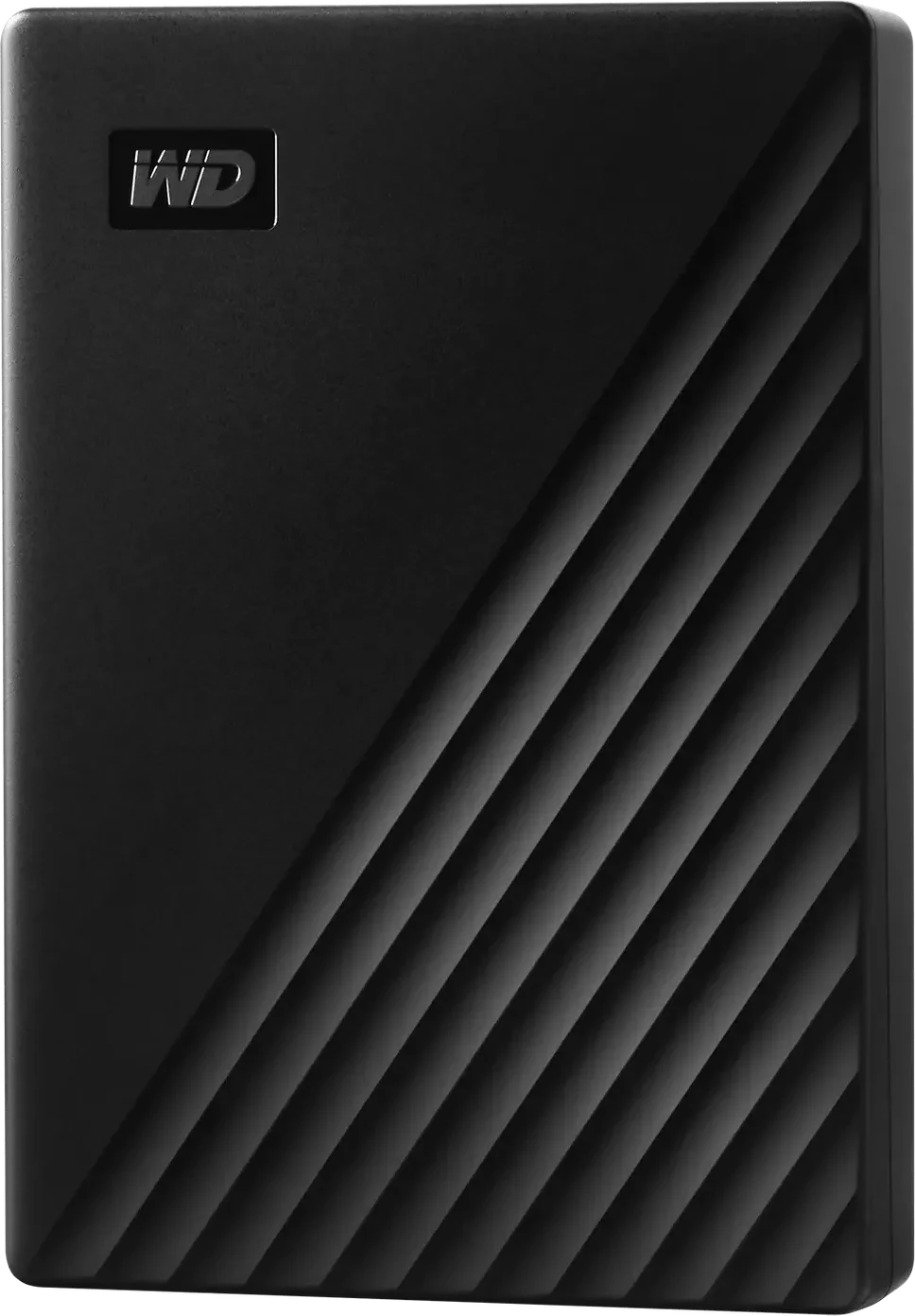
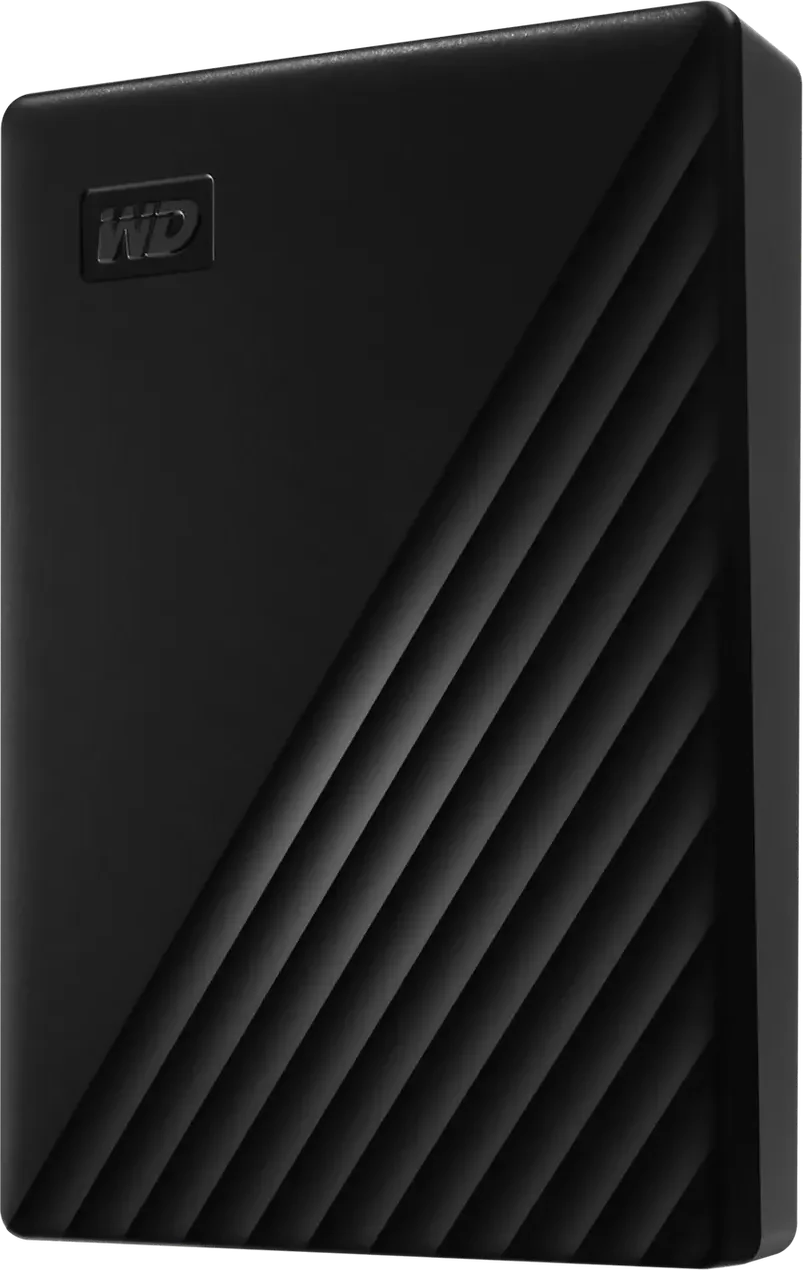
WD My Passport in black, front view

Photos: WD

All retailers and the price history

We may earn commission from links on this page. This does not affect our editorial independence.

100%

of 11 reviews recommend it

See reviews
Best for
A large, cheap backup of your music library at home.
Skip it if
You want a gig drive that survives knocks, or a USB-C plug.

The Internet’s Opinion

From 11 professional reviews: a fair amount of evidence.

Reviewers agree it holds a lot for the money and copies at a steady 100 to 130 MB/s, which suits backups; the reservations are speed far below a portable SSD, the dated Micro-B port, and a body that isn't built for knocks.

11 recommend0 mixed0 avoid

What people praise

  • A lot of storage for the money
  • Password protection with 256-bit AES hardware encryption
  • Steady copies of about 100 to 130 MB/s, enough for backups
Show 1 more
  • Useful backup software comes with it

What to know first

  • Far slower than a portable SSD
  • Dated Micro-B port and cable
  • Thicker and heavier from 4 TB up
Show 1 more
  • Not made for knocks or drops
See the 11 reviews behind this

11 professional reviews (11 recommend, 0 mixed, 0 avoid), 3 of them on YouTube; no owner reviews read (neither Thomann nor Guitar Center sells it)Compiled 2026-11-04How this is compiled

Video reviews

  • Zen Gadgets EnglishAug 2023Recommends

    Best External HDD for LARGE Backups? WD My Passport USB 5TB Long term review, Pros & cons [Eng]

    Best External HDD for LARGE Backups? WD My Passport USB 5TB Long term review, Pros & cons [Eng]

    Zen Gadgets EnglishAug 2023Recommends
  • SpookyFairyAug 2024Recommends

    REVIEW: WD My Passport 5TB USB 3.2 External HDD - Unboxing & Read/Write Speed Test

    REVIEW: WD My Passport 5TB USB 3.2 External HDD - Unboxing & Read/Write Speed Test

    SpookyFairyAug 2024Recommends

Plays from YouTube when you press play. Picked from the reviews counted above, including one that disagrees where there is one.

Prices

Before you buy

Released
September 2019
Status
Current

Works with

  • CDJ-3000X, CDJ-3000 and CDJ-1500XAfter reformatting

    Pioneer DJ lists FAT32, exFAT and HFS+ for these players, not NTFS, so reformat the drive before the first export; the USB-A cable in the box fits their USB-A ports Manufacturer spec sheet (Pioneer DJ (DJ player comparison)), checked 2026-11-04

  • CDJ-2000NXS2, XDJ-1000MK2 and XDJ-700Reformat to FAT32

    Pioneer DJ lists FAT32 and HFS+ but not exFAT or NTFS for these players, so reformat the drive to FAT32 before the first export Manufacturer spec sheet (Pioneer DJ (DJ player comparison)), checked 2026-11-04

  • XDJ-RX3, XDJ-AZ and OPUS-QUADTry it first

    These read FAT32, exFAT and HFS+ but not NTFS; the XDJ-RX3 manual rates its USB-A ports at 5 V and 1 A or less and cuts power to a device that draws too much, and WD publishes no current rating for this drive, so try it on the unit before relying on it User manual (AlphaTheta (XDJ-RX3 manual)), checked 2026-11-04

  • Denon DJ PRIME and SC LIVEReformat to exFAT

    The Engine OS user guide lists exFAT (recommended) and FAT32 for USB drives, so reformat the drive from the NTFS it ships with User manual (Denon DJ (Engine OS user guide)), checked 2026-11-04

  • Windows, ChromeOS and MacMac needs a driver

    WD lists Windows 10 or later and ChromeOS; on macOS 11 or later it needs WD's downloadable NTFS driver or a reformat Manufacturer spec sheet (WD (My Passport product overview)), checked 2026-11-04

You’ll also need

  • A reformat to exFAT or FAT32Ships NTFS

    WD's Drive Utilities can format the drive NTFS or exFAT; DJ players read exFAT or FAT32, not NTFS Tom's Hardware, checked 2026-11-04

  • A USB-C adapterFor USB-C-only laptops

    The only cable in the box ends in USB-A; WD lists no USB-C cable or adapter in the box Manufacturer spec sheet (WD (My Passport product overview)), checked 2026-11-04

  • WD's softwareFree download

    Backup, drive management and the password that turns on encryption come as software that has to be downloaded and installed Manufacturer spec sheet (WD (My Passport product overview)), checked 2026-11-04

Key specs

Capacity
1 TB, 2 TB, 4 TB, 5 TB or 6 TB
Connector
USB Micro-B
Interface
USB 3.2 Gen 1 (5 Gbps), USB 2.0 compatible
Dimensions
107.2 × 75.0 × 13.5 mm (1 and 2 TB), 19.2 mm thick (4 and 5 TB), 20.6 mm thick (6 TB)
Weight
140 g (1 and 2 TB), 210 g (4 to 6 TB)
Warranty
3-year limited
All 8 specifications
Cable in the box
SuperSpeed USB-A cable (5 Gbps) for the drive's Micro-B port
Encryption
256-bit AES hardware encryption with password protection, set in WD's software

8 of 8 figures sourced; hover one for its source

Our take

Rory TassellWritten from the sources on this page, not from a loan unit.

All 11 professional reviews recommend it: up to 6 TB for the money, steady copies of about 100 to 130 MB/s and hardware encryption. The reservations are speed far below a portable SSD, a dated Micro-B port and a body not built for knocks; it also ships formatted NTFS, which DJ players do not read. Buy it, reformatted, as the home backup of your library, and carry an SSD to gigs.

What it is

Status, November 2026: current. WD still lists the My Passport in 1, 2, 4, 5 and 6 TB sizes.

What it is

The My Passport is a 2.5-inch spinning hard drive in a plastic case. Its current design arrived in September 2019, per StorageReview, and the 6 TB size followed in 2024, per Tom's Hardware. The drive has a Micro-B port and runs at USB 3.2 Gen 1 (5 Gbps); the only cable in the box ends in USB-A, which suits the USB-A ports on most club players (WD product overview). It measures 107.2 × 75.0 mm, 13.5 mm thick at 1 and 2 TB and 20.6 mm at 6 TB, and weighs 140 to 210 g.

WD gives no read or write speed and no drop or water rating. Reviewers measured about 100 to 130 MB/s, and Tom's Hardware notes that WD warns against dropping or jolting it, or moving it while it works. Zen Gadgets English found its read speed fell from 127 to 87 MB/s once the drive was about 90% full.

It ships formatted NTFS for Windows, PCWorld found, and none of the players in the external drives guide's format table read NTFS, so reformat it to exFAT or FAT32 first. WD publishes no current draw, and the XDJ-RX3, XDJ-AZ and OPUS-QUAD rate their USB ports at 5 V and 1 A or less, so try it on those units before relying on it.