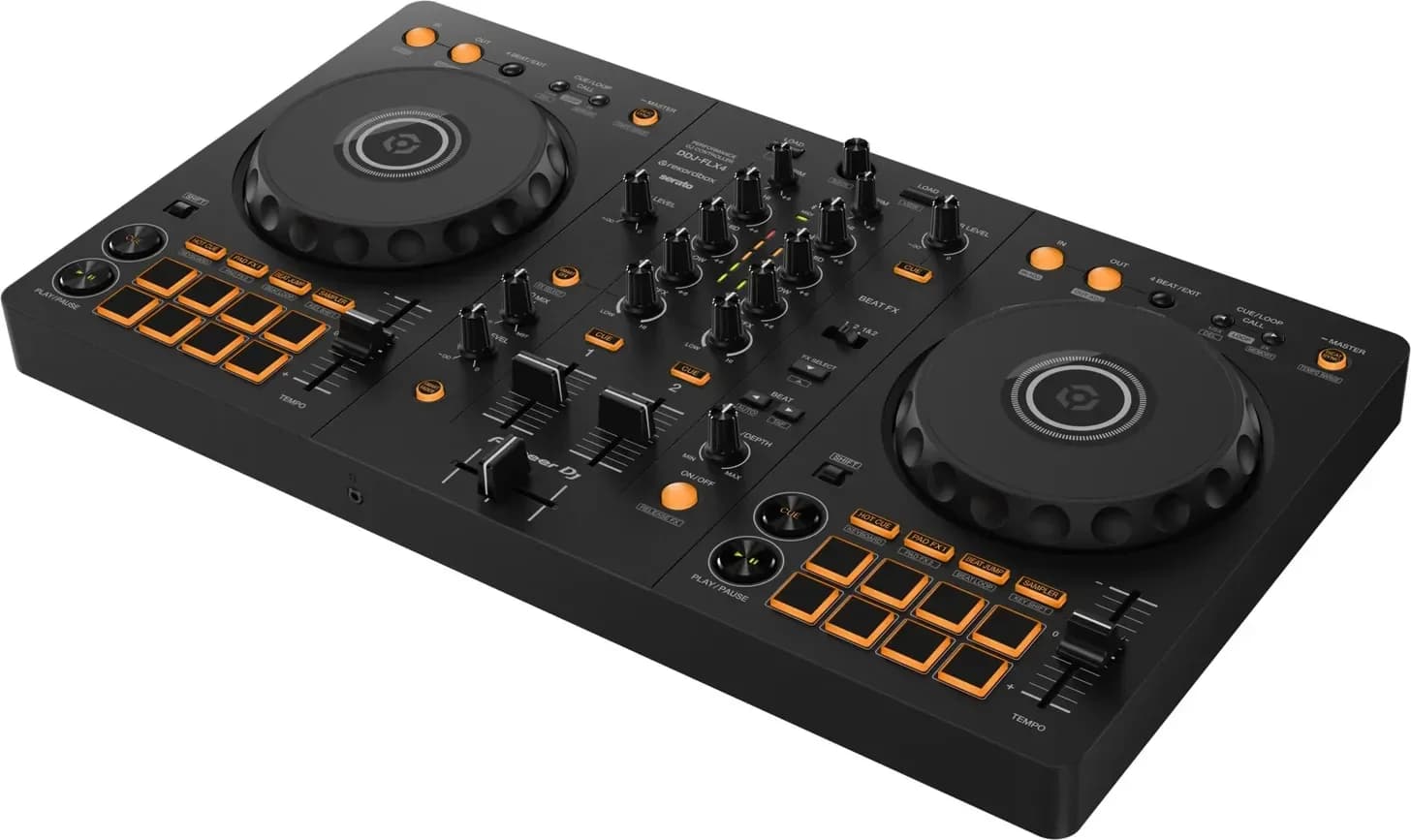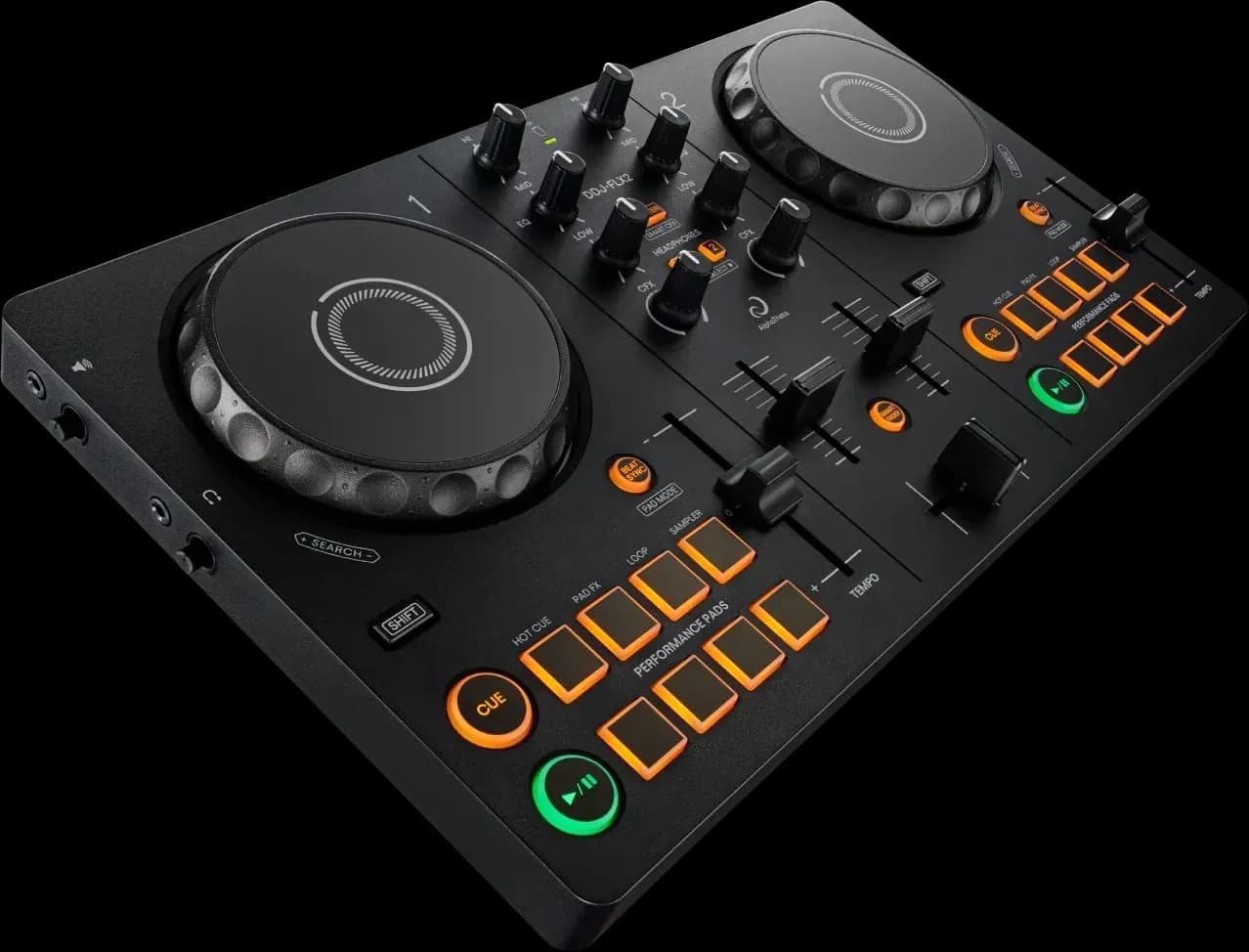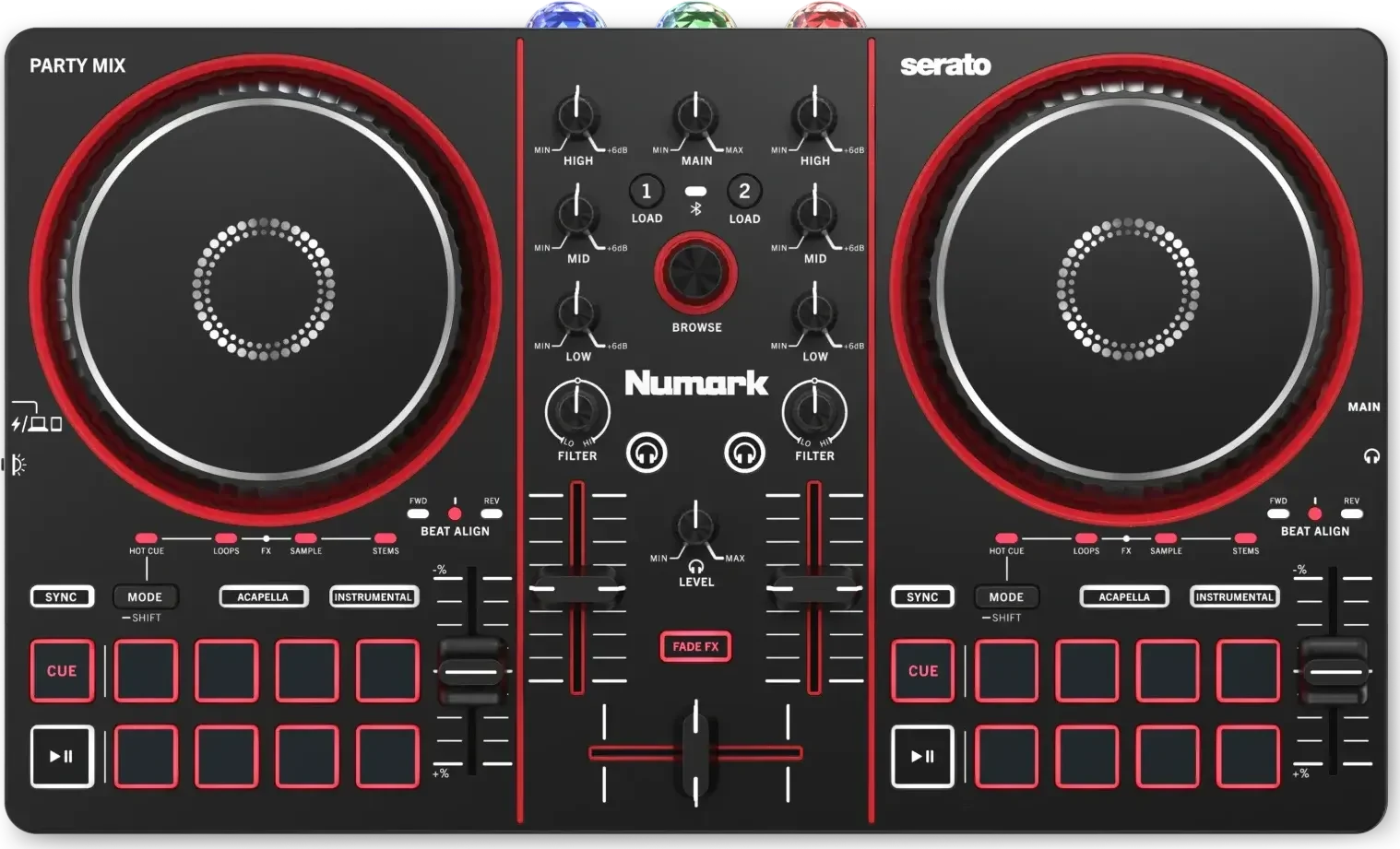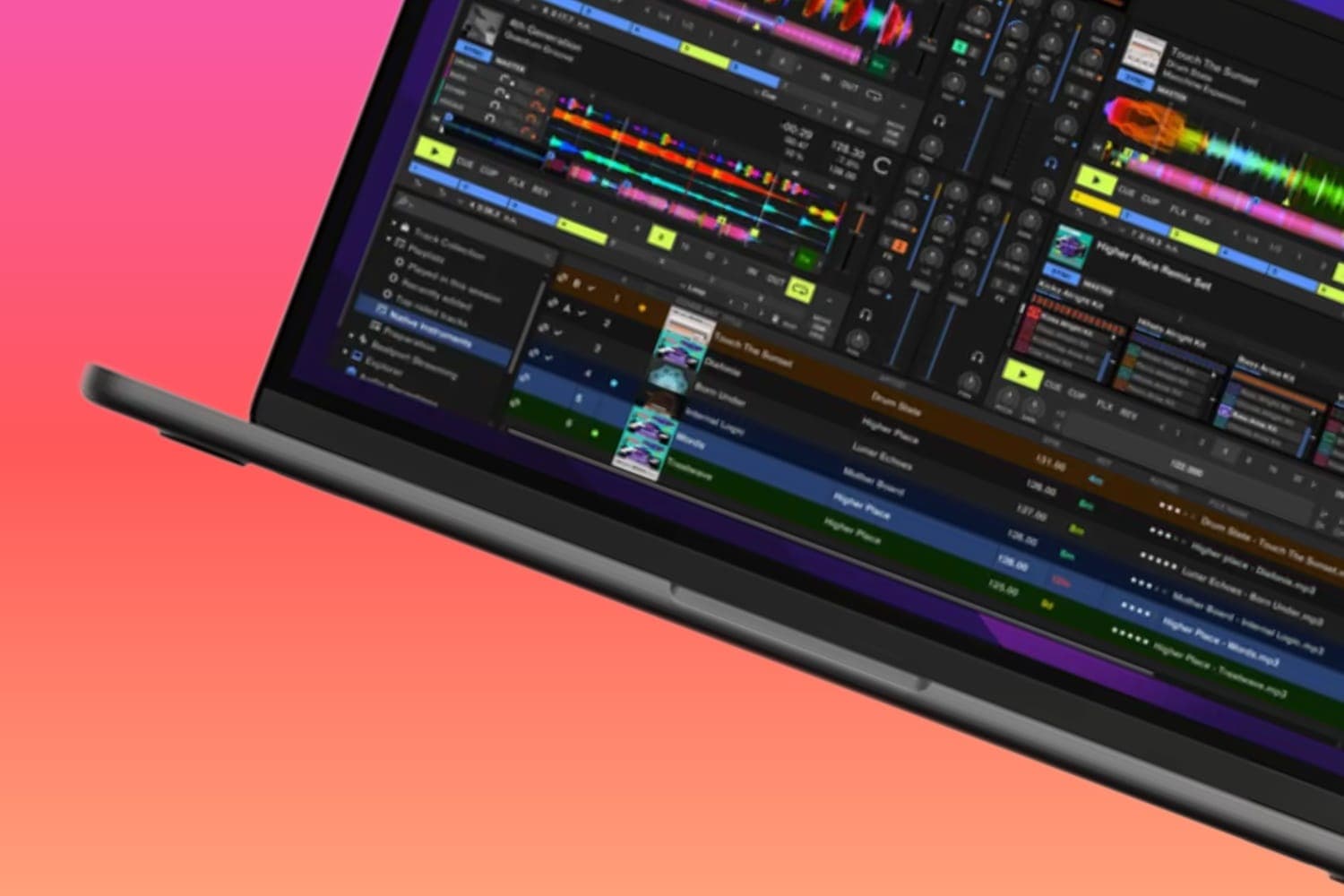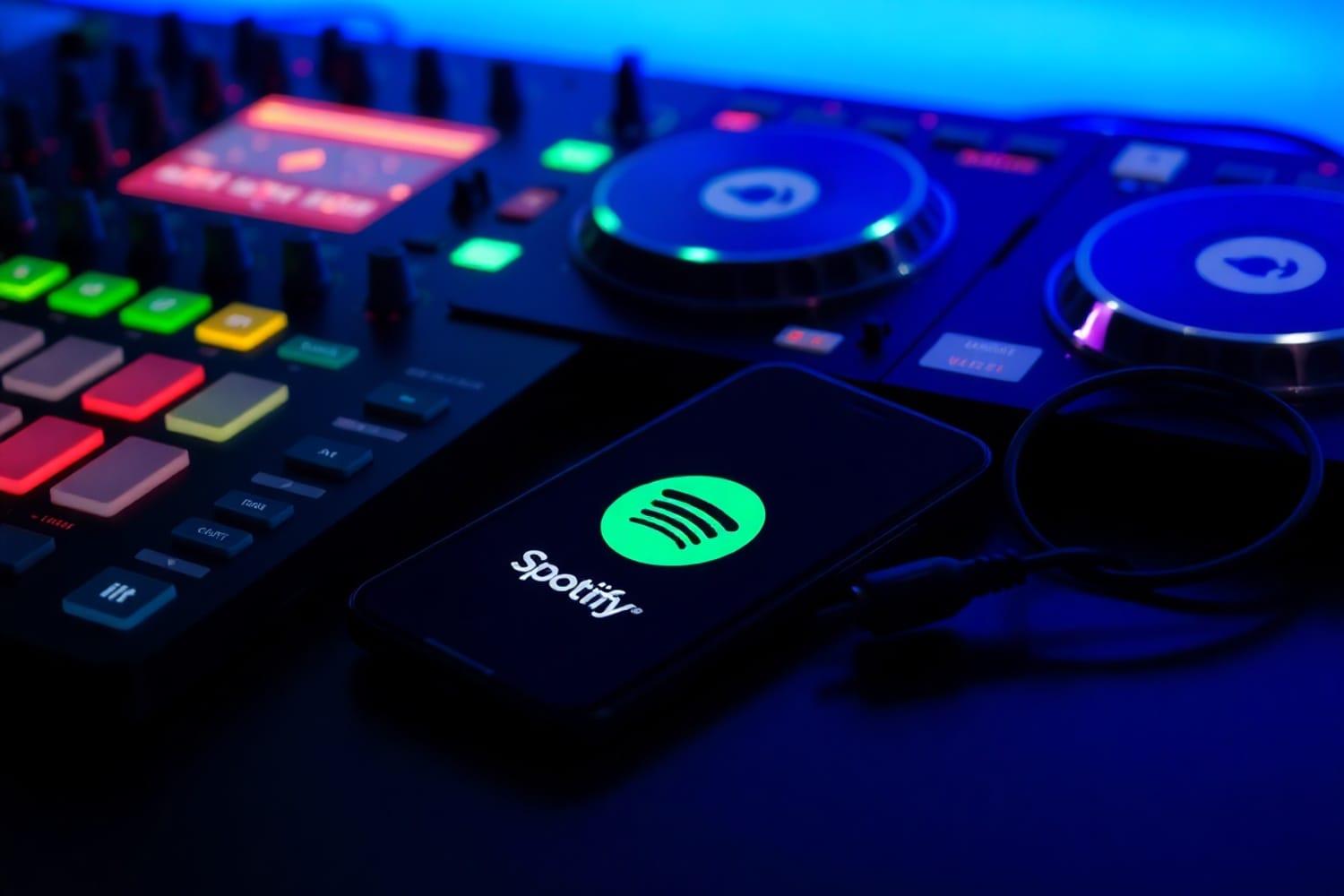
Spotify Premium plays inside rekordbox, Serato DJ, djay, VirtualDJ, Cross DJ and edjing Mix: you sign in from the DJ app and mix your playlists and Spotify's catalogue while you're online. Spotify limits it to personal, non-commercial use and doesn't permit playing mixes in clubs, venues, events or livestreams, so gigs still need bought downloads or a record pool.
Which DJ software works with Spotify
Spotify ended its integration with third-party DJ apps on 1 July 2020 and came back on 24 September 2025, when it announced Premium integration with rekordbox, Serato and djay in 51 markets. More apps have joined since. Spotify's DJ support page lists Cross DJ, djay, edjing, rekordbox and VirtualDJ on mobile, and the same plus Serato on desktop. Each developer's own page says:
- rekordbox. Mac and Windows since September 2025, iOS and Android since December 2025. Version 7.2.16 added Automix with Spotify tracks and a Made to DJ tab of curated playlists, per the release notes. See what rekordbox is.
- Serato DJ Pro and Serato DJ Lite. Version 3.3.5 or later, per Serato's Spotify FAQ. Spotify lists Serato on desktop only. See Serato DJ Pro.
- djay. Mac and Windows since September 2025, iOS and Android since December 2025, where Algoriddim says it now covers 56 markets. See the djay Pro AI review.
- VirtualDJ. Spotify sits in the Online Music folder, per the VirtualDJ manual. Spotify added VirtualDJ, Cross DJ and edjing Mix to its announcement on 15 September 2026. See what VirtualDJ is.
- Cross DJ. Version 5.4 added Spotify on iPhone, iPad and Mac, per its App Store listing.
- edjing Mix. On iPhone, iPad and Android, with your playlists and Liked Songs on both decks, per edjing's site and App Store listing.
Engine DJ doesn't stream Spotify: its streaming page lists Apple Music, Amazon Music Unlimited, Beatport, Beatsource, Dropbox, SoundCloud and TIDAL. Traktor isn't on Spotify's list either. The best DJ software guide compares the programs as a whole.
What you need
- Spotify Premium. Every developer above names it, and the free Spotify tier doesn't work. Serato says you'll be prompted to start a free trial of Premium if you sign in without one.
- The latest version of the DJ app. Spotify's support page asks for it, and rekordbox says that if Spotify doesn't appear in the tree view, the first fix is to update.
- An internet connection. Spotify only plays while you're online.
- A supported country. Spotify says availability in DJ apps varies by market and over time, and rekordbox warns that even where Spotify is available, it may not work in DJ apps. Serato's FAQ lists the countries where its integration works.
rekordbox's plan comparison ticks streaming services on every plan, Free included. djay is a free download with an optional Pro subscription.
What Spotify in DJ software can't do
- Play at a gig. Spotify's DJ support page says the service and its music are for personal, non-commercial use only, and that public performance, including playing mixes in clubs, venues, events or livestreams, isn't permitted. Its terms of use grant the same personal, non-commercial permission.
- Record a mix. rekordbox's streaming FAQ says recording can't be used with streaming tracks because of the services' copyright restrictions. Serato and djay say the same for Spotify. Spotify's user guidelines ban recording its content in any case.
- Play offline. Spotify, Serato and VirtualDJ all say Spotify tracks need a live connection, and VirtualDJ says they can't be saved to its offline cache. rekordbox's offline rules cover Beatport Streaming, SoundCloud DJ and the TIDAL DJ Extension, not Spotify, and its streaming tracks can't be exported to a USB drive or SD card.
- Separate stems. rekordbox, Serato and VirtualDJ don't run stems on Spotify tracks, and djay's Neural Mix doesn't work with Spotify or Apple Music.
- Run on two devices at once. rekordbox says Spotify plays on one device per account: start a track on your phone and playback in rekordbox stops.
- Play every track. Spotify says audiobooks, videos, albums, artist pages and DJ mixes aren't available through DJ software, and rekordbox says some tracks are held back at the rights holders' request.
- Fill four decks in Serato. Serato limits Spotify to two decks at a time, although Spotify's page says up to four tracks at once.
CDJs and standalone units
On a USB stick, no: rekordbox says Spotify tracks can't be loaded or played on CDJ, XDJ or all-in-one units via USB EXPORT or LINK EXPORT. rekordbox 7.2.18, released on 18 August 2026, lets you sign into Spotify on compatible CDJ, XDJ and all-in-one systems through rekordbox once their firmware is updated, per the release notes. The notes don't name the models. The XDJ-AZ's firmware 2.00, from 6 October 2026, adds Spotify to its StreamingDirectPlay, and the CDJ-3000X's current notes don't mention Spotify. Check your unit's own firmware notes before you count on it, and Spotify's terms still rule out playing it in a club.
How to connect Spotify, step by step
rekordbox (Mac and Windows)
From AlphaTheta's streaming service guide for rekordbox 7.2.18:
- Update rekordbox and connect the computer to the internet.
- Select PERFORMANCE in the upper-left corner. Spotify also works in EXPORT mode from version 7.2.18.
- Click the Spotify icon in the Media Browser and click Log in. Your web browser opens the Spotify login.
- Log in with your Premium account and click Agree. Your Spotify library loads into rekordbox. If Spotify isn't in the tree view, open Preferences, then View, then the Layout tab, and tick Spotify.
- Pick a playlist from the Your Library or Made to DJ tab and load a track onto a deck. rekordbox analyses a Spotify track when it loads, because Analyze Track isn't available for Spotify.
- Set the sound quality under Preferences, Advanced, Others, Streaming Audio Quality. Changing it later can shift beatgrids and cue points, so choose it before you set cues.
To log out, right-click Spotify in the tree view and select Log out.
Serato DJ Pro
From Serato's guide to Spotify streaming in Serato DJ Pro:
- Install Serato DJ Pro 3.3.5 or later.
- Go to Setup, then Library + Display, then Music Streaming.
- Turn on Show Streaming Services and select Spotify.
- Click Sign up / Login to Spotify. Your browser opens; log in, then click Allow when the browser asks to return you to Serato DJ Pro.
- Your playlists appear in the Spotify section of the library. To search Spotify's catalogue, click the Streaming Search button next to the search box.
- From version 4.0.4 you can create Spotify playlists and drag Spotify tracks into Serato crates. Deleting a Spotify playlist in Serato also deletes it from your Spotify account.
VirtualDJ
From the VirtualDJ manual:
- In the Folder List, open Online Music and right-click the Spotify folder to sign in.
- Log in with your Spotify account in the browser window that opens and click Agree. A confirmation window tells you that you can close it.
- Select the Spotify folder to search its catalogue from the VirtualDJ search bar, or expand it for your playlists and liked songs.
- Drag a track onto a deck, or right-click it, choose Load on and pick the deck.
- For the best sound, go to Options and set spotifyAudioQuality to Very High.
In djay, Algoriddim says a login with your Spotify Premium account is all it takes.
What to use for gigs instead
Play files you own. Bought downloads and record pool files work offline, in any DJ software and on a USB stick in a club's CDJs. The best DJ pools guide compares the pools by the music you play, and where to download free DJ music legally covers the free sources and what each licence allows. Your Spotify playlists still work as a shopping list for those files.
Whatever the source, playing in public needs a performance licence, usually the venue's. Other streaming services in DJ software set their own terms; the best DJ software guide lists which ones each program supports.
How this guide is made
Every detail on this page comes from the developers' own pages, Spotify's support page and terms, and AlphaTheta's release and firmware notes, read on 12 October 2026 and linked where they are used. We haven't run Spotify in each app for this page. Integrations change with each software and firmware update, so check the developer's page before you rely on a feature. The methodology explains how the site works.