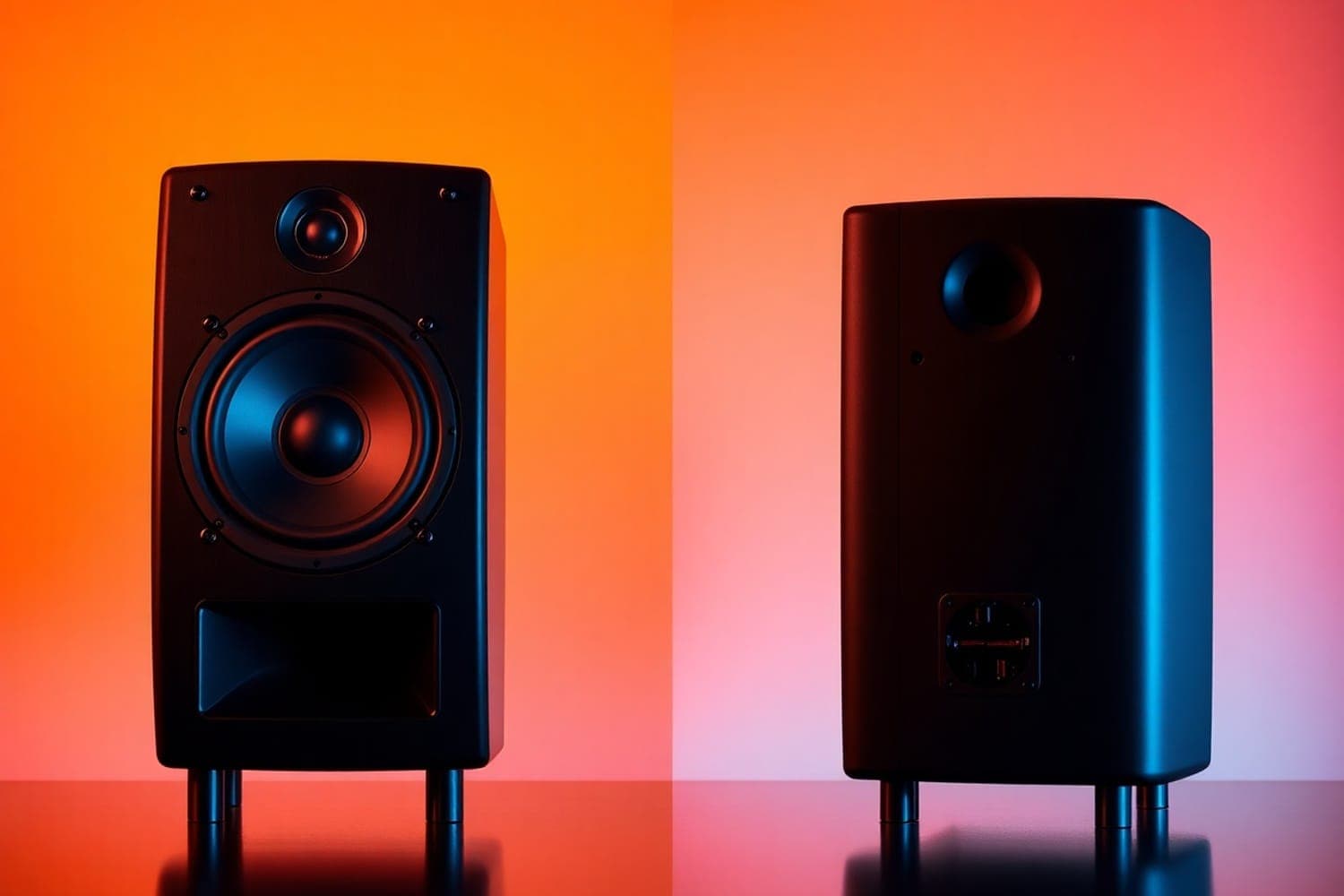
Where the port sits matters less than how close the speaker is to a wall: a wall behind any ported monitor adds bass, and makers of front- and rear-ported monitors give the same advice, which is to move the speaker away from the wall and use its bass-cut switch when you can't. A rear port only needs a gap behind it so it isn't pressed against the wall.
What a port does
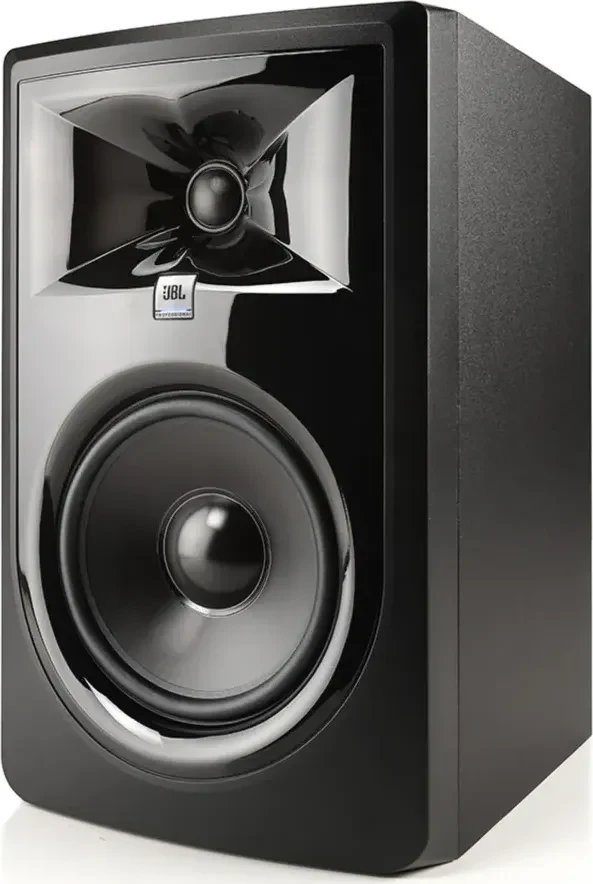
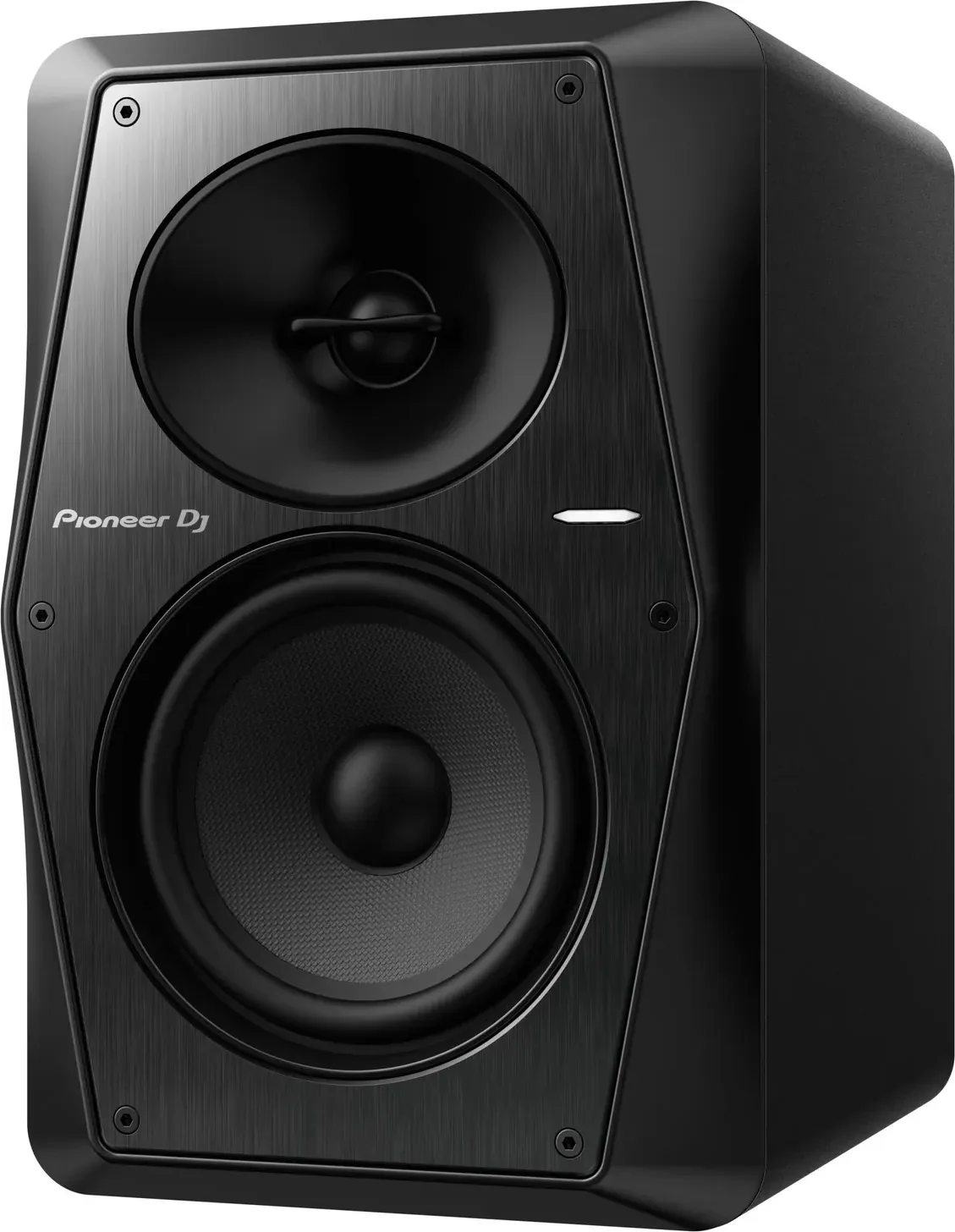
A port is a tuned opening in the cabinet that works with the woofer to extend its bass. Dynaudio's Ask the Expert column (November 2023) puts it simply: a speaker with a bass port is a more efficient speaker. Most studio monitors a home DJ is likely to buy are ported, or "bass reflex": Yamaha's HS series, the JBL 305P MkII, the Pioneer DJ VM-50, the ADAM Audio A4V and the KRK Kreate 5 all are, per their makers.
Porting isn't a flaw in itself. Hugh Robjohns of Sound On Sound answered this question in October 2015: problems come from how a port is done, and some budget designs use port tuning to make a small speaker sound bigger and bassier than it is, at the cost of bass notes that don't stop as cleanly as they should.
Front or rear: what actually changes
The wall adds bass either way. EVE Audio says a speaker placed close to a wall always gains bass, almost identically whether its port is at the front or the back. Dynaudio's column agrees that it doesn't really matter where the port is, because the bass from the woofer and the port blends together, and puts any front-ported speaker that seems happier near a wall down to how its maker tuned it.
A rear port needs a gap, not a room. Dynaudio says a rear port isn't affected at all as long as the gap between the back of the speaker and the wall is more than the diameter of the port. Sound On Sound says the same in plainer terms: a rear port makes little difference as long as it isn't pressed against the back wall.
Why makers put the port at the back. Ports can leak noise and some midrange, and pointing the port away from you makes that less audible, per Dynaudio. EVE Audio, which builds rear-ported monitors, argues that front ports can add midrange artefacts that muddy the sound.
What the monitor makers say about walls
Every manual below says the same two things: give the speakers space from walls and corners, and use the bass switch on the back when you can't.
| Monitor | Port | Maker's advice on walls | Bass control for walls |
|---|---|---|---|
| Yamaha HS5, HS7, HS8 | Rear | Ideally at least 1.5 metres from walls or corners | ROOM CONTROL: 0, −2 or −4 dB below 500 Hz |
| JBL 305P MkII | Rear | On stands rather than the desk; the same distance from walls on each side | BOUNDARY EQ: 0, −1.5 or −3 dB |
| Pioneer DJ VM-50 | Rear | Leave 15 cm at the top, rear and each side | LOW EQ: ROOM 1 for near walls |
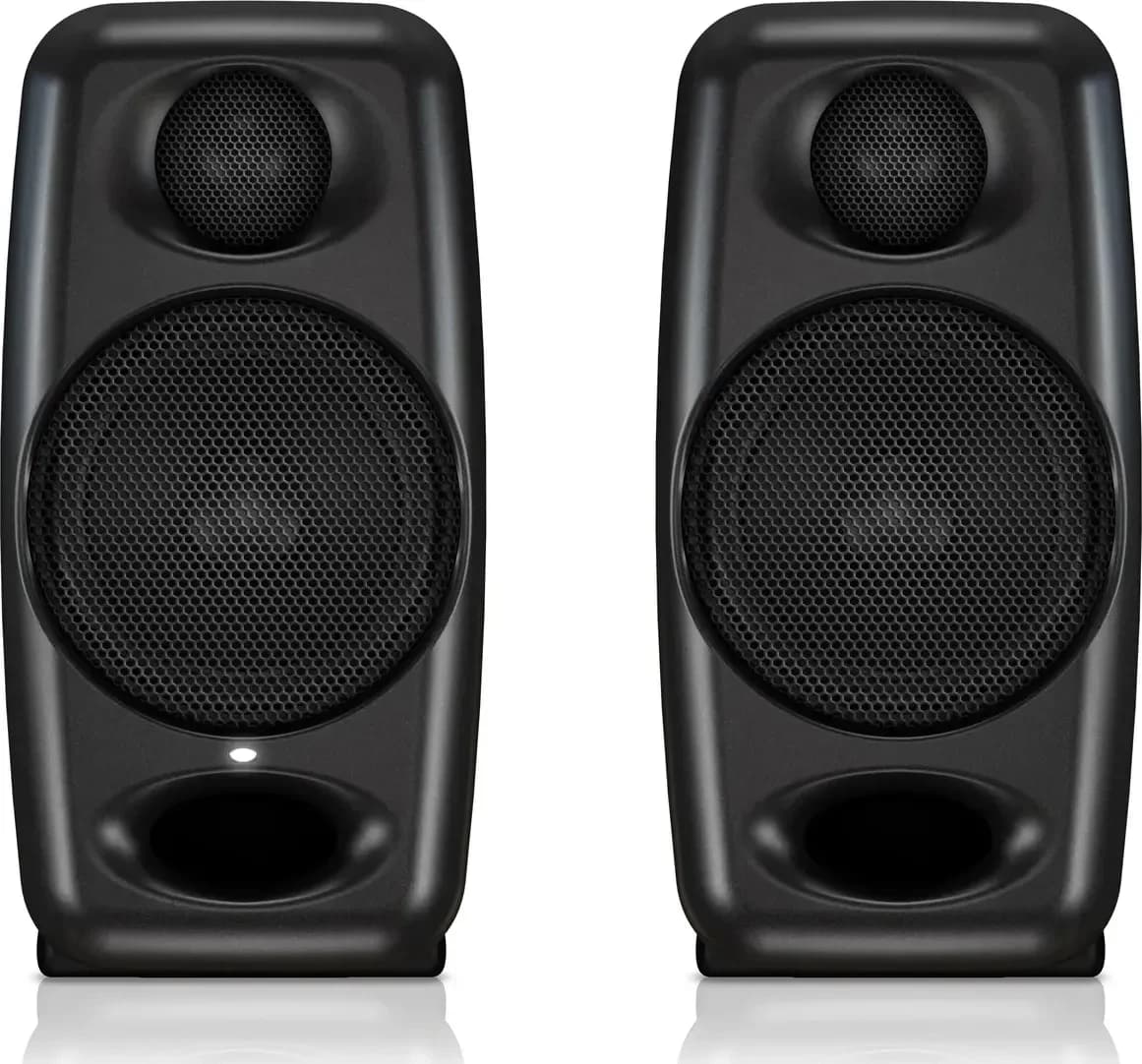
| ADAM Audio A4V | Front, two ports | Wall behind under 0.3 m or over 2 m away; avoid corners | Bass −2 dB by a plasterboard wall, −4 dB by brick or concrete or in a corner |
| KRK Kreate 5 | Rear, per reviews | Your ears at least 1 metre from any wall | LF Level: −2 dB near walls |
Sources: the Yamaha HS owner's manual, the JBL 3 Series MkII owner's manual, whose back view shows the port, the Pioneer DJ VM-50 manual, which lists the bass-reflex duct on the rear panel, the ADAM Audio A Series manual and the KRK Kreate Series manual. Yamaha's manual doesn't say where the HS port is; the rear port comes from the reviews behind the HS7 page, and KRK's manual doesn't say where the Kreate's is either.
ADAM's advice is the most specific: the wall behind should be either very close or far away, because distances in between can cancel bass at your listening position. ADAM's A4V is the front-ported monitor here, and its advice about walls is no looser than Yamaha's for the rear-ported HS.
Setting up monitors on a DJ desk
- Move them before you switch anything. Yamaha's manual treats ROOM CONTROL as the fallback when the speakers can't go far enough from the wall, with more cut the closer they get: 0, then −2, then −4 dB. Start flat, then step down until the bass sounds natural.
- Lift them off the desk. JBL says stands reduce the resonance and loss of bass that come from the speaker coupling with the desk. KRK suggests foam or rubber isolators between speaker and desk, and ADAM's Desk setting cuts by 2 or 4 dB for a small or large desk.
- Keep out of corners. ADAM says two nearby surfaces cause comb filtering and strong room resonances, and Yamaha's 1.5 metres applies to corners as well as walls.
- Make a triangle. Yamaha, JBL, KRK and ADAM all say to sit at the point of an equilateral triangle with the two speakers, angled towards you, the same distance from the side walls on each side. Yamaha adds that the tweeters should be at ear height.
- Leave space behind a rear port. More than the port's width, per Dynaudio, and the 15 cm Pioneer DJ asks for behind the VM-50 covers it.
If your desk has to sit against a wall, neither port position gets you out of setting the bass switch. Choose monitors on the sound and size you want; the best studio monitors for home DJs and best 5-inch studio monitors compare them.
Ported or sealed
A sealed, or closed-box, monitor has no port. Robjohns' Sound On Sound review of the Unity Audio Rock (April 2010), a sealed monitor, sets out the trade: sealed designs roll off their bass more gently, at about 12 dB per octave against the 24 dB per octave common in ported designs, and can give much better timing at the low end, but they generally lack the power handling and efficiency of ported monitors, so they play less loud for their size. A ported monitor suits a DJ who wants volume and bass from a small box; a sealed one suits someone who mixes music and wants to judge the low end precisely. To add bass below what small monitors reach, see the best powered subwoofers.
How this page is made
The placement advice comes from the makers' manuals linked above, read on 13 October 2026, and the explanations of ports from Dynaudio, EVE Audio and Sound On Sound, each linked where it is used. Port positions come from the manuals or the product pages named beside them. We haven't measured these speakers. The methodology explains how the site works.