The USB stick is the unsung hero in the DJ booth. It stores thousands of tracks, connects to any CDJ or controller, and fits in your pocket. But not all USB drives are equal — the wrong one can mean slow loading times, corrupted files, or a drive that dies mid-gig.
Choosing the right USB stick comes down to what kind of DJ you are. A touring DJ needs rugged durability. A wedding DJ needs massive storage. A club DJ needs fast read speeds for seamless track loading. Below, we break down the six best USB sticks for DJing based on speed, capacity, build quality, and value.
What to Look For
Before choosing a USB drive, understand these key factors.
Read/write speeds. Read speed determines how quickly your CDJ or controller loads tracks. Write speed determines how fast you can transfer files to the drive. USB 3.0+ drives are significantly faster for transfers, though playback speeds are adequate on most modern DJ equipment regardless of USB version.
Storage capacity. Match capacity to your library size and file format. MP3 libraries fit comfortably on 64–128GB drives. Lossless formats (WAV, FLAC, AIFF) need 256GB+. Mobile DJs with multi-genre libraries should consider 512GB or 1TB options.
Durability. DJ environments are harsh — dark booths, drinks nearby, frequent plugging and unplugging, transit between venues. Look for shock-resistant designs, water resistance, and solid build materials. Metal casings outperform plastic in longevity.
Compatibility. Ensure your USB drive works with your specific DJ gear. Most CDJs require FAT32 formatting. Some drives stick out too far from equipment ports and risk being knocked. Check physical dimensions alongside technical specs.
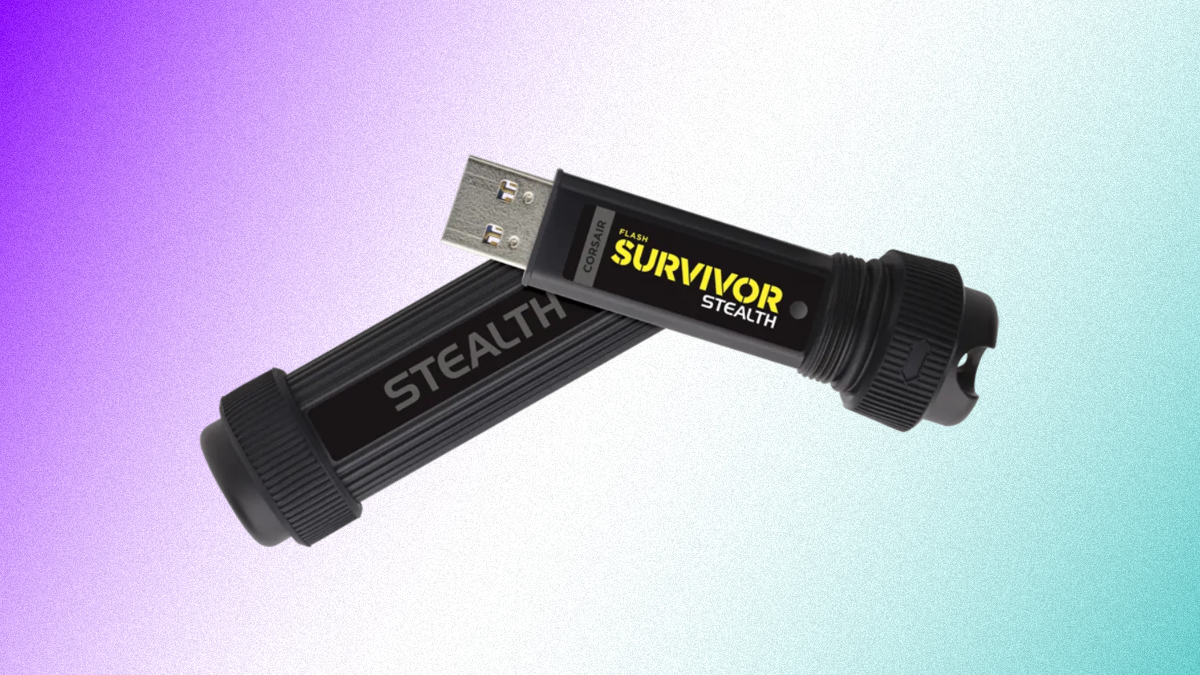
1. Corsair Flash Survivor Stealth (128GB)
Best for Touring DJs
| Spec | Detail |
|---|---|
| Capacities | 32GB – 1TB |
| Interface | USB 3.0 |
| Connector | USB-A |
| Dimensions | 76.2 x 25.4 x 25.4mm |
| Weight | 36.3g |
The Corsair Flash Survivor Stealth is built to survive life on the road. The aluminium housing is virtually indestructible — we've dropped it on concrete, stood on it, and thrown it across a room. Not a scratch, not a failure. For touring DJs who put their gear through punishment, this level of durability is worth the slight premium.
USB 3.0 transfer speeds handle library updates efficiently. Capacities range from 32GB up to 1TB, so you can scale storage to your needs. The waterproof design (200m rated) means spilled drinks in the booth aren't a concern.
The drawback is bulk — the cylindrical metal housing sticks out further than most USB sticks when plugged into a CDJ. Be careful not to knock it mid-set. The USB-A connector is standard but increasingly dated as gear moves to USB-C.
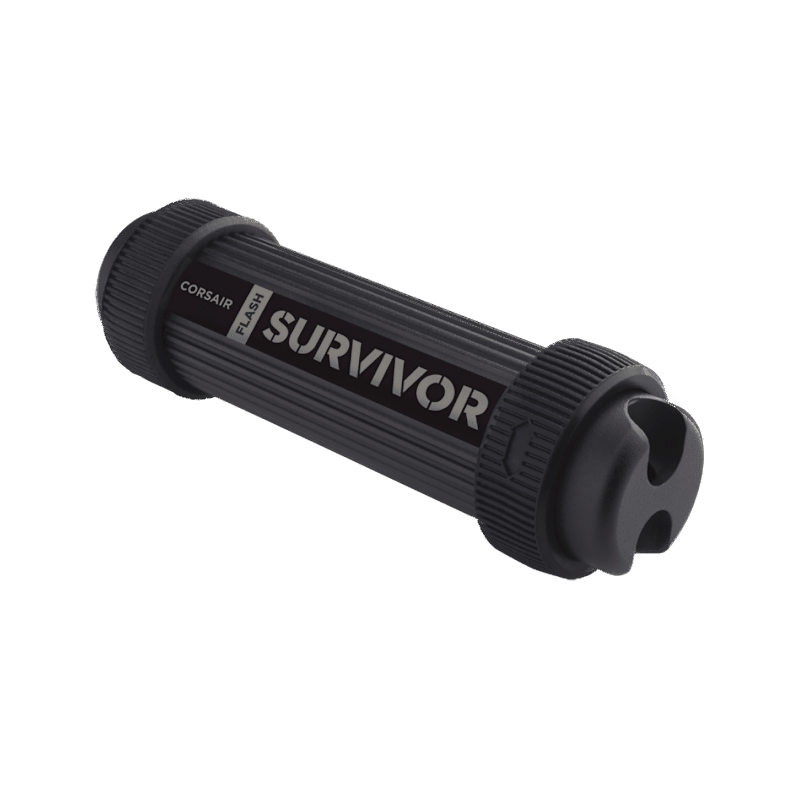
Corsair Flash Survivor Stealth 128GB
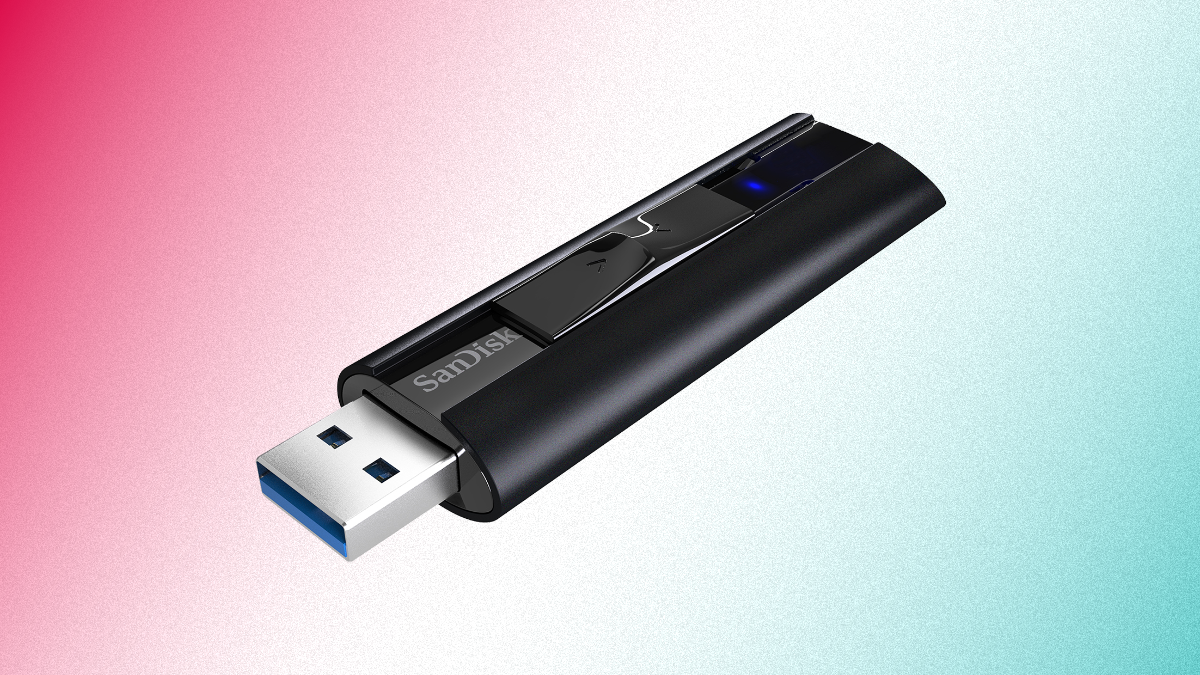
2. SanDisk Extreme PRO USB 3.2 (256GB)
Best for Speed
| Spec | Detail |
|---|---|
| Capacities | 128GB – 1TB |
| Interface | USB 3.2 |
| Read Speed | Up to 420MB/s |
| Write Speed | Up to 380MB/s |
| Encryption | 128-bit AES |
The SanDisk Extreme PRO is the fastest USB drive on this list. Read speeds of up to 420MB/s and write speeds of 380MB/s mean library transfers that would take 30 minutes on a standard drive finish in under two. For DJs who frequently update their library before gigs, that time savings adds up.
The solid-state design (no moving parts) makes it inherently more reliable than traditional flash drives. It's survived wash cycles, drops, and general abuse in our testing. 128-bit AES encryption is available for DJs who want to protect their library.
The retractable slider design can feel stiff, and the drive runs warm under sustained heavy writes. But for raw speed and reliability, the Extreme PRO is the benchmark.
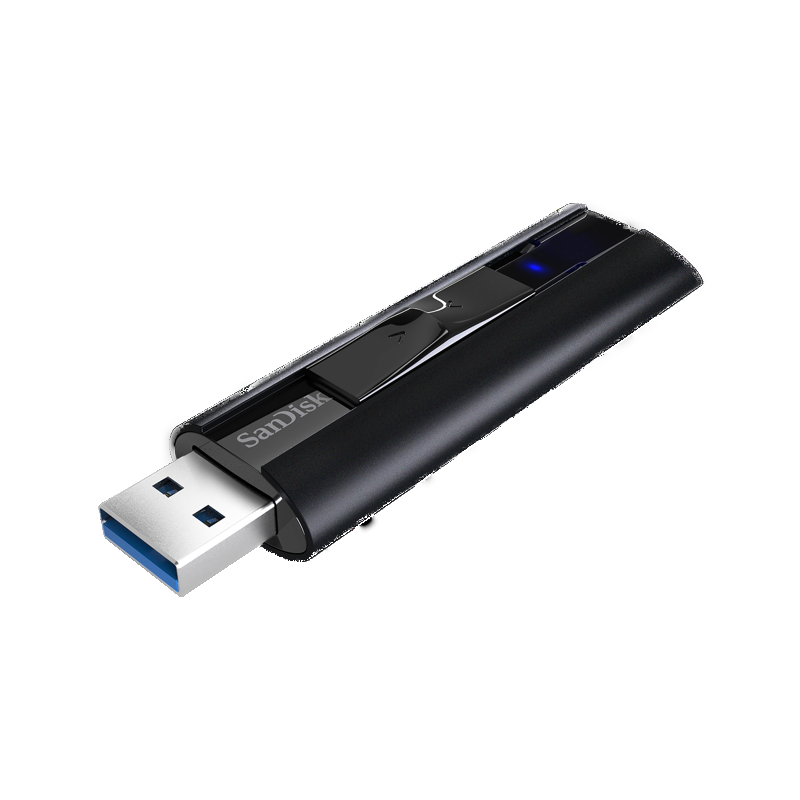
SanDisk Extreme PRO USB 3.2 256GB
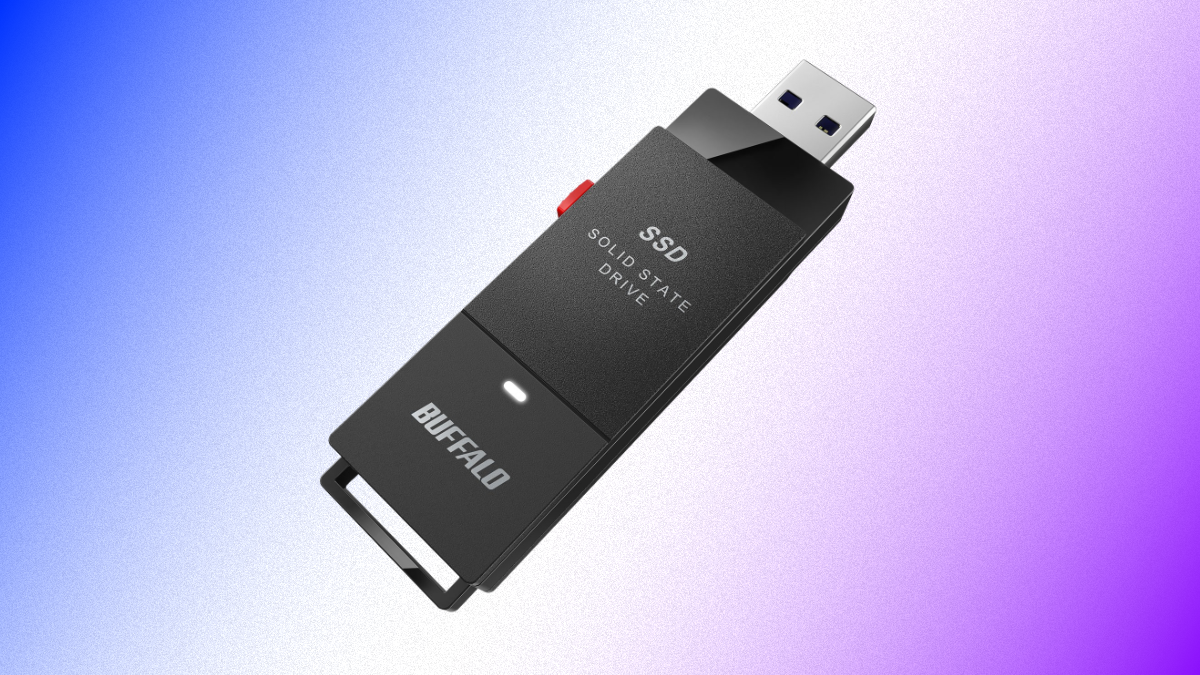
3. Buffalo SSD-PUT (1TB)
Best for Large Libraries
| Spec | Detail |
|---|---|
| Capacities | 500GB – 2TB |
| Interface | USB 3.2 Gen 2 |
| Connectors | USB-A + USB-C |
| Dimensions | 68.5 x 22.8 x 10.1mm |
| Weight | 16.7g |
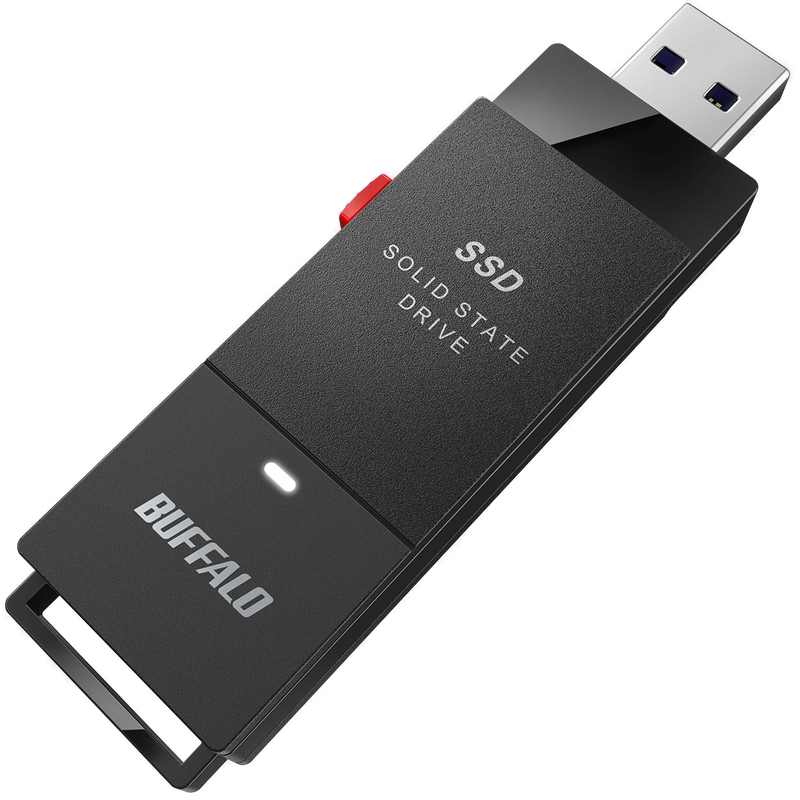
The Buffalo SSD-PUT delivers massive storage in a flash drive form factor. At 1TB, you can carry your entire lossless library — multiple genres, decades of music, every remix you've ever collected. The USB 3.2 Gen 2 interface keeps read and write speeds competitive with dedicated SSDs.
Dual USB-A and USB-C connectors mean it works with older CDJs and newer laptops without adapters. The solid-state design has no moving parts to fail, and the compact size means it doesn't protrude awkwardly from equipment ports.
The price is higher than standard flash drives, and 1TB may be overkill for DJs with smaller libraries. But for mobile DJs and wedding DJs who need access to every genre and era, the storage capacity justifies the investment.
Buffalo SSD-PUT 1TB
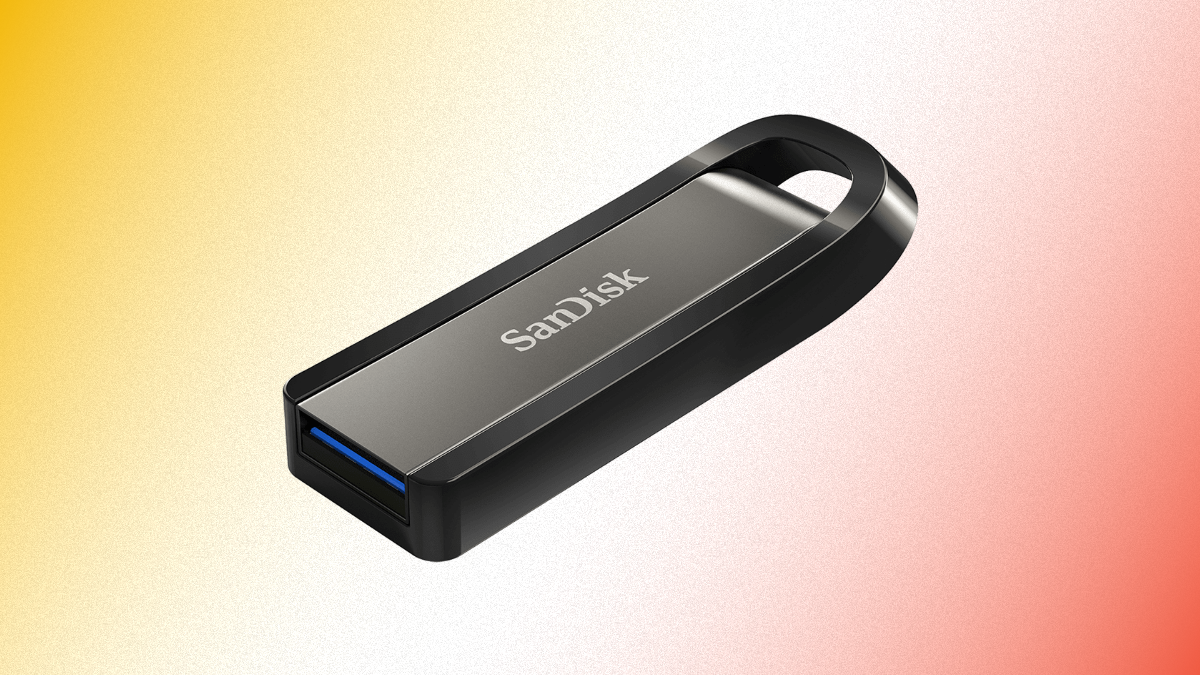
4. SanDisk Extreme Go (64GB)
Best Budget
| Spec | Detail |
|---|---|
| Capacities | 64GB – 256GB |
| Interface | USB 3.2 |
| Read Speed | Up to 200MB/s |
| Write Speed | Up to 150MB/s |
| Weight | 5.8g |
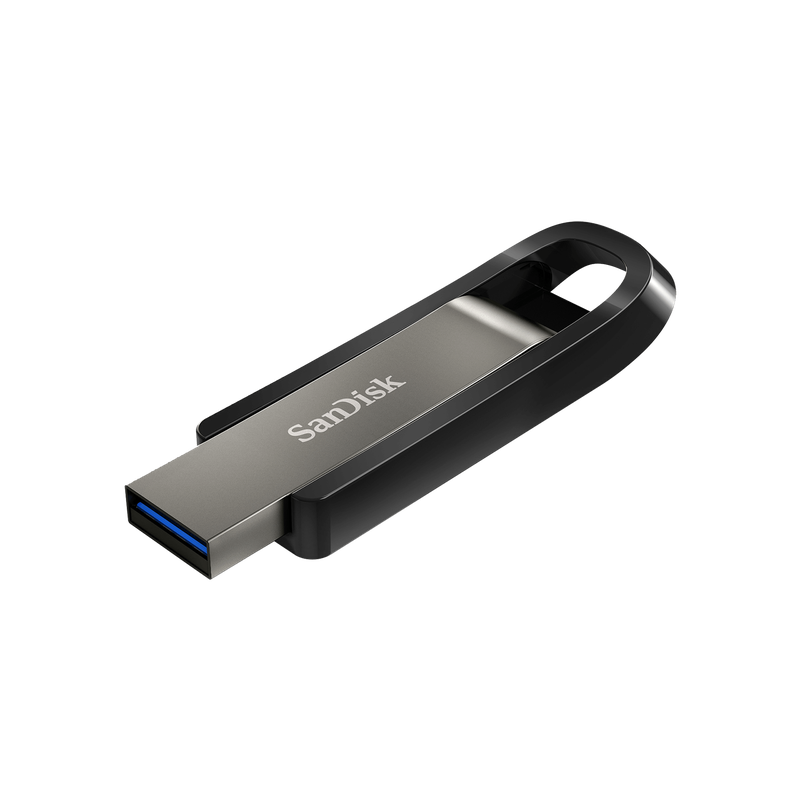
The SanDisk Extreme Go packs solid performance at a price point that makes it easy to buy two — one for gigging and one for backup. Read speeds of 200MB/s and write speeds of 150MB/s are more than adequate for DJ use, and the retractable design means no cap to lose.
The build quality is surprisingly robust for the price. It's survived multiple drops and general pocket abuse in our testing. At just 5.8g, you'll forget it's in your bag.
64GB may not be enough for lossless libraries, but for MP3 collections it handles 5,000+ tracks comfortably. Available in 128GB and 256GB for DJs who need more room. The tiny size can make it fiddly to handle in dark DJ booths.
SanDisk Extreme Go 64GB
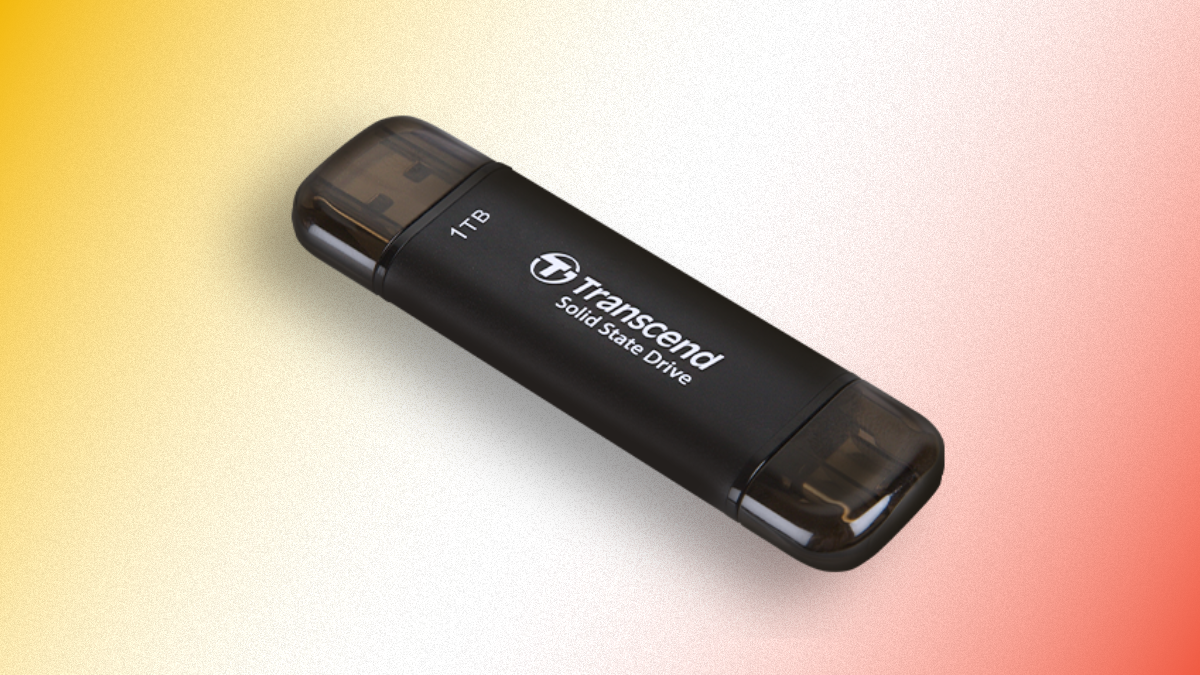
5. Transcend ESD310C External SSD (1TB)
Best Premium
| Spec | Detail |
|---|---|
| Capacities | 256GB – 2TB |
| Interface | USB 3.2 Gen 2 (10Gbps) |
| Connectors | USB-A + USB-C |
| Dimensions | 71.3 x 20 x 7.8mm |
| Weight | 11g |
The Transcend ESD310C brings SSD technology to the USB stick form factor. Don't let the "SSD" label confuse you — it plugs into CDJs, controllers, and laptops exactly like a regular USB drive. The difference is speed: 10Gbps interface speeds mean this is the fastest drive on the list for both transfers and playback.
Dual USB-A and USB-C connectors make it the most versatile option here. The slim profile doesn't protrude far from equipment ports. Capacities up to 2TB mean storage is essentially unlimited for any DJ library.
The premium comes at a premium price. The drive can run warm under sustained heavy writing, though not enough to cause concern. For DJs who want the absolute best performance and don't mind paying for it, the ESD310C is as good as it gets.
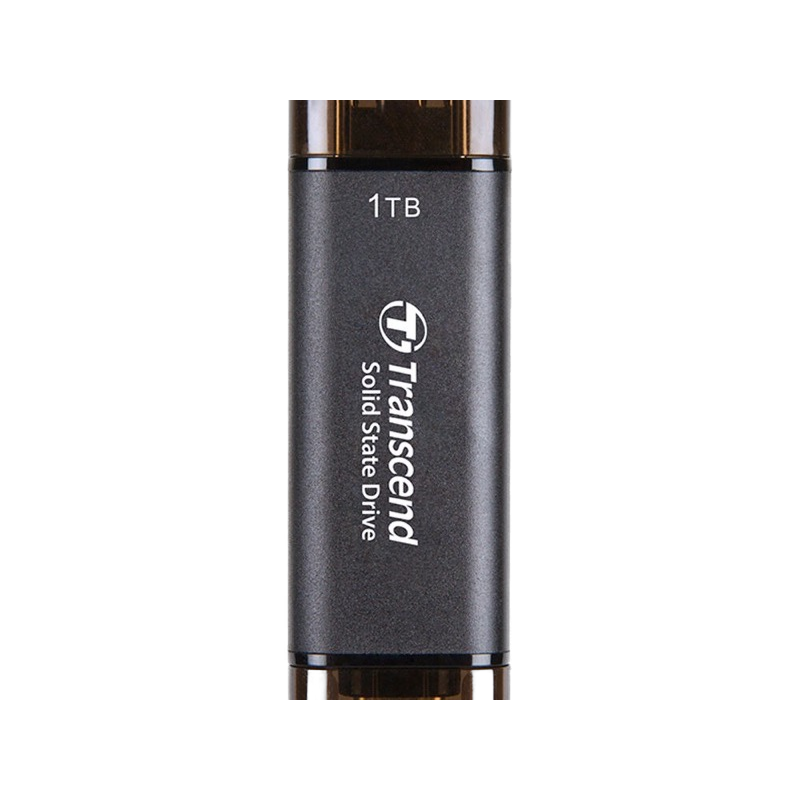
Transcend ESD310C 1TB
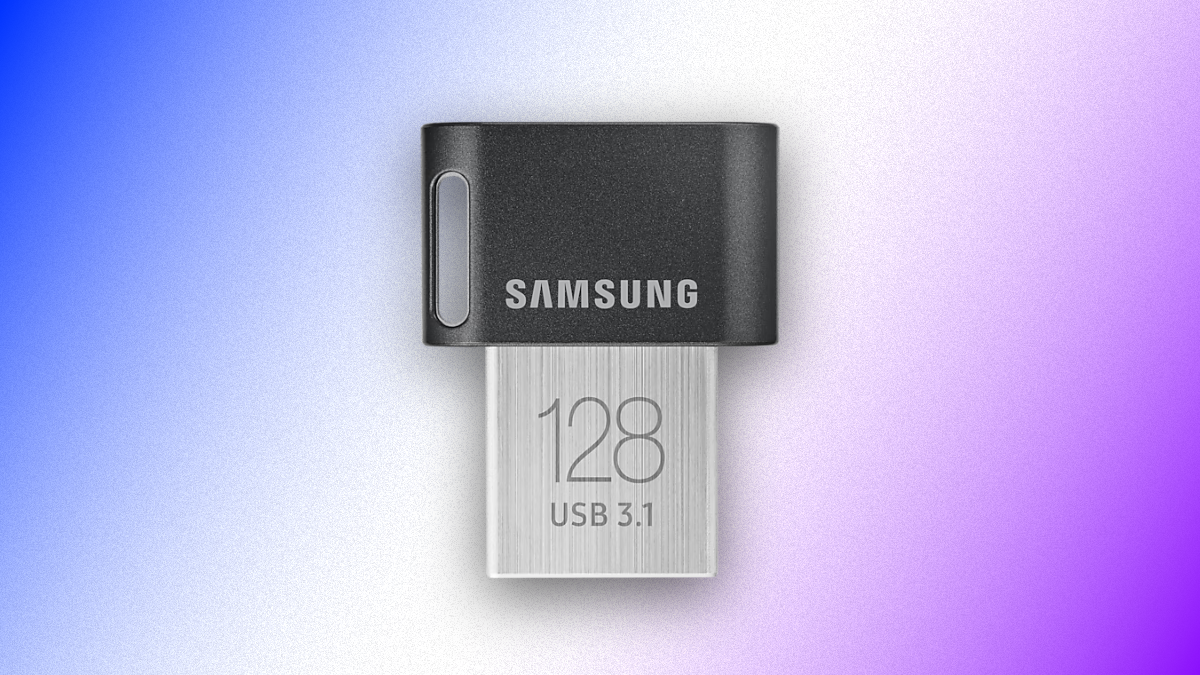
6. Samsung Fit Plus (128GB)
Best Low-Profile
| Spec | Detail |
|---|---|
| Capacities | 32GB – 256GB |
| Interface | USB 3.1 Gen 1 |
| Read Speed | Up to 320MB/s |
| Write Speed | Up to 60MB/s |
| Weight | 3.1g |
The Samsung Fit Plus is the drive you leave permanently plugged into your CDJ or controller. At 23.6mm long, it barely protrudes from the USB port — virtually invisible. This eliminates the risk of catching or snapping a protruding drive during a performance.
Read speeds of 320MB/s are excellent for playback. The trade-off is write speed — at 60MB/s, transferring large libraries takes significantly longer than competing drives. Plan your library exports ahead of gig day.
At 3.1g and the size of a fingernail, it's also easy to lose. Keep it plugged in or use a lanyard. But for DJs who want a clean-looking setup with no hardware sticking out, the Fit Plus is designed exactly for that.
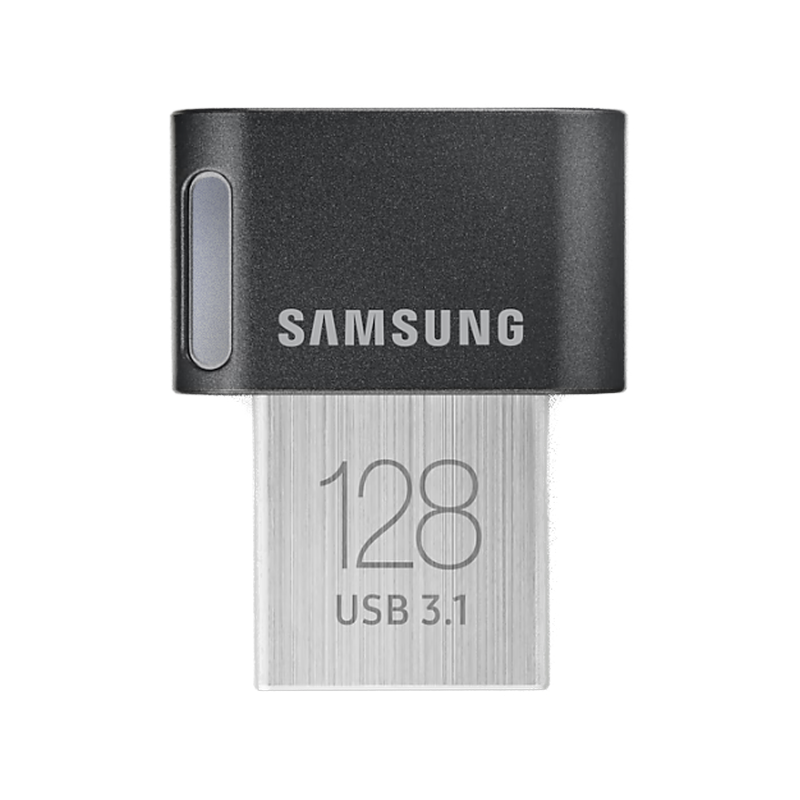
Samsung Fit Plus 128GB
FAQs
What USB format should I use for DJing?
Most CDJs and DJ controllers require FAT32 formatting for USB drives. FAT32 has a 4GB file size limit, which isn't an issue for music files but may limit other uses. Some newer Denon and Pioneer gear supports exFAT, which removes the file size limit. Check your equipment's manual before formatting.
How much storage do I need on a DJ USB stick?
A 64GB drive holds roughly 5,000+ MP3 files — enough for most working DJs. If you use lossless formats (WAV, FLAC, AIFF), file sizes are 5–10x larger, so 128GB or 256GB is more appropriate. Mobile and wedding DJs with very large libraries may want 512GB+.
Does USB 3.0 vs 2.0 matter for DJing?
For playback, no — CDJs read files fast enough from either version. For transferring music to the drive, USB 3.0 is significantly faster. A 64GB library transfer that takes 30+ minutes on USB 2.0 takes under 5 minutes on USB 3.0. USB 3.0 drives are backwards compatible with USB 2.0 ports.
Can I use an SSD stick instead of a USB flash drive?
Yes. Portable SSDs in USB stick form factors (like the Transcend ESD310C) offer much faster read/write speeds and higher capacities than traditional flash drives. They work with CDJs and controllers as long as they're formatted correctly. The trade-off is higher price and sometimes more heat generation.
Should I carry a backup USB stick?
Absolutely. USB drives can fail, get lost, or become corrupted. Always carry at least two identical drives with the same library. Keep a third backup at home. Also maintain a cloud backup of your entire music library for disaster recovery.
Verdict
The right USB stick depends on how you DJ. Touring DJs who need indestructible durability should pick the Corsair Flash Survivor Stealth. DJs who frequently update their libraries and value fast transfers should grab the SanDisk Extreme PRO. Mobile and wedding DJs with massive multi-genre libraries need the Buffalo SSD-PUT or Transcend ESD310C for their 1TB+ capacity.
On a budget, the SanDisk Extreme Go delivers strong performance at a price that lets you buy two — always carry a backup. And for DJs who want a clean, low-profile setup, the Samsung Fit Plus is virtually invisible when plugged in.
Whichever you choose, format it FAT32, carry a backup, and treat it like the essential piece of DJ gear it is.
Complete Your DJ Setup
A USB stick is only useful with something to plug it into. The rest of the chain:
- Best standalone DJ controllers — the decks that read your stick directly, no laptop required.
- Best DJ controllers — laptop-based setups for every budget.
- Best DJ controllers for beginners — the easiest decks to learn on if this is your first setup.
- Best DJ headphones — for cueing the next track off that stick.
- Best DJ speakers — studio monitors for home and PA picks for gigs.