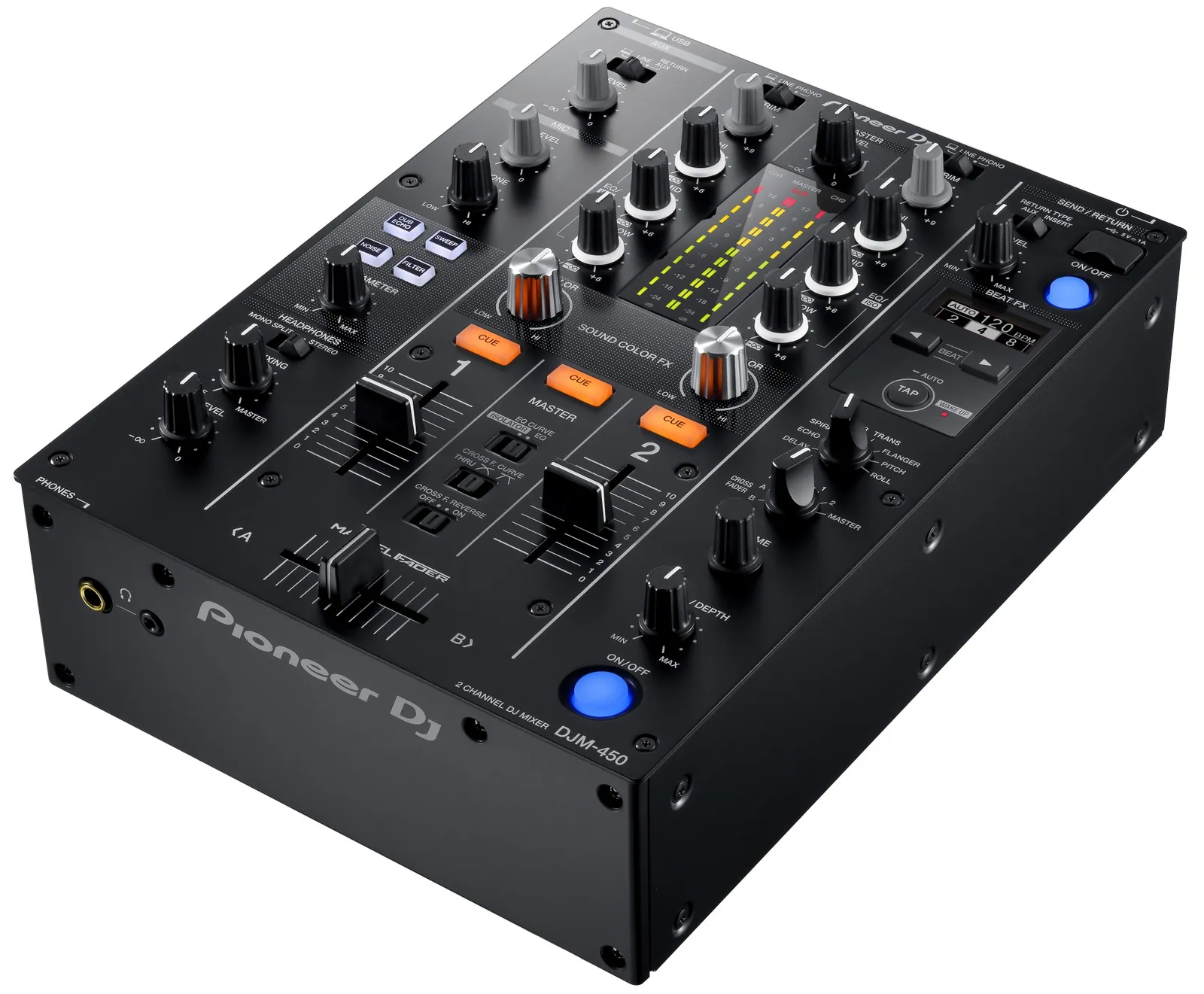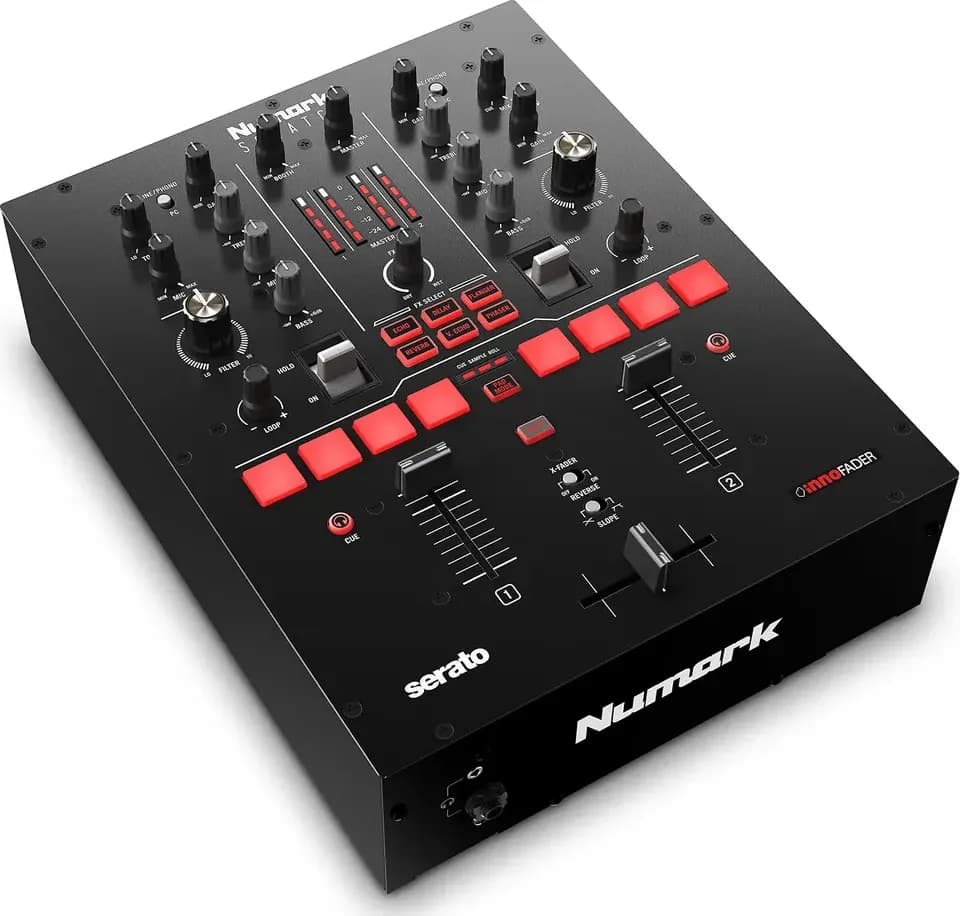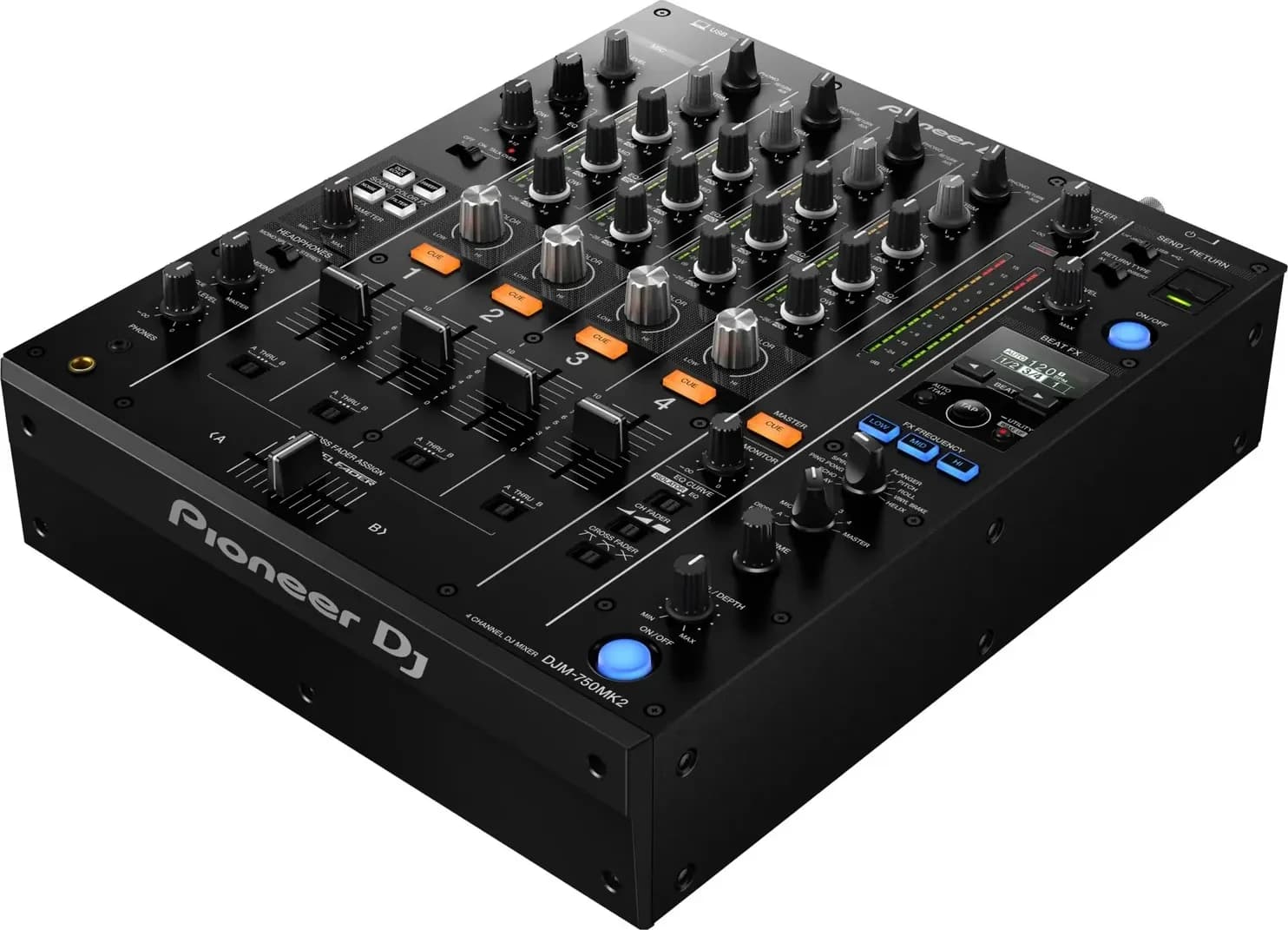
A crossfader is the sideways fader at the front of a DJ mixer or controller that blends the channels assigned to its two sides: at the left end you hear only the left side, at the right end only the right, and in between a mix of both. Its curve setting decides how quickly the sound changes as you move it, from a gradual blend for mixing to a sharp cut for scratching.
How it works
Pioneer DJ's DJM-S11 manual puts it simply: moving it to the CH 1 side outputs channel 1 and moving it to the CH 2 side outputs channel 2, with the balance in between set by the crossfader curve. It works on top of the channel faders, so a channel with its fader down stays silent wherever the crossfader is.
Crossfader or channel faders
Each channel fader sets the volume of one channel on its own, while the crossfader blends whichever channels are assigned to its two sides, so one movement swaps one track for the other. Long blends are usually done on the channel faders and quick cuts and scratches on the crossfader, and most mixers let you use both at once.
The two work in series. A channel's sound passes through its channel fader first, and then the crossfader decides how much of it reaches the master output, so a channel with its fader down stays silent wherever the crossfader is.
Channel faders suit blends, because each track's level moves on its own. In Native Instruments' 5 basic DJ transitions, the beatmatched blend keeps the incoming channel fader down while you match the tempo in your headphones, then raises it slowly "so that the two tracks play together", and the fade brings the outgoing channel fader down as the next track starts. Native Instruments notes that techno and house DJs tend to prefer this kind of smooth transition. You can hold the outgoing track at full volume while the new one comes up. The crossfader does that only with its curve set fast: on Serato's slow Linear curve, both tracks sit at half volume in the middle.
Channel faders have their own curve setting on many mixers:
| Hardware | Channel fader setting | Source |
|---|---|---|
| DJM-S11 | CH 1/2 CURVE knob: a steep rise near the top, a gradual rise all the way, or a steep rise from the bottom; REVERSE switch | DJM-S11 manual |
| DJM-750MK2 | Three-position CH FADER switch for the curve | DJM-750MK2 quick start guide |
| Rane Seventy | Channel Fader Contour knobs, smooth fade to the left and sharp cut to the right; Fader Reverse; Cut-In Adjust from 0 to 16 for each deck | Seventy user guide |
| DDJ-FLX4 with rekordbox | Preferences > Controller > Mixer > Channel Fader Curve | rekordbox 7 manual |
| Serato DJ, on hardware without its own control | Setup > Mixer > Upfader: left for a slow, gradual fade, right for a fast, tighter cut | Serato DJ Pro manual |
On the Rane Seventy, the higher the cut-in setting, the higher you have to push the channel fader before any sound is heard. Serato notes that some hardware sets the curve itself, so its software setting isn't always available.
The crossfader is quicker for a cut. Native Instruments describes the cut as releasing the next track on the downbeat and moving the crossfader "all the way to the right so that only Deck B is playing", or doing the same by bringing one channel fader up as you pull the other down. Hip-hop, drum and bass, open-format and urban DJs tend to use these shorter mixes, cutting tracks in on the downbeat, it says. For a clean cut, the crossfader curve has to be sharp, so that each end plays only one deck. On a mixer with a curve switch, that's the position drawn like a table rather than an X.
Mixers don't make you choose. Common setups:
- Channel faders only. Set each channel's crossfader assign switch to THRU, as on the DJM-750MK2, or tick Disable under Setup > Mixer in Serato DJ, which Serato suggests if you only use the upfaders and want to avoid knocking the crossfader by mistake.
- Channel faders for level, crossfader for cuts. Leave both channels at full on their channel faders and use the crossfader to cut between them, or bring a track in on its channel fader and drop the other out on the crossfader.
- Starting tracks from a fader. On the DDJ-FLX4, holding SHIFT while moving a channel fader or the crossfader triggers Fader Start, which plays the deck from its cue point, per the FLX4 manual. The DJM-S11 has the same Channel Fader Start: move the channel fader up from the bottom while holding SHIFT, and back down to return to the cue and pause.
The transitions guide shows when each is used.
Assigning channels to each side
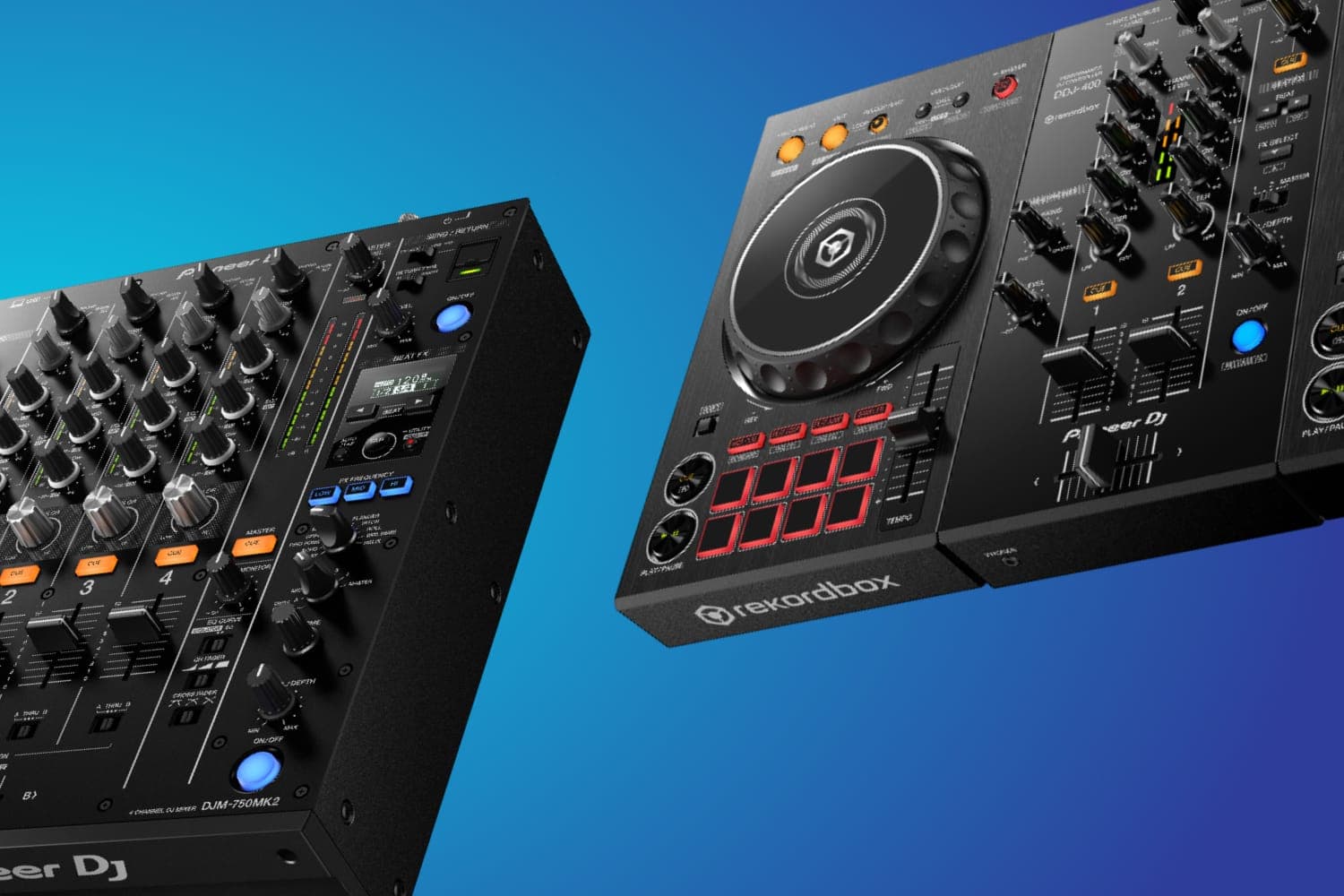
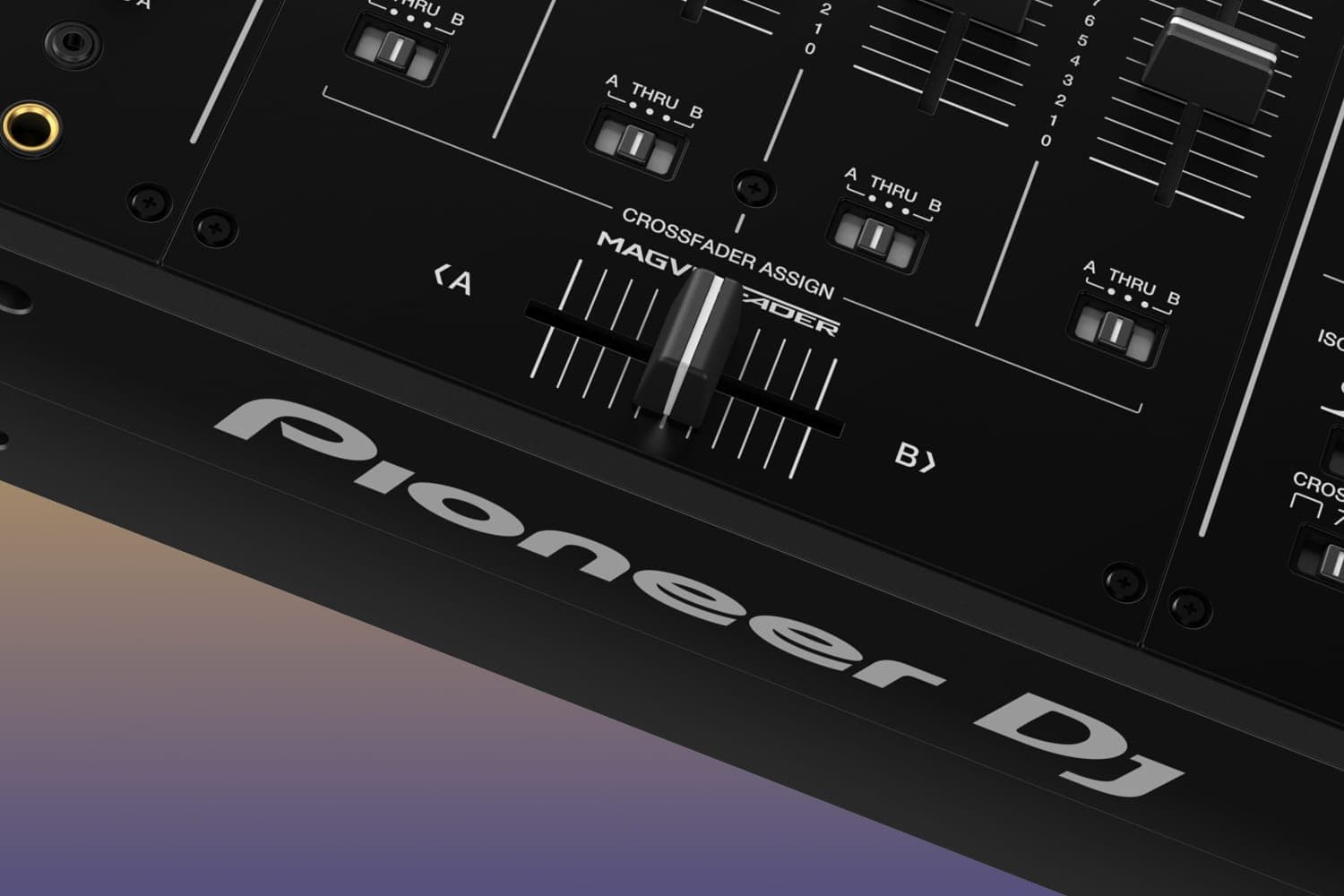
On a two-channel controller like the DDJ-FLX4, deck 1 is on the left and deck 2 on the right. Mixers with more channels let you choose. The DJM-750MK2 has a CROSS FADER ASSIGN switch on each channel, per its quick start guide:
- A sends the channel to the left side.
- B sends it to the right side.
- THRU takes the channel out of the crossfader altogether, so only its channel fader controls it.
THRU is the right setting for any channel you don't want the crossfader to touch, such as a deck you mix only on its channel fader. If the crossfader seems to do nothing, Pioneer DJ's troubleshooting table says to check these switches first. In rekordbox, the same assignment is made in the mixer panel of PERFORMANCE mode, per the rekordbox 7 manual. The 2-channel vs 4-channel mixer guide covers the bigger mixers.
The crossfader curve
The curve sets how the volume of each side changes along the fader's travel. Serato's manual explains the two shapes it offers:
- Linear, set slow: both tracks blend evenly and sit at half volume in the middle, so two different tracks dip in volume there.
- Linear, set fast: both channels stay at full volume over nearly the whole travel and cut off sharply at each end. Serato calls this the setting for scratching and turntablism.
- Power, set slow: a clear dip in the middle, where the playing track fades out before the new one fades in.
- Power, set fast: a smooth blend in which the incoming track is heard almost as soon as you move toward its side.
Where you set it depends on the hardware:
| Hardware | Curve control | Other crossfader settings |
|---|---|---|
| DDJ-FLX4 with rekordbox | Preferences > Controller > Mixer > CROSSFADER Curve | Reverse and Cut Lag in rekordbox or the controller's Utilities mode |
| DJM-750MK2 | A three-position CROSS FADER switch | Assign switch on every channel |
| DJM-S11 | CURVE knob, from gradual to steep | REVERSE switch, FEELING ADJUST knob, cut lag and smoothing in the Utility settings |
| Rane Seventy | Crossfader Contour knob | Fader Reverse switch, Tension knob, Cut-In Adjust in the setup menu |
| Serato DJ, controllers without a hardware control | Setup > Mixer > Crossfader | Linear or Power, Reverse, Disable |
Rane's Seventy user guide gives a starting point: turn the contour knob left for a smooth fade, right for a sharp cut, and leave it in the centre for a typical club setting. Serato notes that on some hardware its software curve settings aren't available, because the hardware sets the curve itself.
Settings for scratching
Scratch mixers add controls that change how the fader feels and where it cuts in.
- Reverse. Swaps the sides, so the left end plays the right channel. On the DJM-S11 and Rane Seventy it's a switch; on the DDJ-FLX4 it's a rekordbox setting or, in Utilities mode, the PAD FX1 button (FLX4 manual).
- Cut lag, or cut-in. The gap at each end of the travel where no sound comes through. A short gap lets a tiny movement open the channel. The FLX4 sets it from 0.3 mm to 5.5 mm in 0.1 mm steps, 1.0 mm by default; the DJM-S11 uses a scale from 0 to 52, 7 by default; the Rane Seventy sets each side separately from 0 to 16.
- Weight. The DJM-S11's FEELING ADJUST knob and the Seventy's Tension knob make the fader lighter or heavier to move.
- Magnetic faders. The DJM-S9's Magvel Fader Pro detects its position with magnets, and Pioneer DJ's DJM-S9 manual warns against placing magnets or devices with strong magnetic fields near the mixer. It also comes with replacement fader bumpers, which Pioneer DJ says you can swap to adjust how the fader operates.
The scratching tutorial covers technique, and the DJM-S7 vs DJM-S11 comparison compares two scratch mixers.
Crossfader Start and Smart Fader
Two Pioneer DJ features start or shape a mix from the crossfader:
- Crossfader Start. Set a cue point on a deck, move the crossfader to the far side, then hold SHIFT and move it toward that deck: playback starts from the cue point. Moving it back while holding SHIFT returns to the cue and pauses. It works this way on the DDJ-FLX4 and the DJM-S11, per their manuals, and both also offer the same trick on the channel faders (Fader Start).
- Smart Fader. On the FLX4 with rekordbox, pressing SMART FADER turns on Beat Sync and lets the faders do more than change volume: as you move from one deck to the other, rekordbox shifts the playing tempo between the two tracks and turns down the bass of one as the other comes in, automatically. While it's on, some effects, EQ LOW and Beat Sync can't be controlled from the rekordbox screen.
If you never use the crossfader, Serato DJ can disable it, so a stray knock doesn't cut the mix. On a mixer with assign switches, setting every channel to THRU does the same.
How this page is made
Every control and setting here comes from the makers' own manuals and help pages: Pioneer DJ's manuals for the DDJ-FLX4, DJM-750MK2, DJM-S9 and DJM-S11, the rekordbox 7 manual, Serato's manual and Rane's Seventy user guide, read on 13 October 2026 and linked where they are used. Settings move between models and software versions, so check your own hardware's manual. We haven't tested these mixers. The methodology explains how the site works.
The section on channel faders also draws on Native Instruments' 5 basic DJ transitions, from February 2024, the DJM-750MK2 quick start guide and Rane's Seventy user guide, read on 13 October 2026.