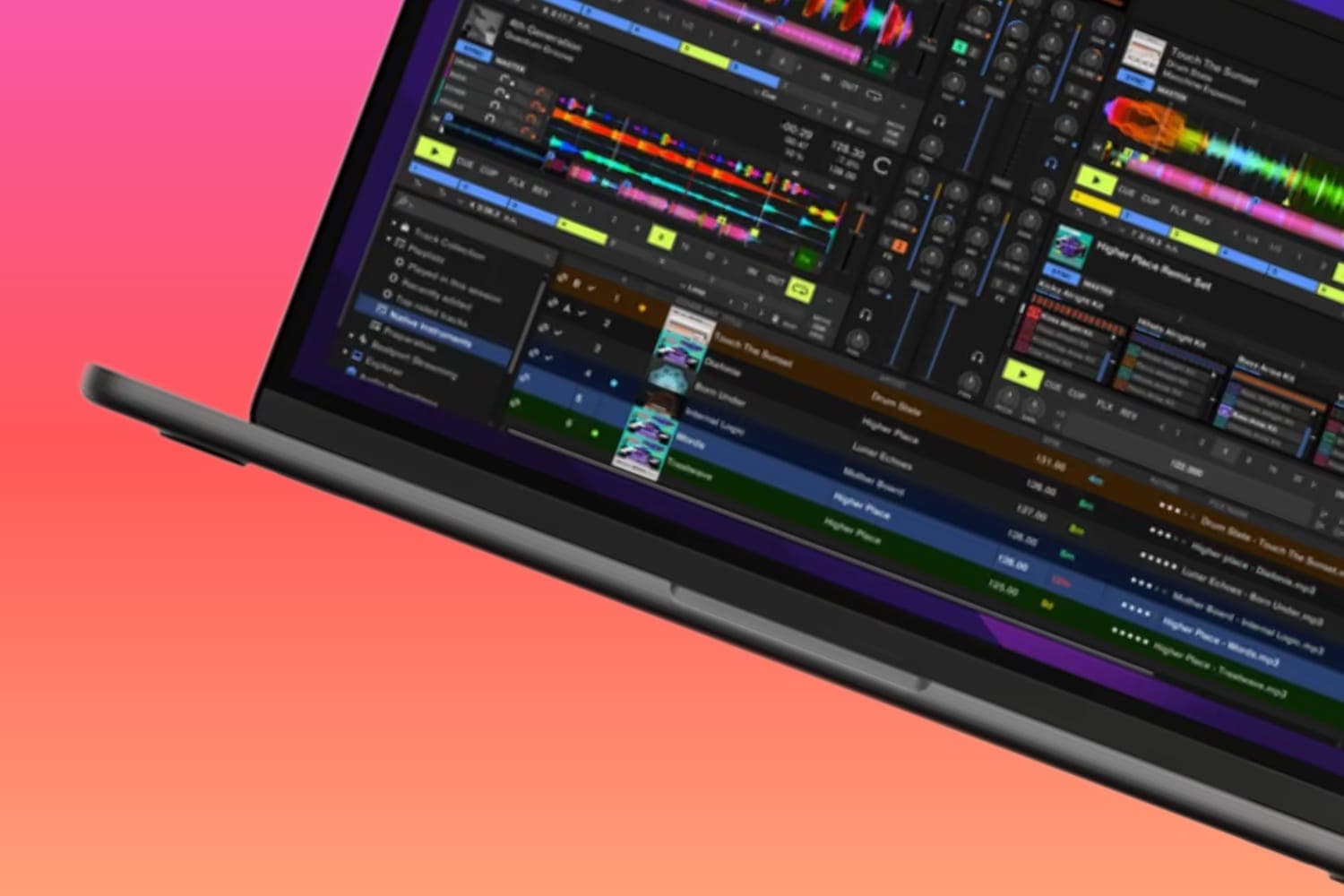
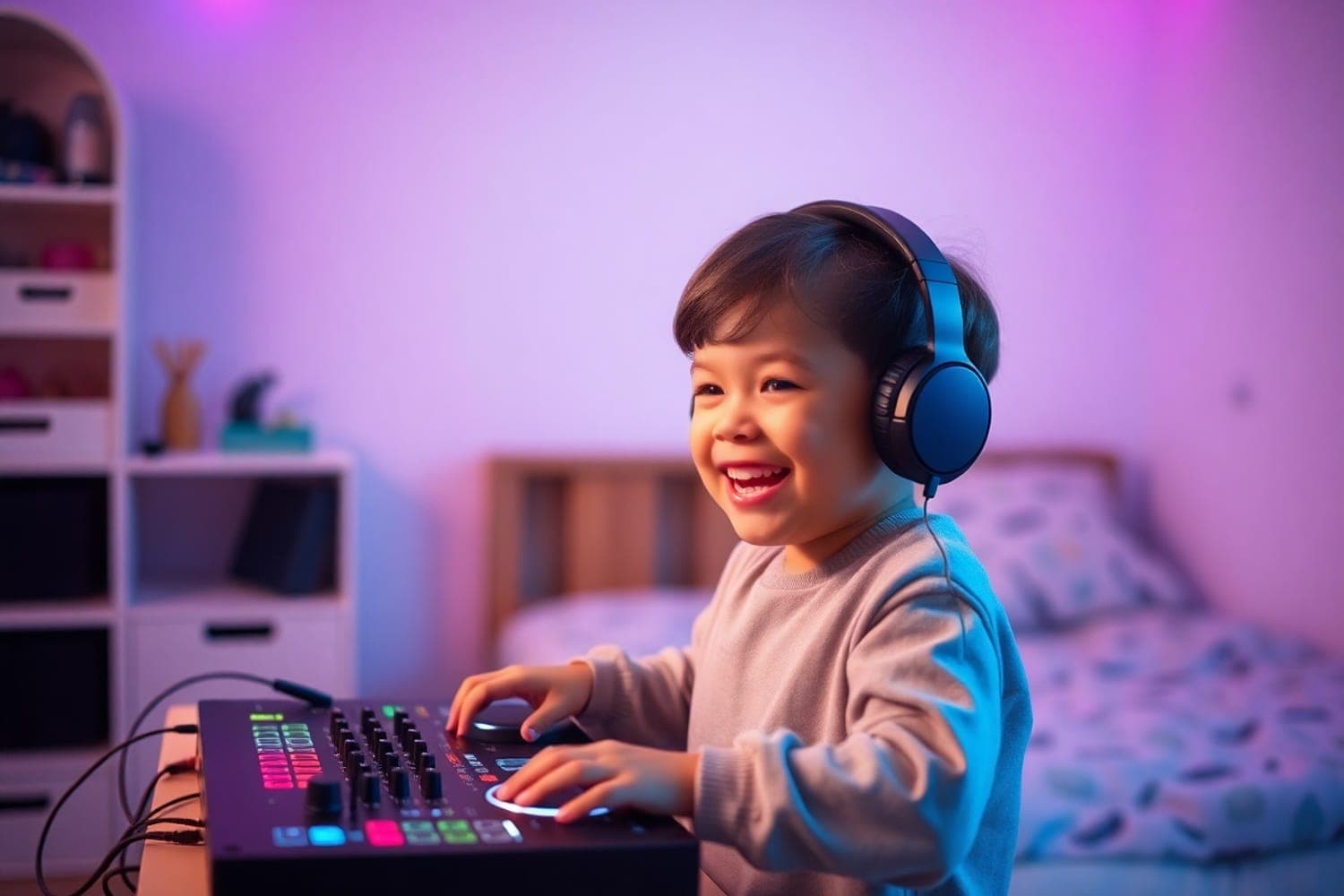
More kids than ever are interested in DJing — thanks to TikTok, YouTube, and the visibility of DJ culture in mainstream media. If your child is showing interest in mixing music, getting them started with the right equipment makes all the difference between a passing curiosity and a genuine hobby.
The good news is that modern DJ gear is more accessible and affordable than ever. A child can start mixing on an iPad with a free app, then graduate to a proper controller as their interest grows. Below is everything you need to build the perfect kids DJ setup, matched to their age and skill level.
What to Consider
Age and attention span. Kids aged 6–9 do best with touchscreen apps on an iPad — the visual interface is intuitive and there's no complex setup. Kids aged 10–14 can handle a dedicated DJ controller with physical faders and jog wheels. Match the complexity to the child's maturity.
Start simple, upgrade later. Begin with a DJ app and see if the interest sticks before investing in hardware. A controller purchase makes sense once your child is actively using the app and asking for more control. This approach saves money if DJing turns out to be a phase.
Headphones are essential. Both for learning (headphones let them cue and preview tracks, which is fundamental to DJing) and for household peace. Invest in comfortable, durable headphones that can handle being dropped and thrown in a bag.
Music access. Your child needs a way to access music. A streaming subscription (Apple Music, Spotify, or Tidal) that integrates with their DJ app is the simplest approach. Some apps include built-in music libraries. You may need to set up the subscription on their behalf.
1. djay by Algoriddim
Best DJ App for Kids
| Spec | Detail |
|---|---|
| Type | DJ app (iOS, Android, Mac, Windows) |
| Music | Apple Music, Spotify, Tidal, local library |
| Features | AI mixing, effects, loops, samples |
| Pricing | Subscription (free trial available) |
| Best For | Ages 6+ |
djay is the best starting point for any young DJ. The touchscreen interface is colourful and intuitive — kids can load tracks, mix between two decks, add effects, and trigger samples with simple taps and swipes. The AI-powered Automix feature helps beginners create smooth transitions while they learn.
The app integrates with Apple Music and Spotify, giving instant access to millions of tracks. Built-in tutorials and sample tracks help kids understand the basics of mixing. The subscription model means you can cancel anytime if interest fades.
djay works on iPad, iPhone, and Android devices. For the best experience, use it on an iPad — the larger screen makes the controls easier to reach and the visual waveforms clearer.
2. Pioneer DJ DDJ-200
Best Controller for Kids
| Spec | Detail |
|---|---|
| Type | 2-channel DJ controller |
| Connectivity | Bluetooth (iOS/Android), USB (laptop) |
| Software | djay, WeDJ, rekordbox |
| Weight | 1.2 kg |
| Best For | Ages 8+ |
The Pioneer DJ DDJ-200 is designed for exactly this scenario — a lightweight, affordable controller that connects to smartphones and tablets via Bluetooth. No laptop needed. Your child pairs it with their iPad, opens djay, and starts mixing with real faders, jog wheels, and performance pads.
At just 1.2 kg, it's light enough for a child to handle and small enough to set up on a desk. The layout is clean and uncluttered — two jog wheels, a crossfader, volume faders, and performance pads. Everything a young DJ needs without the complexity that could overwhelm them.
The DDJ-200 also works with a laptop via USB for when your child is ready to graduate to a more advanced setup.
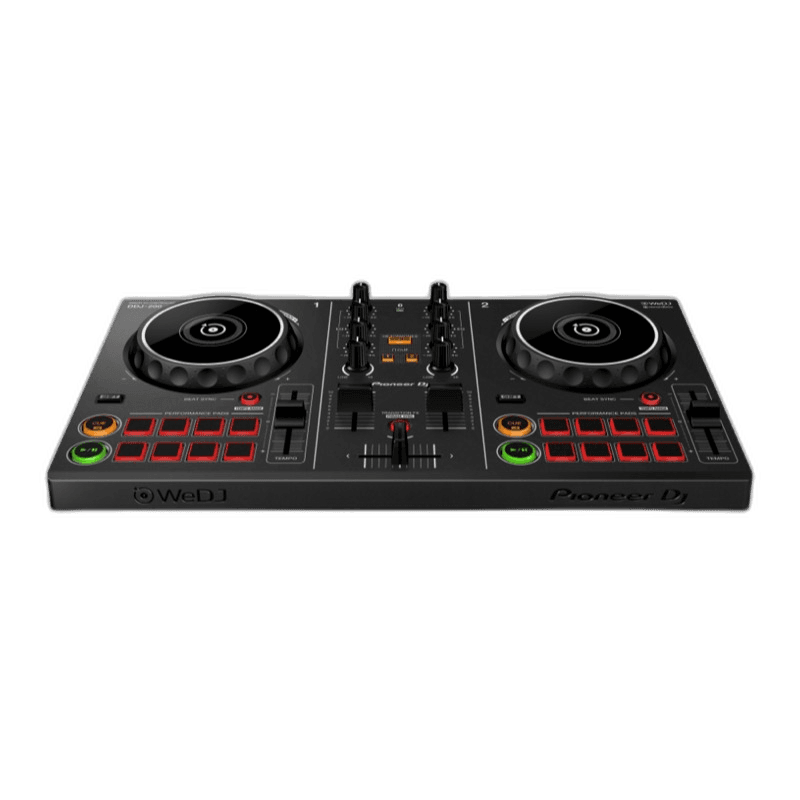
Pioneer DJ DDJ-200
Compact, affordable, and smartphone-friendly — the easiest way to start DJing.
3. Pioneer DJ HDJ-CUE1
Best Headphones for Kids
| Spec | Detail |
|---|---|
| Type | On-ear, closed-back |
| Variants | Wired and Bluetooth |
| Colours | Multiple colour options |
| Durability | Robust, foldable design |
| Best For | Ages 8+ |
The Pioneer DJ HDJ-CUE1 headphones are built on Pioneer DJ's professional headphone DNA but at a much more accessible price point. They're robust enough to survive being dropped, folded, and thrown in a bag — exactly what you need for a child's headphones.
Multiple colour options let your child pick a pair that feels personal. The sound quality is genuinely good — clear enough for proper DJ monitoring, not just casual listening. Available in both wired and Bluetooth versions.
These headphones work for DJing, music listening, and general use. When your child outgrows their beginner DJ phase (or upgrades to more advanced gear), the HDJ-CUE1s remain useful as everyday headphones.
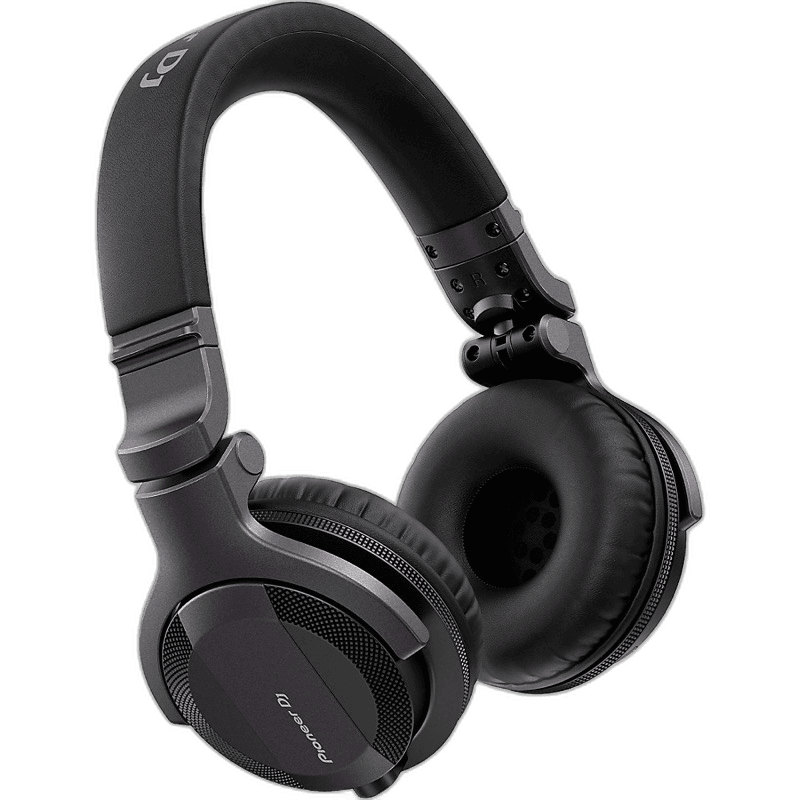
Pioneer DJ HDJ CUE1
Defies expectations for budget headphones — reliable, comfortable, and sounds far better than the price suggests.
Other Setup Essentials
MiniRig 3 Speaker — A compact Bluetooth speaker with 100-hour battery life and 40 watts of power. Mixing through headphones alone gets boring quickly for kids. The MiniRig 3 lets them play their mixes out loud without needing a full speaker system. Can also connect via cable to the controller for zero-latency audio.
Reloop Buddy Controller — A step up from the DDJ-200 for older kids (12+) who want more features. The Reloop Buddy has built-in speakers, works with streaming services, and supports iOS, Android, Mac, and PC. More controls and features for kids who've outgrown their first controller.
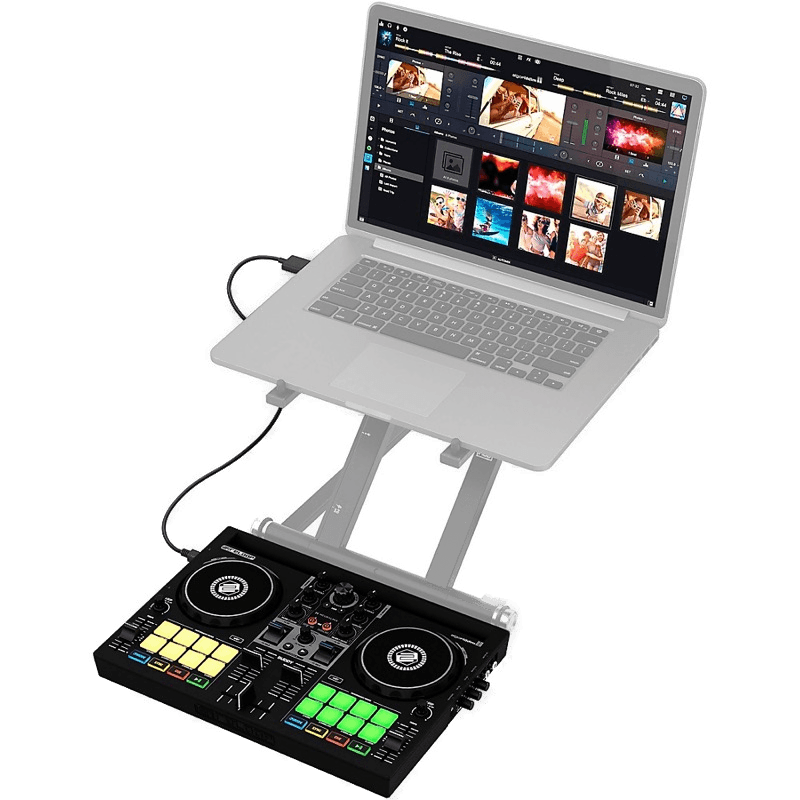
Reloop Buddy
The ultimate mobile DJ companion — Neural Mix AI and iPad integration in a pocket-sized package.
iPad Stand — A sturdy stand that holds the iPad at an angle in front of the controller. Frees up your child's hands for the controller and protects the iPad from being knocked over. Any adjustable tablet stand works — look for one with a non-slip base.
Tidal or Apple Music Subscription — Your child needs access to music. Both services integrate with djay and other DJ apps. Tidal also connects directly to DJ controllers and supports higher audio quality. Set up a family plan to share the subscription.
USB Cable Adapters — If using a newer iPad with USB-C and a controller with USB-B, you'll need an adapter cable. Check your controller's specifications before buying to ensure compatibility. These are inexpensive but essential if the ports don't match.
Putting It All Together
Starter setup (ages 6–9, ~$50): iPad + djay app subscription. That's it. Let your child explore the touchscreen interface and see if DJing clicks before investing in hardware.
Intermediate setup (ages 8–12, ~$300): iPad + djay app + Pioneer DJ DDJ-200 + Pioneer DJ HDJ-CUE1 headphones. This is the sweet spot — a real controller with physical controls, quality headphones for monitoring, and an app they already know from the starter phase.
Advanced setup (ages 12+, ~$500): Laptop + Reloop Buddy + headphones + MiniRig 3 speaker. For teens who are serious about DJing and want a setup that grows with them. The Reloop Buddy has enough features to keep an advanced beginner engaged for years.
FAQs
What age can kids start DJing?
Kids as young as 6–7 can start experimenting with DJ apps on an iPad. By age 10–12, most children can handle a basic DJ controller like the Pioneer DJ DDJ-200 or Numark Party Mix with guidance. The key is matching the equipment complexity to the child's age and attention span — start with a touchscreen app and progress to hardware when they show sustained interest.
How much does a kids DJ setup cost?
A basic kids DJ setup costs $150–$400 total. A DJ app subscription ($5–$10/month), an entry-level controller ($100–$250), budget headphones ($50–$80), and a small Bluetooth speaker ($50–$150) cover everything needed. You can start even cheaper with just an iPad and a DJ app before investing in hardware.
What is the best DJ app for kids?
djay by Algoriddim is the best DJ app for kids. It has an intuitive touchscreen interface, works on iPad and iPhone, integrates with Apple Music and Spotify, and includes AI-powered features that help beginners mix smoothly. The subscription model means you can cancel if your child loses interest.
Do kids need a laptop to DJ?
No. Kids can start DJing with just an iPad or smartphone and a DJ app. Controllers like the Pioneer DJ DDJ-200 connect to iOS and Android devices via Bluetooth, eliminating the need for a laptop entirely. A laptop becomes useful as they advance, but it's not required to get started.
What is the best DJ controller for a child?
The Pioneer DJ DDJ-200 is the best controller for children. It's lightweight, affordable, connects via Bluetooth to smartphones and tablets, and works with multiple DJ apps. The Reloop Buddy is a step up for older kids (12+) who want more features, including built-in speakers and support for streaming services.
Verdict
Start with an iPad and the djay app to test the waters. If your child shows sustained interest, add a Pioneer DJ DDJ-200 controller and Pioneer DJ HDJ-CUE1 headphones — this combination gives them a real DJ experience at a reasonable total cost.
The key principle: start simple and upgrade as interest grows. A $50 app subscription that gets used every day is better than a $500 controller that collects dust after a week. Let your child's enthusiasm guide the investment.