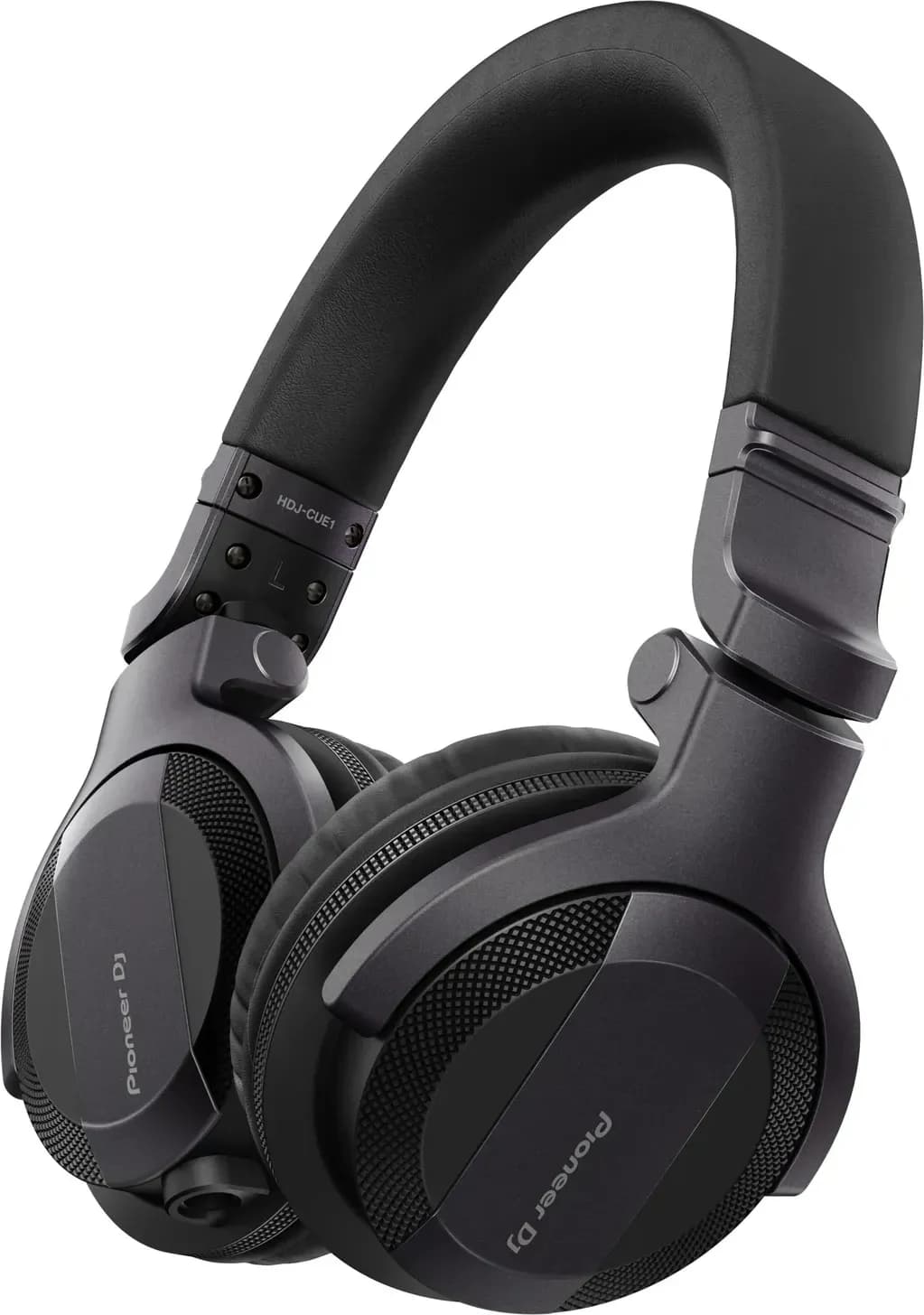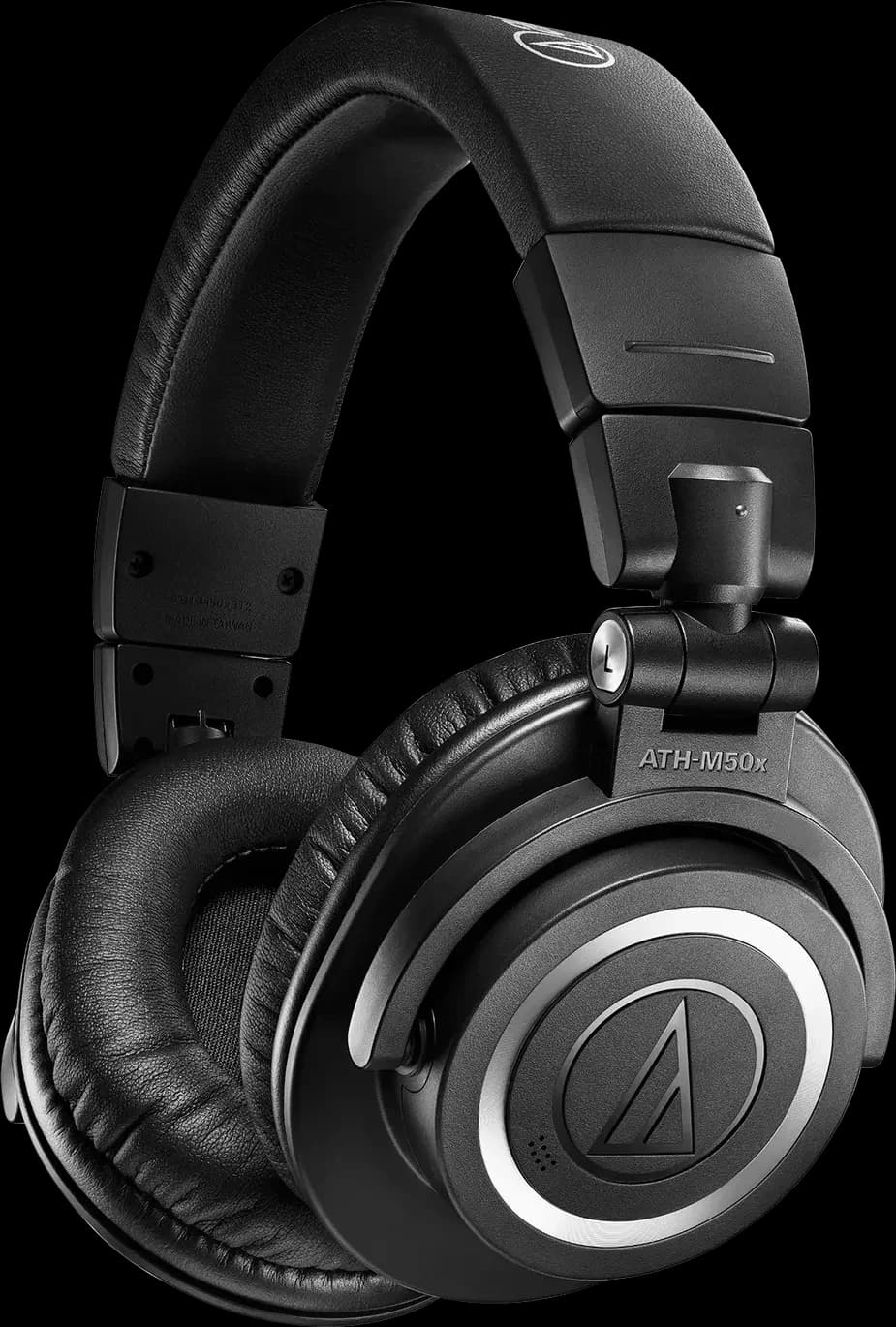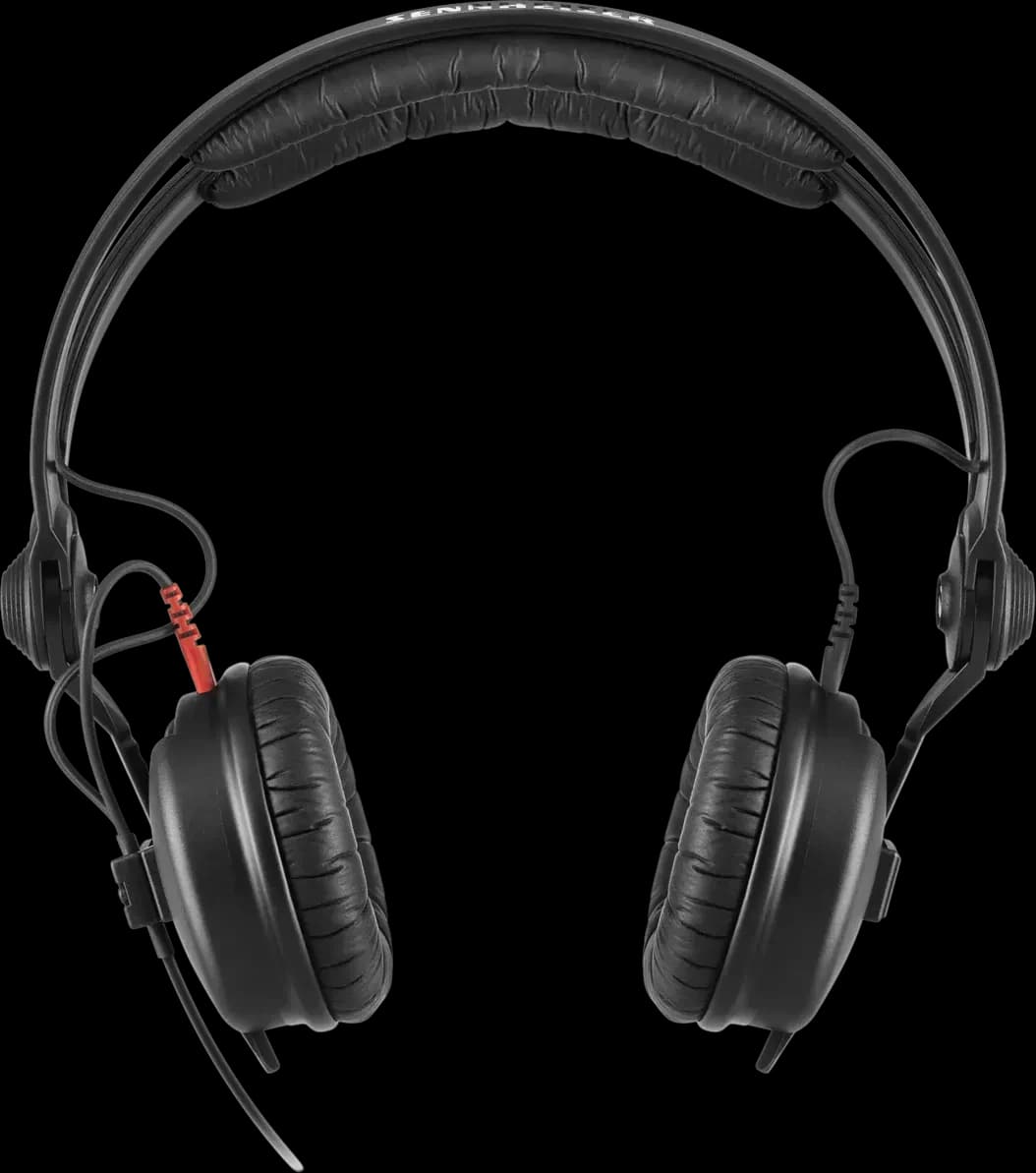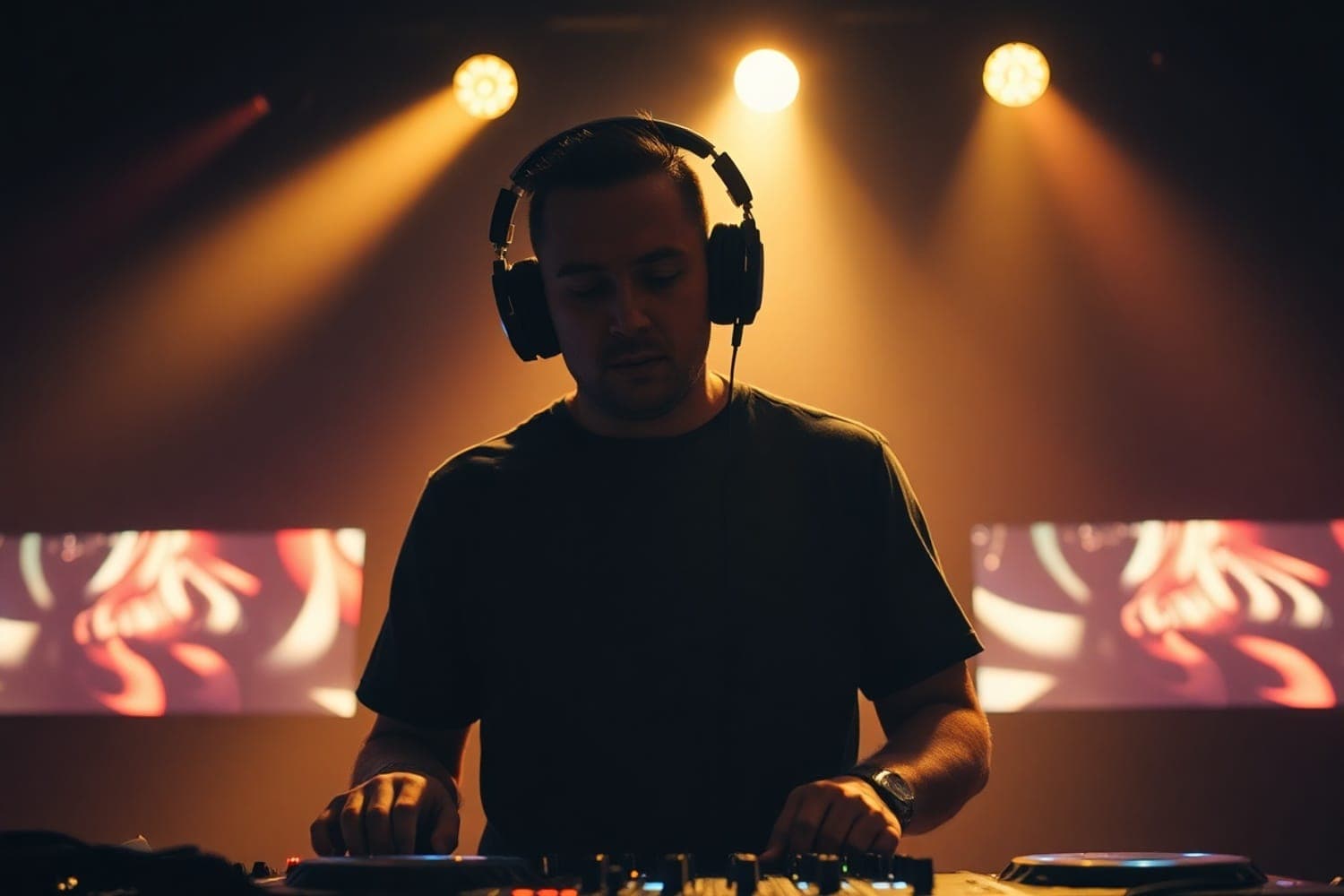
DJs wear headphones to hear the next track before the crowd does: the CUE button on each mixer channel sends that track to the headphones only, so they can find where it starts and match its tempo to the track that's playing. They often keep one ear off, or split the headphones, to hear the music the room is hearing at the same time.
What the CUE button does
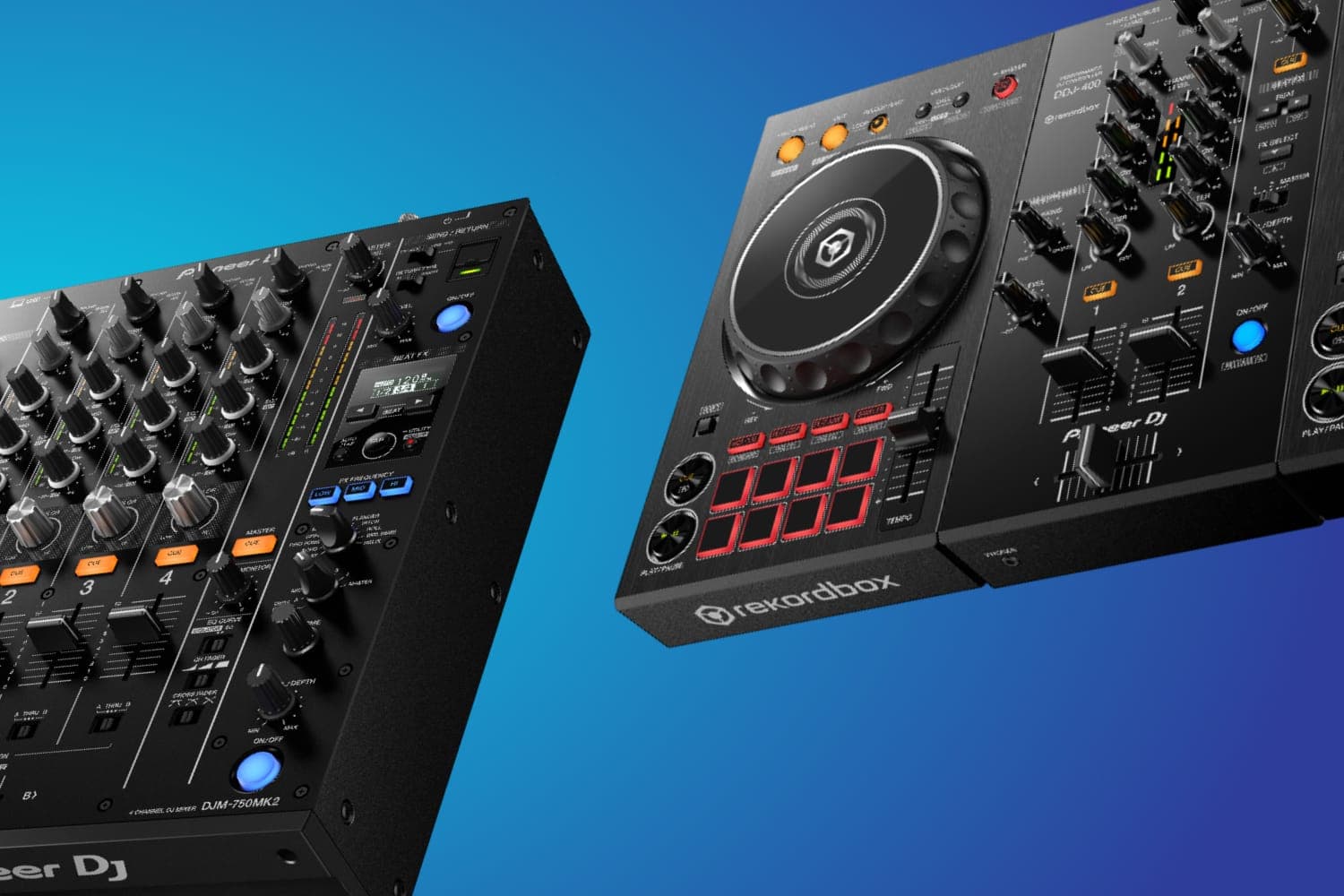
A DJ mixer or controller has a headphone CUE button on each channel. On the Pioneer DJ DDJ-FLX4, its manual says the channel CUE buttons "play the sound of the relevant channel through your headphones", while the channel fader sets what goes to the speakers. With the next track's fader down and its CUE button on, the DJ hears it and the crowd doesn't.
That private listen is where the work of a mix happens. In the headphones, the DJ finds the next track's first downbeat and sets a cue point there, starts it in time with the playing track, and moves its tempo fader until the two kicks stop drifting apart. Only then do they raise its fader. The beatmatching tutorial goes through it step by step.
The headphone CUE button isn't the CUE button on a deck, which sets and returns to a cue point in the track. CUE vs hot cue explains the deck buttons.
Hearing both tracks at once
To match two tracks, the DJ needs to hear them together. Mixers give two ways to do it.
- Blend them. A mix control balances the cued channel against the master. Pioneer DJ calls it HEADPHONES MIX on the DDJ-FLX4 and HEADPHONES MIXING on its DJM mixers; Rane calls it Cue Mix on the Seventy. Turned fully one way, you hear only the cue; fully the other, only the master, per Rane's guide.
- Split them. Some mixers put the cue in one ear and the master in the other. On the Pioneer DJ DJM-750MK2, the MONO SPLIT setting sends the cued channel to the left ear and the master to the right, per its manual; the Rane Seventy's Split Cue switch does the same, in mono.
The DDJ-FLX4 manual's setup steps start with the mix knob at the centre and the HEADPHONES LEVEL knob turned fully down, then press the channel's CUE button and raise the level to a comfortable volume.
Why one ear is often off
Many DJs wear one cup on and push the other off their ear. The covered ear hears the cue, and the open ear hears what the crowd hears, which is the same thing split cue does inside the headphones.
What the open ear should listen to is the booth monitor, not the main speakers. Digital DJ Tips points out that a venue's main speakers face the crowd, away from the DJ, and can be far enough away that their sound arrives late, which makes beatmatching against them harder. A booth monitor sits close to the DJ, fed from the mixer's own booth output with its own level: the DJM-750MK2 has BOOTH output terminals and a BOOTH MONITOR control. Without monitors, the same article suggests mixing against the master in the headphones, with the mix knob or split cue. The DJ booth explainer covers how a booth is laid out.
Sync doesn't replace headphones
Software and players with Sync can match the tempo for you, from the BPM and beat grid of analysed tracks; the beatmatching tutorial covers where Sync works and where it gets it wrong. Even when the tempo is matched, the DJ still has to choose where the next track comes in and hear whether its intro, vocal or key sits well against the playing track, and that happens in the headphones. A wrong beat grid, vinyl, or a track that hasn't been analysed puts beatmatching back in the DJ's ears.
What the headphones need
- Closed backs that isolate. The cue has to be audible over a loud room, so DJ headphones are closed-back, and how well they seal matters most. The best DJ headphones compares current pairs by situation.
- A cup that swivels or folds back, for one-ear listening.
- A cable. Bluetooth adds a delay that makes cueing unreliable; DJing with Bluetooth headphones explains why, and which wireless systems get around it.
- The right plug and impedance. Club mixers like the DJM-750MK2 take a 1/4" plug or a 3.5 mm mini plug; the DDJ-FLX4 takes only a 3.5 mm mini plug and needs headphones of 32 Ω or more, per its manual.
Keep the headphone level down
In a loud booth, it's tempting to turn the headphones up to hear the cue over the room, which adds to what your ears are already taking. The US National Institute for Occupational Safety and Health sets its recommended exposure limit at 85 dBA over an eight-hour shift, and halves the time allowed for each 3 dBA above that. Headphones that seal well let you cue at a lower level, and earplugs bring the room down; see the best DJ earplugs.
How this page is made
The controls and steps on this page come from the manufacturers' own manuals for the Pioneer DJ DDJ-FLX4 and DJM-750MK2 and the Rane Seventy, read on 13 October 2026 and linked where they are used; names of buttons are as those manuals print them, and other mixers may label them differently. The note on booth monitors comes from Digital DJ Tips, and the exposure limit from NIOSH. We haven't tested headphones for this page. The methodology explains how the site works.