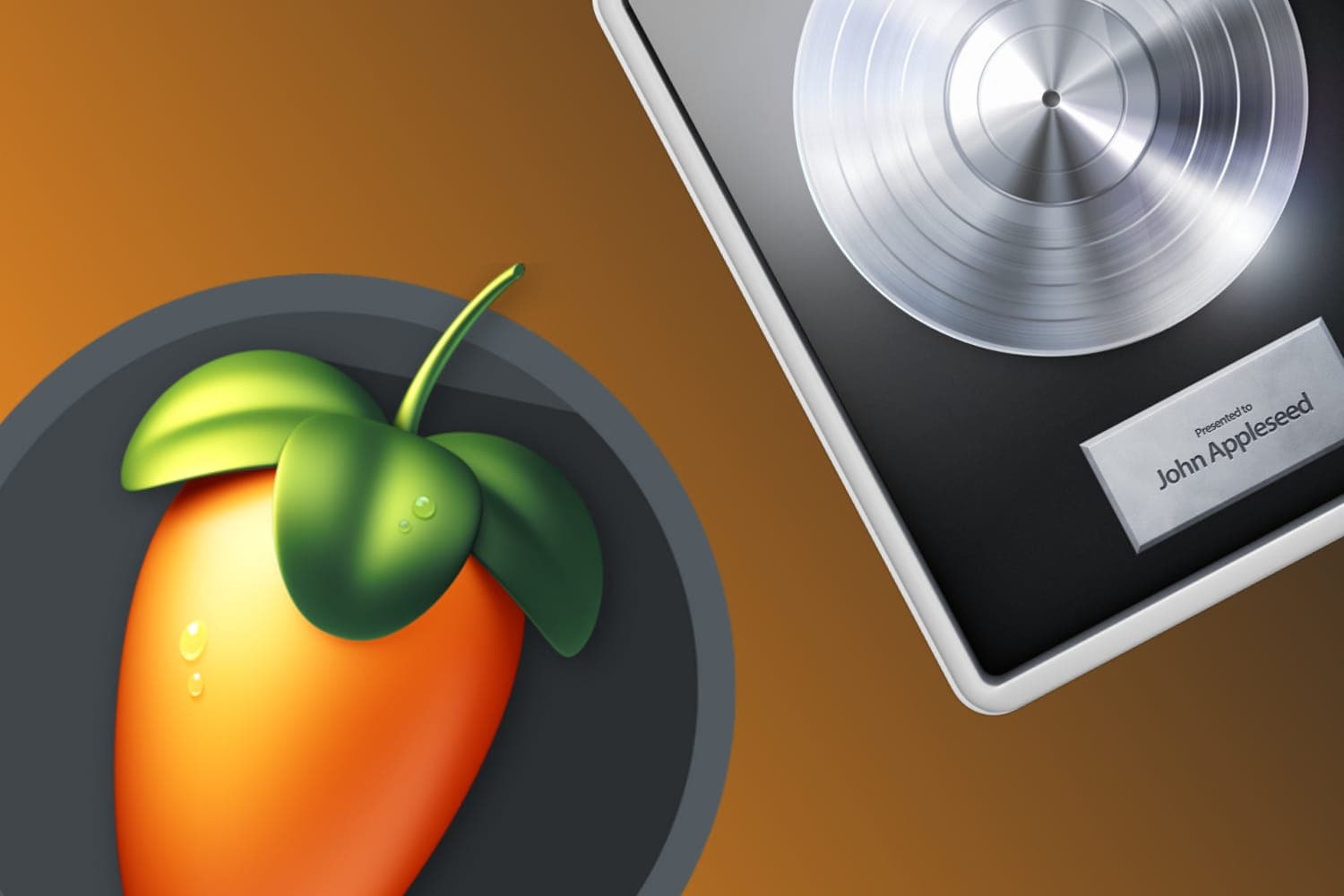
Your computer decides most of it: Logic Pro runs only on Macs with Apple silicon, while FL Studio runs on Windows and on both Intel and Apple silicon Macs, with identical features on each. On an Apple silicon Mac, both make complete tracks, so choose Logic Pro for recording and arranging with Apple's instruments and Session Players, and FL Studio for building tracks from patterns, with free updates for the edition you buy.
Logic Pro X is the old name. Apple now calls it Logic Pro, and the current Mac version is 12.4.
Side by side
| FL Studio | Logic Pro | |
|---|---|---|
| Current version | FL Studio 2026 (version 26.1.7) | Logic Pro 12.4 for Mac; Logic Pro 3.4 for iPad |
| Computers | Windows 10 or 11 on Intel or AMD (not ARM); macOS 10.15.7 or later on Intel or Apple silicon | Mac with Apple silicon only |
| Minimum memory and disk | 4 GB of RAM and 4 GB of free disk space | Not stated on Apple's pages; the App Store download is 1.4 GB |
| How you buy it | One of four editions, bought once, with free updates for that edition; or rent-to-own over 12 monthly payments | A one-time purchase from the Mac App Store, or included in the Apple Creator Studio subscription, with the same features either way |
| Trial | Never expires and has every plugin, but saved projects can't be reopened | Apple Creator Studio has a 30-day free trial for new subscribers |
| Third-party plugins | VST, VST3 and CLAP on both systems, plus Audio Units on macOS | Audio Units |
| Audio recording | Producer Edition and up | Included |
| Splitting a song into stems | Stem Separation, Producer Edition and up | Stem Splitter |
| Phone and tablet | FL Studio Remote control app; FL Studio Mobile plugins inside the desktop app | Logic Pro for iPad, with projects moving between Mac and iPad; Logic Remote control app |
| Built-in assistant | Gopher, which answers questions and can carry out tasks in the project | Session Players, which play drum, bass, keyboard and synth parts that follow your chords |
Sources: Image-Line's FL Studio page, download page, edition comparison and FL Studio 2026 release notes; Apple's Logic Pro page, Apple Creator Studio support page and Logic Pro App Store listing, all read on 13 October 2026.
Which computer you have
This is the first question, because Logic Pro doesn't run on Windows or on an Intel Mac. Apple's Logic Pro page asks for a Mac with Apple silicon. The macOS version it needs depends on where you read it: the Logic Pro page says macOS 15.6 or later, the App Store listing for the one-time purchase says macOS 15.4 or later, and Apple's Creator Studio support page says macOS 26.6 or later. Check the App Store listing before you buy.
FL Studio offers "an identical music production experience, complete with all features and plugins, on both Windows and macOS", Image-Line says, and a license covers both. On Windows it needs an Intel or AMD processor; ARM-based Windows computers aren't supported. If you're choosing a computer as well, the best computers for music production covers what each needs.
How each one works
FL Studio began as a step sequencer and is still built around patterns: you program drums and melodies as patterns, with the step sequencer and Piano Roll, then arrange patterns, audio and automation clips in the Playlist. Image-Line says there's no right order to work in, and its Loop Starter drops a matched set of loops and one-shots into a project to start from. Image-Line counts more than 100 instruments, effects, tools and sounds, with more in the higher editions, including FLEX, rebuilt for FL Studio 2026, and Gross Beat from the Signature Bundle up. FL Studio can also run as a plugin inside another DAW.
Logic Pro records and arranges on tracks, with Live Loops as a grid of loops and phrases you can trigger to try out arrangements. Apple's instruments include Alchemy, Sample Alchemy, Quick Sampler, Drum Machine Designer, Retro Synth, Studio Bass and Studio Piano, and its Session Players will play bass, keyboard, synth and drum parts that follow the Chord Track. Flex Time and Flex Pitch fix timing and tuning, Quick Swipe Comping builds one take from several, and Mastering Assistant and Dolby Atmos tools finish the mix. A GarageBand project opens in Logic Pro, so a Mac user who started in GarageBand can carry on.
Which FL Studio edition
The four editions are Fruity Edition, Producer Edition, Signature Bundle and All Plugins Edition. Image-Line calls Producer Edition "the best choice for beginners", and the comparison table shows why: Fruity Edition can't record audio and leaves out Stem Separation and the Edison and Newtime audio editors, which all start at Producer Edition. Signature Bundle adds Newtone pitch correction, Gross Beat and Pitcher; All Plugins Edition adds the rest, including Transmitter, new in 2026. Every edition gets later versions free; upgrading to a higher edition is a separate purchase. Prices for each are on Image-Line's pricing page.
Logic Pro has one version, with every feature, whether bought outright or through Apple Creator Studio, per Apple.
For DJs making edits and remixes
Both can turn a released track into an edit, an intro or a remix.
- FL Studio 2026 adds a Remix a Song tool that starts a project at the song's BPM with its stems separated, per its release notes. Stem Separation needs Producer Edition or higher.
- Logic Pro has Stem Splitter for drums, bass, vocals, guitar, piano and other instruments; Remix FX for DJ-style stutters, echoes, filters, reverse, scratches and stops, which Logic Remote can control by touch; and Beat Breaker for slicing and rearranging a track.
If what you want is quick edits from your DJ library, Serato Studio opens Serato DJ crates directly and is built around that job. Whichever you choose, you'll need an audio interface to record vocals and instruments well, and a MIDI controller helps; both record and edit MIDI from a keyboard or controller. To mix what you make, see the best studio monitors for home DJs.
How this page is made
Every version, requirement and feature on this page comes from Image-Line's and Apple's own pages, read on 13 October 2026 and linked above. Where Apple's pages give different macOS versions, all three are shown. Prices are left to the makers' pages because they differ by country and change. We haven't tested either program for this page. The methodology explains how the site works.