
DJ Tech Reviews

Elgato Wave XLR MK.2

A one-mic interface with on-board effects and 80 dB of gain; no line input, so a DJ mixer needs another way in.

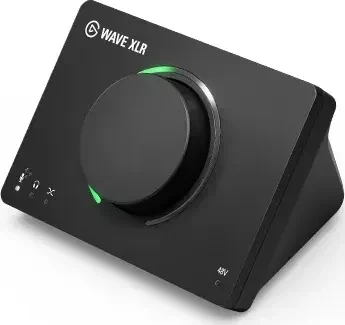
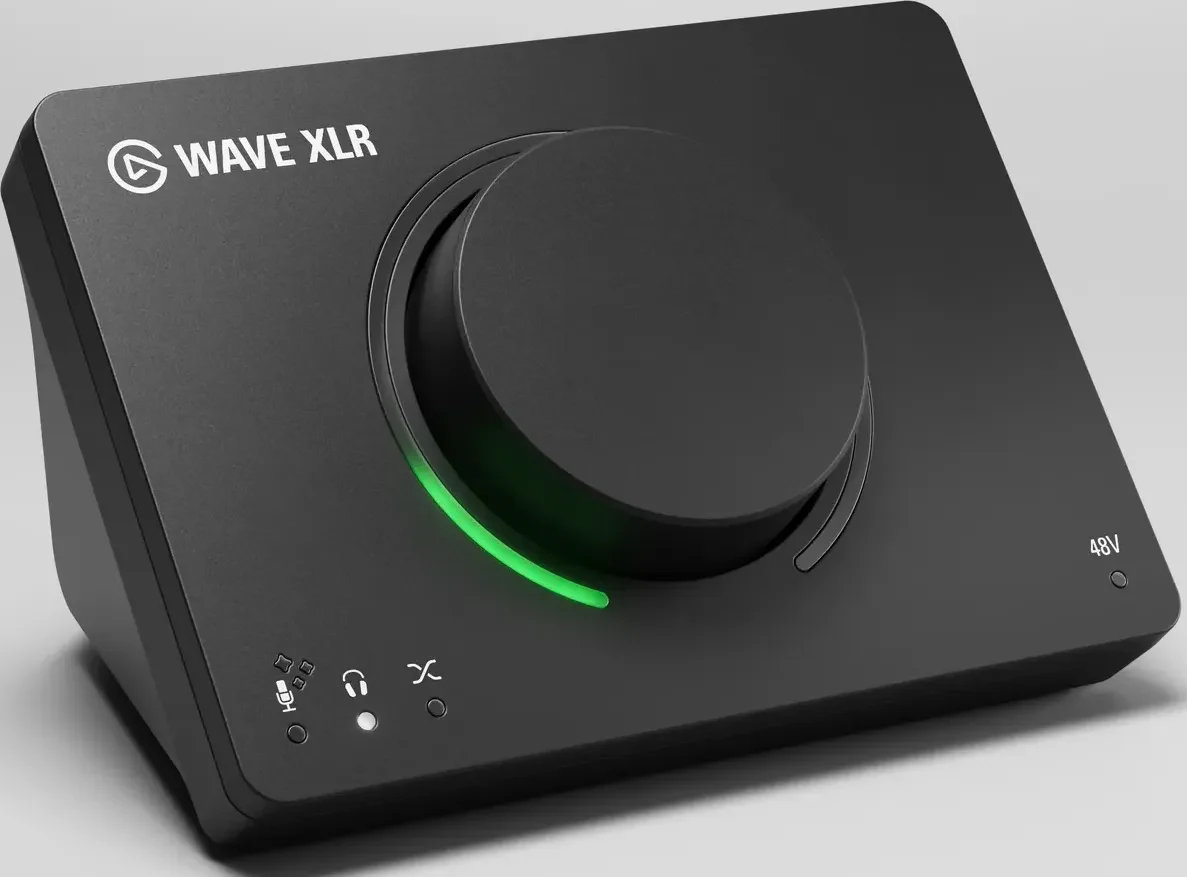
Elgato Wave XLR MK.2 at an angle, with its dial and green LED ring

Photos: Elgato

All retailers and the price history

We may earn commission from links on this page. This does not affect our editorial independence.

80%

of 5 reviews recommend it

See reviews
Best for
One XLR mic over a DJ set played from software on the same computer.
Skip it if
You stream from a hardware DJ mixer, or want physical faders.

The Internet’s Opinion

From 5 professional reviews: a fair amount of evidence.

Four of five reviews recommend it as a one-microphone interface for streaming, for its on-board effects, Clipguard 2.0, Auto Gain and enough gain for quiet dynamic mics. The reservation is Wave Link 3.0, which was in beta at launch and which one review found unstable; no owner reviews have been read yet.

4 recommend1 mixed0 avoid

What people praise

  • On-board effects (EQ, compressor, Voice Tune, expander) run on the unit and clean up the voice
  • Clipguard 2.0 keeps sudden shouts and laughs from clipping
  • Auto Gain sets the level from a few seconds of speech, which suits beginners
Show 3 more
  • 80 dB of gain is enough for quiet dynamic mics such as the SM7B
  • Wave Link mixes and Stream Deck control make routing to a stream simple
  • Compact, single-dial design that fits a busy desk

What to know first

  • Wave Link 3.0 was still in beta at launch, and one review found it unstable
See the 5 reviews behind this

5 professional reviews (4 recommend, 1 mixed, 0 avoid), 1 of them on YouTube; no owner reviews read (Thomann and Guitar Center do not sell it)Compiled 2026-11-08How this is compiled

Video reviews

  • Basic TutorialsMar 2026

    Elgato Wave XLR MK.2: Lohnt sich das Upgrade? Alle Neuerungen im Detail!

    Elgato Wave XLR MK.2: Lohnt sich das Upgrade? Alle Neuerungen im Detail!

    Basic TutorialsMar 2026
  • Techy MillennialMar 2026Recommends

    Elgato Wave XLR MK 2 Worth It?

    Elgato Wave XLR MK 2 Worth It?

    Techy MillennialMar 2026Recommends

Plays from YouTube when you press play. Picked from the reviews counted above, including one that disagrees where there is one.

Prices

Before you buy

Released
March 2026
Status
Current

Works with

  • Windows 1164-bit, USB-C port

    Elgato lists Windows 11 (64-bit) or newer and a USB-C port; wired headphones are needed for zero- or ultra-low-latency monitoring Manufacturer spec sheet (Elgato), checked 2026-11-08

  • MacmacOS Sonoma 14.2+

    The product page lists macOS Sonoma 14.2 or newer and a USB-C port; Elgato's Wave Link page lists macOS 15.0 or newer for Wave Link 3.0 Manufacturer spec sheet (Elgato), checked 2026-11-08

  • Wave Link 3.0Free companion app

    Unlocks the on-board effects, VST routing, mixing and monitoring controls; without it the unit works as a basic USB audio interface. Free on Mac and Windows, no subscription Manufacturer spec sheet (Elgato), checked 2026-11-08

  • OBS Studio and streaming appsMixes sent from Wave Link

    Wave Link sends its custom mixes to OBS Studio, MS Teams or any other app that accepts an audio input; up to five independent mixes Manufacturer spec sheet (Elgato), checked 2026-11-08

  • Other audio devicesUp to 4 Wave devices

    Wave Link takes up to 4 Elgato Wave devices plus third-party mics, interfaces or capture cards as inputs, and groups app audio such as Spotify and Chrome into channels Manufacturer spec sheet (Elgato), checked 2026-11-08

  • Stream DeckWave Link plugin

    Stream Deck connects through the Wave Link plugin to control levels, mute and effects Manufacturer spec sheet (Elgato), checked 2026-11-08

You’ll also need

  • An XLR microphoneNot in the box

    Works with any dynamic or condenser XLR mic; the box holds only the interface, a USB-C cable and a quick start guide Manufacturer spec sheet (Elgato), checked 2026-11-08

  • An XLR cableNot in the box

    Elgato sells an XLR cable separately as an accessory Manufacturer spec sheet (Elgato), checked 2026-11-08

  • Wired headphonesFor live monitoring

    Elgato lists wired headphones as a requirement for zero- or ultra-low-latency monitoring Manufacturer spec sheet (Elgato), checked 2026-11-08

  • A second input for a DJ mixerNo line input

    The only input is XLR, so a hardware DJ mixer's output needs another interface or capture device, which Wave Link can add as a source Manufacturer spec sheet (Elgato), checked 2026-11-08

Key specs

Mic inputs
1 XLR input for dynamic or condenser microphones; 48 V phantom power, on by default and switched in Wave Link
Preamp gain
80 dB; equivalent input noise -130 dB (A-weighted); maximum input level 6 dBV
Line inputs
None; the XLR socket is the only input
Dynamic range
135 dB on the XLR input, with Clipguard 2.0 (stacked converters, 32-bit float processing and digital limiters)
USB
USB-C to one computer, which also powers it; no standalone mode
Sample rate
24-bit, 48 kHz
All 14 specifications
Streaming mix
In Wave Link 3.0: up to five independent output mixes of the mic and computer audio, sent to OBS Studio or any app that takes an audio input
Processing
Wave FX Processor: low-cut filter, expander, Voice Tune, compressor and 4-band EQ, all running on the unit at once; VST3 (Windows) or AU (macOS) inserts and Voice Focus noise suppression run on the computer
Controls
One dial for gain, Voice Tune, headphone volume and mic/PC mix, with an LED ring; touch-sensitive mute
Headphone outputs
3.5 mm stereo jack with zero-latency direct monitoring; High Power Mode gives up to 170 mW for high-impedance headphones
Power
USB bus power, 900 mA max
Dimensions
118 x 93 x 73 mm (W x D x H)
Weight
320 g
In the box
Wave XLR MK.2, USB-C to USB-C cable (150 cm), quick start guide

14 of 14 figures sourced; hover one for its source

Our take

Rory TassellWritten from the sources on this page, not from a loan unit.

Four of five reviews recommend it as a one-microphone streaming interface: the effects run on the unit, Clipguard 2.0 stops shouts clipping, and Auto Gain sets the level for beginners. The reservation is Wave Link 3.0, in beta at launch and unstable for one reviewer. No owner reviews have been read yet. Buy it when the mix comes from DJ software on the same computer; a hardware mixer needs a second input.

What it is

Status, November 2026: current. Elgato still sells the Wave XLR MK.2.

What it is

The Wave XLR MK.2 is a USB-C interface for one XLR microphone. Elgato launched it in March 2026 in its Wave Next range as the follow-up to the original Wave XLR, per GamesRadar+. It gives 80 dB of gain and 48 V phantom power, which Elgato says suits a quiet dynamic mic such as the Shure SM7B without a booster, and runs at 24-bit, 48 kHz.

There is no line input: the XLR socket is the only way in. The DJ mix reaches the stream through Elgato's free Wave Link 3.0 app, which takes computer audio as a source, so DJ software on the same machine can go into the mix, and builds up to five separate mixes for OBS Studio or any app that accepts an audio input. A hardware mixer needs a second interface or capture device, which Wave Link can add as another source. Without Wave Link the unit works as a basic USB audio interface.

A low-cut filter, expander, Voice Tune, compressor and 4-band EQ run on the unit, and Clipguard 2.0 guards against clipping. One dial sets gain, Voice Tune, headphone volume and the mic/PC mix, and a touch on top mutes. The 3.5 mm headphone jack monitors without delay and has a High Power Mode of up to 170 mW. It is powered by the computer and has no standalone mode. The box holds the interface, a 150 cm USB-C cable and a quick start guide; the microphone and XLR cable are extra.