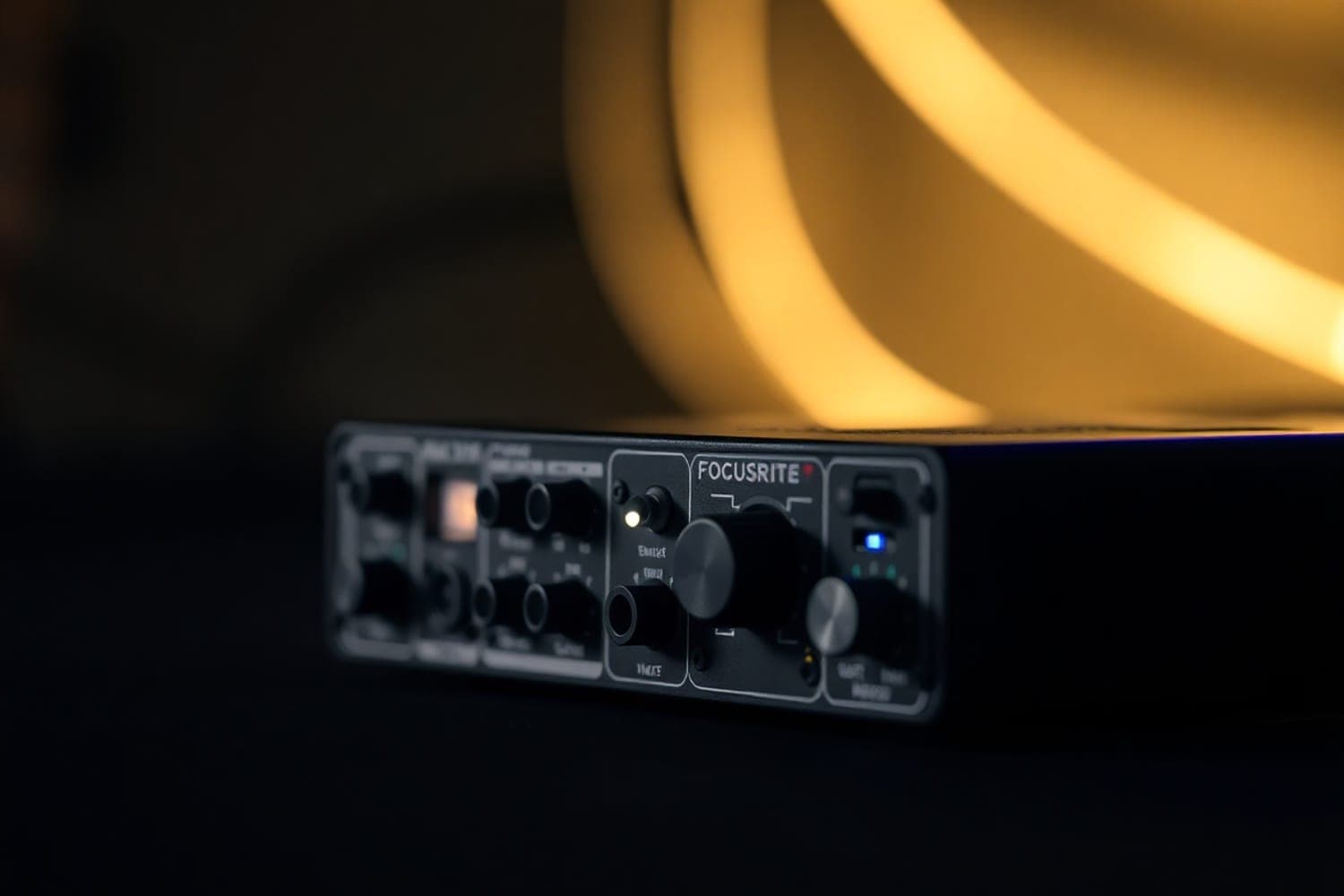
An audio interface converts the computer's digital audio into an analogue signal for speakers and headphones, and converts analogue inputs, such as a microphone or a turntable, into digital audio for the computer. Most DJ controllers have one built in, so a separate interface matters mainly for digital vinyl, recording or streaming from other gear, and microphones.
What it does
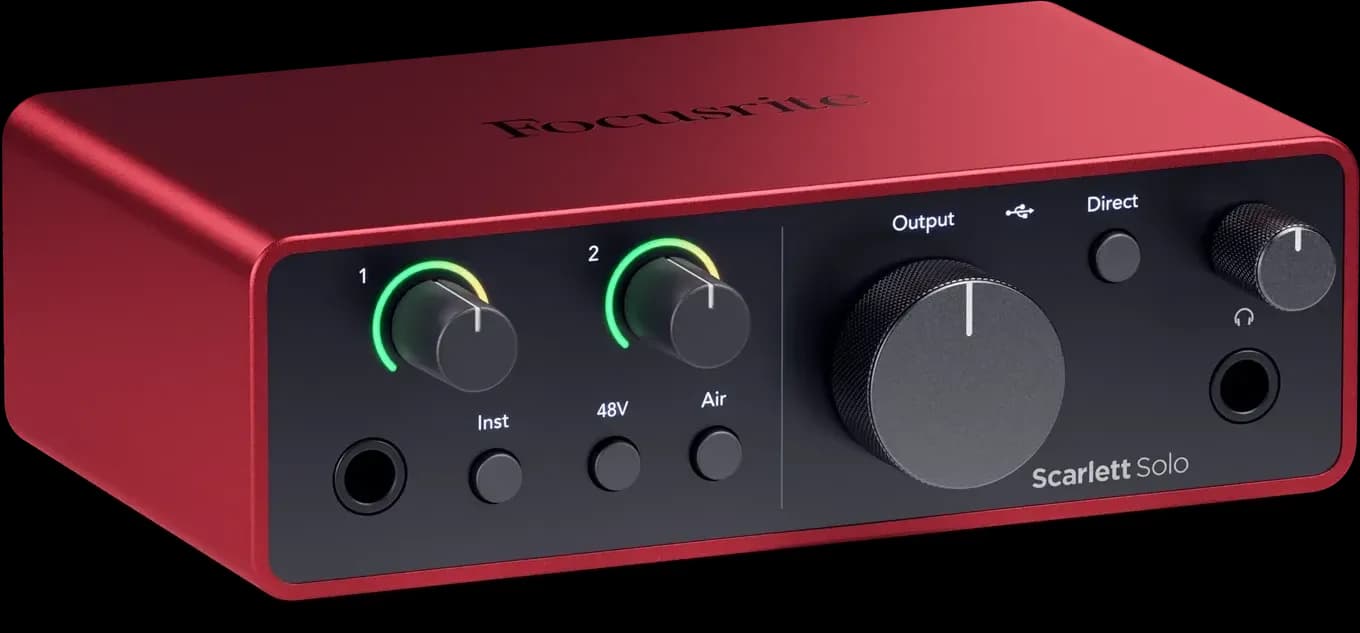
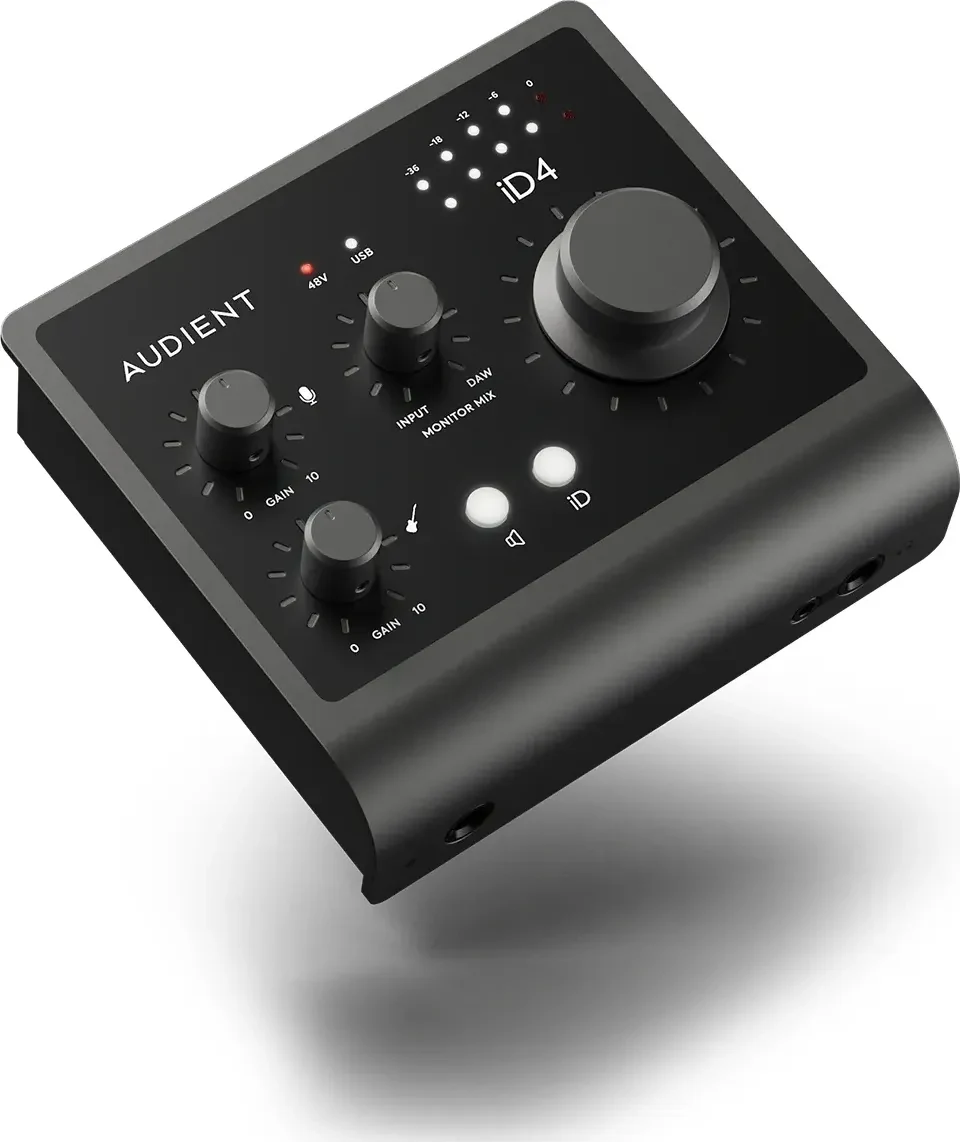
An interface is the front end between a computer and everything that makes or plays sound, as Yamaha's explainer puts it. Inside are two converters: an analogue-to-digital (A/D) converter that turns a signal coming in into digital audio, and a digital-to-analogue (D/A) converter that turns the computer's audio back into a signal for speakers and headphones. Around them are the connectors, and often:
- Mic preamps, which raise a microphone's low-level signal to line level.
- Phantom power, the 48 V supply that condenser microphones need.
- Direct monitoring, which sends an input straight to the headphone output so you hear it with no delay.
- A headphone output with its own level control.
A computer's built-in sound card does the same conversion through the laptop's own speakers and headphone socket. An interface doesn't store or prepare music, and it doesn't mix: the DJ software or a mixer does that.
Why a DJ needs two outputs
DJing needs two separate signals: the master mix for the speakers and a cue mix for your headphones, so you can hear the next track before the audience does. That takes an interface with at least two stereo output pairs. In Traktor, for example, the master goes to one pair and the headphone cue, which Traktor calls Output Monitor, goes to the interface's headphone channels, such as channels 3 and 4 on a Traktor Kontrol S4 (Native Instruments support).
A laptop's headphone socket is a single stereo output, so on its own it can't do this. Serato's laptop-only Serato Play expansion works around it with a splitter cable, cueing in the headphones while the master plays from the same socket (Serato Play manual).
You probably have one already
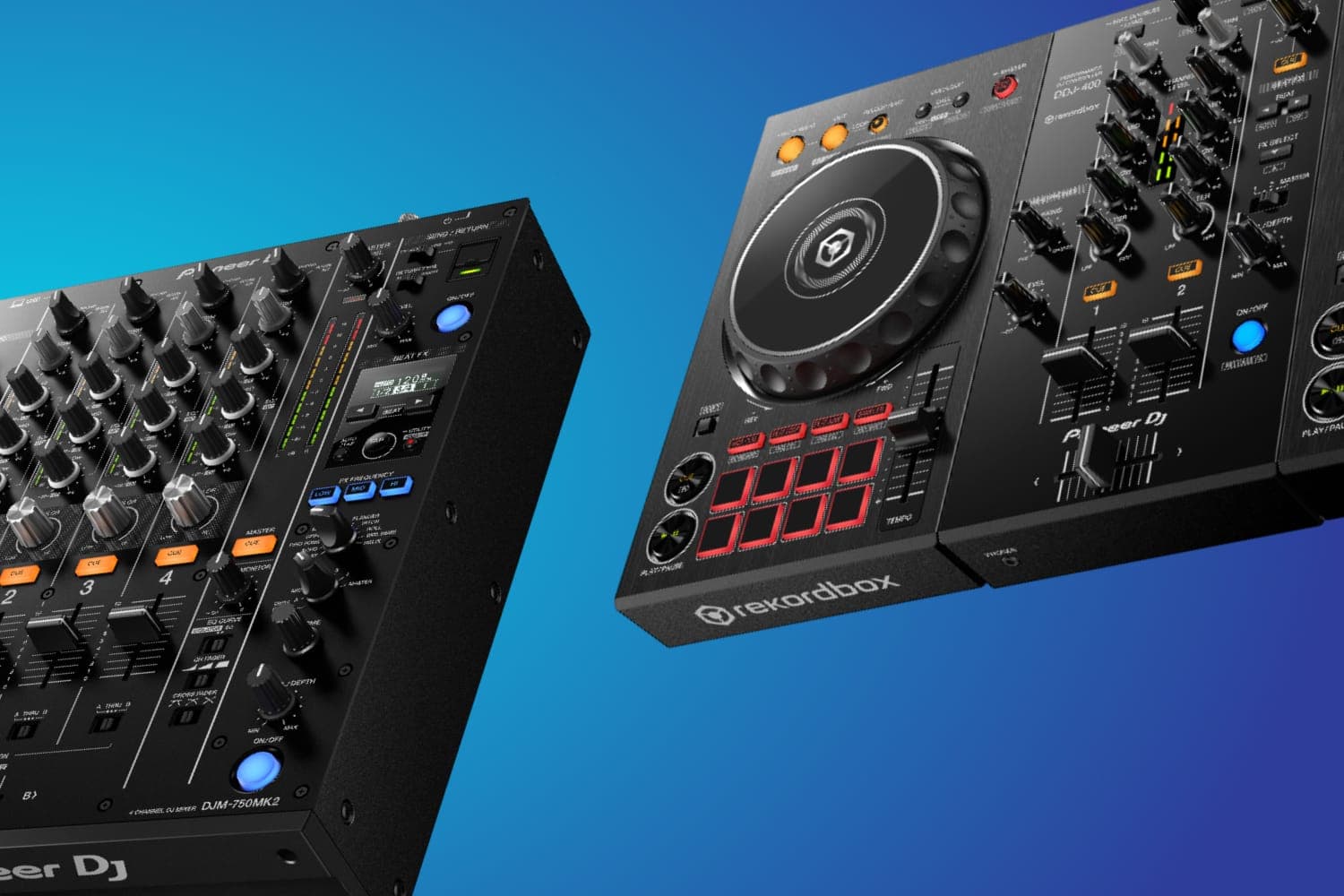
DJ controllers have the interface built in. The Pioneer DJ DDJ-FLX4 has 24-bit A/D and D/A converters at 44.1 or 48 kHz, master outputs for speakers, and a headphone output fed by a CUE button on each channel and a HEADPHONES MIX knob (DDJ-FLX4 manual). Plug a controller into the laptop and the speakers into the controller, and nothing else is needed. Many DJ mixers also take a computer's audio over USB, such as the Pioneer DJ DJM-450, whose channels can be switched to audio from a computer connected over USB (DJM-450 manual).
Serato DJ performs only with hardware on its supported list, or from the laptop alone in Practice Mode, so a general-purpose interface that isn't on the list can't stand in for a Serato controller. With a supported controller connected, Serato DJ Pro's Use Laptop Speakers setting can send the master through the laptop or another sound card while you still cue on the controller's headphone output (Serato's guide). See Serato DJ Pro for how its hardware support works.
When a separate interface helps
- Digital vinyl (DVS). Playing DJ software from turntables or CDJs with control vinyl needs an interface the software supports for it. For Serato, that is a mixer with one built in, such as the DJM-S11 or Rane Seventy, or a separate box on Serato's DVS list, such as the Reloop Flux or Denon DJ DS1. See the guide to digital vinyl systems.
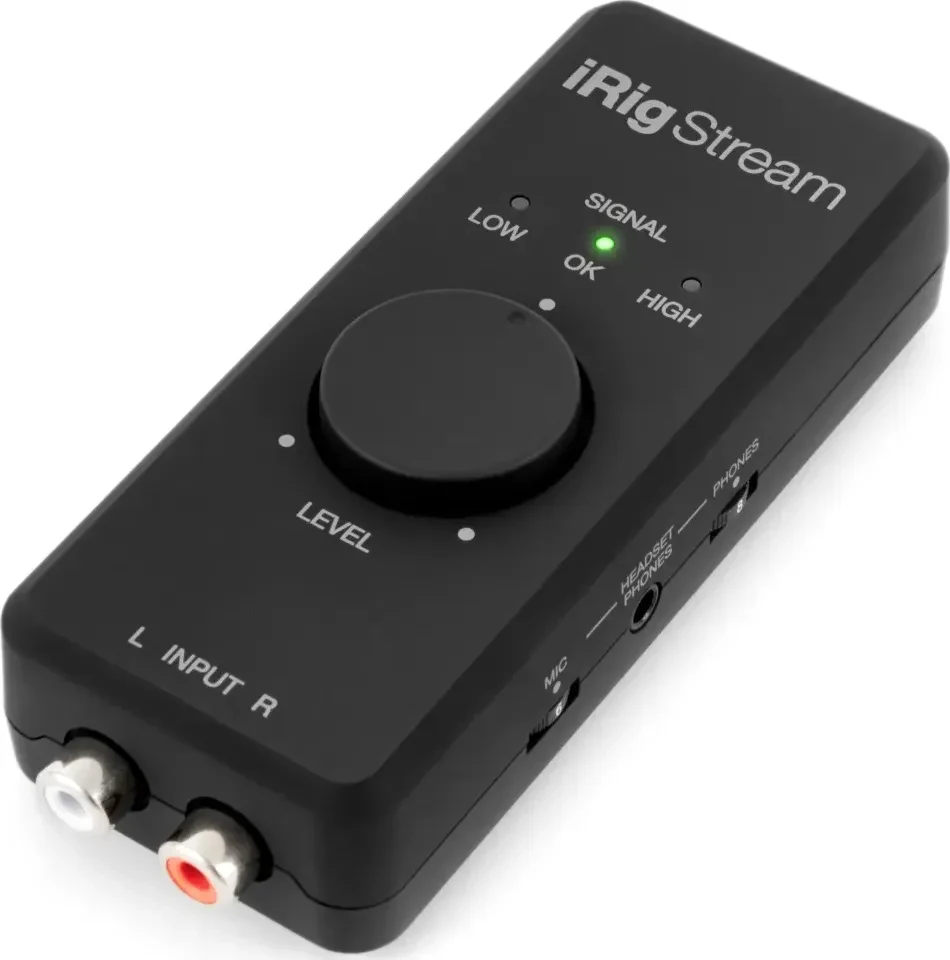
- Recording or streaming from a mixer or standalone system. A small interface with line inputs takes the master output into a computer or phone. The IK Multimedia iRig Stream, for example, has two RCA line inputs and a headset output and works with iPhone, iPad, Mac, Windows and Android (IK's specs).
- Microphones. A condenser mic needs phantom power, and any mic needs a preamp, which a line-level input doesn't have.
What to look at
- Outputs. Two stereo pairs if the interface will carry both the master and the headphone cue.
- Inputs. A turntable needs a phono input unless it has its own phono preamp. Connect a line-level source, including an interface's output, to a mixer's LINE input, not PHONO, Pioneer DJ's DJM-450 manual says.
- Balanced outputs (XLR or TRS) for long cable runs to speakers. Rane's Sound System Interconnection note says only balanced connections guarantee hum-free results, and that balanced and unbalanced connections aren't truly compatible; see the best XLR cables.
- Latency. Software processes audio in small buffers. A smaller buffer gives tighter response for scratching but works the computer harder and can cause dropouts on slower machines; Serato suggests starting at 5 ms (Serato's audio settings).
- Drivers. Some interfaces need the maker's driver on Windows for low latency, such as IK's ASIO driver for the iRig Stream. Drivers come from the hardware maker, so check they support your operating system before you update it, as Serato warns.
For specific models, see the best audio interfaces; for controllers with an interface built in, see the best DJ controllers. Levels matter at the interface too; see what clipping is.
How this page is made
Every claim here comes from manufacturer and software-maker documentation (Yamaha, Pioneer DJ, Serato, Native Instruments, IK Multimedia and Rane), read on 12 October 2026 and linked where it is used. We haven't tested interfaces for this page. The methodology explains how the site works.